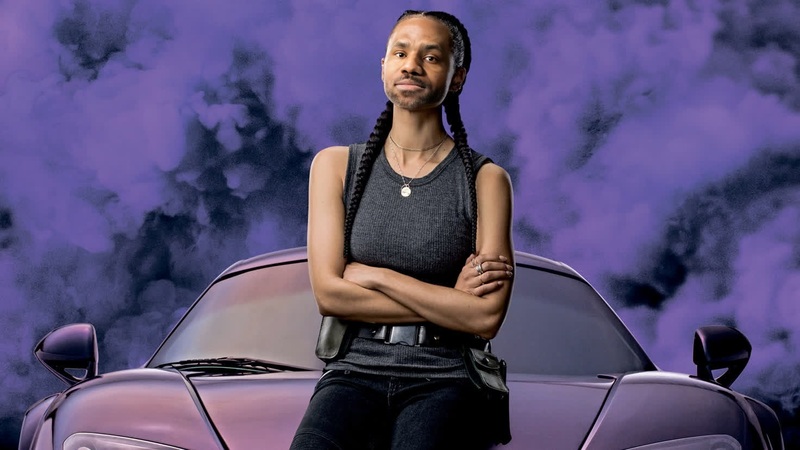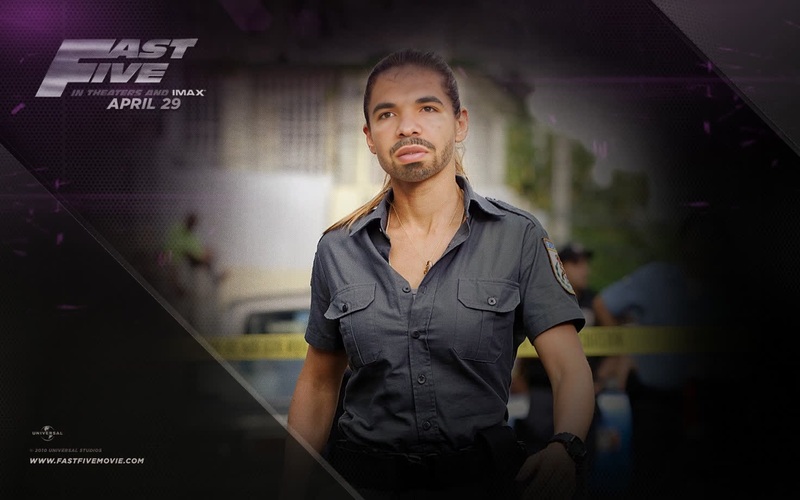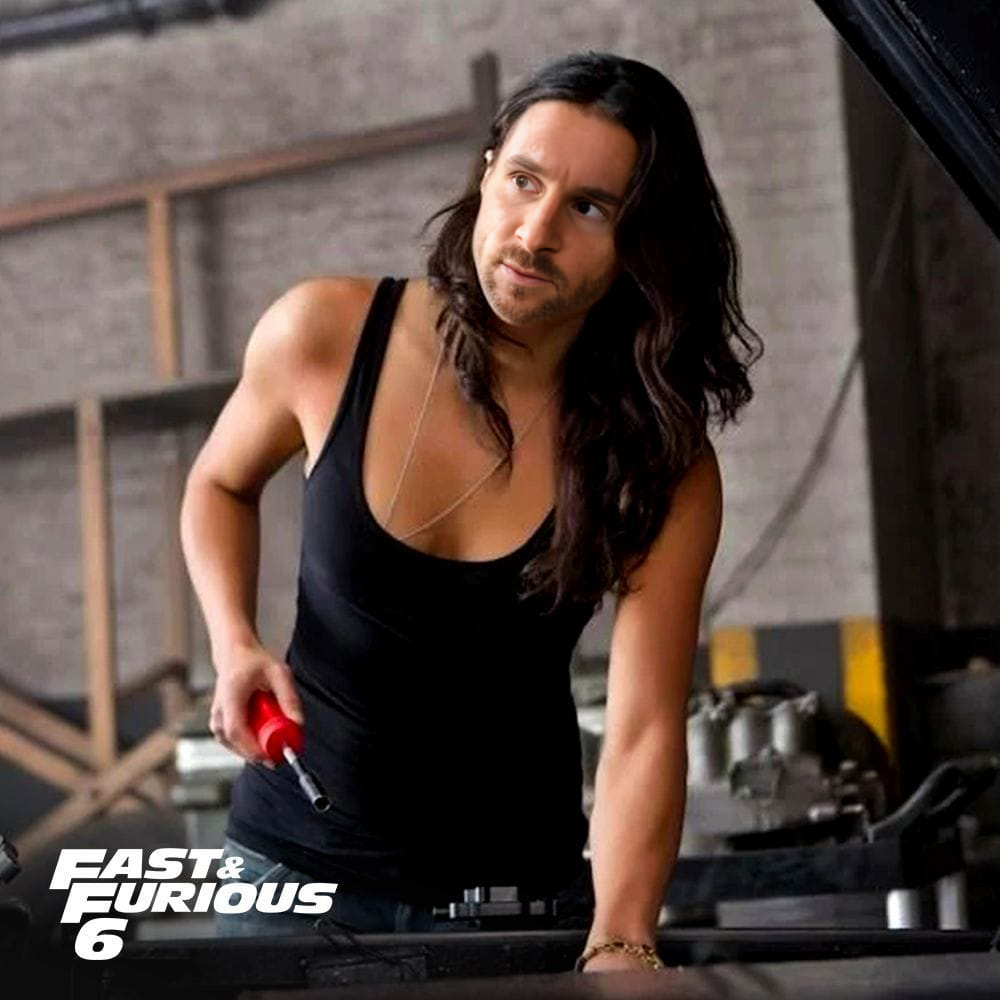
Letty Ortiz Fast And Furious
- Image
- 1000 × 1000 px
Any aspect ratio
Overview
Transform into the fearless Letty Ortiz from the iconic Fast and Furious series with our Video Face Swap template. This tool enables you to engage your audience with exhilarating scenes, adding a thrilling twist to your content. The result is high-definition, realistic videos that captivate viewers, perfect for fans and creators who wish to bring the Fast and Furious world to life.
What It Does
The Letty Ortiz Video Face Swap template allows you to replace faces in high-action scenes with your own or others. Utilizing advanced Face Swap technology, it ensures seamless integration with expressive and detailed results. Compatible with popular video formats, this template is ideal for fan edits, parodies, or promotional content.
Who It's For
This template is designed for Fast and Furious enthusiasts, content creators, and marketers looking to add an edge to their video projects. Whether you're crafting social media content, a parody video, or marketing material, the ability to transform faces into Letty Ortiz's provides a valuable tool to engage your audience dramatically.
Summary
Elevate your video content with the Letty Ortiz Fast and Furious Video Face Swap template. Integrating cutting-edge technology from our Video Face Swap products, it ensures realistic and engaging outcomes. Ideal for diverse applications, from video conversions to creative storytelling, this template broadens your creative horizon.
How-To
Choose the Template

Customize to Your Liking

Generate and Save

Use Cases
Fan Edits
- Create high-adrenaline video clips
- Add a personal touch to your favorite scenes
Promotional Videos
- Add cinematic appeal to your campaigns
- Capture attention with dynamic scenes
Social Media Content
- Boost engagement with unique video transformations
- Stand out on crowded feeds with exciting action scenes
Best Practices
Choose High-Quality Source Videos
Ensure the best results by using high-resolution videos that provide clear details for accurate face swapping.Adjust Lighting and Angles
Pay attention to lighting and angles in your source video to achieve the most natural integration of faces.Utilize Preview Features
Use the preview feature to make iterative adjustments, ensuring that the final output meets your expectations.