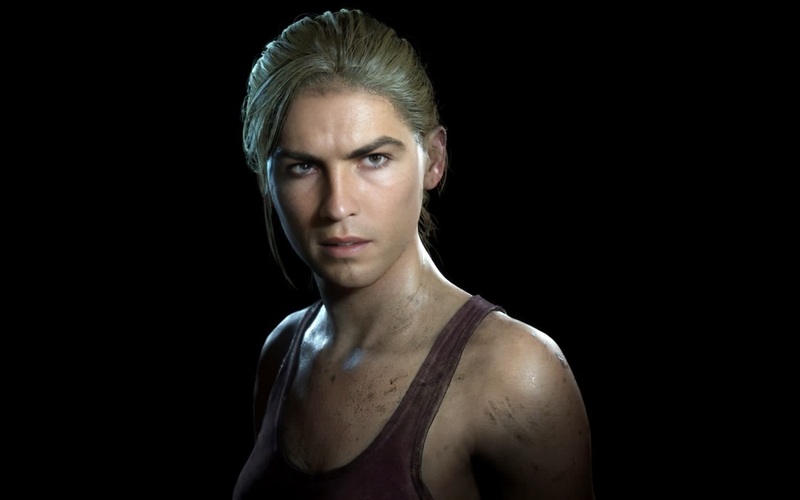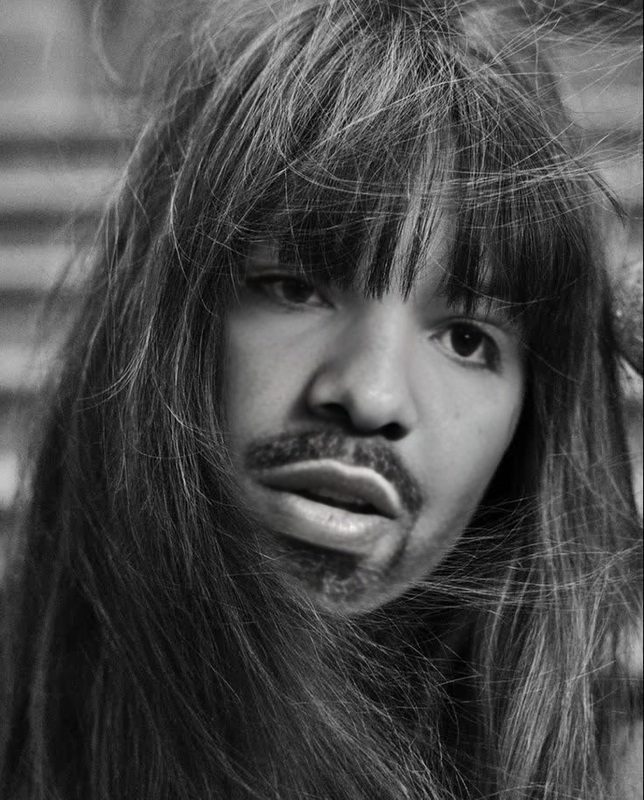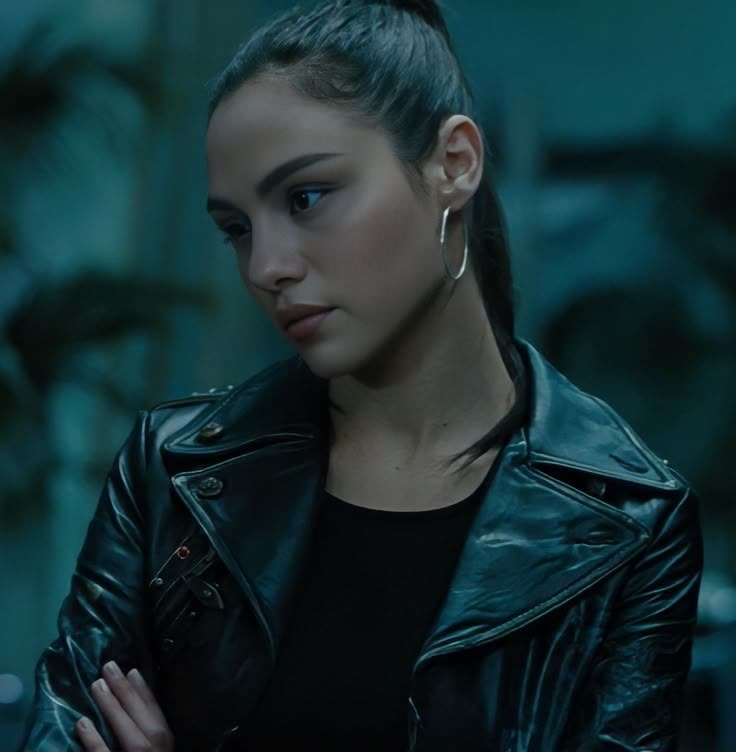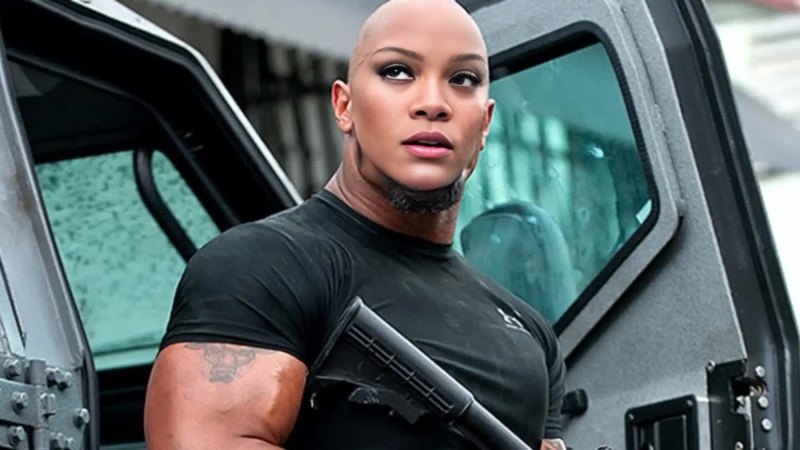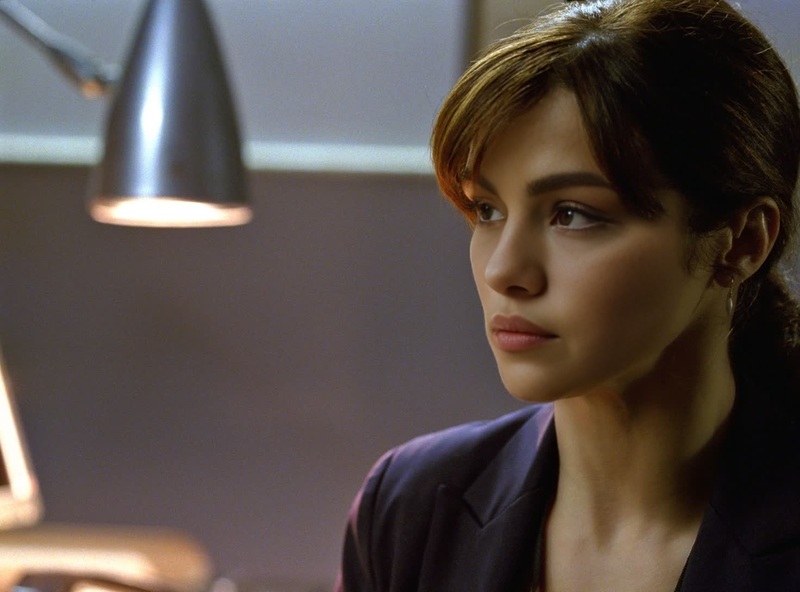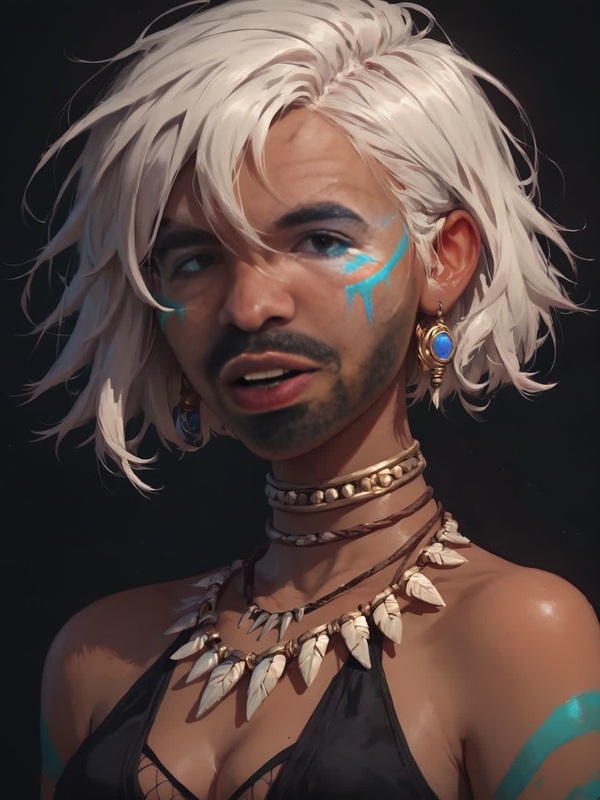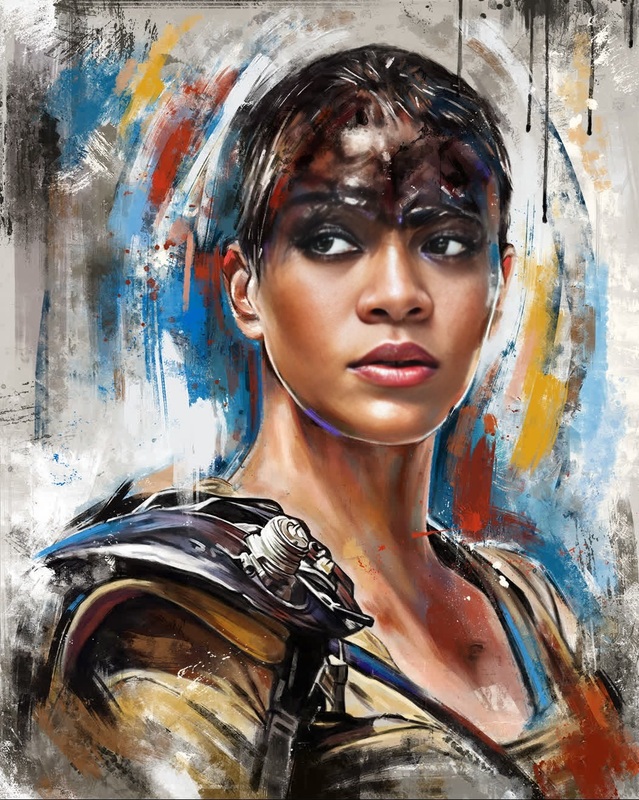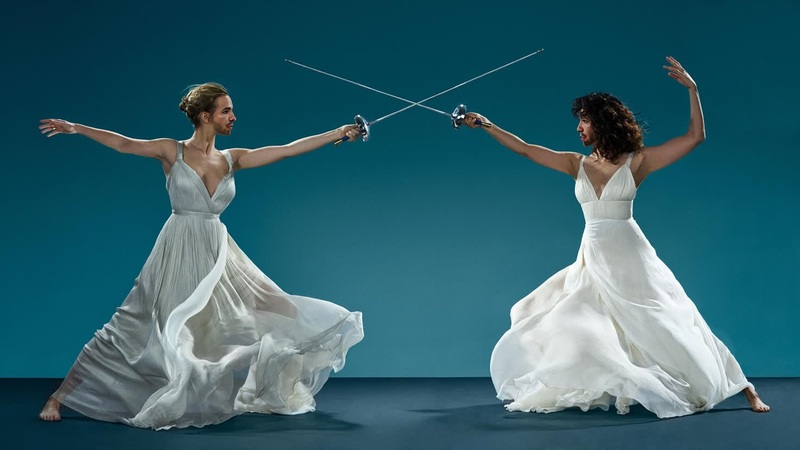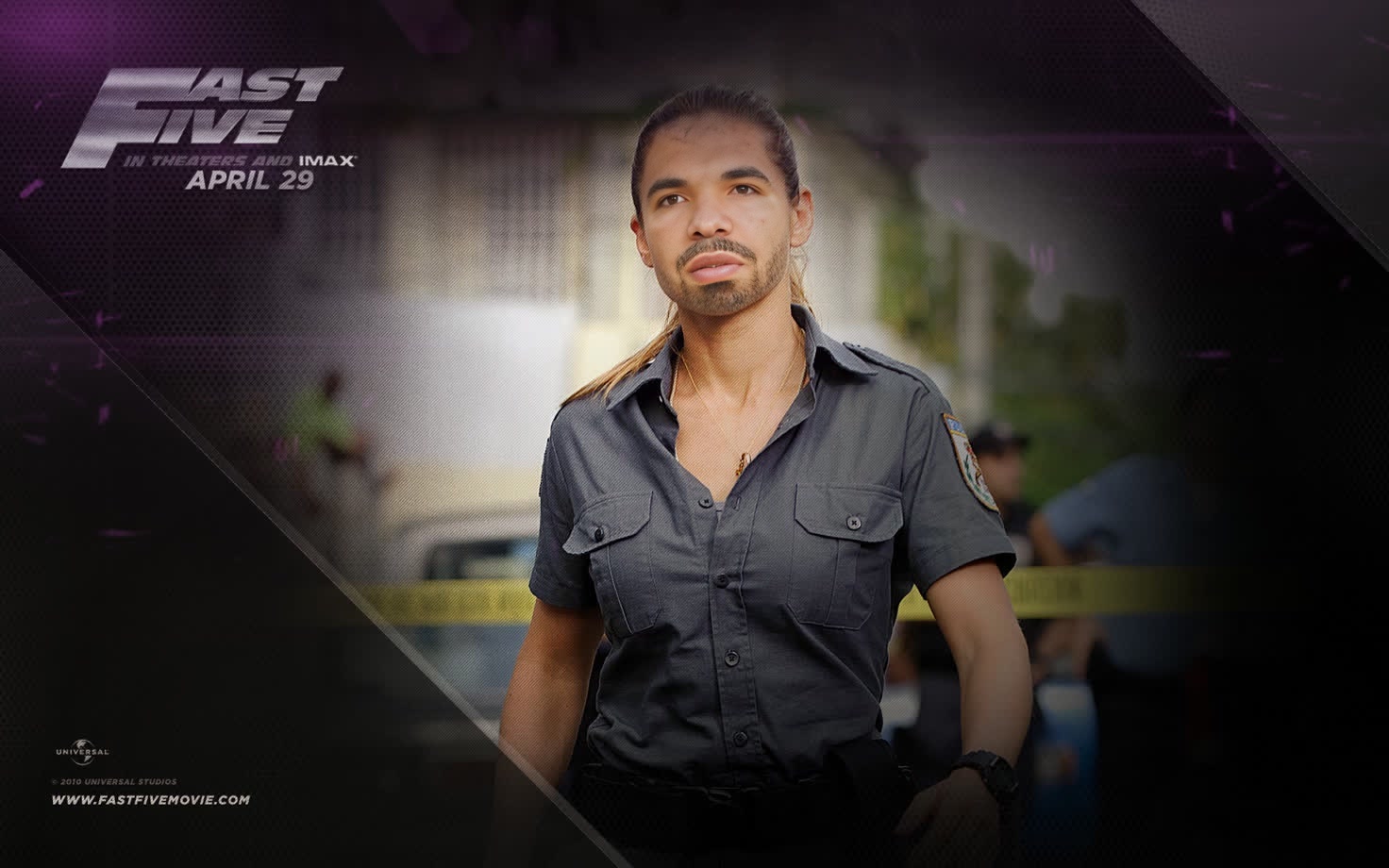
Elena Neves Fast Five
- Image
- 1472 × 920 px
Any aspect ratio
Overview
Step into the thrilling world of Fast Five with the Elena Neves Fast Five Video Face Swap template. This powerful tool allows you to incorporate iconic characters into your projects, injecting a dose of cinematic excitement into your videos. Perfect for developers and enthusiasts aiming to create unique and memorable experiences.
What It Does
This Video Face Swap template allows you to substitute any face in a video with that of Elena Neves from Fast Five. Utilizing advanced AI models, the transformation is realistic and captivating, offering a professional-grade swap that maintains the video's original quality. Complement your projects with this transformative tool, and easily boost engagement.
To enhance your face swap projects further, check out our Face Swap product.
Who It's For
This template is for filmmakers, digital artists, and content creators looking to add a Hollywood twist to their videos. Ideal for those in the entertainment industry wanting to bring a touch of familiarity and excitement to their productions. Whether creating fan films, editing content for social media, or designing promotional clips, this tool provides the versatility you need. Discover more transformations with our AI Image Editor and explore creative possibilities.
Summary
Unleash your inner director with the Elena Neves Fast Five Video Face Swap template. It's an excellent way to transform videos with professional-grade swaps, ensuring your content stands out. Engage your audience with high-quality effects and bring your vision to life. For other transformations, visit our AI Clothes Changer product.
How To
Choose

Customize

Generate

Use Cases
Fan Films
- Create homage scenes
- Enhance character presence
Marketing Videos
- Boost engagement
- Connect with audiences
Social Media Content
- Trend with movie characters
- Engage wider audiences
Best Practices
Choose High-Resolution Source Videos
For the best outcomes, ensure your source video is of high quality to avoid pixelation during swapping.Align Lighting and Angles
Match lighting conditions and facial angles for a seamless swap that looks natural.Use Complementary Tools
Enhance your videos further with related tools like the AI Video Extender to add more scenes or the AI Voice Changer for voice modifications.
Frequently asked questions
More Like This