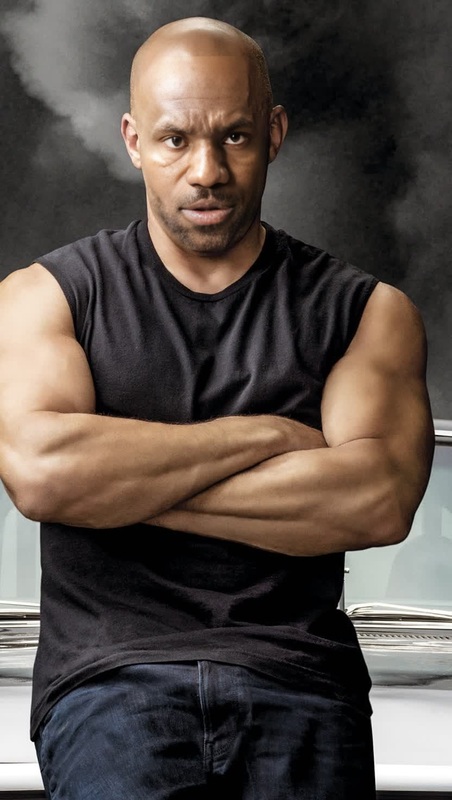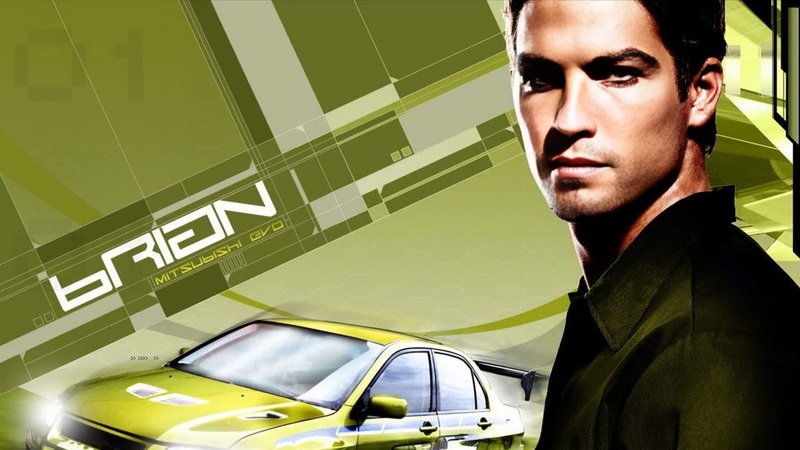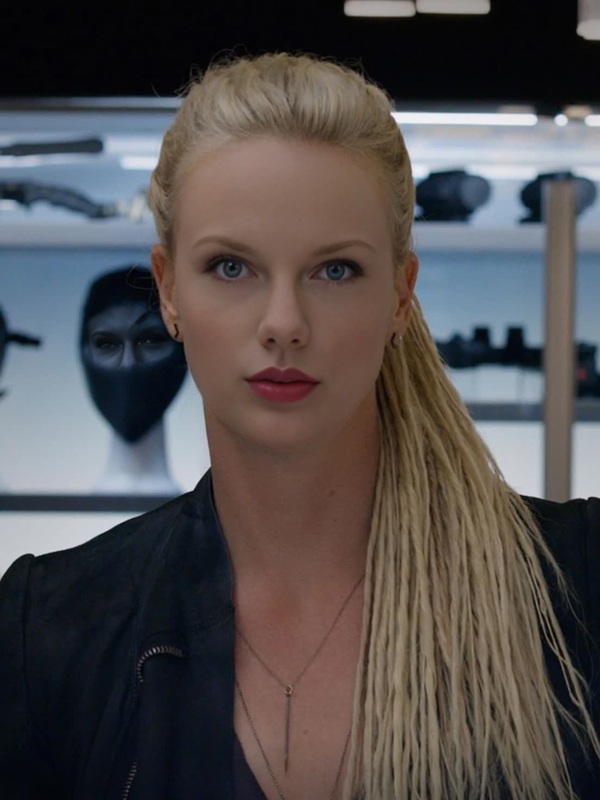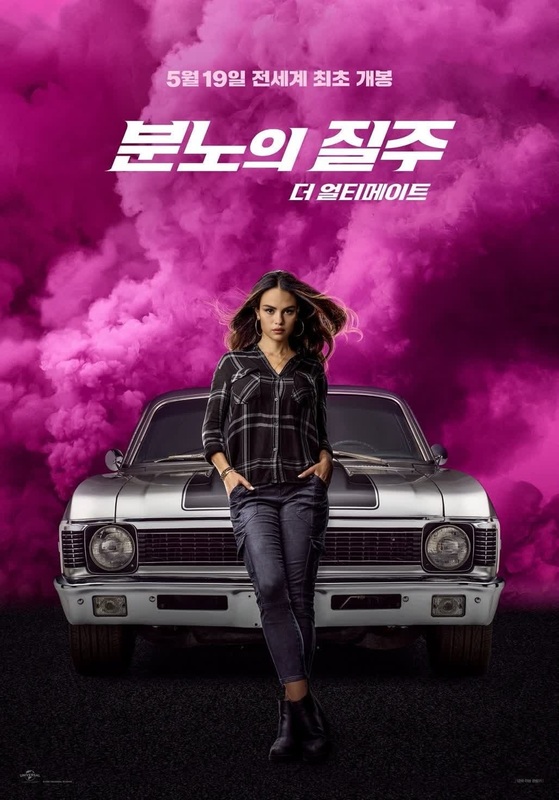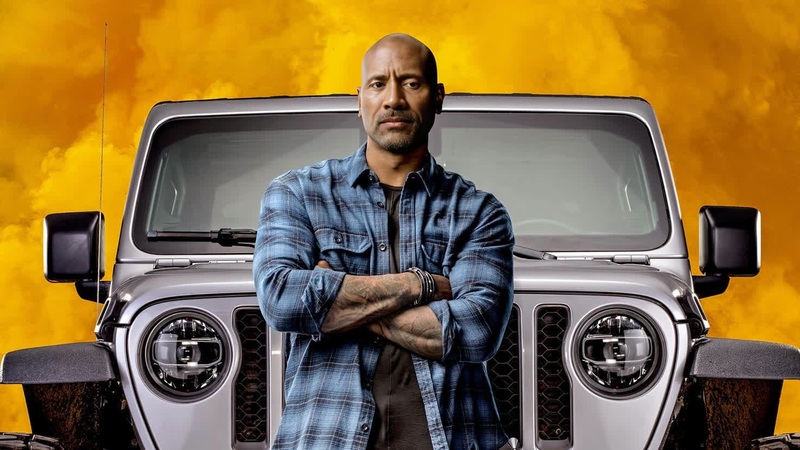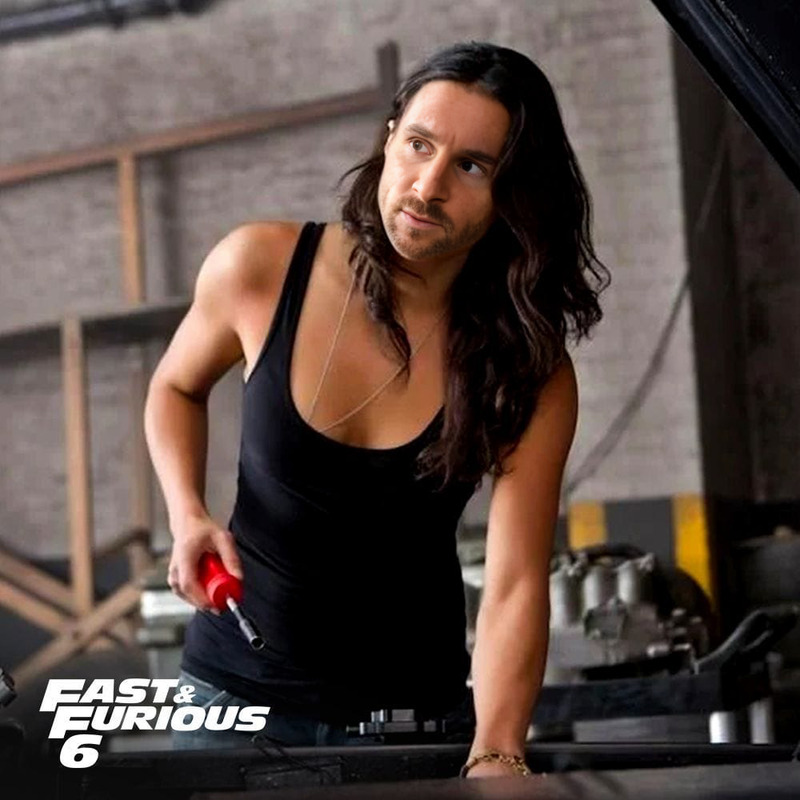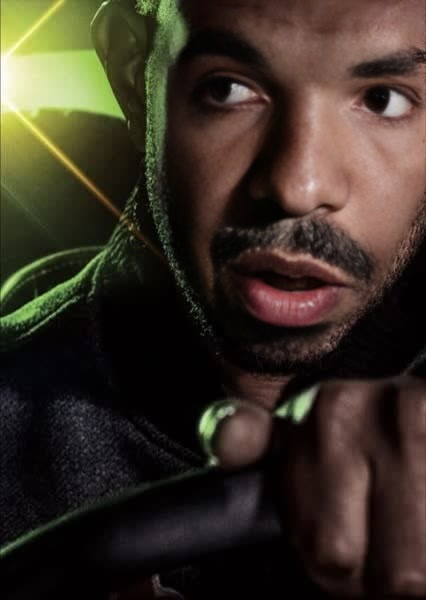
Tej Parker Fast And Furious
- Image
- 426 × 600 px
Any aspect ratio
Overview
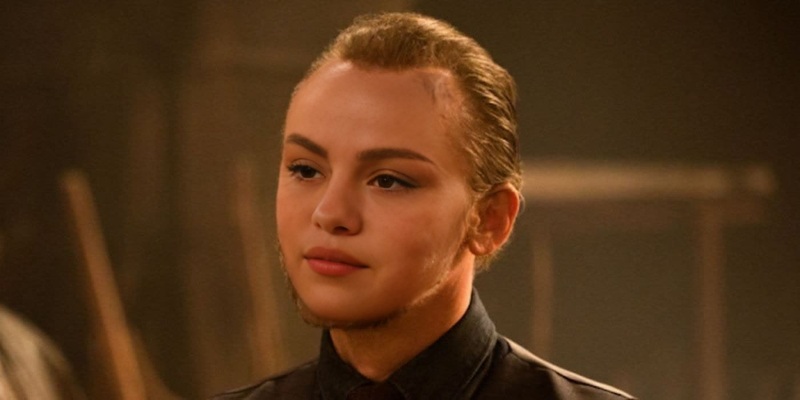
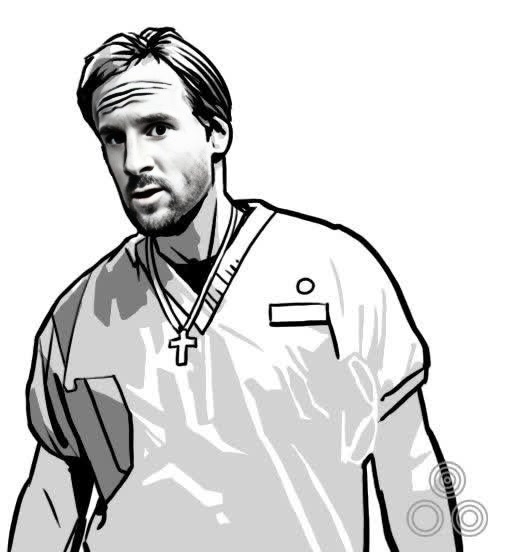
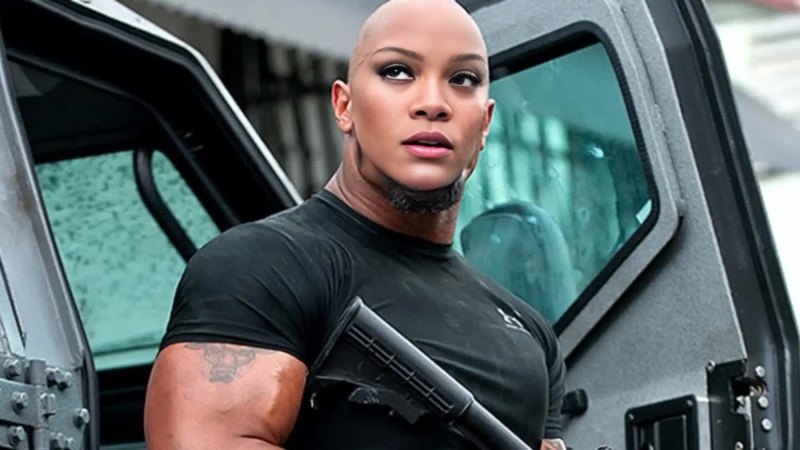
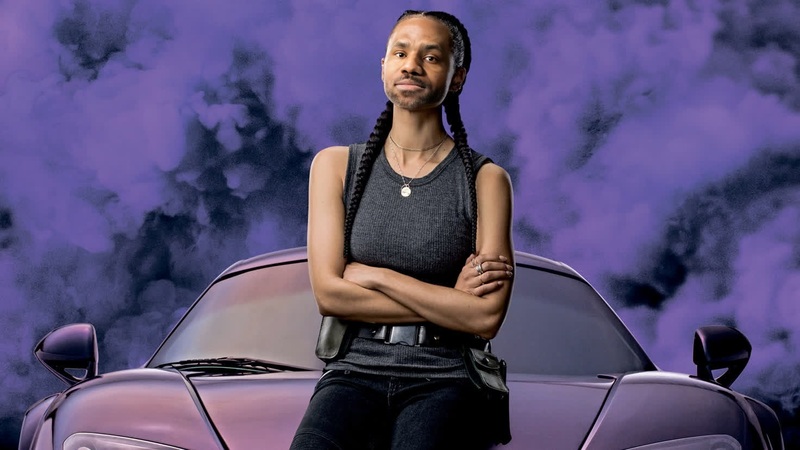
The Tej Parker Fast and Furious template allows you to craft customized videos featuring the beloved character Tej Parker using Video Face Swap technology. This tool is perfect for adding a humorous twist to your content, whether you're creating fan edits or spicing up your social media posts.
What It Does
With our Video Face Swap template, you can replace any character's face with that of Tej Parker from Fast and Furious. This process is straightforward and quick, making it easy to produce high-quality, entertaining videos. Simply select a video, choose your face swap preferences, and let the technology do the heavy lifting.
Who It's For
This template is designed for fans of the Fast and Furious franchise, content creators looking to make engaging video clips, and social media enthusiasts wanting to increase their engagement rates. It's an excellent tool for both professional editors and casual users who want to leverage the popularity of Tej Parker in their content.
Summary
Create entertaining and personalized video experiences with the Tej Parker Fast and Furious template. Utilize the AI Video Generator to enhance the quality of your swap, ensuring a seamless and realistic transformation. Whether for fun or fandom, this tool provides an innovative way to express creativity.
How To
Choose

Customize

Generate

Use Cases
Fan Edits
- Replace any character with Tej Parker's face
- Create shareable content for fan pages
Social Media Content
- Eye-catching Instagram or TikTok videos
- Engaging storytelling with a humorous twist
Entertainment Projects
- Short films and creative projects
- Interactive videos for enhanced viewer interaction
Best Practices
Ensure Video Quality
For the best face swap results, start with a high-resolution video to ensure clear and recognizable transformations.Fine-Tune Adjustments
Make use of the adjustment settings to tweak the swap for the most realistic appearance possible.Leverage AI Tools
Consider using the AI Video Extender to create longer, smoother transitions in your edited videos.