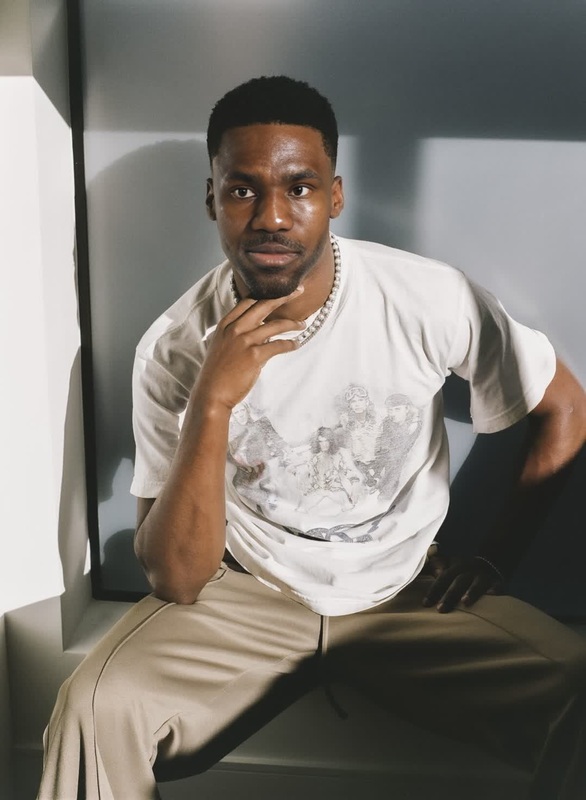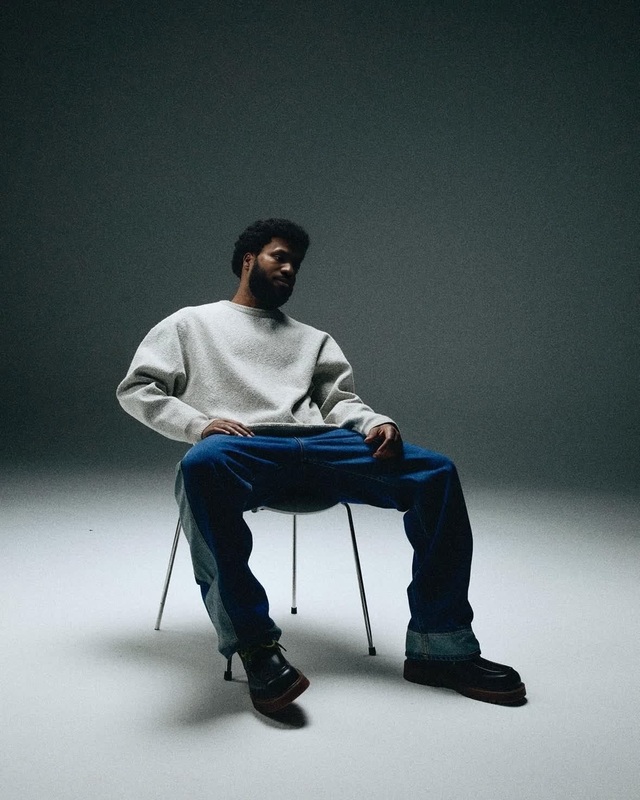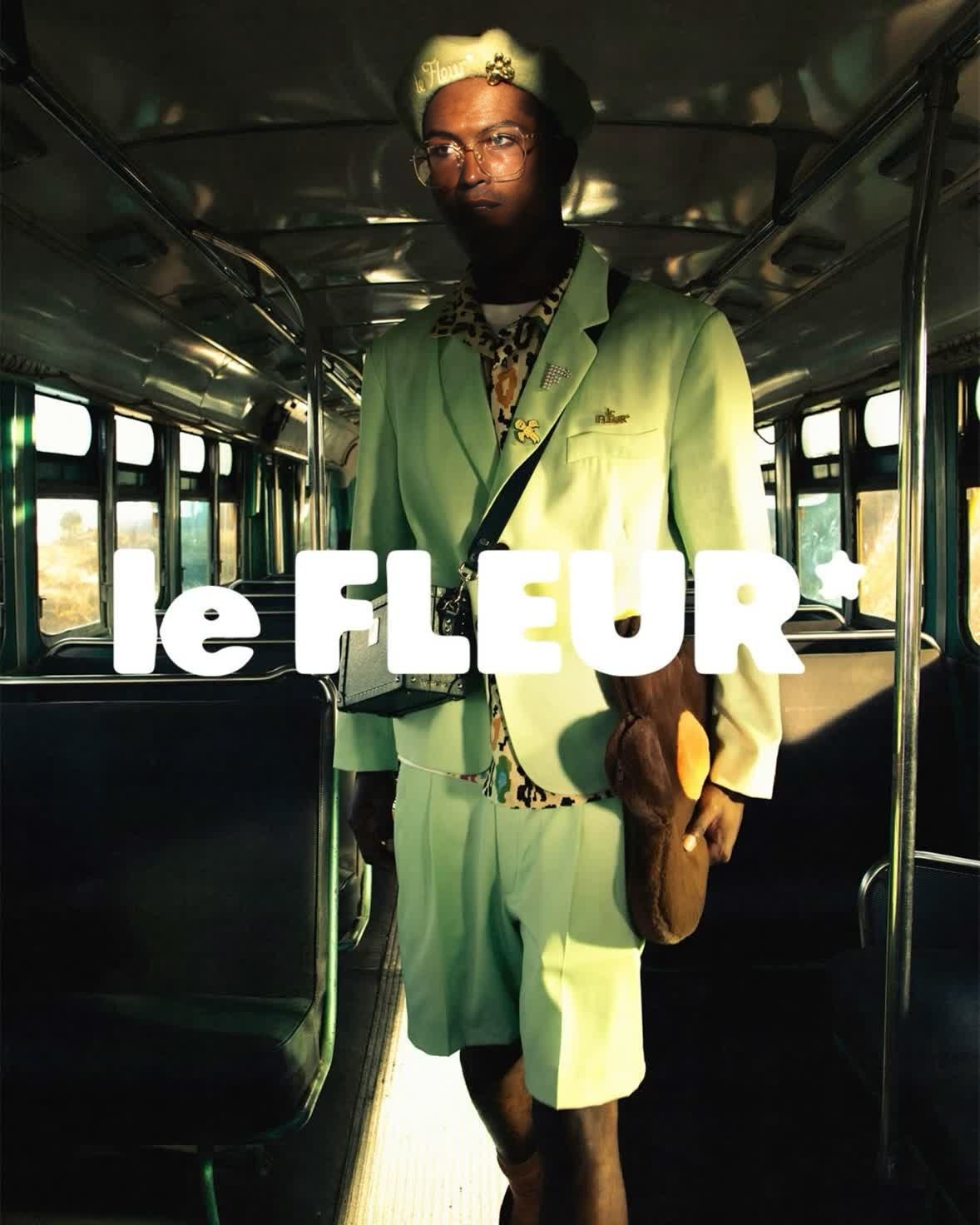
Tyler The Creator Golf Le Fleur Campaign Portrait
- Image
- 1178 × 1472 px
Any aspect ratio
Overview
The Tyler The Creator Golf Le Fleur Campaign Portrait template offers a unique way to create engaging videos by swapping faces into the famous Golf Le Fleur campaign. With this template, you can reproduce the artist's aesthetic and vibe, placing yourself or others directly into the campaign's visuals.
What It Does
This template allows you to perform a Video Face Swap with Tyler The Creator in the iconic Golf Le Fleur campaign. Simply upload your video and let the template work its magic by integrating your face, preserving expressions and artistic style.
Who It's For
This template is ideal for fans of Tyler The Creator, content creators looking to add a creative twist to their videos, and social media enthusiasts who want to stand out with personalized content. Marketers can also leverage this tool in campaigns to mirror the unique style of Tyler's brand.
Summary
By emulating the visual style of Tyler The Creator, this template offers a compelling way to engage viewers. Combine it with other tools, like the AI Image Editor for fine-tuning or the AI Video Generator for creating more complex projects, to enhance your content further.
How To
Choose the Right Template

Customize Your Project

Generate Your Video

Use Cases
Social Media Content
- Increase engagement by creating unique, shareable content
- Showcase your brand's ability to adapt to trends
Marketing Campaigns
- Reach audiences familiar with Tyler The Creator's work
- Present innovative and fresh visuals to promote products
Personal Projects
- Create visually captivating videos for personal enjoyment
- Merge your style with the iconic aesthetics of the Golf Le Fleur campaign
Best Practices
Pay Attention to Lighting
Ensure your video has consistent lighting to achieve the most realistic face swap effects.Use High-Quality Footage
Start with high-resolution video to maintain clarity and detail after processing.Experiment with Different Faces
Try different facial expressions and angles to find the most convincing swaps.