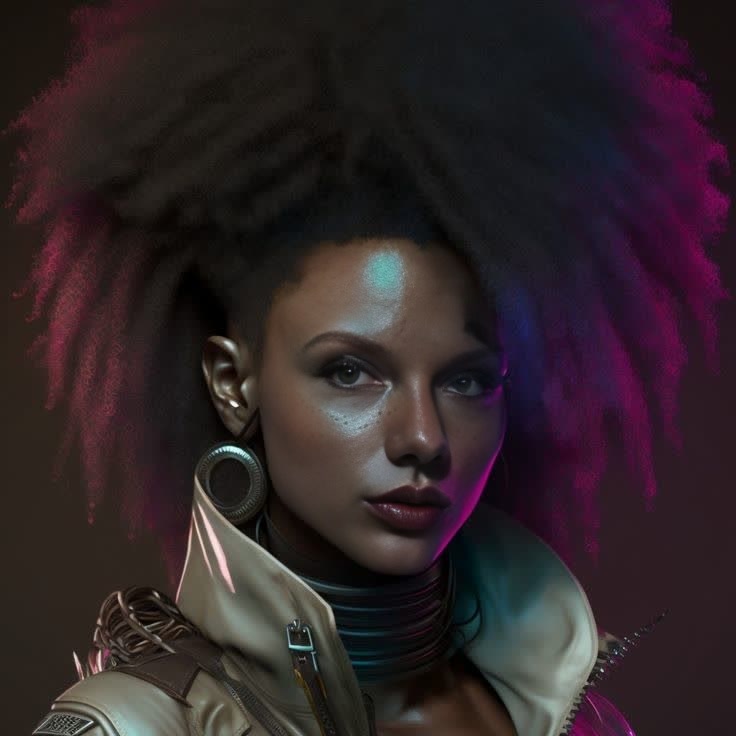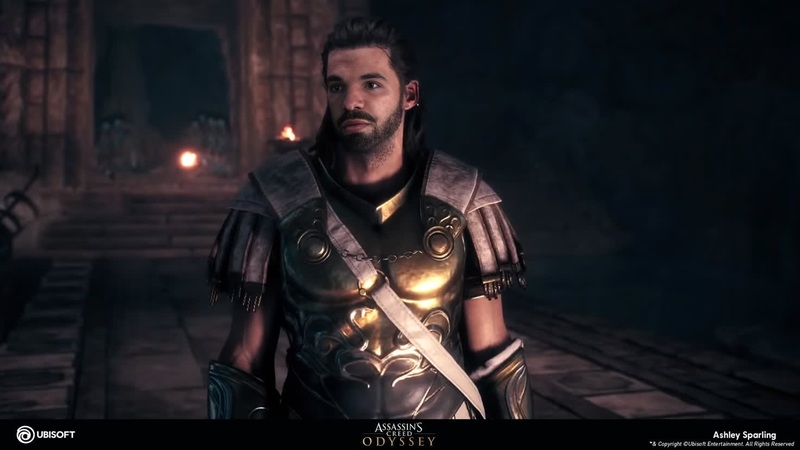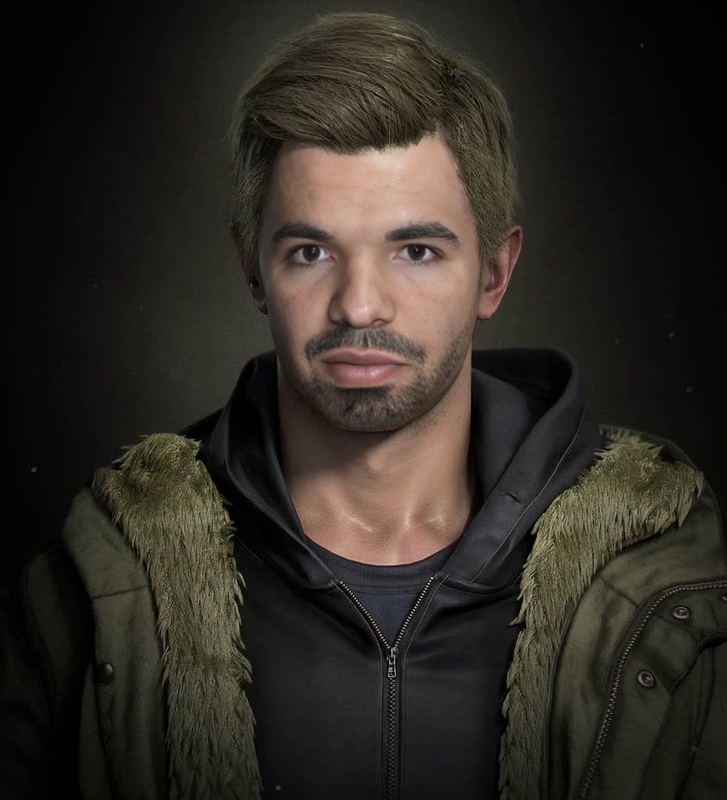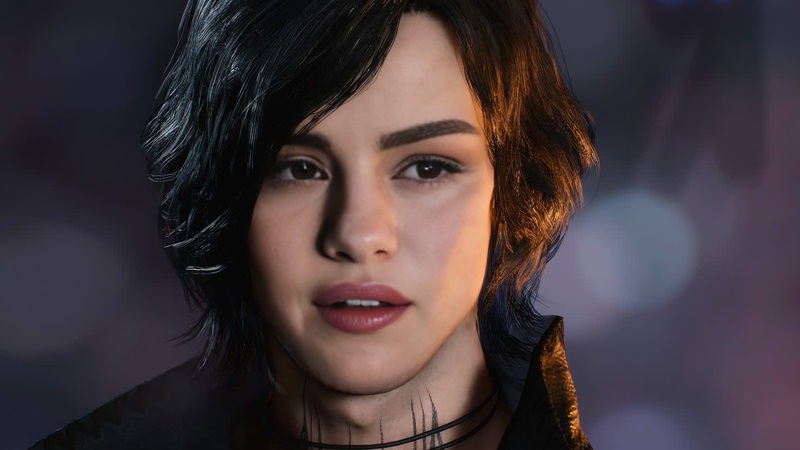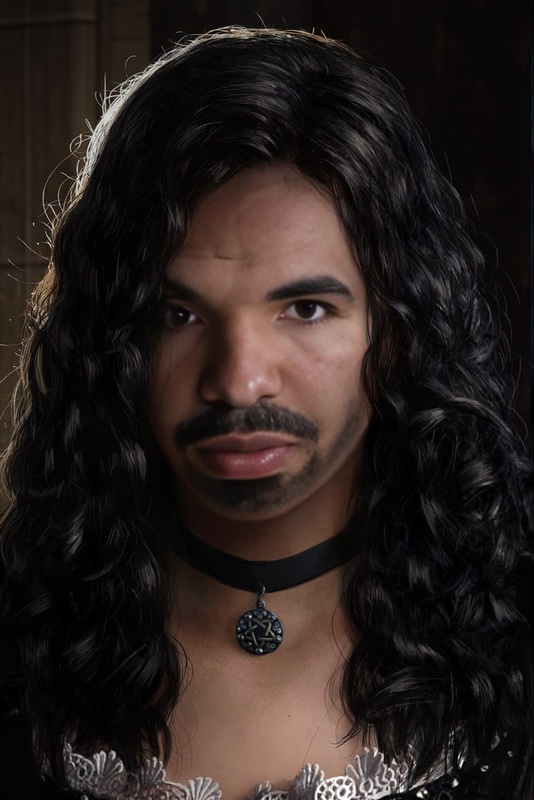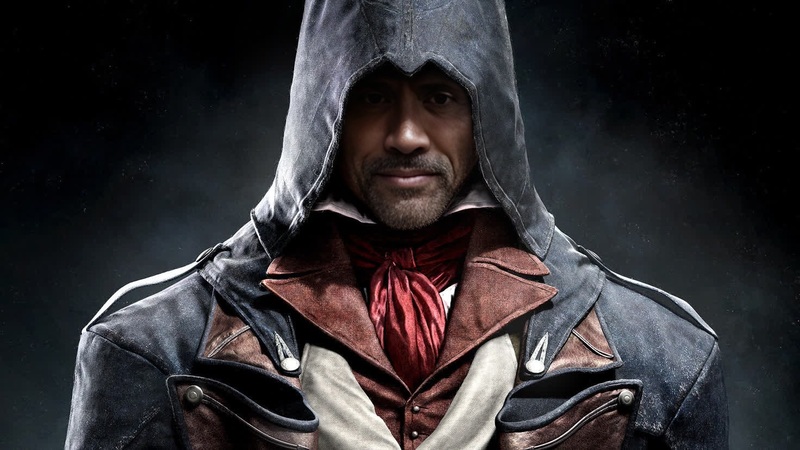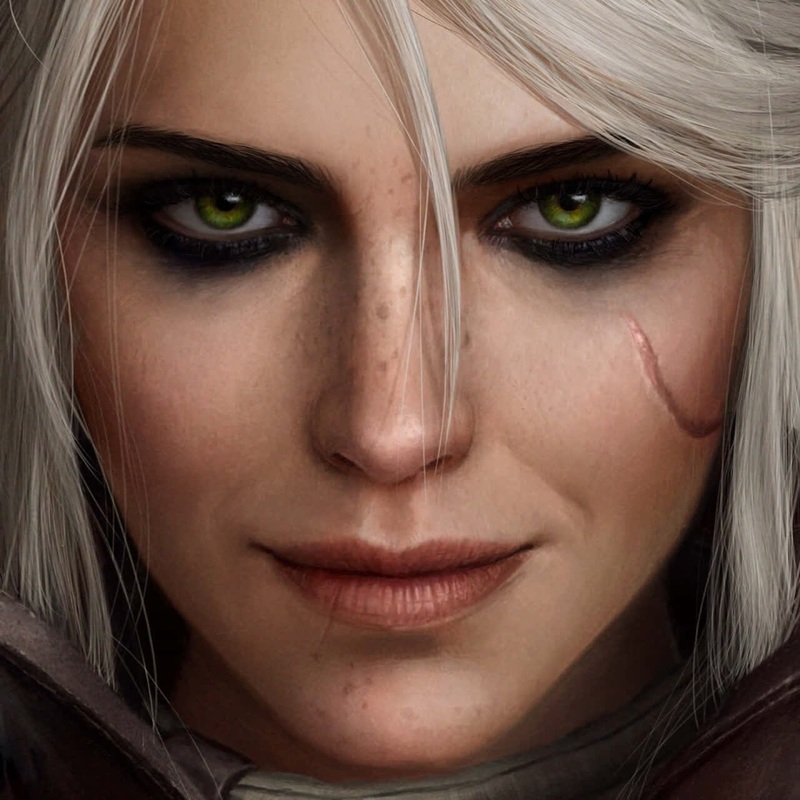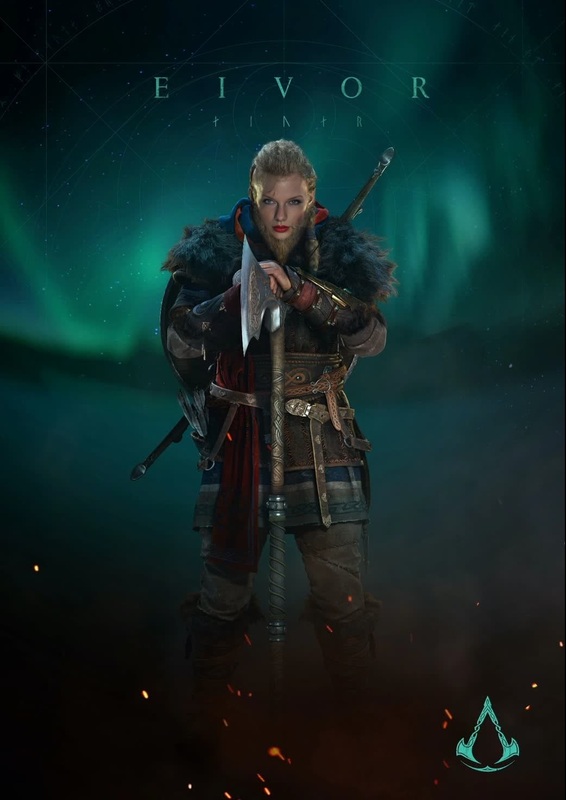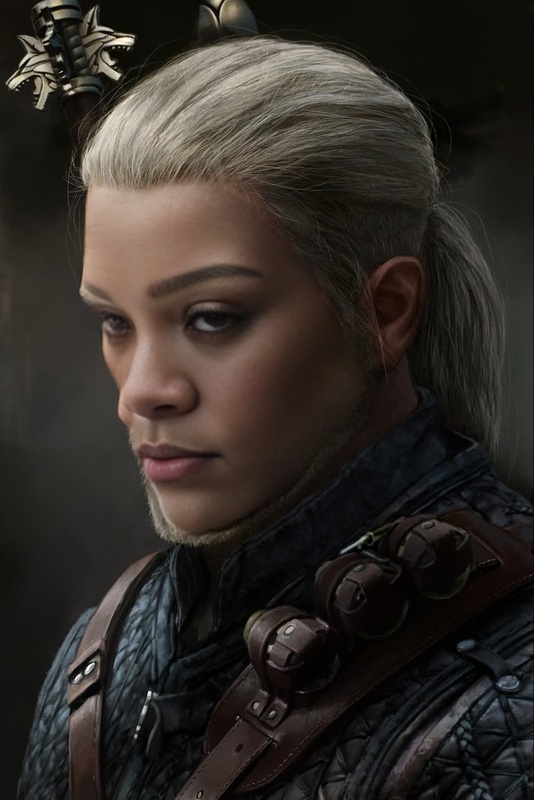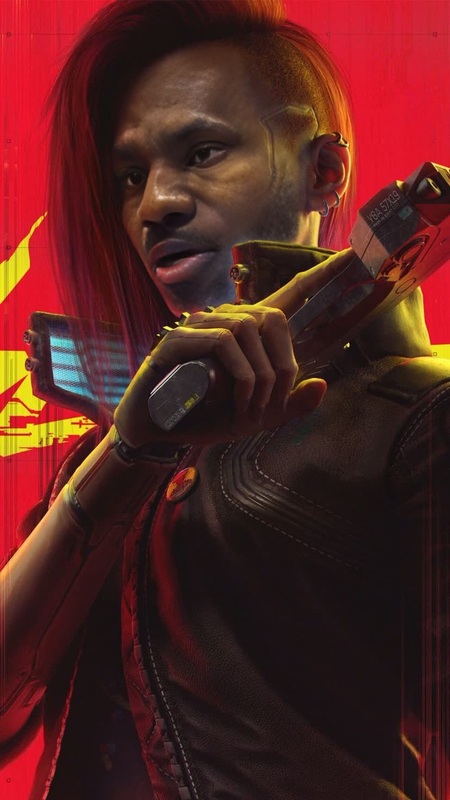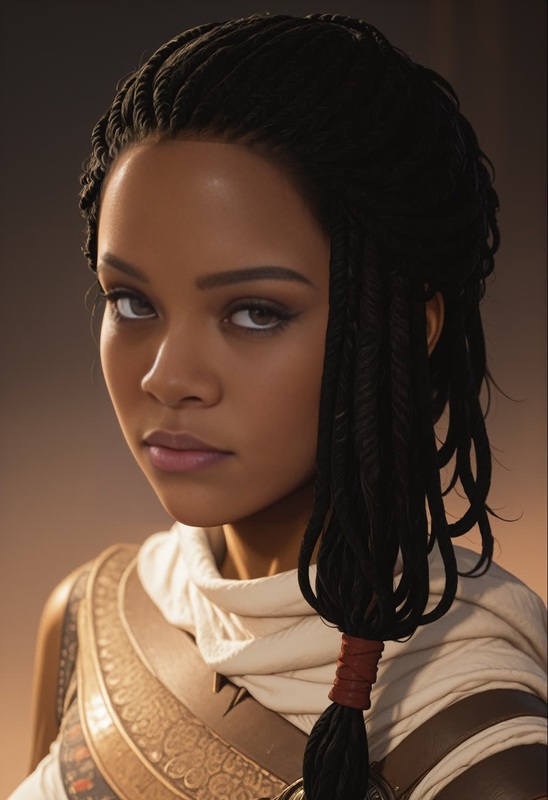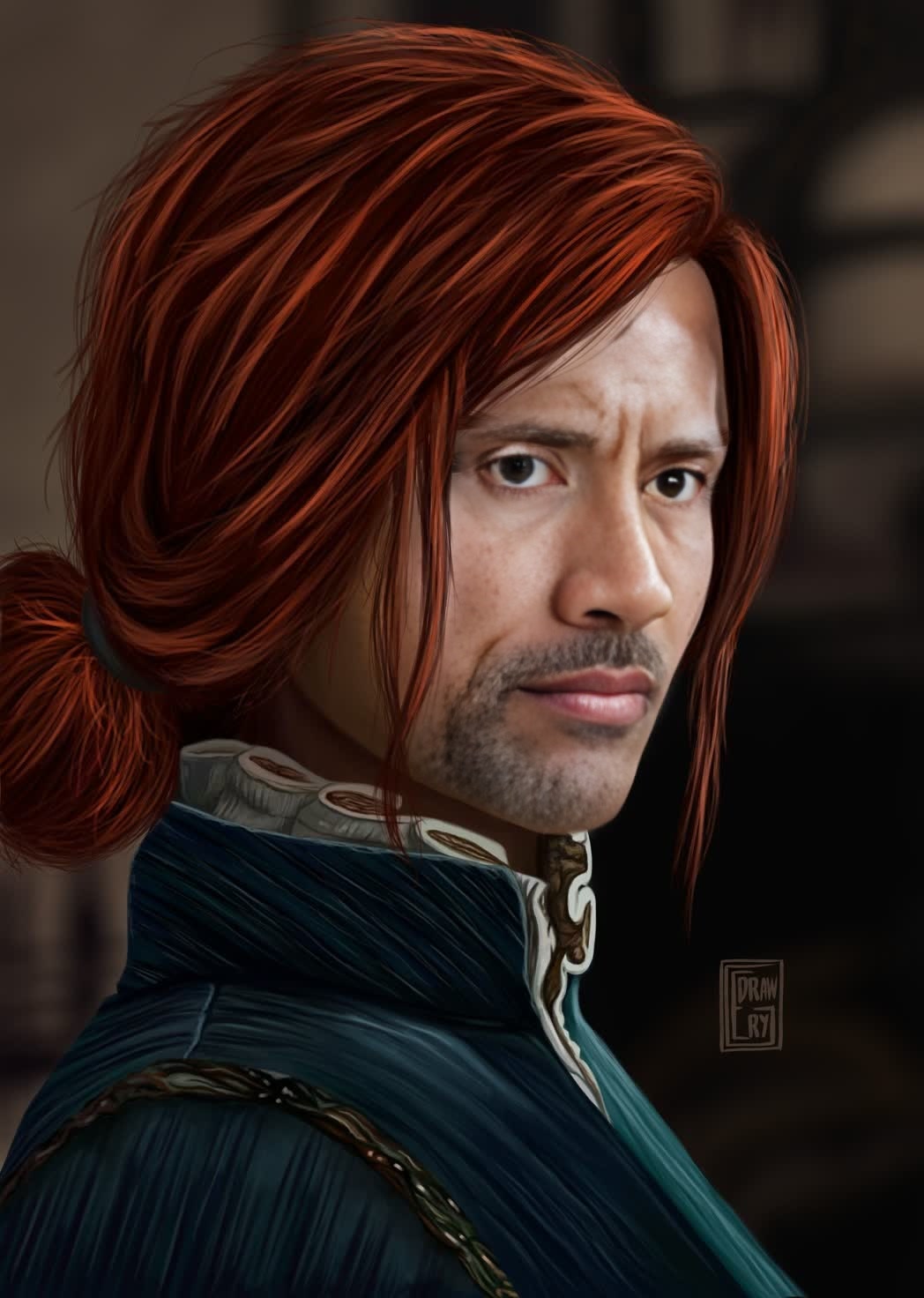
Triss Merigold The Witcher 3 Photorealistic Portrait

Triss Merigold The Witcher 3 Photorealistic Portrait

face-swap

1 clip
0 uses

Any aspect ratio

Tags

transformations

Create AI Face Swap Videos in Seconds (Remixable Template)

Turn any clip into a studio‑grade face swap video with this remixable Magic Hour template. Perfect for creators, marketers, and product teams who need fast, realistic results without a complex VFX pipeline.

This template is built on Magic Hour’s Face Swap Video workflow and can be cloned, customized, and extended in a few clicks.


What This Template Does

This template lets you:

  • Swap a face in any video with a different person or character
  • Preserve original expressions, head motion, and lighting for realism
  • Generate short social clips, product demos, narrative content, or memes at scale
  • Export ready‑to‑publish videos for TikTok, Reels, Shorts, YouTube, or paid campaigns

Under the hood, it uses Magic Hour’s Face Swap engine, similar to modern face reenactment and identity‑preserving generative models described in research like “DeepFakes for the Good” and “First Order Motion Model for Image Animation.”


How to Remix This Template in Magic Hour

You can create your own version of this template by starting from any existing Face Swap project or template and changing just two things: the source face and the base video.

  1. Open Face Swap Video

    • Go to Face Swap Video.
    • Choose this template (or a similar one) as your starting point.
  2. Upload or Select Your Base Video

    • Use any clip: talking‑head, product demo, short skit, UGC, or b‑roll.
    • For best results, choose footage with:
      • A clear, front or ¾ view of the face
      • Stable lighting and minimal motion blur
      • Visible facial expressions (speaking, reacting, etc.)
  3. Add the Face You Want to Swap In

    • Upload a high‑quality photo or frame of the new person/character.
    • Use a clean, front‑facing image with:
      • Good lighting (no heavy shadows)
      • Minimal obstructions (no large sunglasses, masks, etc.)
    • You can generate faces or characters with:
  4. Preview and Iterate

    • Generate a preview clip.
    • If the identity or style isn’t quite right, try:
  5. Export and Reuse as a Personal Template

    • Export your finished video.
    • Duplicate the project inside Magic Hour any time you want to:
      • Reuse the same face on new footage
      • Test multiple faces against the same video for A/B testing
      • Build a small library of reusable “virtual talent”

Advanced Remix Ideas for Power Users

You can combine this Face Swap template with other Magic Hour tools to build richer pipelines for campaigns, product content, or prototypes.

1. Face Swap + Lip Sync (Talking Characters & Spokespeople)

For talking‑head or spokesperson content:

  1. Start with this Face Swap template on a neutral talking‑head clip.
  2. Then use Lip Sync to sync the mouth to:
  3. Result: a consistent virtual presenter who can deliver different scripts in multiple languages.

Use cases:

  • Product explainers and onboarding
  • Founder updates without being on camera every time
  • Localized marketing videos using cloned or synthetic voices

2. Face Swap + Video‑to‑Video (Content Variations at Scale)

Use Video‑to‑Video to stylize or transform your base footage, then layer in face swap:

  • Turn a live‑action clip into a stylized version (e.g., comic, anime, painterly)
  • Apply Face Swap after stylization to maintain consistent identity
  • Great for:
    • Multi‑style social campaigns
    • Testing visual treatments for ads
    • Creating separate aesthetic “universes” around the same character

You can generate matching imagery and style references with:

3. Face Swap + AI Headshots & Avatars

If you need professional or branded personas:

  • Generate faces with AI Headshot Generator or AI Selfie Generator.
  • Use those faces in this template to create:
    • Virtual team members for product walkthroughs
    • Pseudonymous personas for content creators
    • Consistent brand ambassadors across channels

For stylized brands, extend with:

4. Face Swap + AI Talking Photo & GIF

To cover both stills and motion:


Best Practices for High‑Quality Face Swaps

To produce results that hold up in campaigns and client work:

  1. Source Footage Quality

    • Shoot at the highest resolution available.
    • Avoid heavy compression, backlighting, and rapid whip‑pans.
    • Keep the subject’s face visible for a significant portion of the clip.
  2. Reference Face Quality

    • Use high‑resolution, front‑facing images with a neutral expression.
    • Avoid extreme filters, heavy makeup distortions, or low‑light selfies.
    • If the target video is stylized (anime, illustration, etc.), generate a matching face via:
  3. Identity Consistency

    • For recurring characters in a series:
      • Keep a small, curated set of 2–3 reference images.
      • Reuse the same images across templates to reduce drift.
    • Use AI Image Upscaler or Unblur Image to clean up lower‑quality faces.
  4. Ethics & Permissions

    • Always get consent for real people’s faces, especially in marketing or public campaigns.
    • Respect platform policies and local regulations around synthetic media and deepfakes.
    • Consider adding subtle disclosures in commercial content to maintain trust.

Example Use Cases for Teams and Creators

This template is optimized for practical, production‑oriented workflows:

  • Performance Marketing Teams

    • Rapidly test different “presenters” and demographics for the same script.
    • Localize content while keeping visuals consistent, using localized voices via AI Voice Generator.
  • Product & Growth Teams

    • Create onboarding or feature tours with a virtual host instead of recurring shoots.
    • Pair with Auto Subtitle Generator to increase completion and accessibility.
  • Creators & Educators

    • Build a virtual persona or pseudonymous identity that appears in all your content.
    • Use Text‑to‑Video or Image‑to‑Video to create background scenes, then apply Face Swap for continuity.
  • Game, Anime, and Fiction Projects


Building a Custom Face Swap System on Magic Hour

If you’re a developer, startup builder, or technical marketer, you can treat this template as a building block in a larger system:


Related Magic Hour Tools You May Want to Combine

To expand beyond this template, explore:


Start Remixing This Template

  1. Open Face Swap Video.
  2. Select this template as your base.
  3. Swap in your own footage and face images.
  4. Save and reuse your version as a personal or team template.

Use it as-is for fast production, or treat it as a flexible building block in a larger AI video workflow with Magic Hour.

More Like This

Insufficient credits