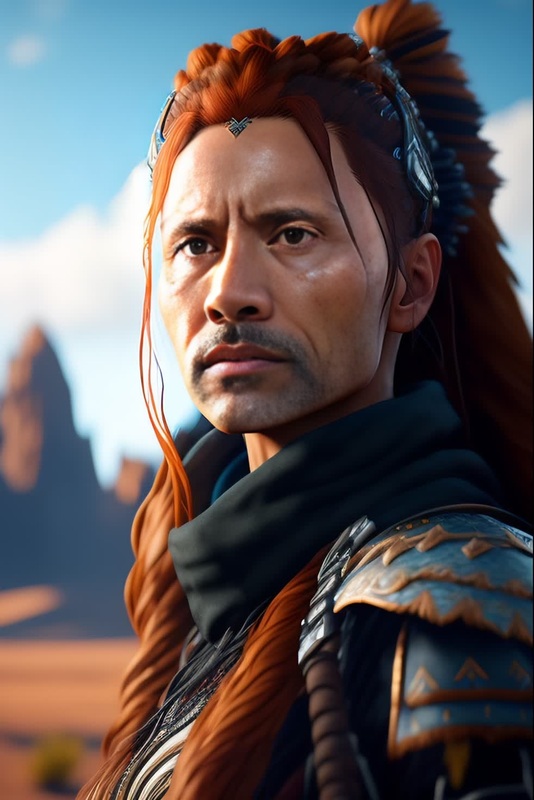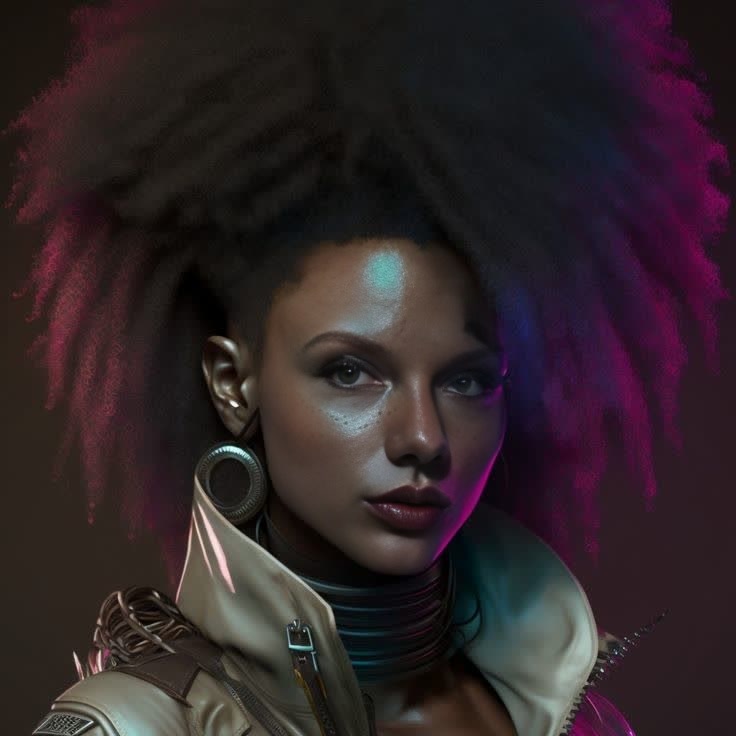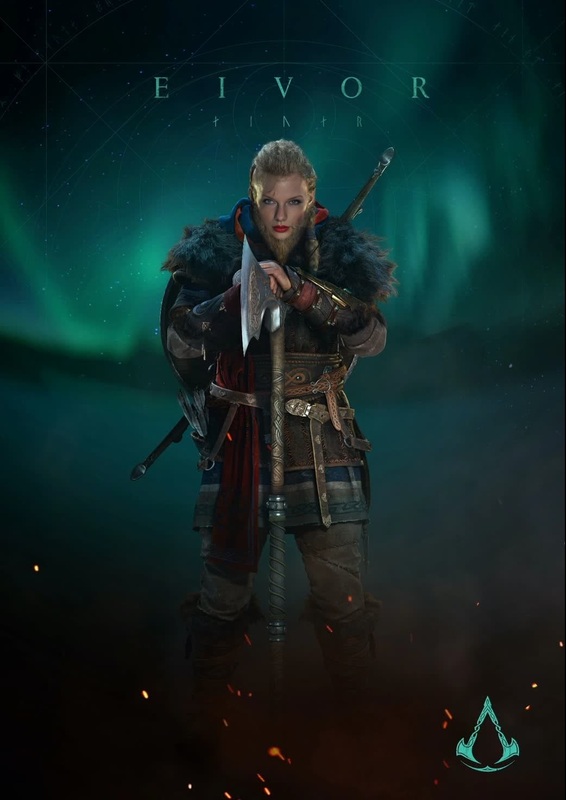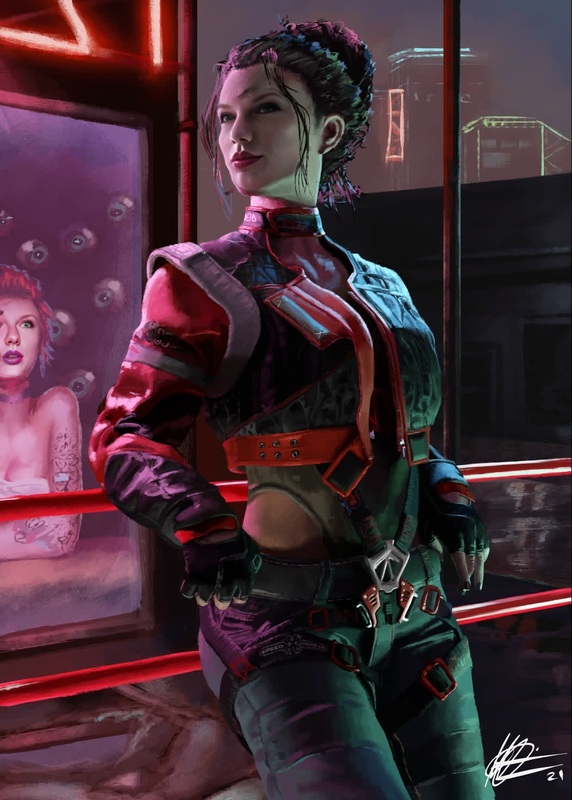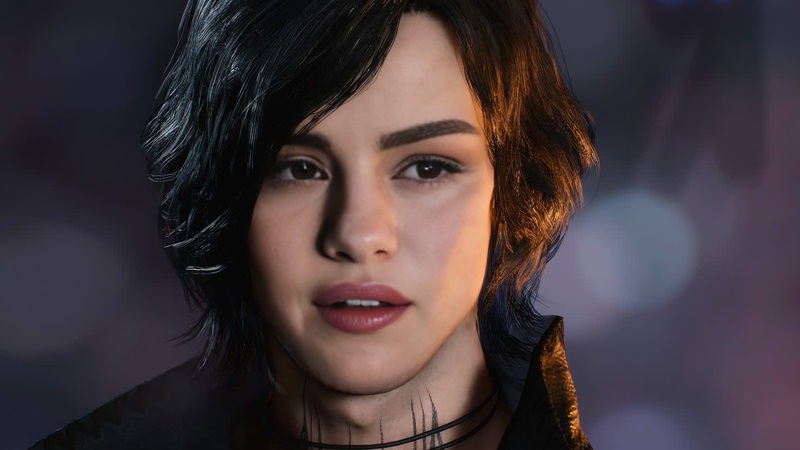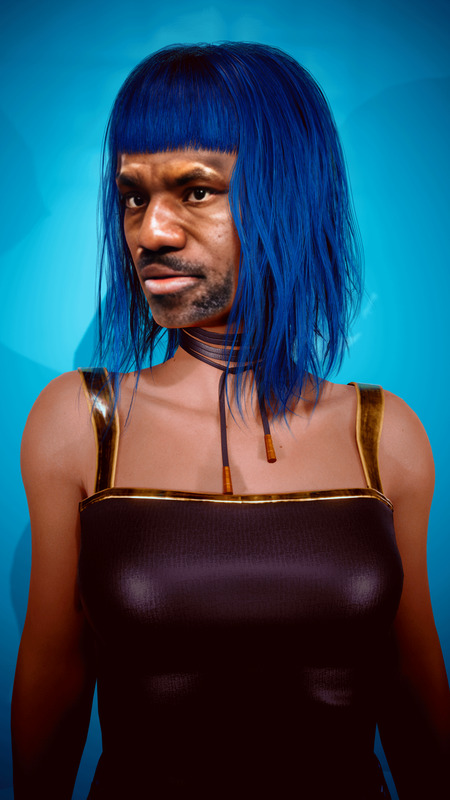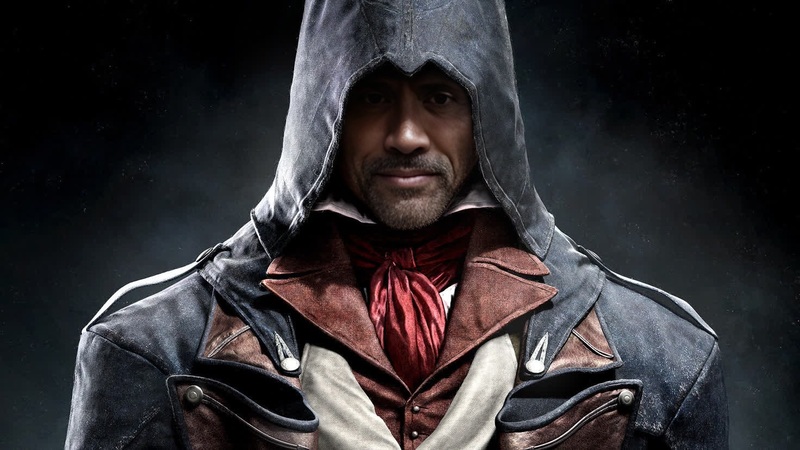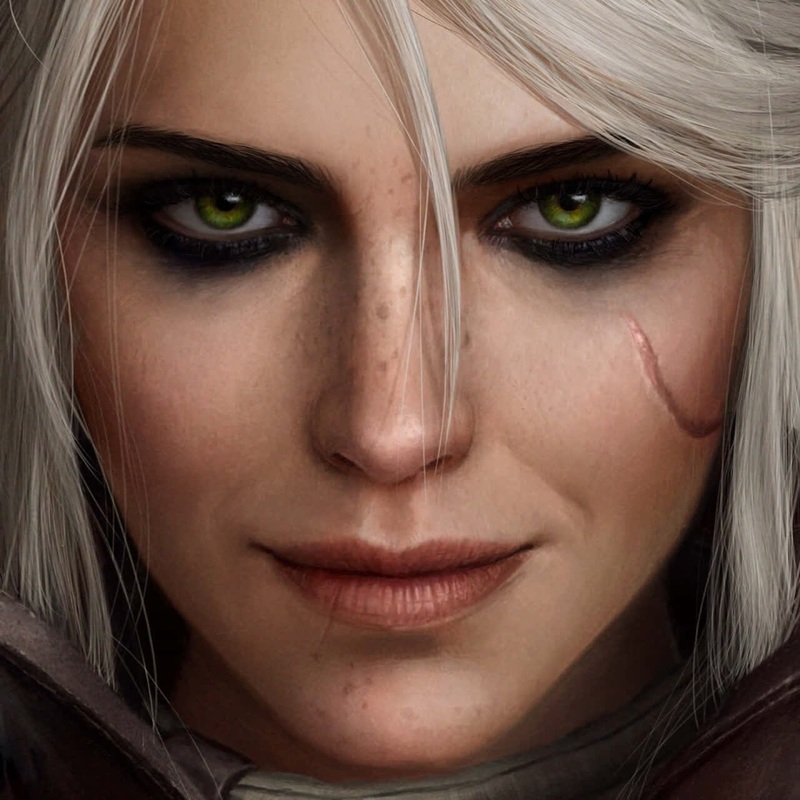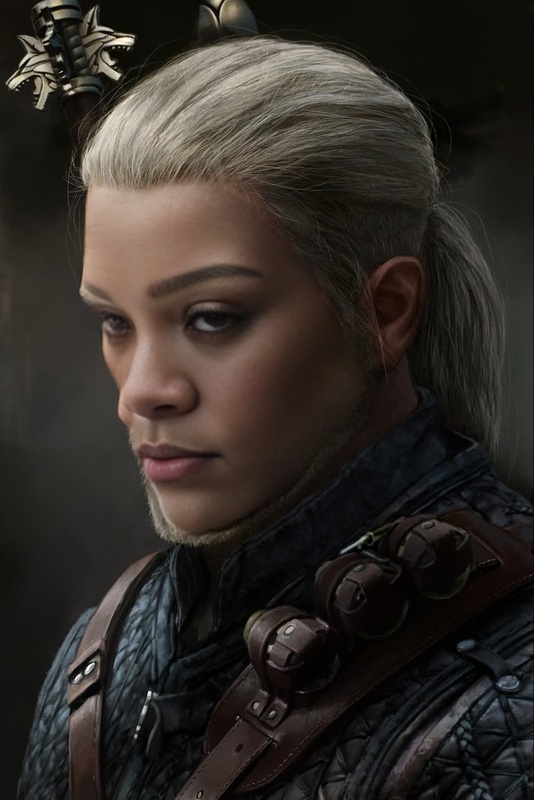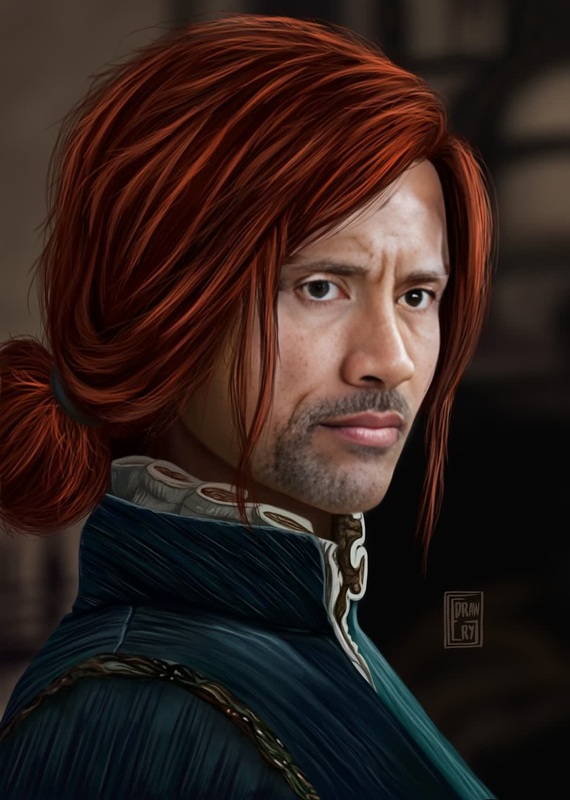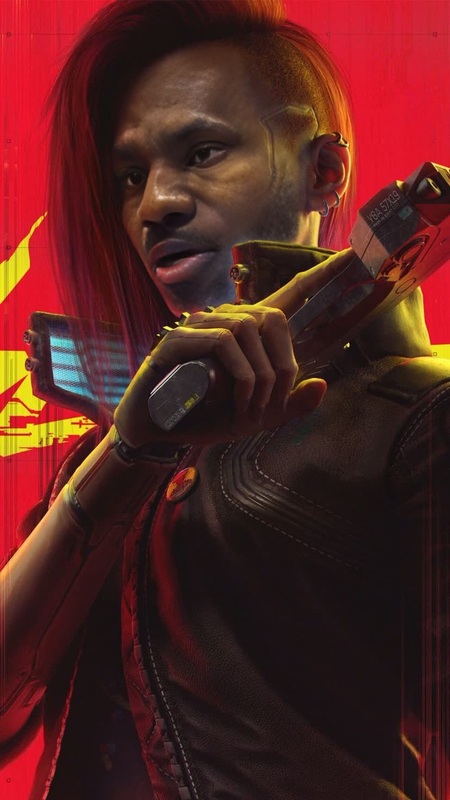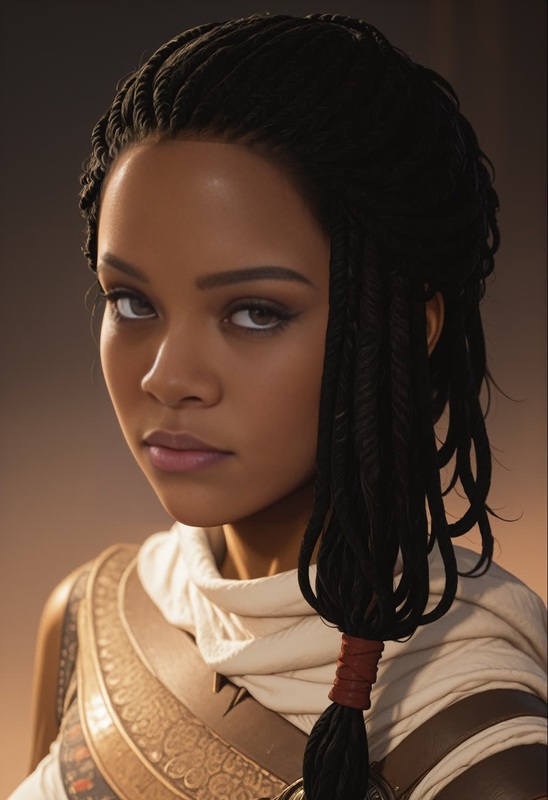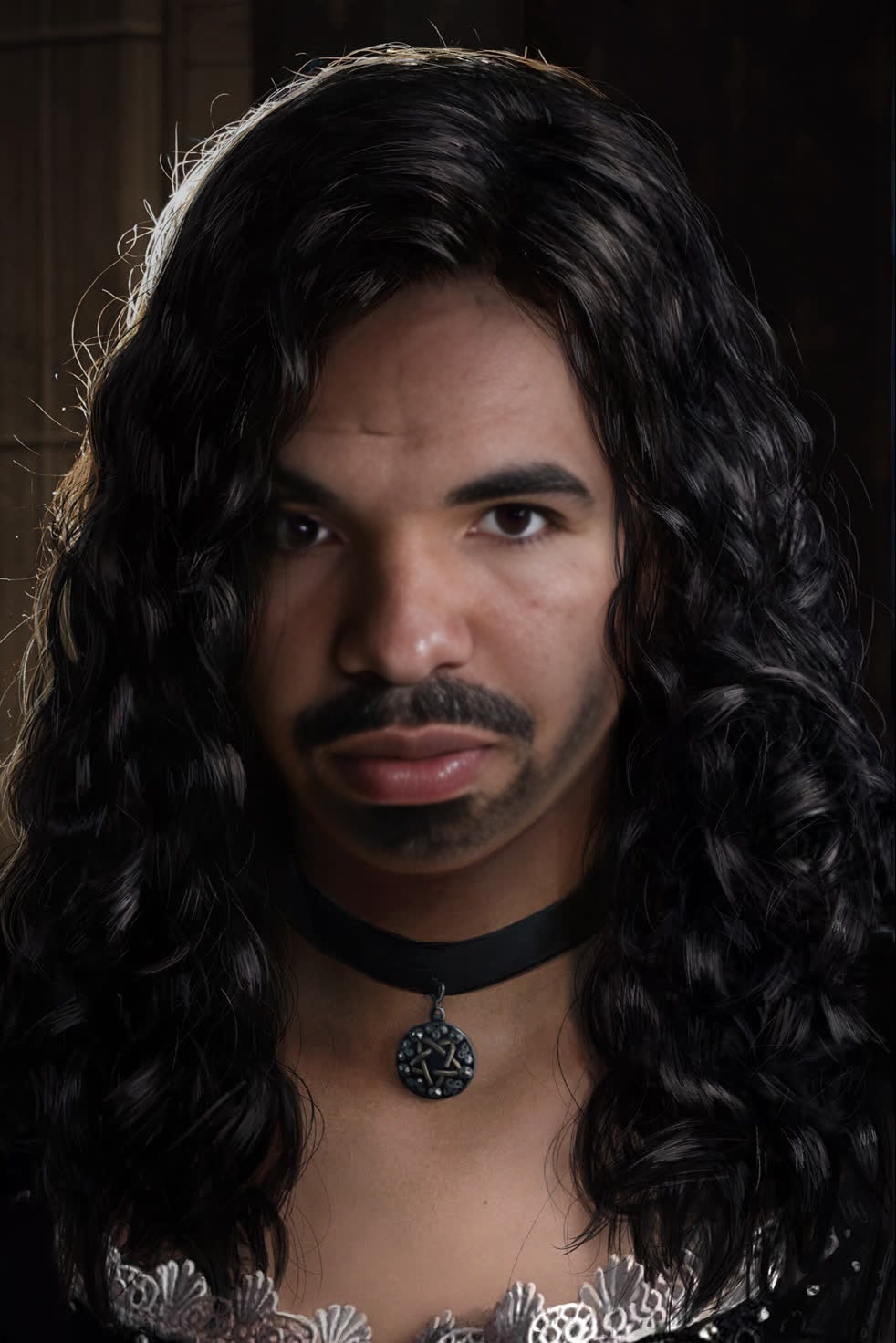
Yennefer The Witcher 3 Photorealistic Portrait
- Image
- 982 × 1472 px
Any aspect ratio
Overview
Transform your imagery with the Yennefer The Witcher 3 Photorealistic Portrait template. This Video Face Swap tool allows creators to effortlessly integrate their own face into the world of The Witcher 3, crafting compelling and realistic portrayals of the character Yennefer. Ideal for personal projects or social media shares, this template captures the essence of the beloved game character in striking detail.
For more creative transformations, explore our comprehensive Face Swap products that cater to diverse needs.
What It Does
This service provides a streamlined way to swap your face into Yennefer using video footage from The Witcher 3. The template captures realistic skin textures, lighting, and facial expressions, generating a seamless blend between your face and the digital environment. This template is compatible with a range of file formats, ensuring versatile usage for different platforms.
For more refined image editing needs, consider our AI Image Editor for additional adjustments and enhancements.
Who It's For
Whether you're a fan of The Witcher's universe, a cosplayer, or a digital content creator, this tool is designed for anyone looking to bring a personal touch to their portraits. It's particularly useful for influencers on platforms like Instagram and TikTok, where standout visual content is key.
Discover more about making impactful content with our Image to Video transformation tools.
Summary
The Yennefer The Witcher 3 Photorealistic Portrait template offers an innovative way to personalize your video projects. By blending your facial features with high-quality in-game footage, this template helps generate visually appealing and shareable content. Ideal for hobbyists and professionals alike, it’s a must-have for creating unique character-driven media.
How to Use
Choose Your Template

Customize Your Inputs

Generate Your Portrait

Use Cases
Cosplay Enhancements
Social Media Content
Fan Art Projects
Best Practices
High-Quality Inputs
Use high-resolution images as input for the best results. Ensure good lighting and clear facial features.Angle and Expression Consistency
Ensure your facial expression and angle match well with the template for a seamless blend.Experiment with Variations
Try different features and settings within the template to achieve creative and varied results.
Frequently asked questions
More Like This