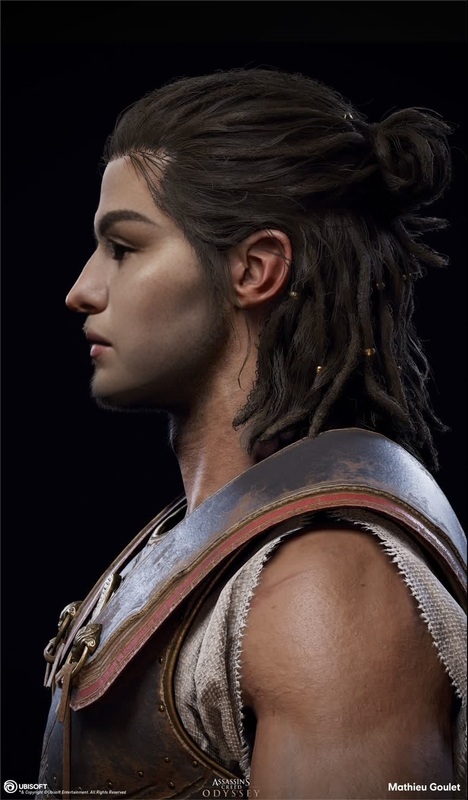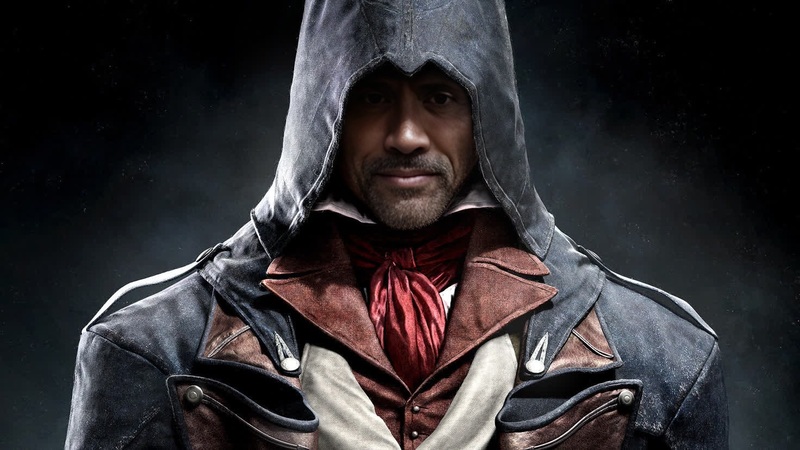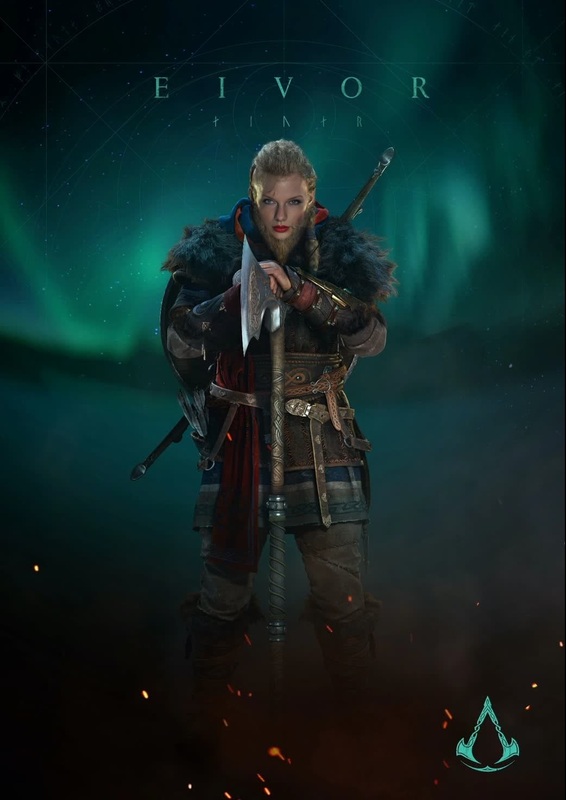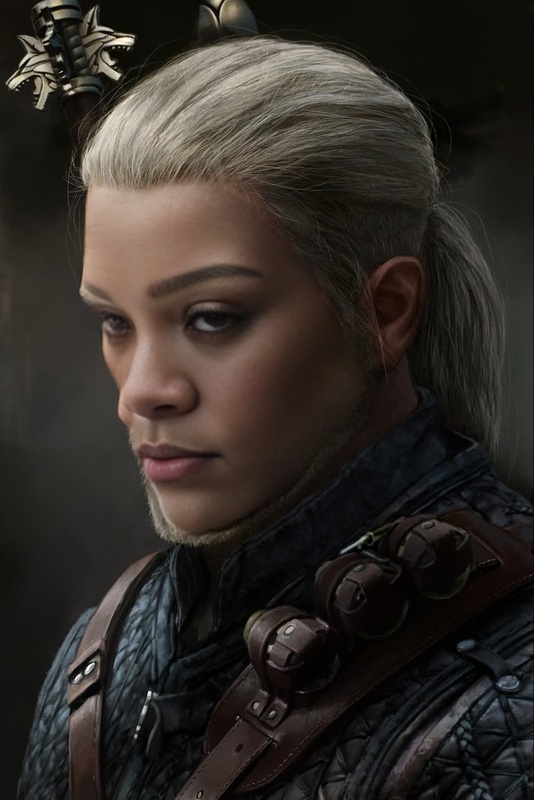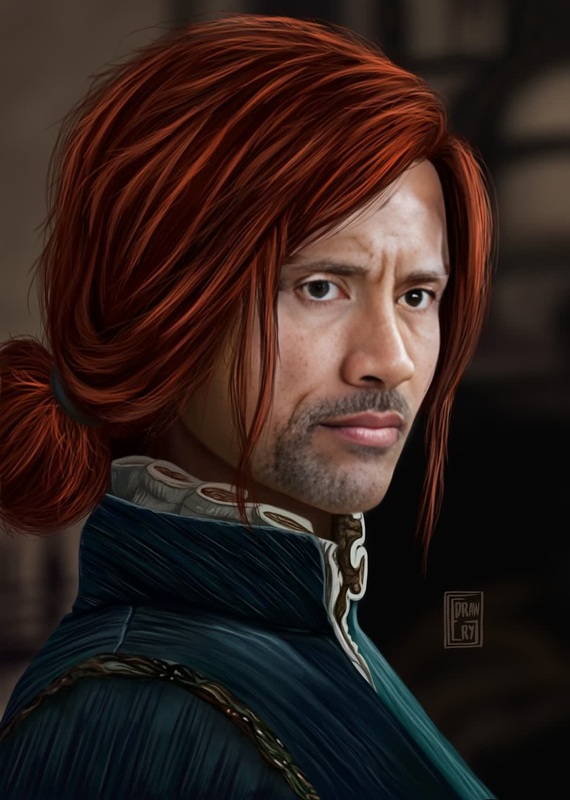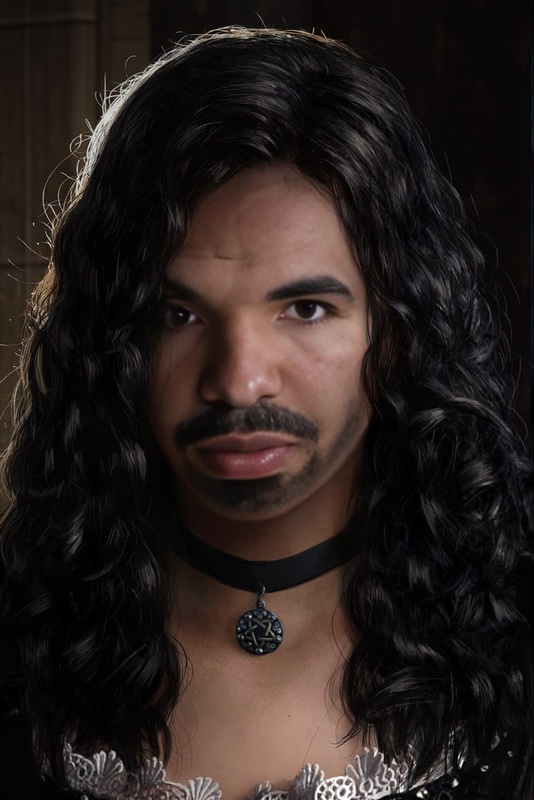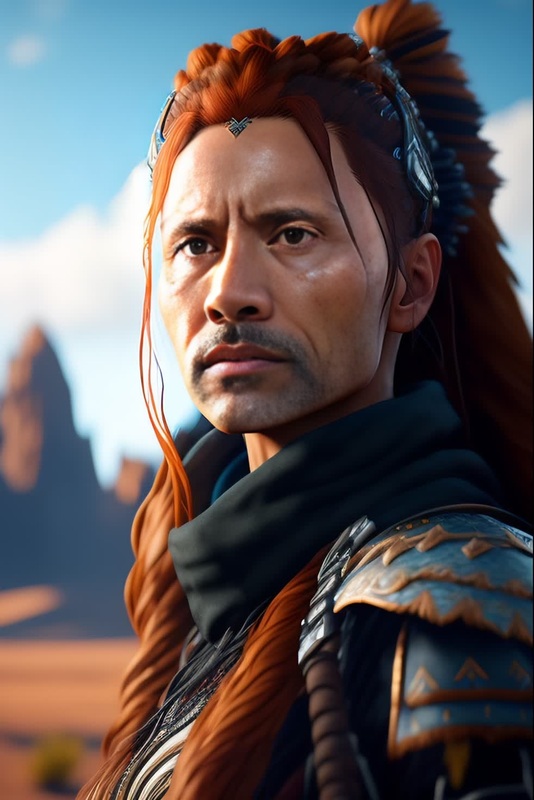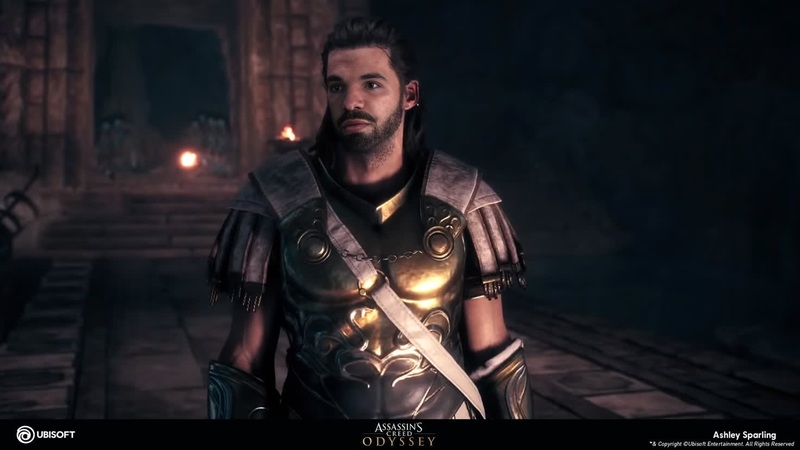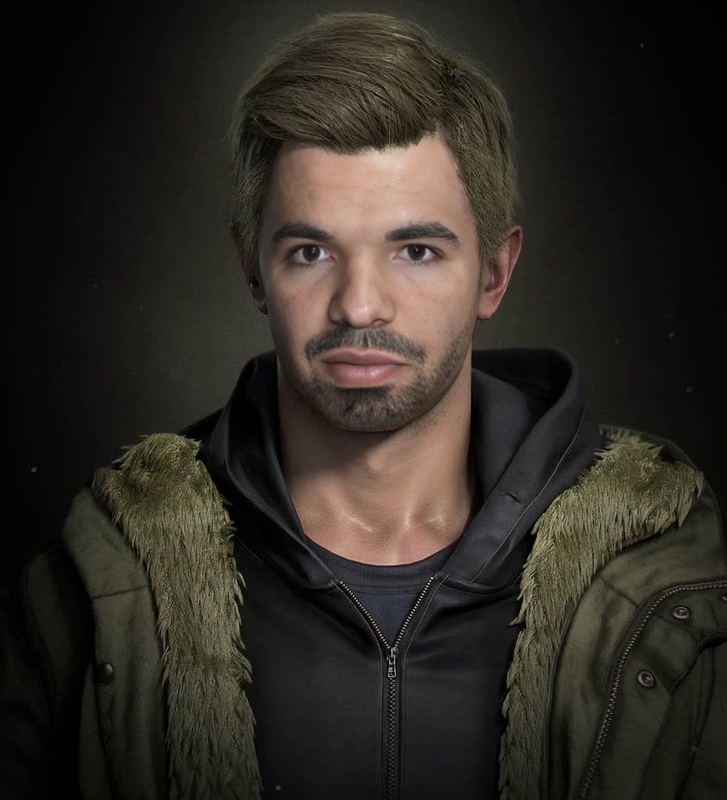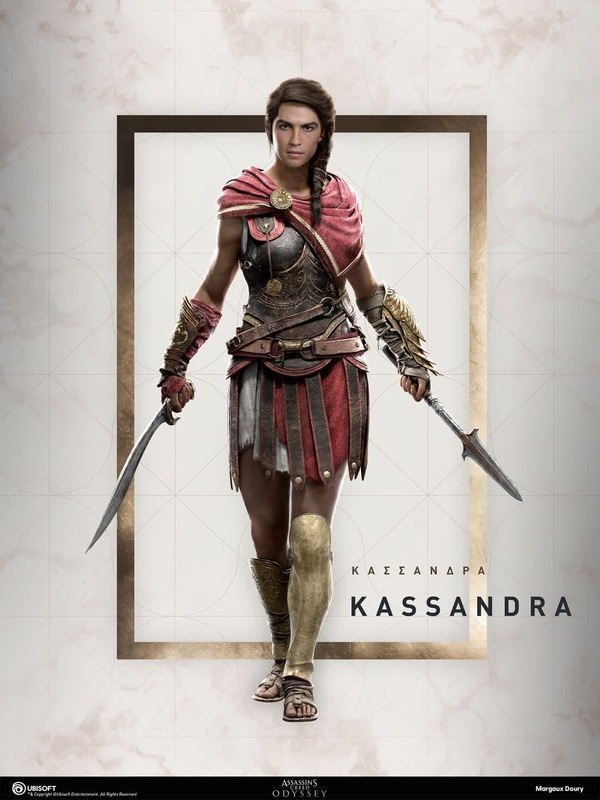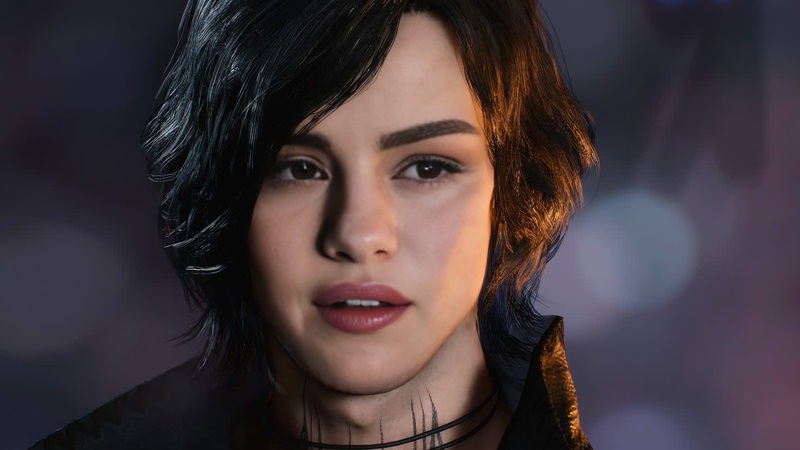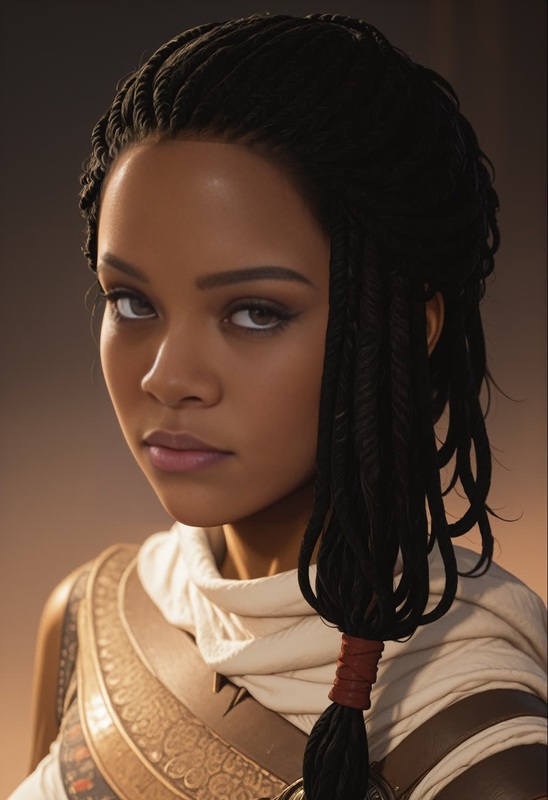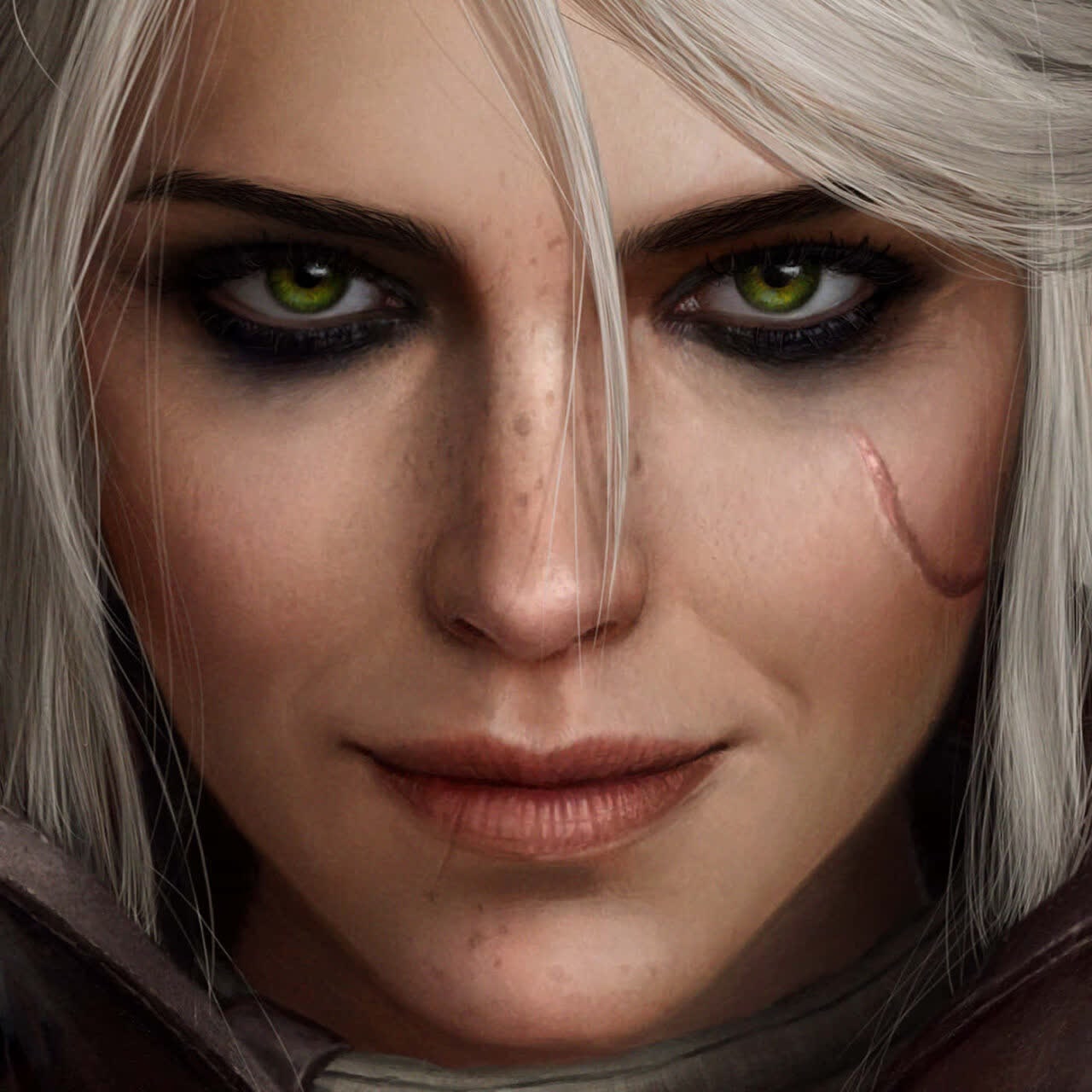
Ciri The Witcher 3 Photorealistic Portrait
- Image
- 1280 × 1280 px
Any aspect ratio
Overview
Transform into Ciri from The Witcher 3 with our photorealistic Video Face Swap template. This tool allows you to place your face into iconic scenes from the franchise, perfect for publicity, fan projects, or personal enjoyment. Designed to deliver film-quality results, this template utilizes state-of-the-art AI technology.
What It Does
This template uses advanced face swapping techniques to replace the original face in a video with yours, maintaining the natural nuances of facial expressions and lighting. Loaded with high-fidelity options, it provides a dynamic way to interact with the beloved Witcher universe. For enthusiasts of face transformation, our Face Swap technology offers more than just a surface-level change.
Who It's For
Ideal for fans of The Witcher series, gamers, and digital content creators looking to integrate themselves into their favorite game universe with authentic texture and detail. Whether you're aiming to impress your social media following or add fun to gaming videos, this tool is a robust companion. Dive into endless possibilities with our AI Image Editor and enhance your visuals further.
Summary
Our Ciri The Witcher 3 Photorealistic Portrait template brings the magic of The Witcher to life by putting you into the scene with remarkable ease. This tool leverages Video-to-Video technology to deliver seamless results that capture the essence of Ciri with precision and style.
How To
Choose Your Template

Customize Your Inputs

Generate Your Video

Use Cases
Fan-Made Content
- Fan tributes
- Social media posts
- YouTube channel content
Cosplay Videos
- Add character to cosplay
- Detailed role play
- Immersive storytelling
Gaming Channels
- Gaming walkthroughs
- Character-centric narratives
- Special event streams
Best Practices
Select High-Quality Images
Ensure your input photo is high-resolution and well-lit to capture a more realistic swap.Adjust Face Angles
Try different poses and face angles to see which aligns best with the predesigned scenes.Blend with Environment
Use the AI Photo Relighting tool to harmonize your portrait with the video's lighting and shadows.
Frequently asked questions
More Like This