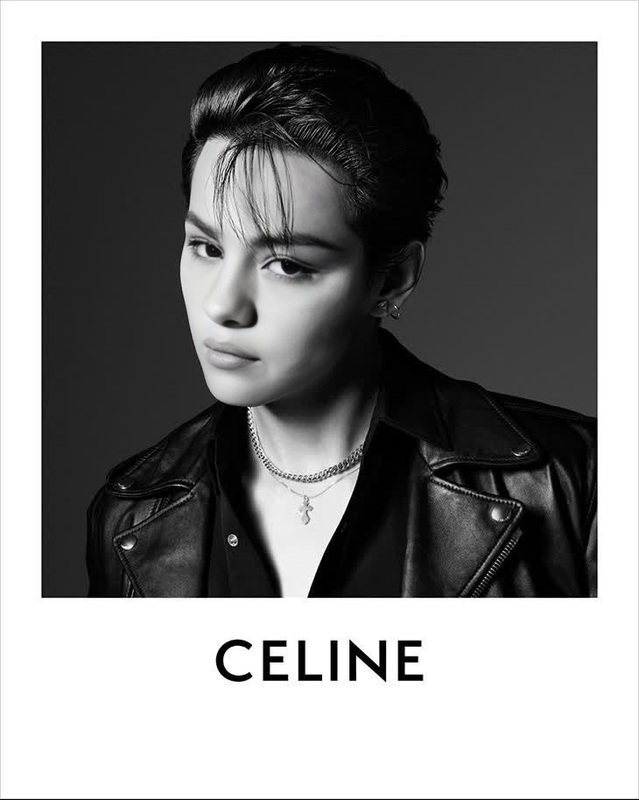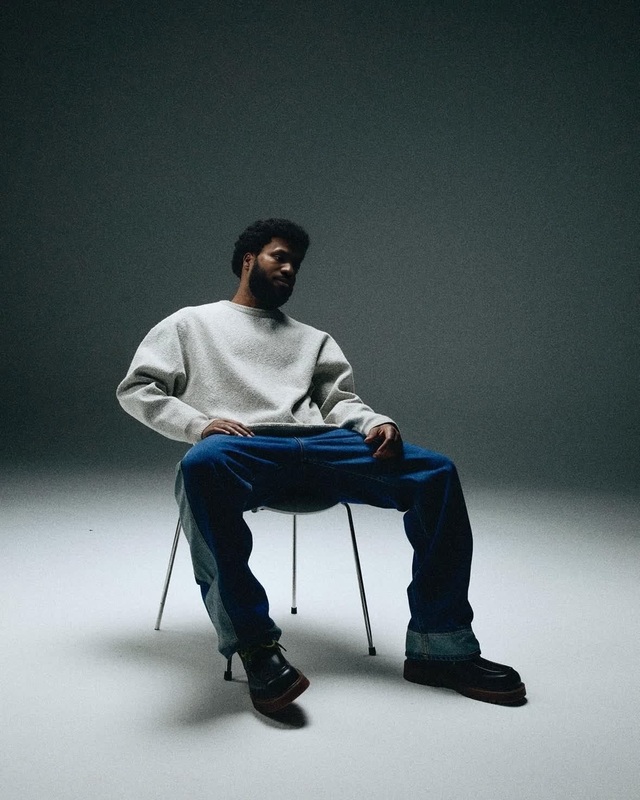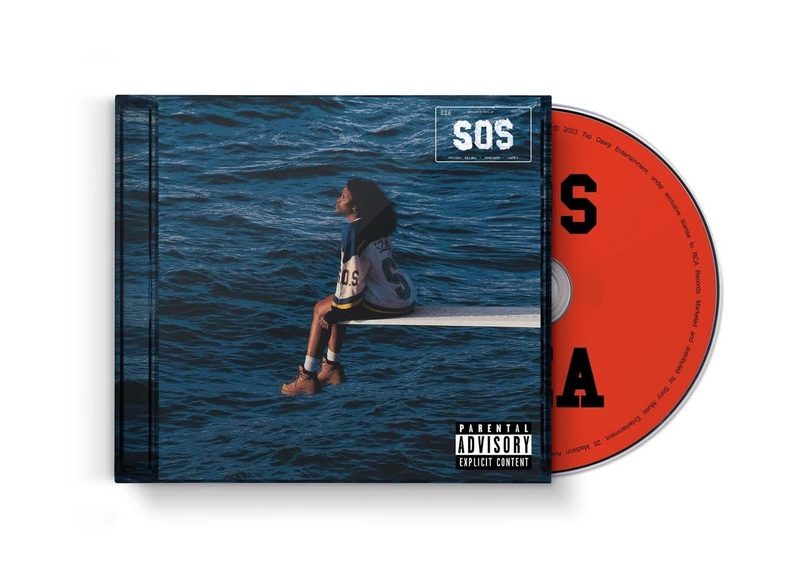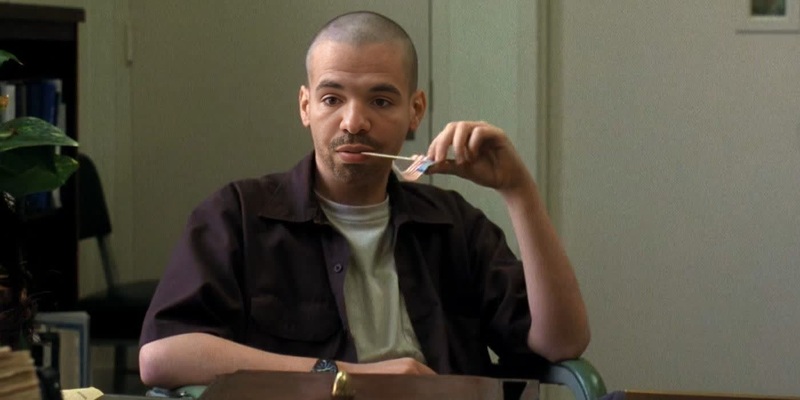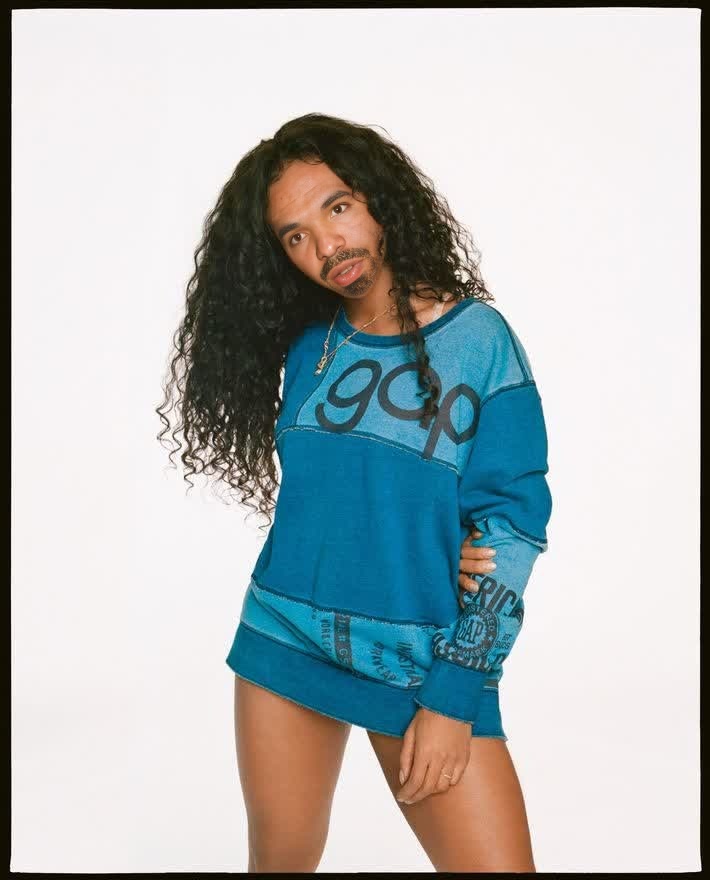
Sza Gap Campaign Portrait
- Image
- 710 × 880 px
Any aspect ratio
Overview
The Sza Gap Campaign Portrait template enables you to create captivating video content by swapping faces with precision. This tool is ideal for crafting eye-catching, memorable videos that will engage your audience. With simple inputs and powerful processing, you can transform standard footage into something truly original.
What It Does
The template utilizes impressive AI technology to perform face swaps in videos. By altering the face in your campaign portrait, you create a customized look that aligns with your creative vision. It's particularly effective for fashion shows, advertisements, and creative projects that rely on visual appeal.
Who It's For
This template is perfect for content creators, marketers, and directors in need of compelling visual transformations. Whether you're working on a style transfer project or producing innovative video ads, the Sza Gap Campaign Portrait template is a reliable choice for elevating your content's impact.
Summary
By employing this template, you'll gain access to professional-grade video editing tools. Ideal for both novice and expert videographers, it works seamlessly within the Image to Video conversion process, delivering high-quality results every time.
How to Use the Template
Choose Your Template

Customize Your Inputs

Generate Your Video

Use Cases
Fashion Campaigns
- Transform standard campaign visuals
- Adapt to different themes
Creative Projects
- Efficient for short films
- Innovative commercial videos
Social Media Content
- Enhanced engagement metrics
- Appealing content for platforms
Best Practices
Select High-Quality Inputs
For best results, ensure both your video and the face image are high quality. This improves the final output's visual appeal.Maintain Consistent Lighting
Consistent lighting across the video and face image ensures a natural look in the generated content.Experiment with Angles
Try different angles for face images to see which provides the most seamless integration in the target video.