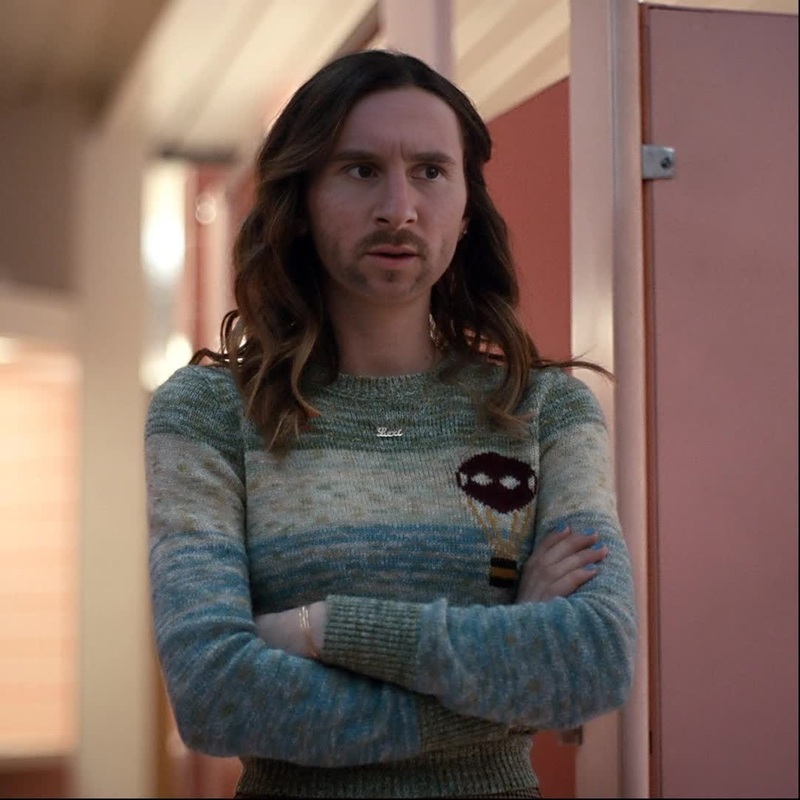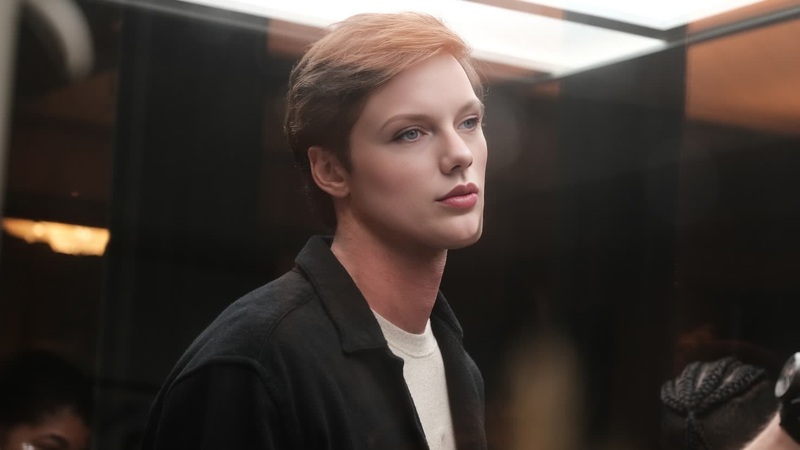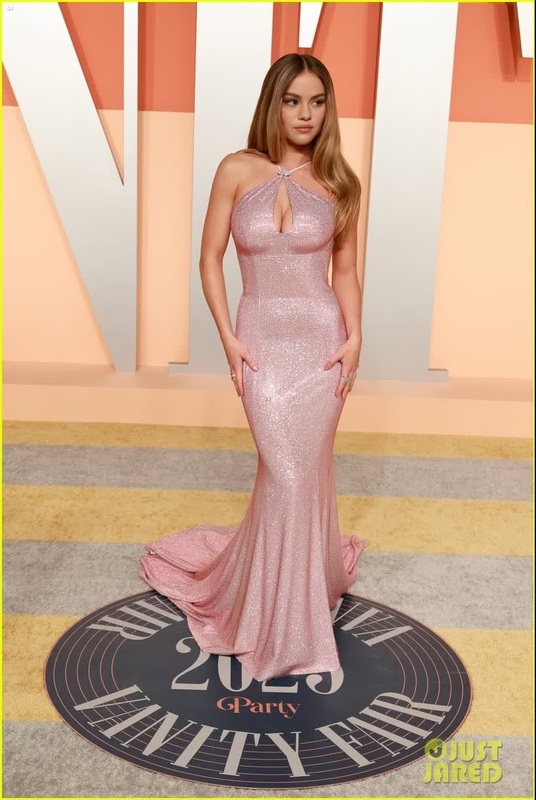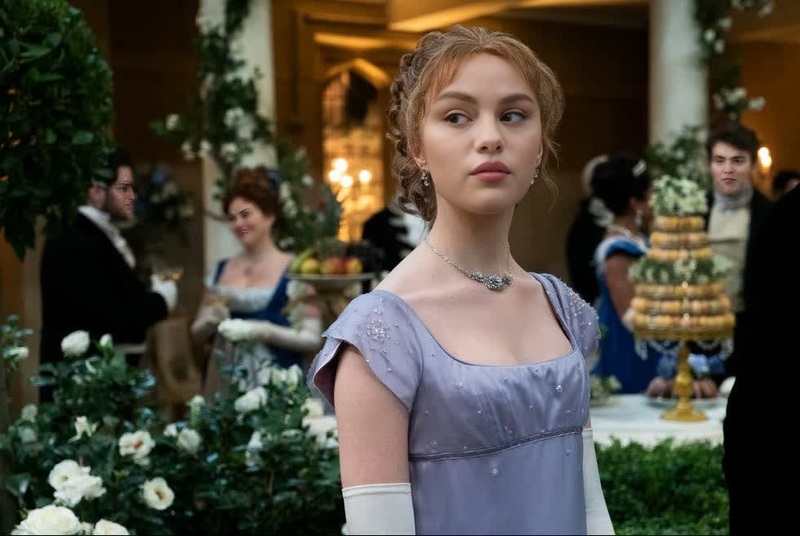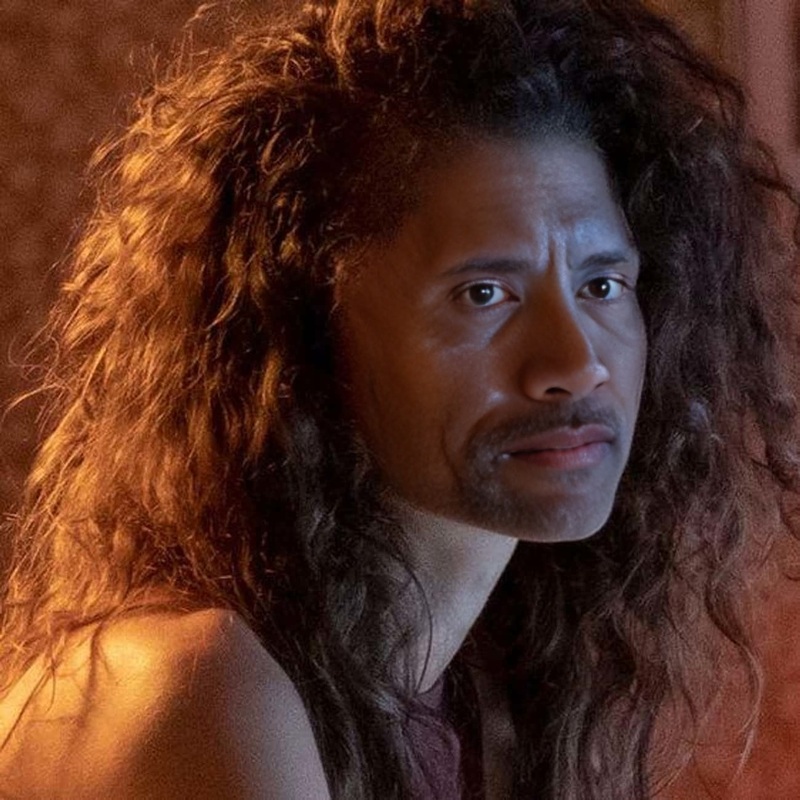
Sydney Sweeney Euphoria Season 2 Press Portrait
- Image
- 1472 × 936 px
Any aspect ratio
Overview
Looking to add a dash of celebrity allure to your projects? Our Sydney Sweeney Euphoria Season 2 Press Portrait template leverages a Video Face Swap technology to seamlessly integrate faces into your videos, emulating the style and essence of a popular star. Perfect for attracting attention on social media or crafting unique and creative content.
What It Does
This Video Face Swap template is designed to let you integrate your face into the iconic scenes associated with Sydney Sweeney's character from Euphoria's second season. The template ensures precision and style, preserving the nuances of expressions and shadows, delivering a professional-grade output every time.
Who It's For
Content creators, influencers, and video editors who wish to infuse their work with contemporary pop-culture references will find this tool indispensable. Whether you're making social media ads, enhancing personal projects, or developing product launch videos, this template is made for you.
Summary
Injecting a piece of television culture into your videos has never been simpler. Utilize this template for personal expression or to captivate your audience by combining familiar faces with captivating scenes. The outcomes are both engaging and shareable, urging viewers to watch again and again.
How-To Structure
Choose Template

Customize Inputs

Generate Video

Use Cases
Social Media Campaigns
- Engage followers with celebrity-influenced images.
- Customize memes with pop-culture references.
Marketing Videos
- Increase brand recall using trending visuals.
- Make adverts relatable and catchy.
Personal Projects
- Add flair to personal vlogs.
- Transform travel logs with unique face swaps.
Best Practices
Choose High-Quality Images
For the best face swap results, use high-resolution images that are well-lit and clear.Adjust Face Positioning
Make sure the angle of the replacement face matches the posture of the original face for natural-looking results.Consider Context
Pick scenes where the face swap seems natural to avoid uncanny results and ensure viewer engagement.