Rue Bennett Euphoria
- Image
- 1300 × 1300 px
Any aspect ratio
Overview
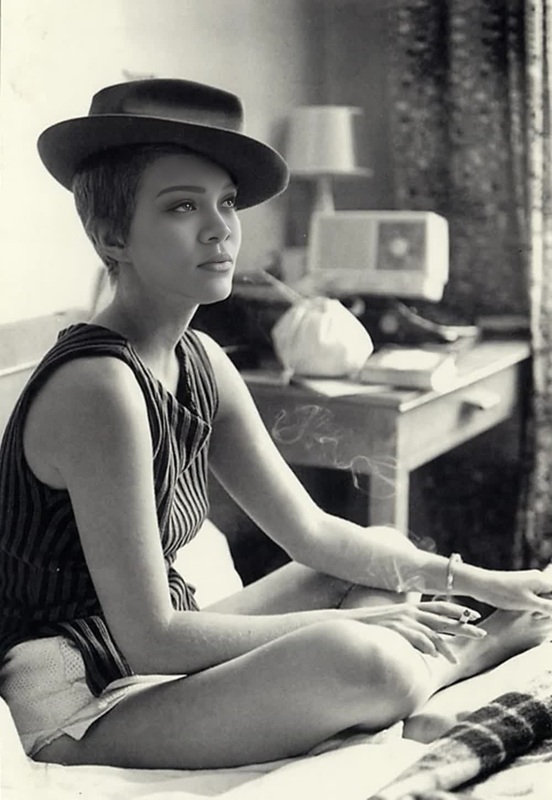
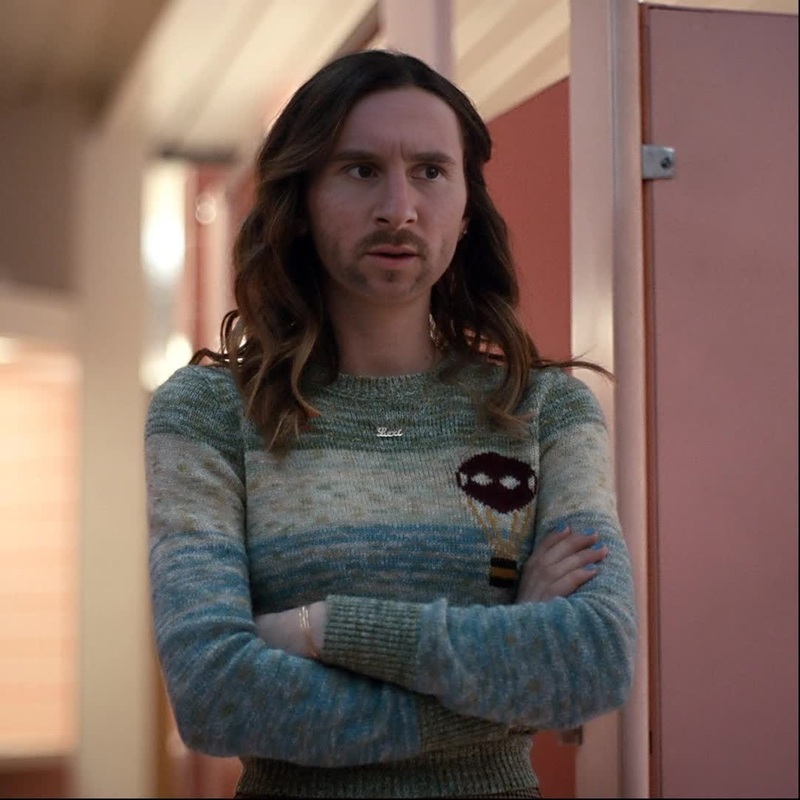
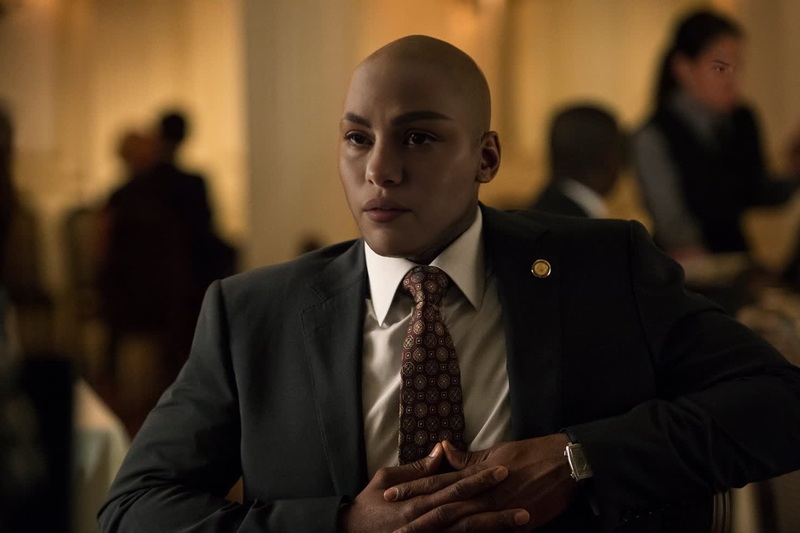
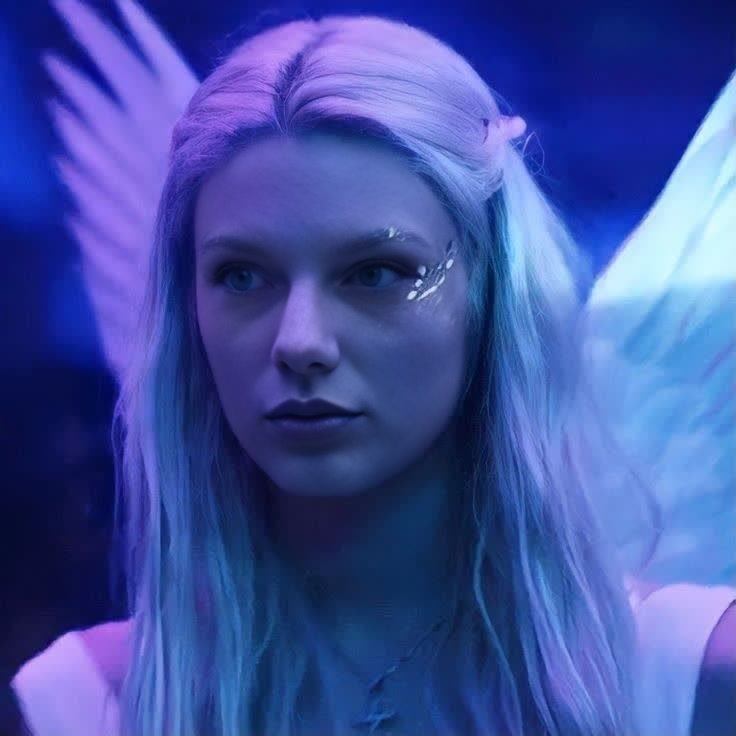
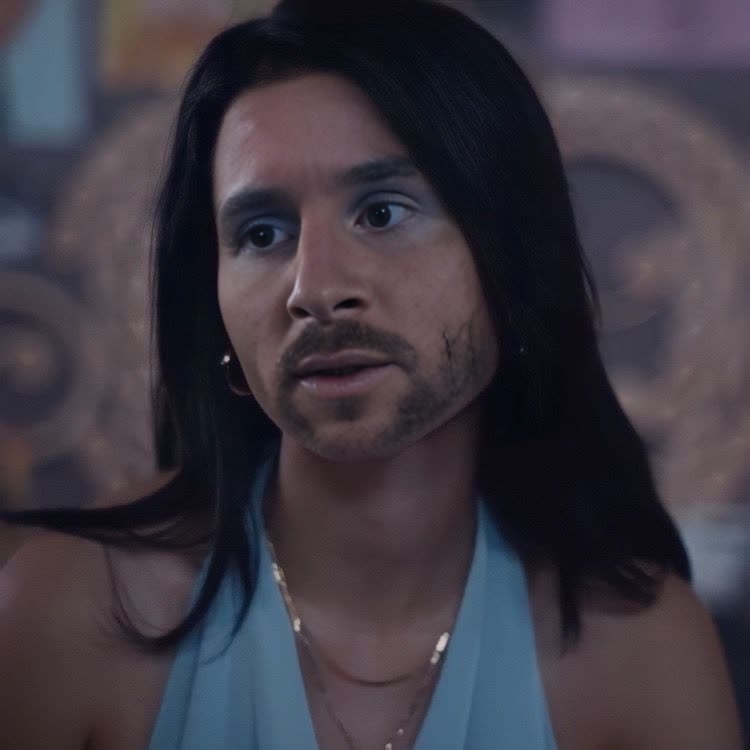
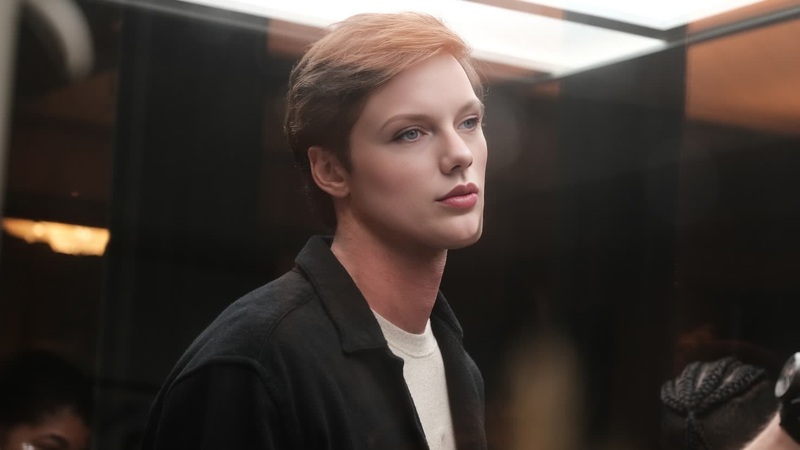
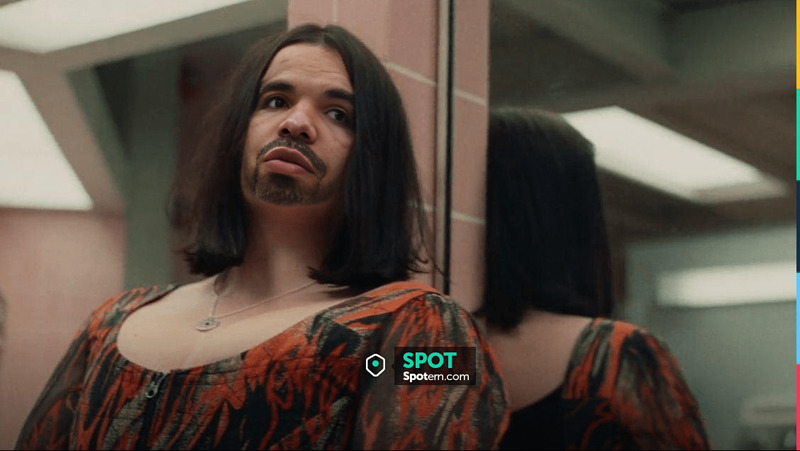
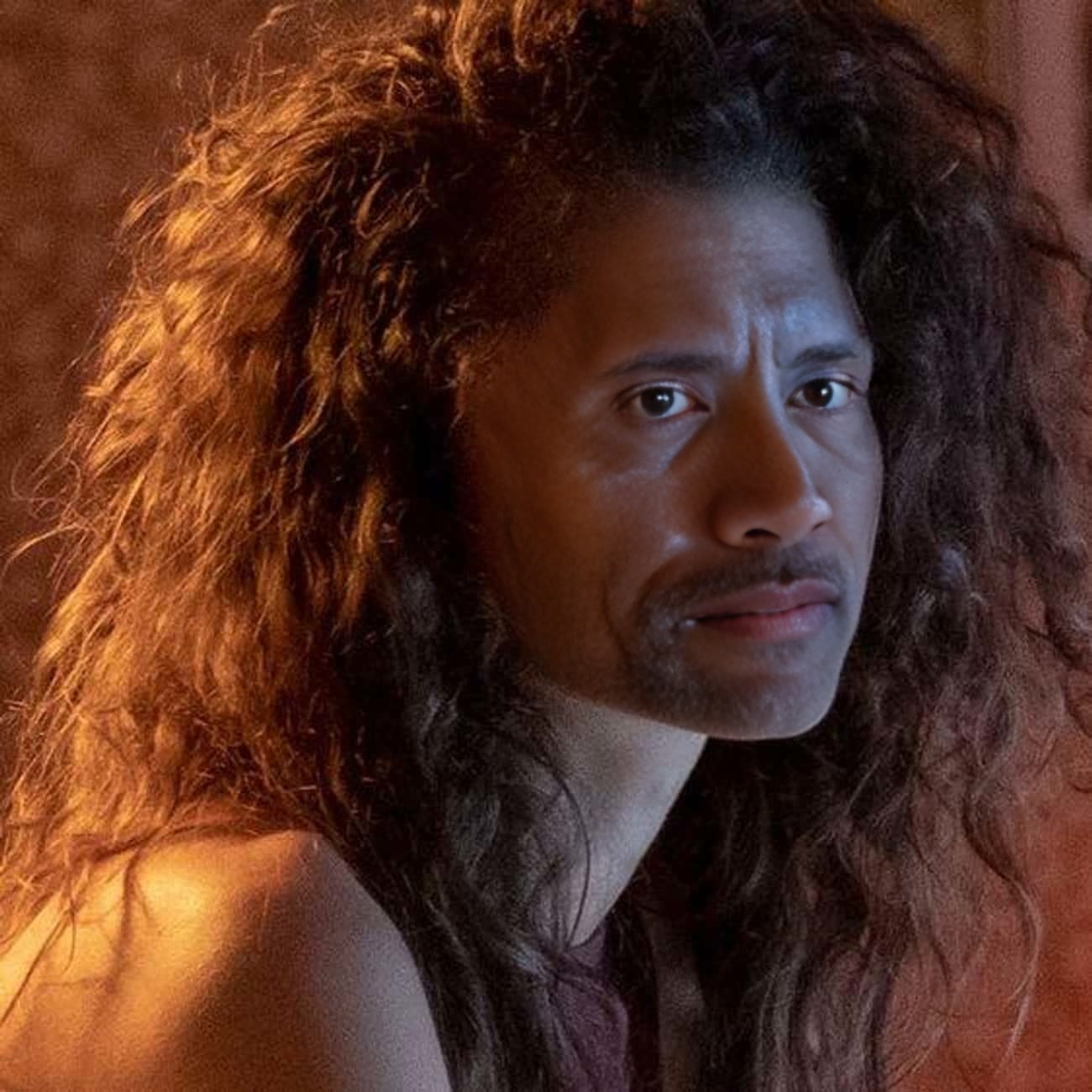
Step into the world of "Euphoria" with our Rue Bennett Video Face Swap template. This tool lets you insert your face or a client's face into scenes featuring the iconic character Rue, offering a unique and dynamic transformation opportunity.
What It Does
This template uses facial recognition technology to replace faces in video scenes with your selected faces. Use this template to create engaging and personalized content that stands out, especially if you're a fan of "Euphoria." Pair it with other tools like the AI Video Generator for even more impactful content creation.
Who It's For
This template is perfect for content creators, marketers in the entertainment industry, and fans of the show looking to create engaging social media content. It's also ideal for those interested in exploring the capabilities of AI in arts and entertainment. Use with the Face Swap product for broader applications.
Summary
The Rue Bennett Video Face Swap template offers an accessible way to make your video content more interactive and engaging. By combining it with tools like the AI GIF Generator, users can maximize their creativity and output compelling content with ease.
How to Use
Choose Template

Customize Your Content

Generate Your Video

Use Cases
Social Media Content
- Increase engagement
- Leverage trending topics
Marketing Campaigns
- Boost brand visibility
- Engage target audiences creatively
Content for Fans
- Create fan tributes
- Encourage fan interactions
Best Practices
High-Quality Images
For the best results, upload high-resolution images. This helps ensure the video output is clear and realistic.Experiment with Lighting
Adjusting the video lighting settings can make the swap look more natural and seamless.Track Latest Trends
Use this template alongside AI Talking Photo for trending content opportunities.