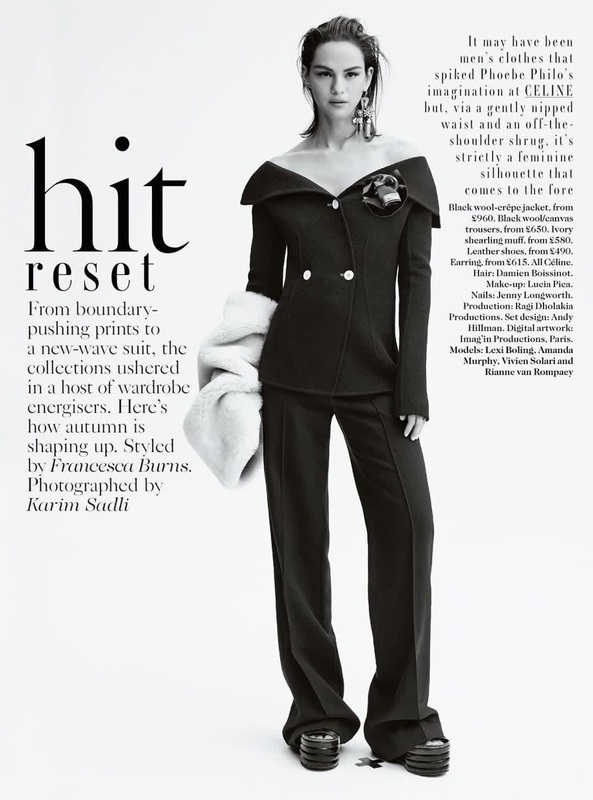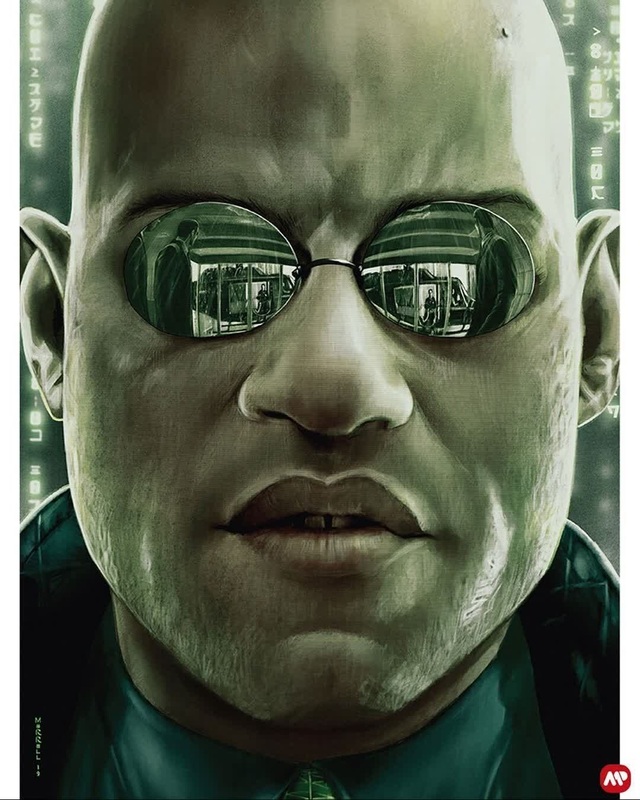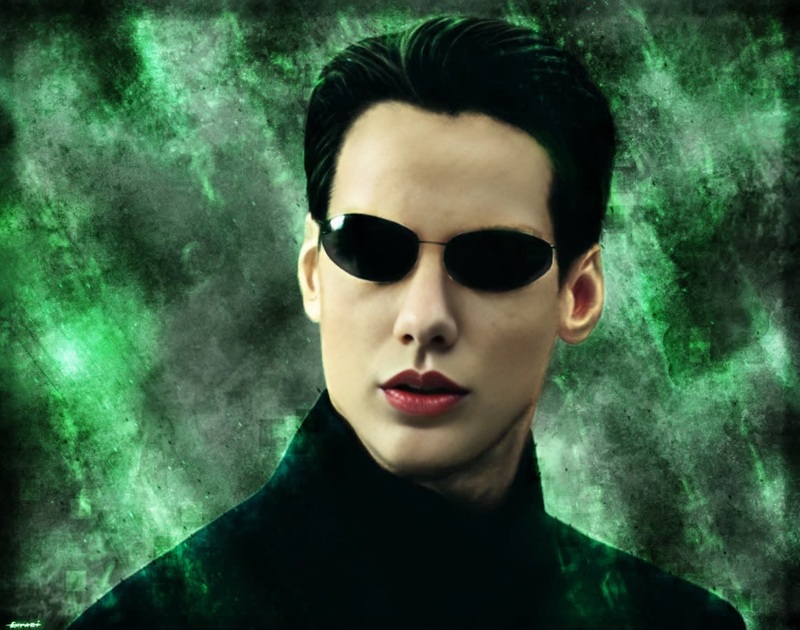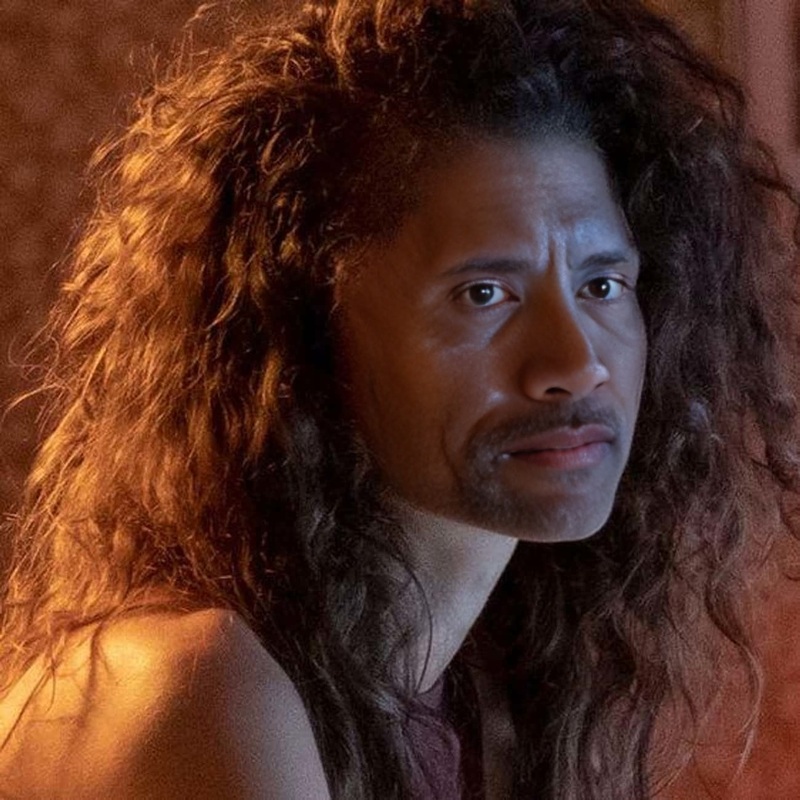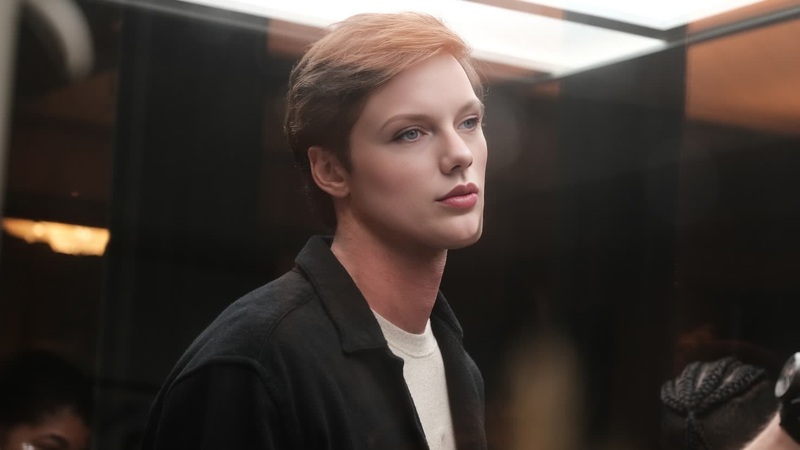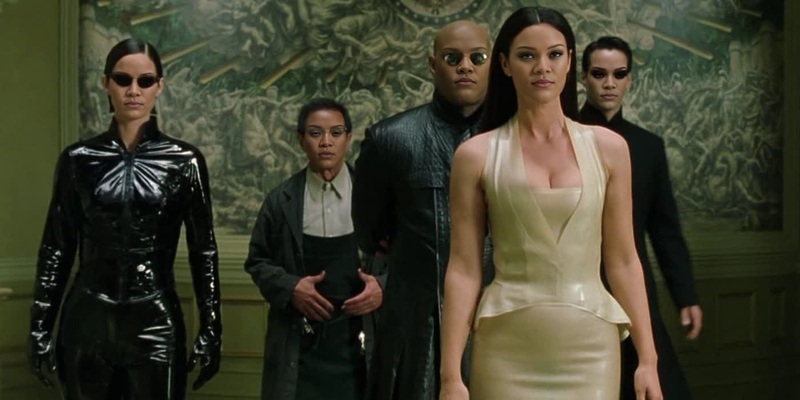
Lexi Howard Euphoria
- Image
- 1080 × 1080 px
Any aspect ratio
Overview
Transform your video content with the Lexi Howard Euphoria Video Face Swap template. This powerful tool allows you to swap faces in your videos, adopting the iconic style of Lexi Howard from Euphoria. Perfect for creating memorable and entertaining content.
What It Does
This template performs intricate Video Face Swap by integrating the likeness of Lexi Howard into your scenes. The result is a seamless transformation that captures the character's authentic vibe. This tool supports common video formats, making it easy to produce content for various platforms.
Who It's For
Ideal for content creators, social media influencers, and fans of Euphoria seeking to add a creative twist to their videos. It's also a valuable tool for video producers looking to experiment with character-driven scenes and add a new dimension to their storytelling.
Summary
Enhance your video productions with a quick and effective face swap transformation using the Lexi Howard Euphoria template. For those interested in more options, explore our full range of Body Swap and AI Image Generator tools to expand your creative potential.
How to Use the Template
Choose your template

Customize your content

Generate your video

Use Cases
Social Media Content
- Instagram posts
- TikTok videos
Fan Edits
- Tribute videos
- Scene reenactments
Marketing Campaigns
- Brand storytelling
- Character-driven ads
Best Practices
Ensure High-Quality Source Material
Use videos with clear lighting and minimal obstructions to achieve the best face swap results.Experiment with Angles and Expressions
Try various angles and expressions to make the face swap look more natural and engaging.Review and Fine-Tune
Always review the final output and make adjustments as needed to ensure the face swap aligns with your creative vision.