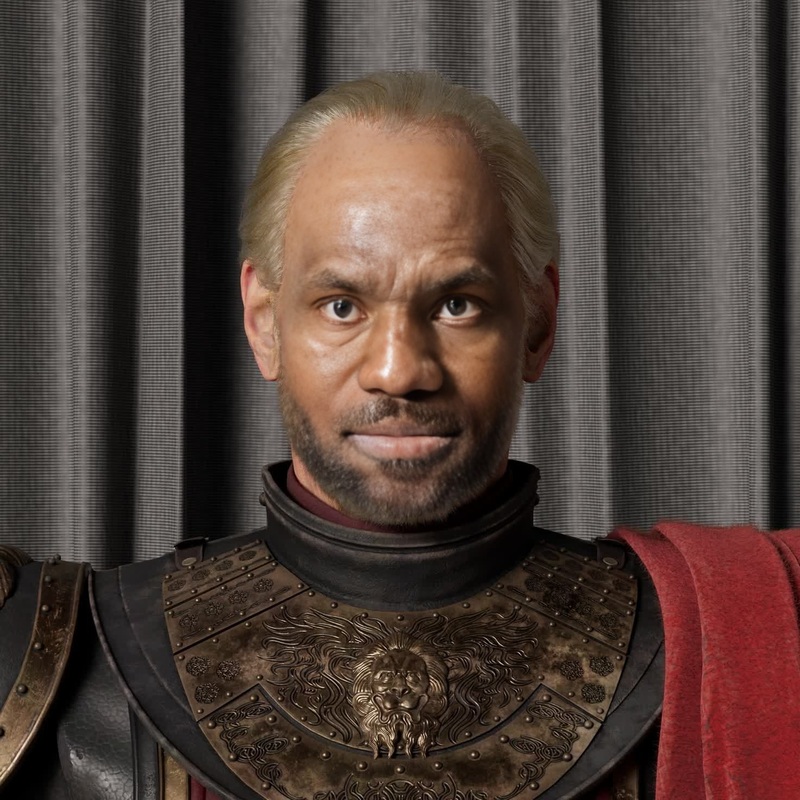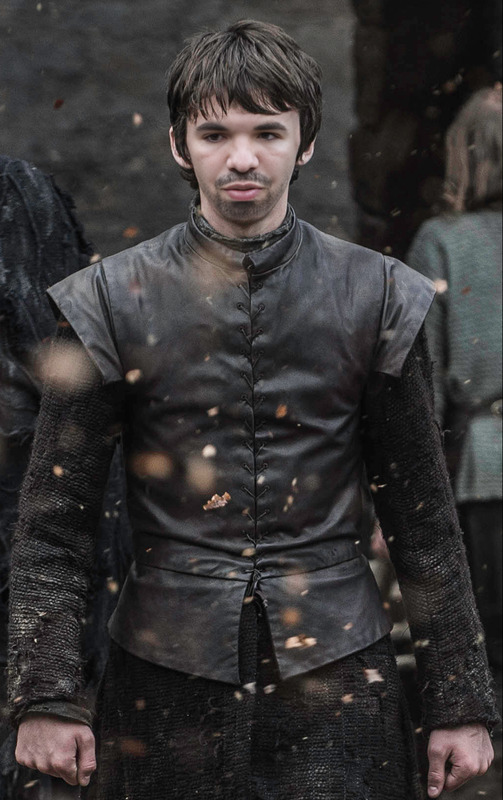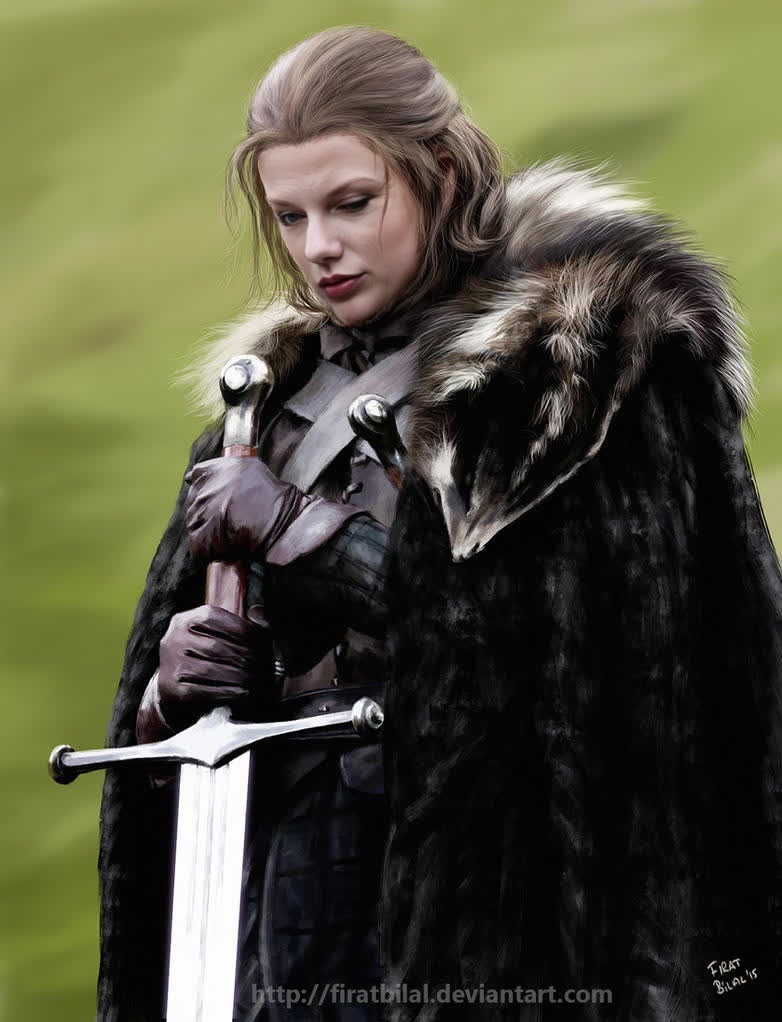
Ned Stark Game Of Thrones
- Image
- 782 × 1022 px
Any aspect ratio
Overview
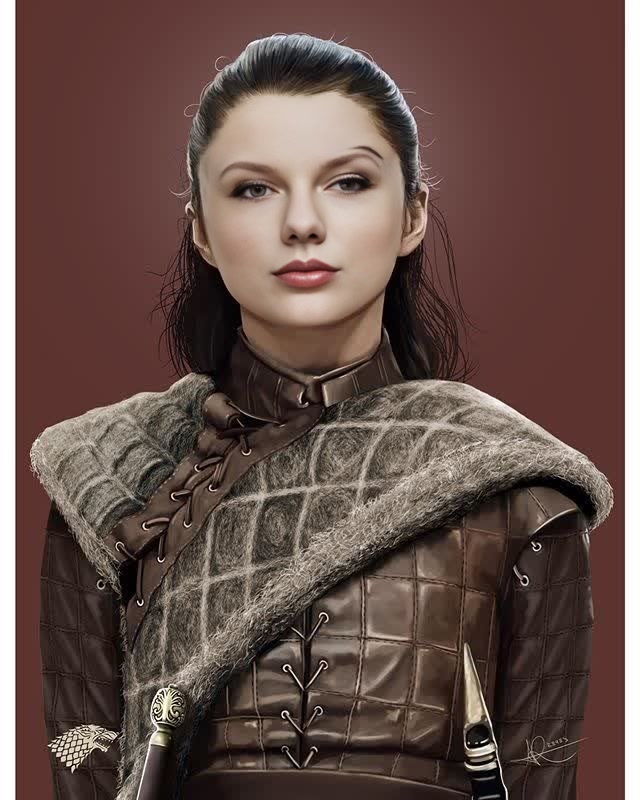
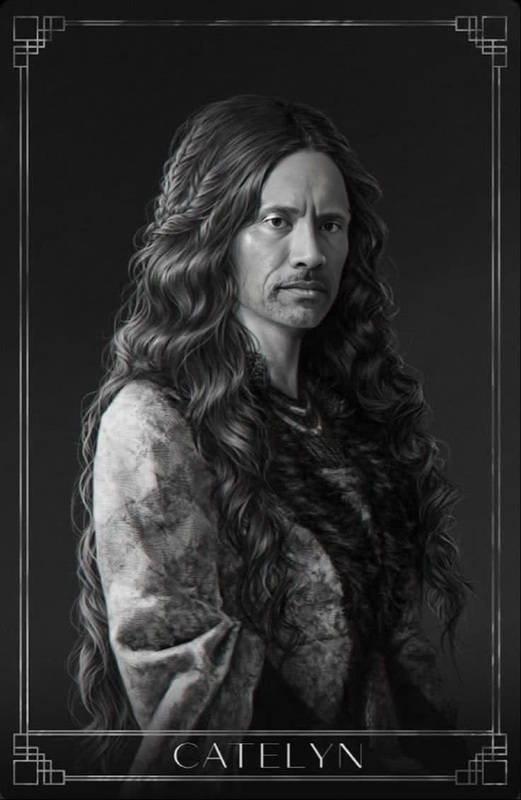
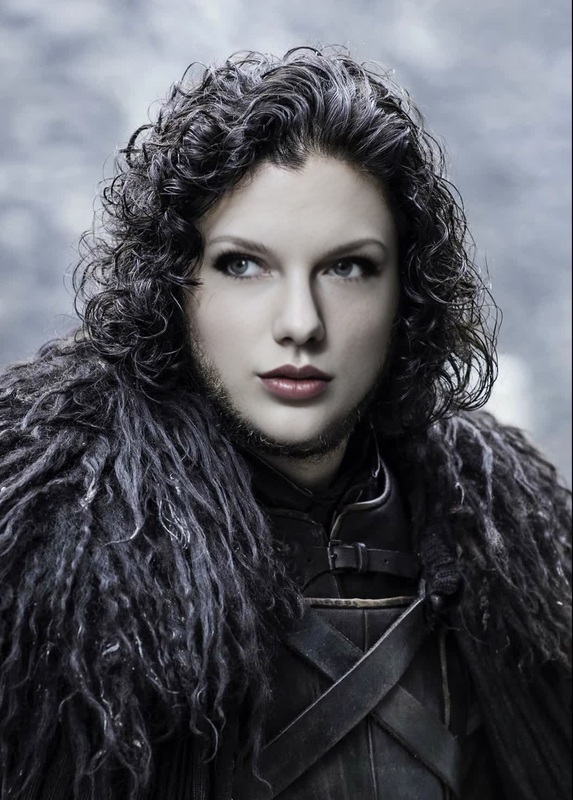
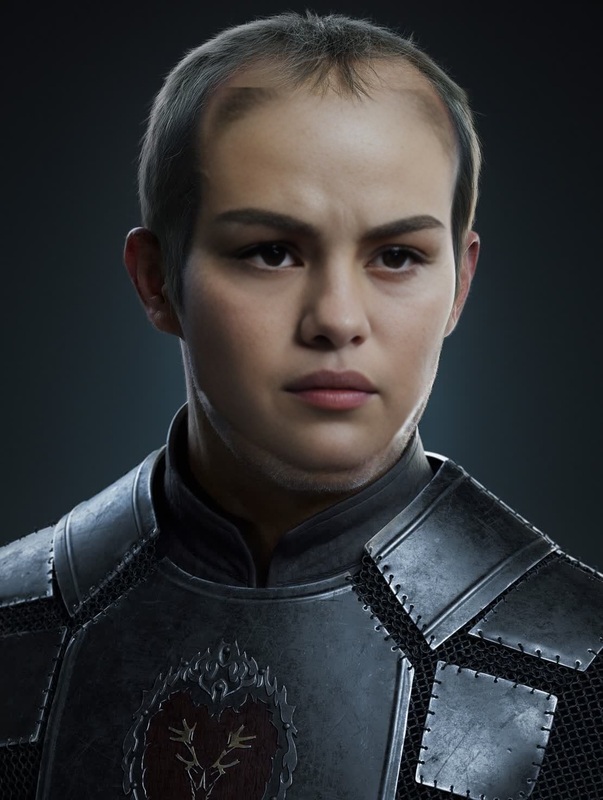
Step into the shoes of a legendary Game of Thrones character with our Ned Stark Video Face Swap template. Perfect for those who want to add a piece of Westeros to their own creations, this template allows you to transform into the honorable Ned Stark. Delight your audience on platforms like social media or private sharing by embodying this iconic character.
What It Does
The Ned Stark Video Face Swap template utilizes advanced AI technology to swap your face with Ned Stark’s from Game of Thrones. The template is part of our Face Swap suite, ensuring high-quality transformations that maintain the essence and integrity of the source video. It supports various video formats, making integration with other creative projects smooth and straightforward.
Who It's For
This template is ideal for Game of Thrones enthusiasts, content creators, and marketers looking to engage their audience with pop-culture references. Whether you're creating a themed party invitation, a fun social media post, or including it in a creative project, this template brings a touch of fantasy to any project. Professionals in advertising or entertainment will find it particularly useful for viral marketing campaigns.
Summary
Our Ned Stark Video Face Swap template not only allows you to don the appearance of the Warden of the North but also enriches your video content with beloved cultural themes. It fits seamlessly with other Video to Video tools, allowing you to explore even more creative avenues. Try it today as part of our comprehensive AI Video Generator series.
How To
Choose the Template

Customize Your Inputs

Generate and Share

Use Cases
Social Media Content
- Create memes
- Share on Instagram and TikTok
- Enhance story content
Marketing Campaigns
- Viral video marketing
- Cultural references in ads
- Character-based promotions
Entertainment Projects
- Fan-made trailers
- Short film projects
- Themed event videos
Best Practices
Use High-Quality Source Videos
Ensure that the video you upload is of high resolution, with good lighting and a clear view of the face to get the best face swap results.Check Compatibility
Verify that your video format is supported by the tool. Common formats like MP4 are often preferred for consistent performance.Consider Context
Use the swap in thematically relevant settings to maximize engagement and authenticity.