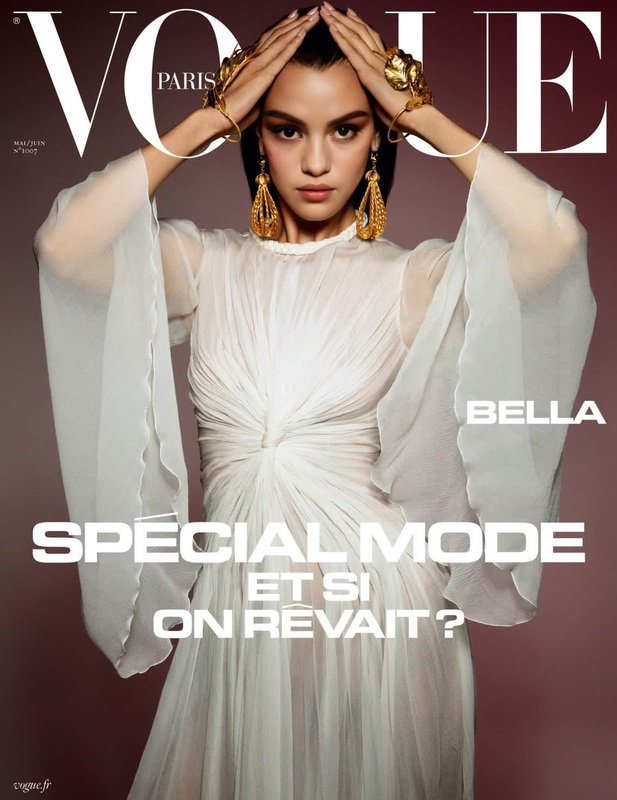
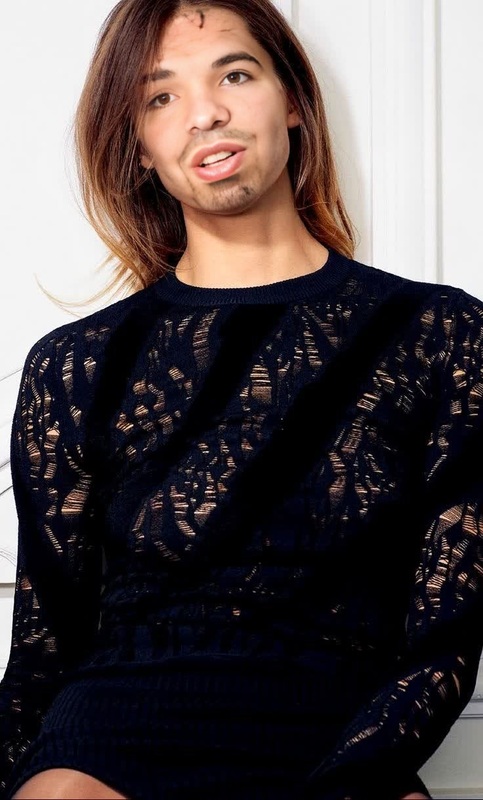
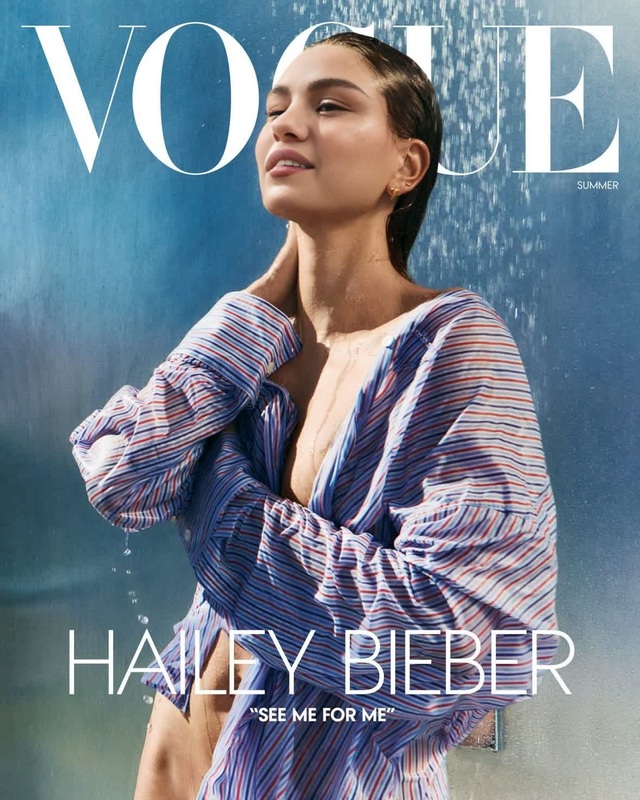
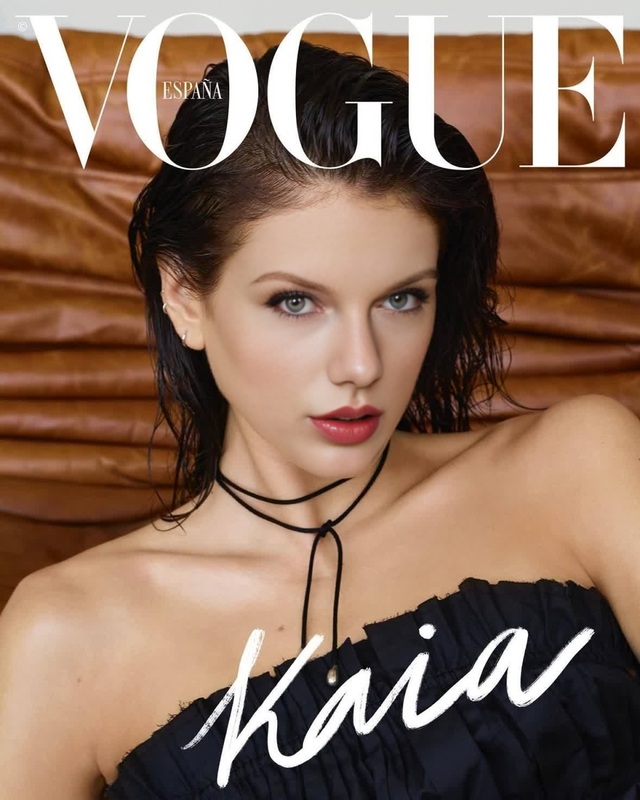
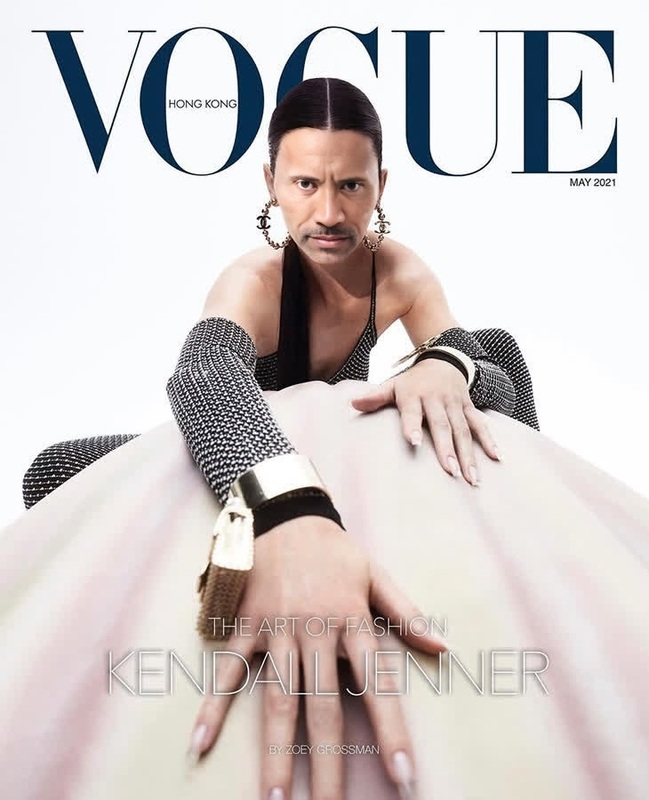
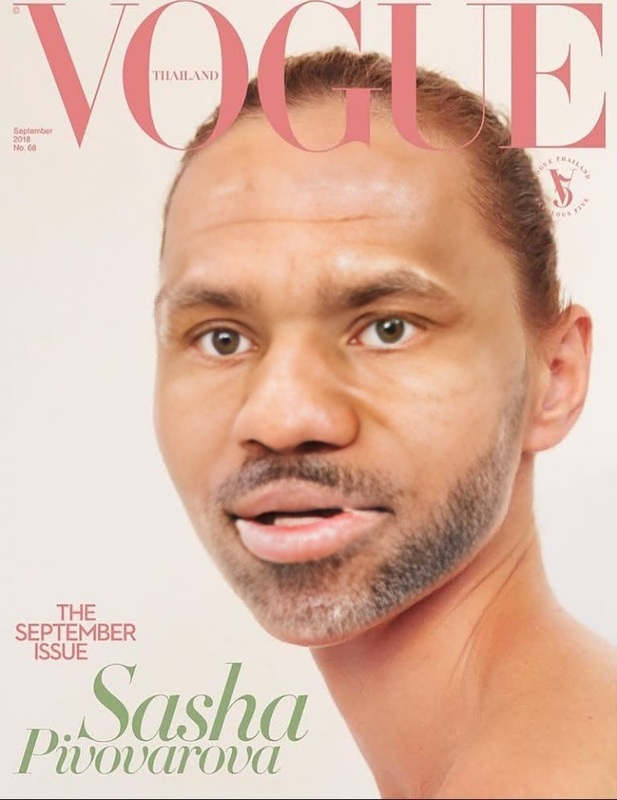
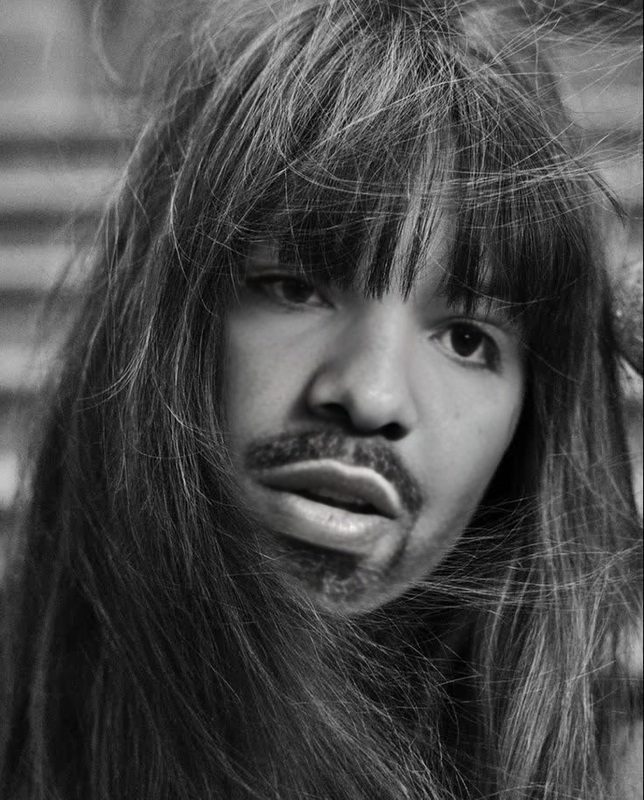
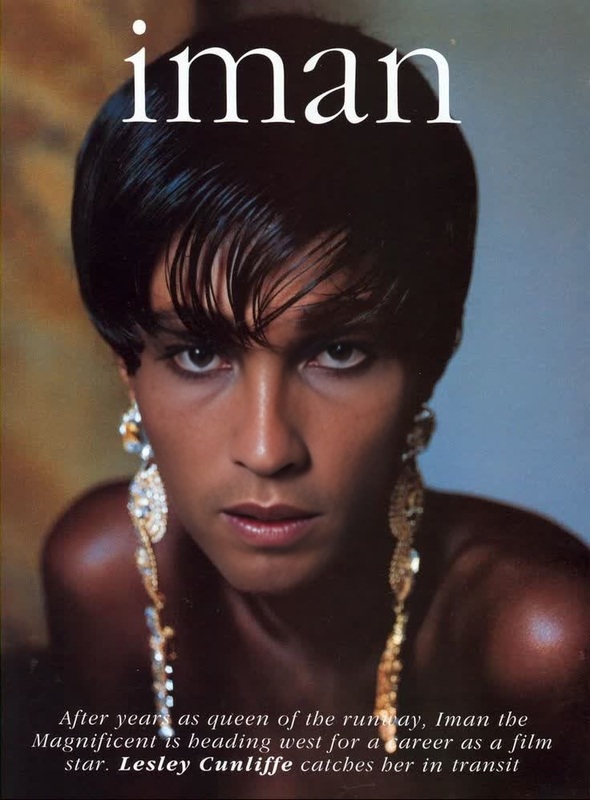
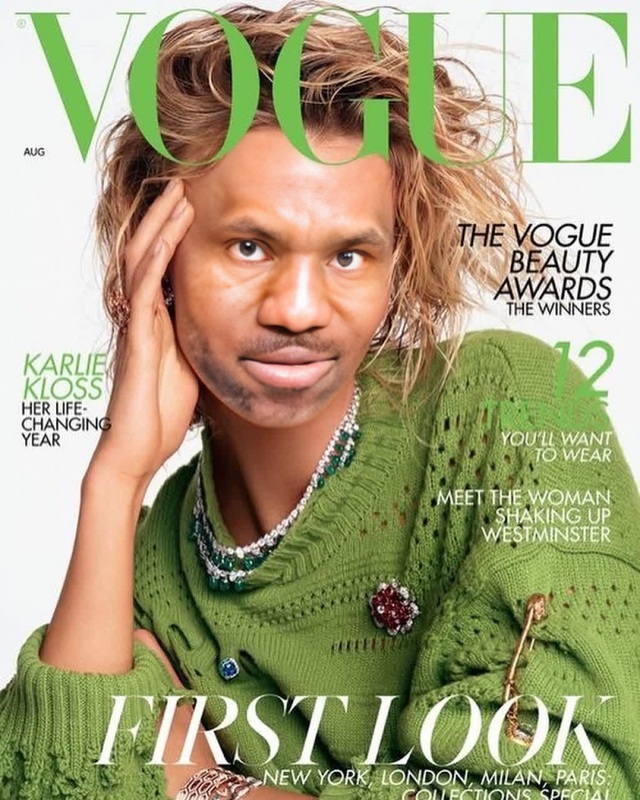
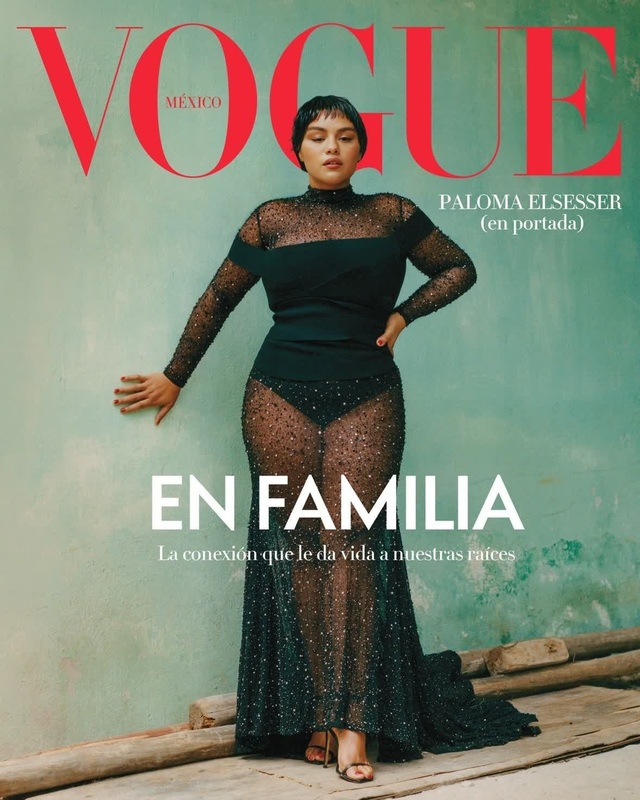
Sofia Richie Vogue Editorial Portrait
face-swap
Any aspect ratio
Tags
transformationsTransform any video into a cinematic face-swap clip in minutes with Magic Hour’s Face Swap Video template. This template is built on Magic Hour’s production-grade Face Swap engine and is ideal for creators, marketers, and founders who need fast, realistic results without manual masking, keyframing, or VFX tools.
What this template does
This template takes:
- A source face (a portrait or selfie)
- A target video (your original footage, stock clip, or animation)
…and automatically replaces the face in the video with the source face, preserving:
- Head pose and movement
- Facial expressions
- Lighting and shadows
- Overall style and motion
Use it for:
- UGC-style ads and performance creatives
- Concept tests and “will this angle work?” prototyping
- Quick client mockups and pitch visuals
- Character swaps for social content, memes, or narrative videos
Behind the scenes, it uses the same core technology as Magic Hour’s Face Swap Video and Face Swap GIF products, so you get consistent, high-quality swaps across formats.
How to remix this template in Magic Hour
You can clone this setup and create your own version in a few steps:
Open Face Swap Video
- Go to Face Swap Video.
- This is the base product this template is built on.
Choose your target video
- Upload your own footage (talking head, vlog, interview, b‑roll, product demo, etc.).
- Or start from an existing Magic Hour video you generated using:
Add your source face
- Upload a clear face image (selfie, headshot, or character).
- For best results:
- Use a frontal or 3/4 view, with both eyes visible
- Avoid heavy occlusion (hands, sunglasses, extreme shadows)
- Use a reasonably high-resolution image (you can enhance first with the AI Image Upscaler)
Generate and review
- Run the face swap and preview the output.
- Iterate quickly: swap a different source face, try another target clip, or feed in a new base video created with AI Image Generator + Image to Video.
Because this is template-based, you can build a repeatable pipeline: same video structure, new faces for each campaign, persona, or localization.
Practical use cases
This template is optimized for creators working under deadline and budget constraints. Common patterns:
1. Ad creatives and UGC at scale
- Record one “perfect” base performance, then swap in different faces to test:
- Demographics and personas
- Creator variations
- Different brand spokespeople or influencers
- Combine with:
- AI Talking Photo for rapid talking avatars
- Lip Sync to sync mouth movement to new scripts or languages
- AI Voice Generator or AI Voice Cloner to match voices to faces
2. Product demos and explainer content
- Keep a single, polished storyboard and simply change the “on-screen narrator” using face swaps.
- If you don’t have original footage, generate your host or character with:
Then turn that image into motion and swap faces as needed.
3. Concept tests, pilots, and previsualization
- Swap in mock actors, founders, or customers to:
- Test casting options
- Validate storyboards and shot choices
- Create investor pitch visuals without full production costs
You can sketch concepts with AI Art Generator or AI Photo Generator, animate them using Image to Video or Animation, and then face-swap to match your final casting.
4. Social content, memes, and short-form formats
- Quickly produce memeable clips for TikTok, Reels, and Shorts.
- Combine with:
- AI Meme Generator for captions and concepts
- AI GIF Generator for loopable reactions
- Face Swap GIF when you just need short, shareable loops
How this template fits into a full Magic Hour workflow
Advanced users often chain multiple Magic Hour tools together around this template. For example:
1. Design your character or persona
- Generate unique faces or characters with:
2. Prepare the base video
- Record real footage, or generate one using:
You can refine visuals with:
3. Apply this Face Swap template
- Use Face Swap Video as the core step.
- Once your swap is done, you can:
4. Enhance and finalize
- Improve clarity: Video Upscaler or AI Image Upscaler for thumbnails.
- Add automatic captions with the Auto Subtitle Generator.
- Generate thumbnails and cover art with:
Tips for high‑quality, realistic face swaps
To get production-ready output with this template:
Use clean, well-lit sources
- Neutral or soft lighting on the face
- Minimal motion blur in the target video
- Avoid extremely low-resolution footage; upsample stills first with AI Image Upscaler if needed
Match style and angle
- Faces that roughly match the target actor’s head angle and framing tend to produce the most natural results.
- For very stylized content (anime, comics, fantasy), generate your source face with tools like:
Iterate quickly
- Treat this template like a rapid prototyping tool. Run multiple variants, review, and keep the best-performing swaps for final export.
Ethical and brand considerations
Professional teams typically use face swap systems with:
- Clear consent from anyone whose likeness is used.
- Transparent policies in contracts, creator agreements, and brand safety guidelines.
- Context‑appropriate use (e.g., avoiding misleading political content, impersonation, or deceptive endorsements).
This template is designed to help you move faster once you have those guardrails in place.
Related templates and tools worth exploring
If you like this Face Swap template, you may also want to explore:
- Lip Sync — make your swapped faces speak new scripts or languages.
- AI Talking Photo — animate a single image into a talking avatar.
- AI Voice Cloner — match on‑screen faces with custom voices.
- AI Clothes Changer and AI Fashion Generator — restyle on‑screen talent without reshoots.
- AI Face Editor and Gender Swap — experiment with transformations before or after swapping.
How to adapt this template for your own stack
Teams often integrate this kind of template into:
- Content pipelines:
- Generate a weekly batch of short-form ads, each re‑faced for different markets.
- A/B testing frameworks:
- Keep the same script and edit, only change faces and voices to see which persona converts best.
- Internal tools and prototypes:
- Use Magic Hour’s SaaS tools as the “visual backend” for internal demo builders, concept generators, or creative testing apps.
Start by remixing this template in Face Swap Video, then layer on Lip Sync, Text to Video, and Image to Video as you evolve your pipeline.
Use this template as a reliable base: one place where you know the face swap will track realistically, expression-to-expression, frame-by-frame. Remix it for new campaigns, new characters, and new markets without reinventing your video workflow each time.