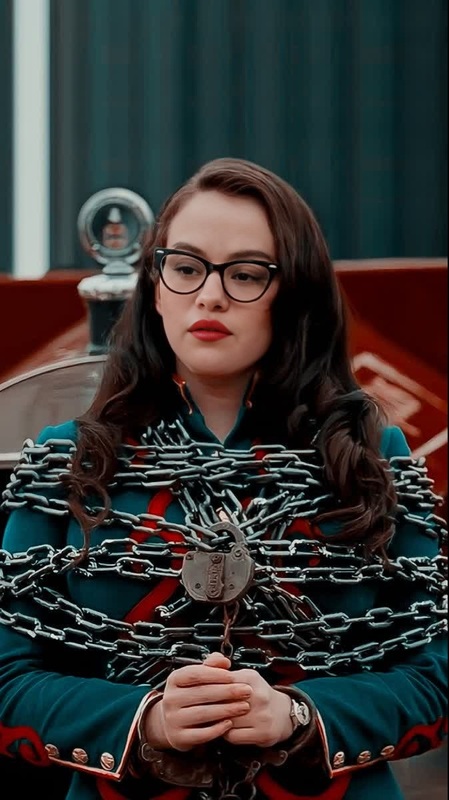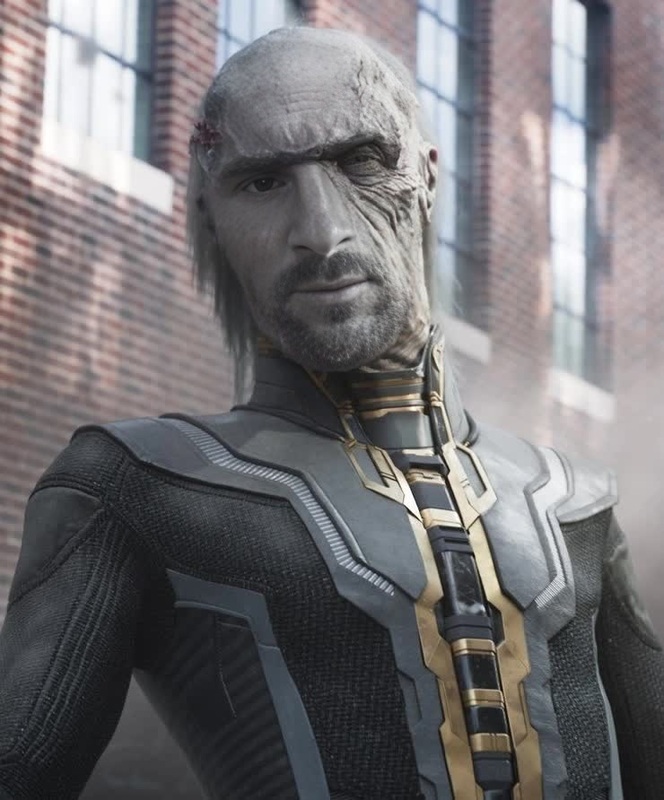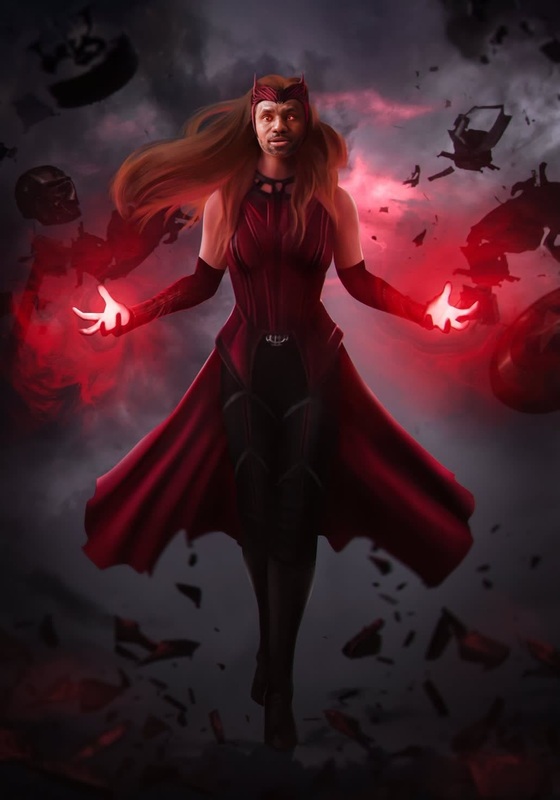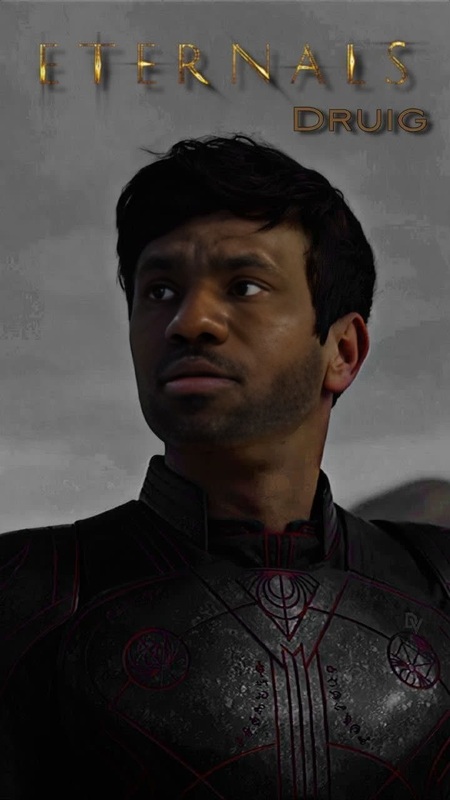
Hope Van Dyne Wasp Marvel Cinematic Universe
- Image
- 426 × 600 px
Any aspect ratio
Overview
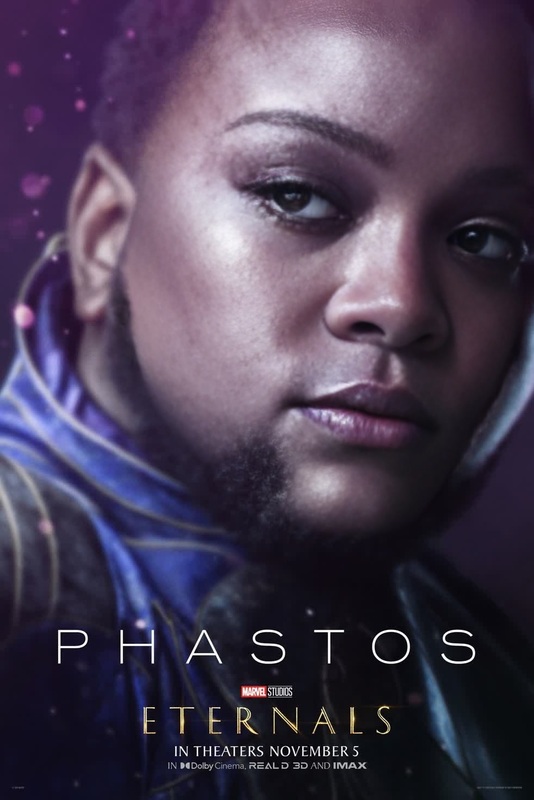
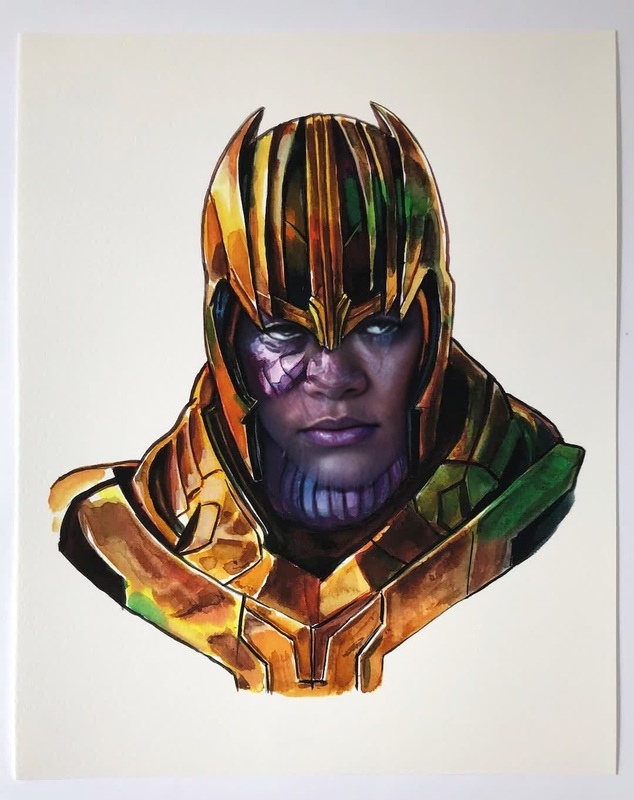
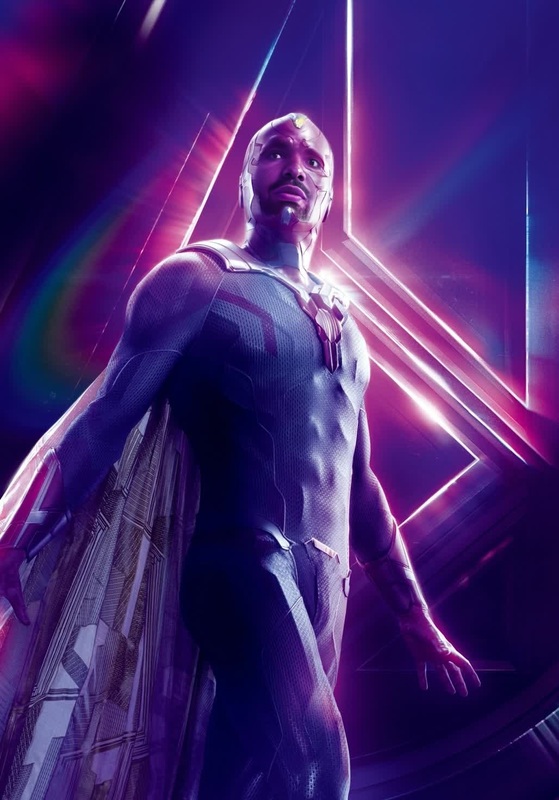
Bring the excitement of the Marvel Cinematic Universe directly into your own videos with our Hope Van Dyne Wasp Video Face Swap template. This transformative tool allows you to swap faces seamlessly, adopting the appearance of Hope Van Dyne, aka The Wasp, played by Evangeline Lilly.
Perfect for enthusiasts looking to create a unique twist on their video content, this template enables both casual users and professionals to experiment with advanced video editing techniques.
What It Does
This Video Face Swap template takes any video clip and replaces the visage of one of the characters with Hope Van Dyne from the MCU. Users can upload their video in common file formats and watch as the transformation unfolds, thanks to state-of-the-art AI.
The tool utilizes robust facial recognition and mapping technologies to ensure the swap looks realistic and engaging.
Who It's For
Our Hope Van Dyne Wasp template caters to Marvel fans, video content creators, and those seeking to reinvent character appearances. Whether you're crafting fan art or simply experimenting with video effects, this tool provides the functionality needed by both hobbyists and professional editors.
Summary
Unleash your creativity with the Hope Van Dyne Wasp template. Swap faces in your video projects and achieve that blockbuster look with ease. Get started today and see why this template is a go-to for multiplatform content creation.
Explore Magic Hour's AI Video Generator to further enhance your video editing projects with additional creative features.
How To
Choose Your Template

Customize Your Inputs

Generate and Download

Use Cases
Fan-Made Trailers
- Enhance storytelling by introducing new faces.
- Make creative reinterpretations of popular scenes.
Social Media Content
- Stand out with an innovative transformation effect.
- Generate buzz with eye-catching visuals.
Personal Projects
- Impress friends with fun, edited clips.
- Learn about video editing through hands-on practice.
Best Practices
Choose High-Quality Footage
For the best results, use high-resolution videos where the subject's face is clearly visible. This leads to a more convincing face swap.Ensure Proper Lighting
Optimal lighting helps maintain facial details necessary for a seamless transformation. Avoid low-light settings that may obscure expressions.Experiment with Angles
Different angles can affect how the face swap appears. Test several angles to see which offers the most natural-looking result.
Frequently asked questions
More Like This