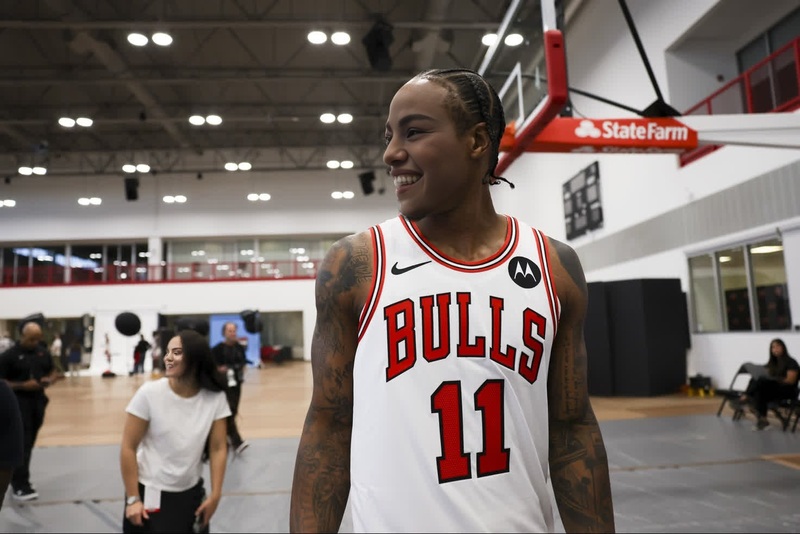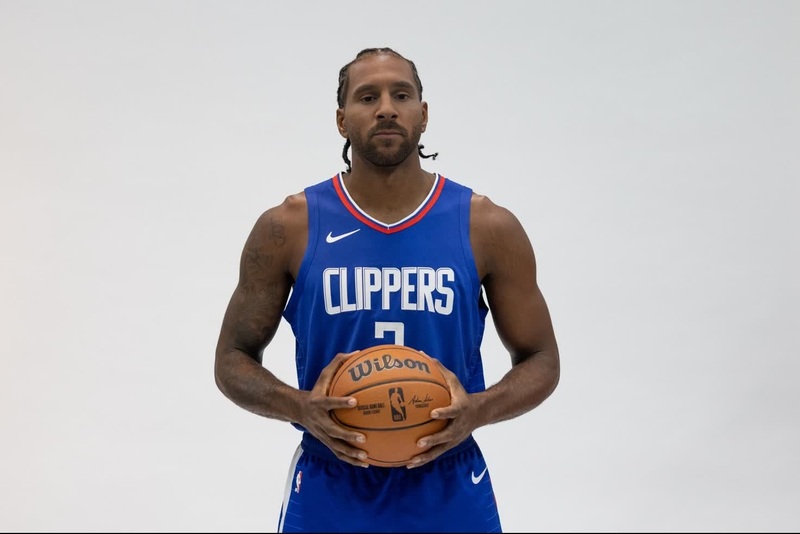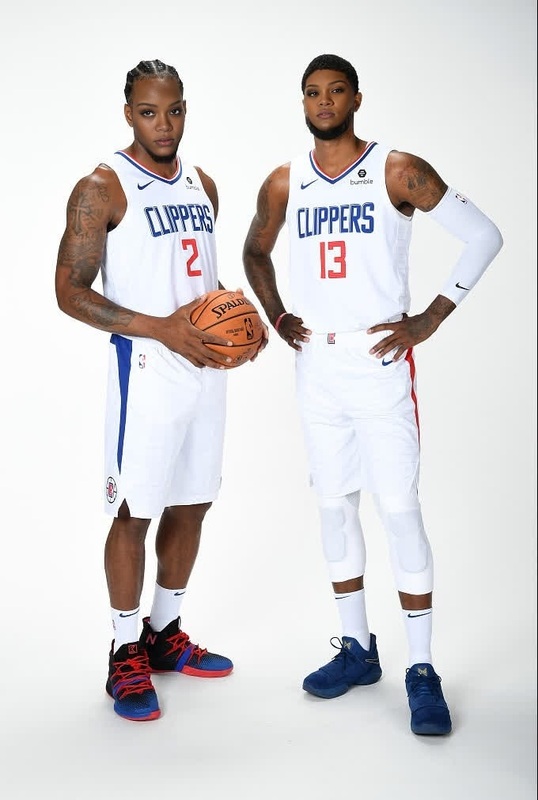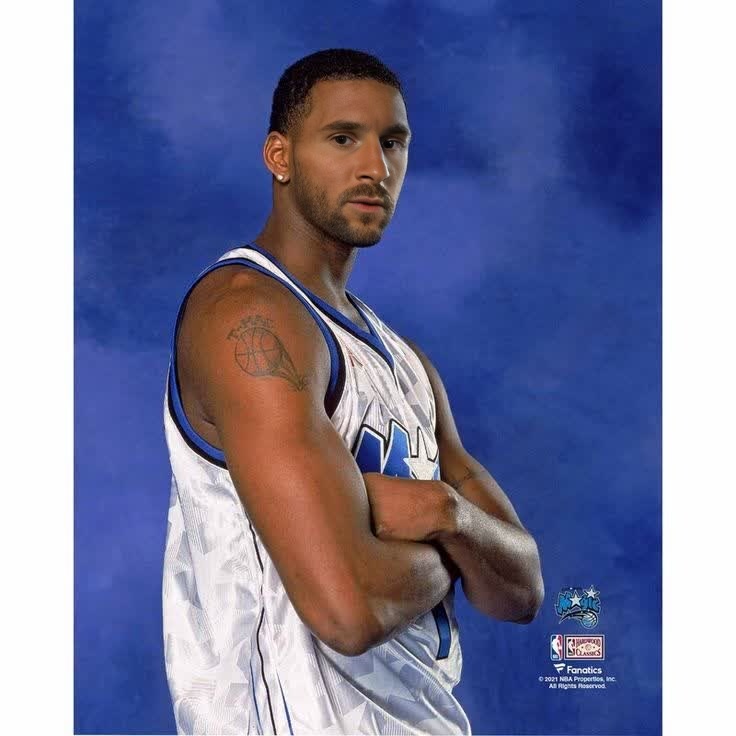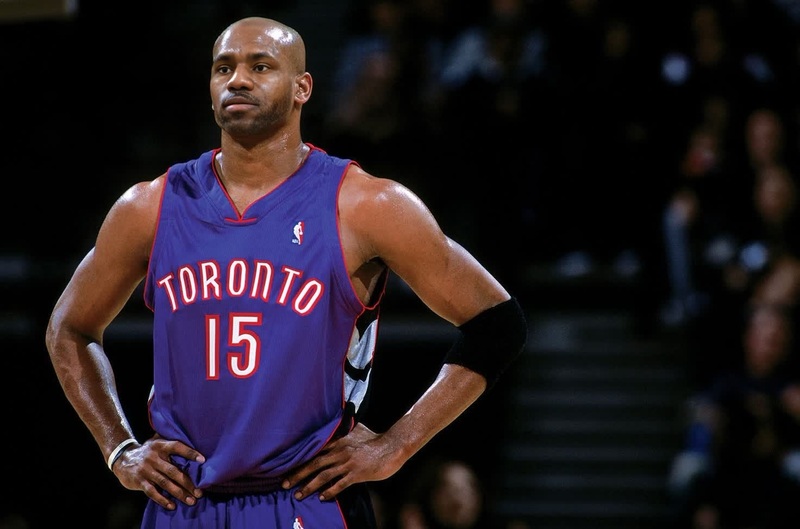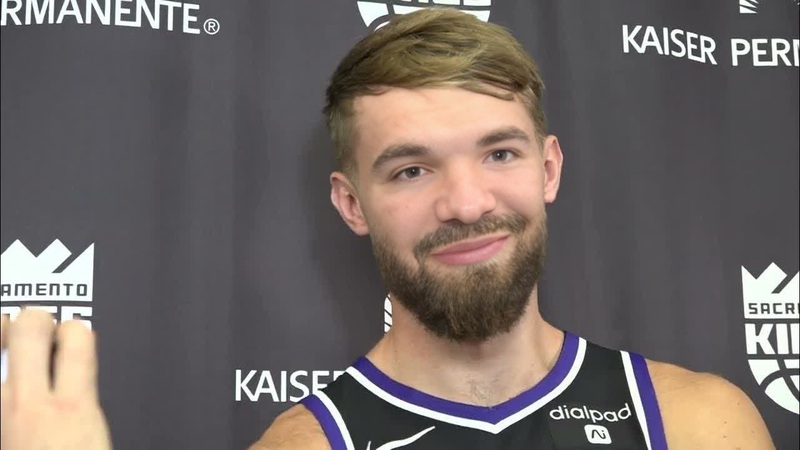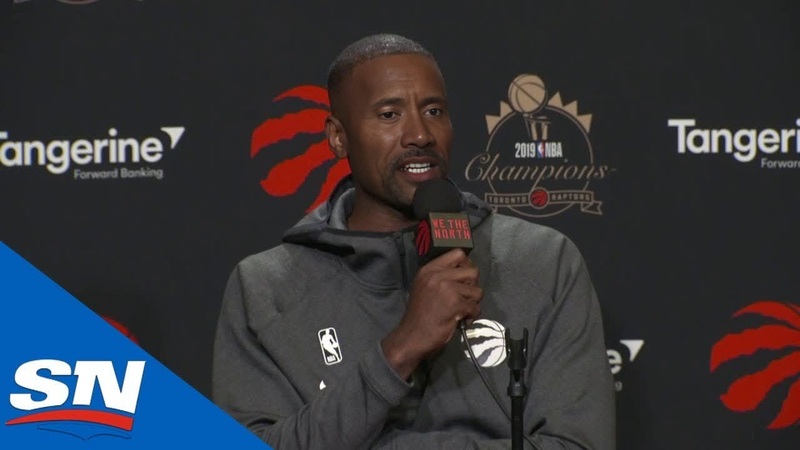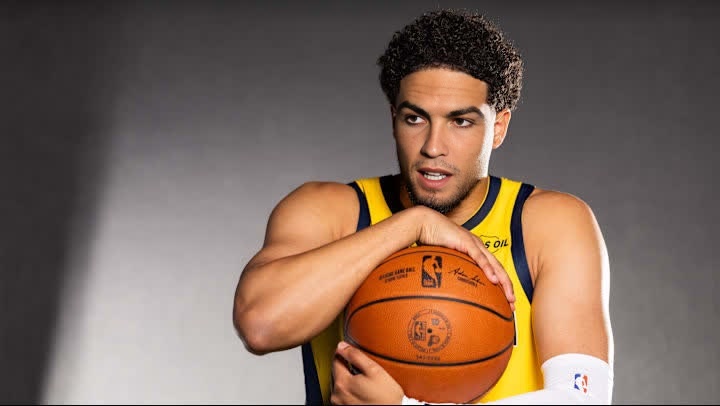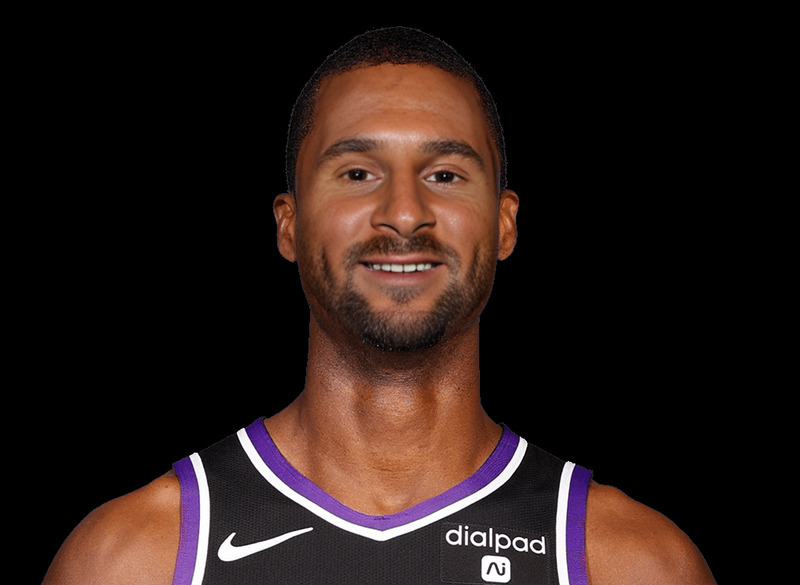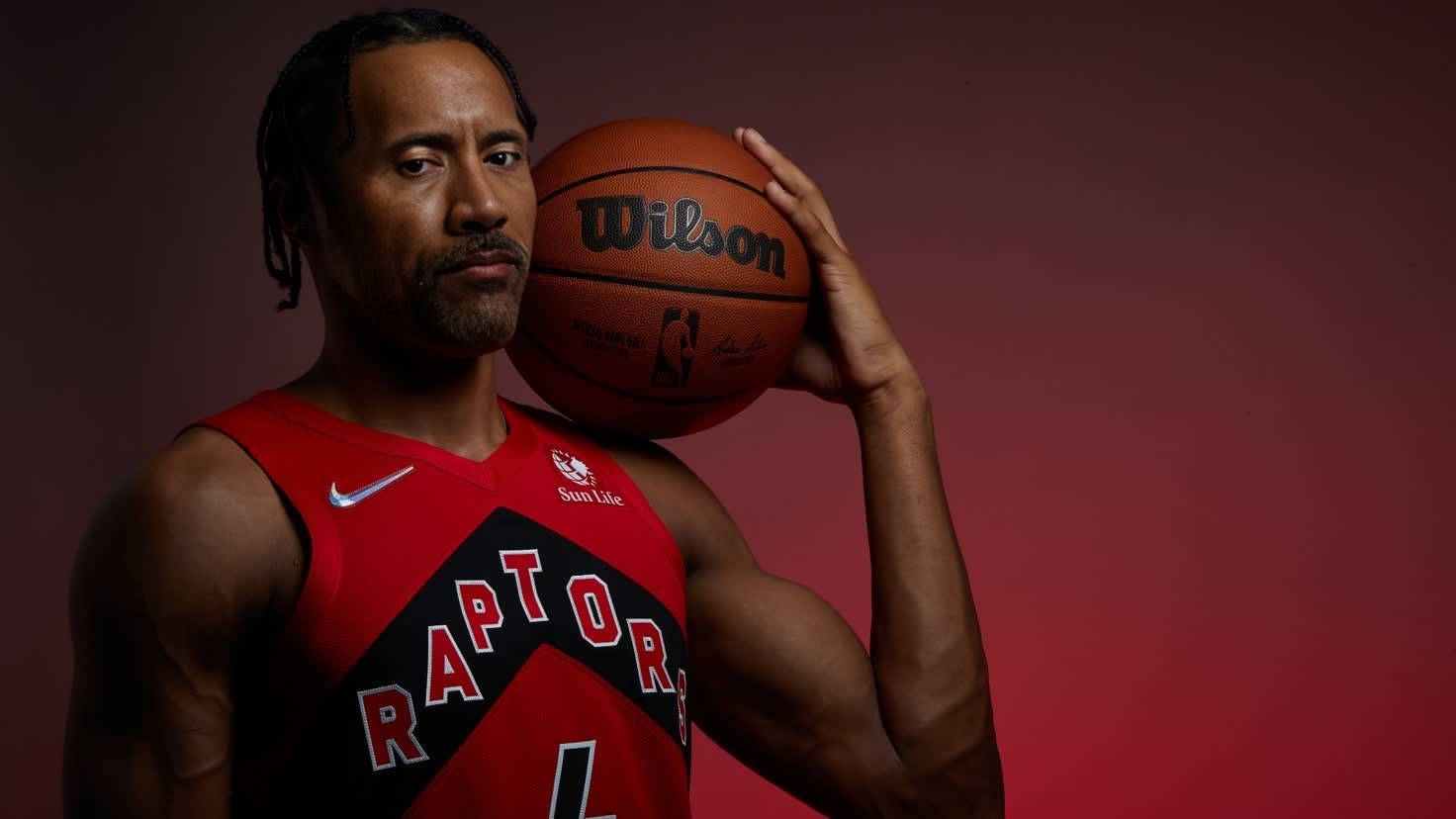
Scottie Barnes Toronto Raptors Media Day Portrait
- Image
- 1472 × 828 px
Any aspect ratio
Overview
The Scottie Barnes Toronto Raptors Media Day Portrait is a specialized Video Face Swap template perfect for creating dynamic sports content. Whether you're crafting highlight reels or engaging your followers, this template allows you to transform any video by swapping faces with Scottie Barnes, the talented basketball player from the Toronto Raptors.
What It Does
Utilizing advanced AI technology, this template takes any video of your choice and seamlessly performs a face swap with Scottie Barnes's Media Day portrayal. This feature is particularly advantageous for sports editors and social media managers looking to create engaging content with minimal effort. You can explore similar features in our Face Swap and Video Face Swap products, which offer unrivaled customization in real-time video editing.
Who It's For
This template is designed for content creators, sports fanatics, and social media managers. Whether you're working on fan tribute videos or professional sports advertising, this face swap tool helps capture attention by integrating the image of Scottie Barnes into your projects. Get creative with this tool and other transformation options like our AI Talking Photo to enhance fan engagement.
Summary
The Scottie Barnes Toronto Raptors Media Day Portrait template revolutionizes your video content with a specialized face swap feature. By allowing users to superimpose Scottie Barnes onto various subjects, this template elevates the quality and engagement level of your sports-centric videos. Discover how this tool fits into broader content strategies alongside our AI Video Extender for comprehensive video editing solutions.
How to Use
Choose

Customize

Generate

Use Cases
Sports Highlight Reels
- Create fan-driven content
- Boost engagement through unique video edits
Social Media Campaigns
- Promote team spirit
- Drive interaction on social platforms
Fan Tribute Videos
- Create personalized content
- Celebrate player achievements
Best Practices
Select High-Quality Footage
Ensure the video footage you use is of high resolution to get the best results in face swapping.Align Faces Precisely
Carefully adjust the alignment settings to make the face swap appear natural.Experiment with Angles
Try different video angles to see how Scottie Barnes's face interacts in various scenes.
Frequently asked questions
More Like This