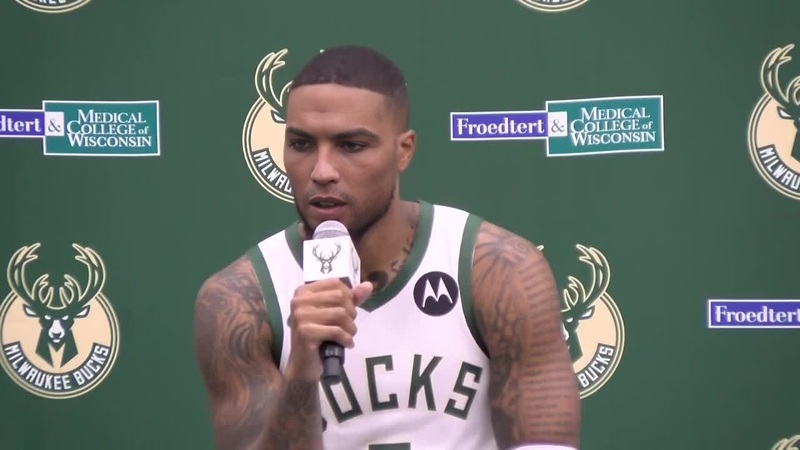
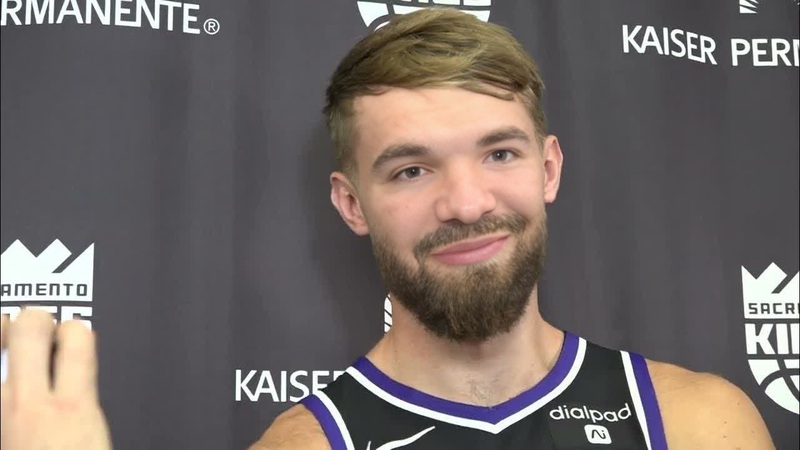
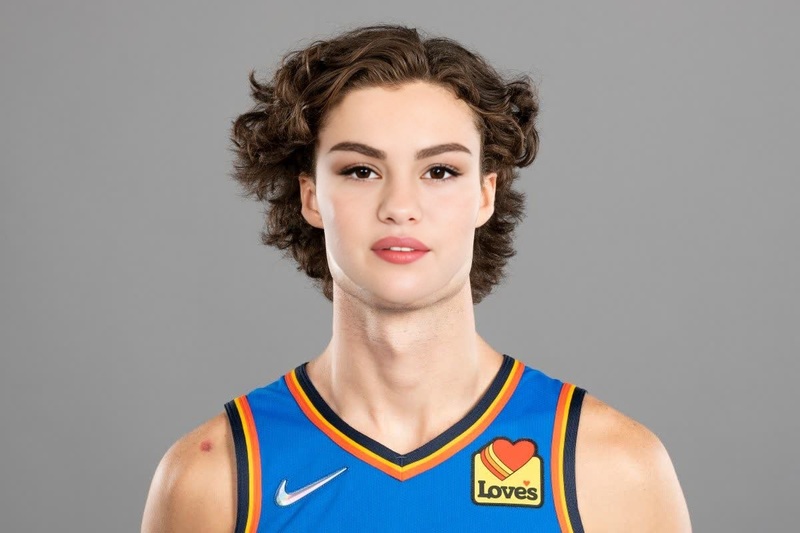
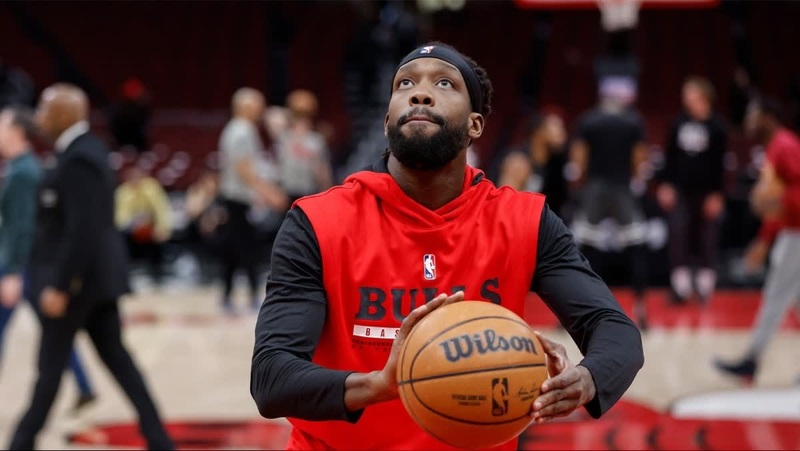
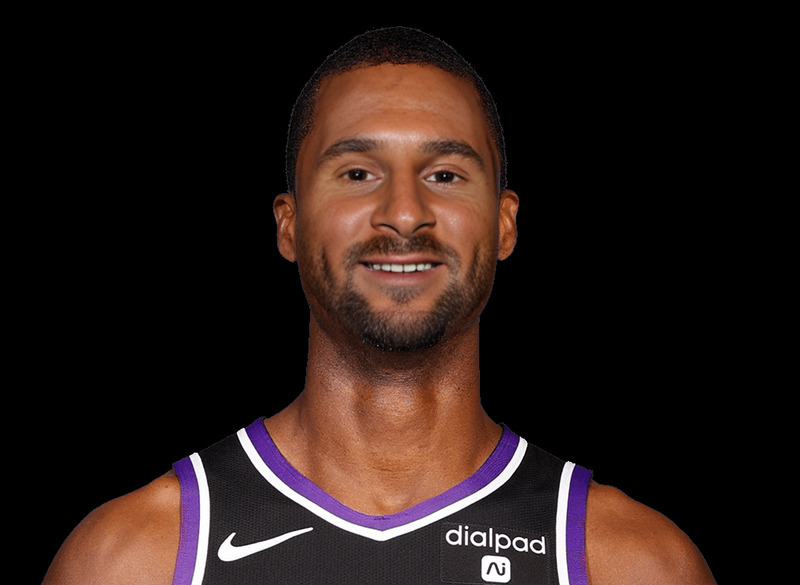
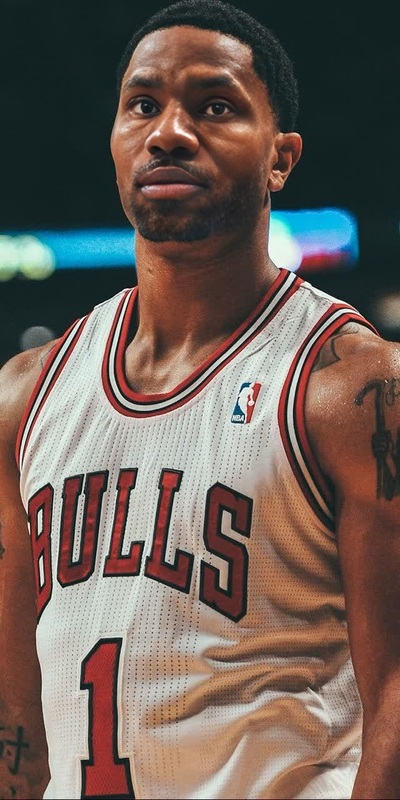
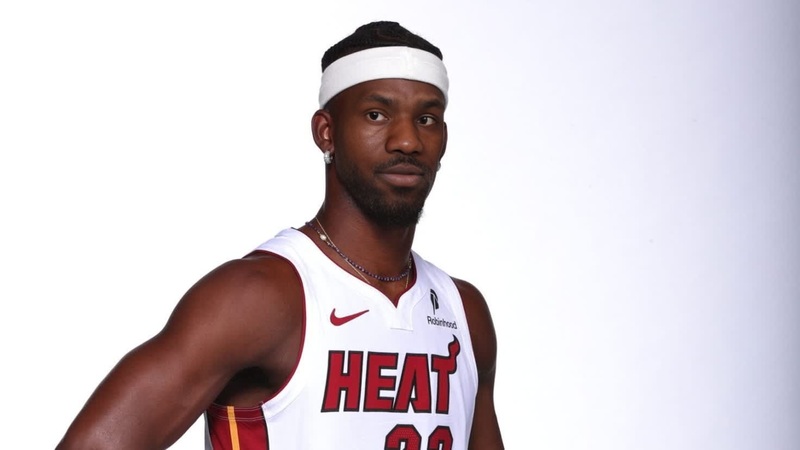
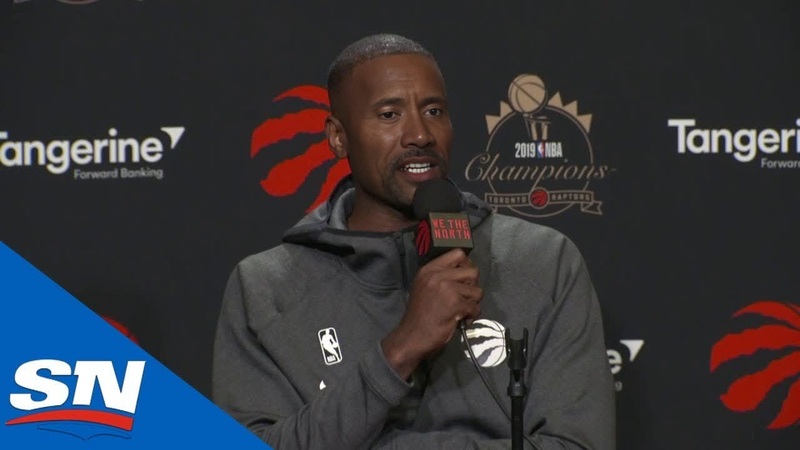
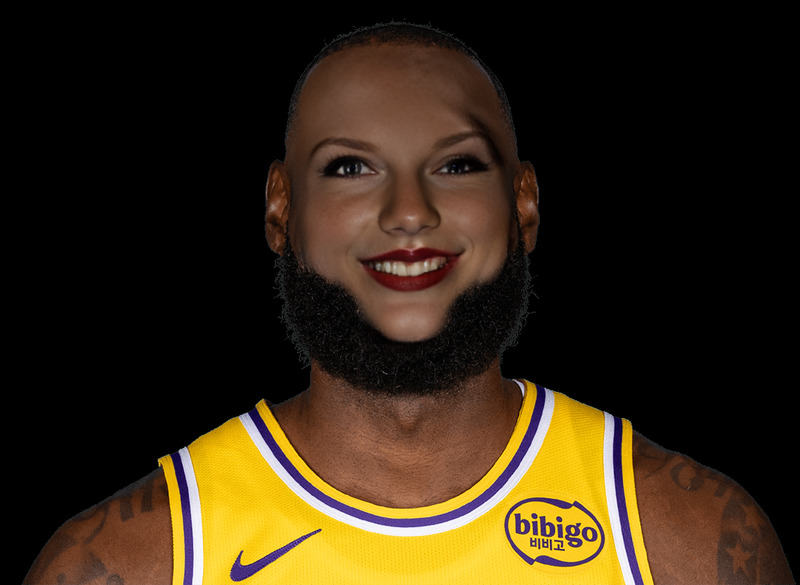
Demar Derozan Chicago Bulls Media Day Portrait
face-swap
Any aspect ratio
Tags
transformationsTurn Any Video Into a Hyper‑Realistic Face Swap
This template uses Magic Hour’s AI Face Swap engine to replace a person’s face in a video with another face—while preserving expressions, lighting, and motion for a realistic result. It’s ideal for creators, marketers, and teams who need fast, repeatable face swap videos without manual VFX work.
What This Template Does
This template is built on the Face Swap Video workflow and is optimized for:
- Swapping one face for another in short video clips
- Preserving lip movements, eye blinks, and expressions
- Matching skin tone, lighting, and camera angle as closely as possible
- Generating content that’s ready to share or further edit
You can remix this template to create:
- Creator or brand “spokesperson” videos
- Character-driven social content (TikTok, Reels, YouTube Shorts)
- Localization and A/B tests with different faces
- Concept tests for ad creatives before investing in full production
How to Remix This Template in Magic Hour
You can build your own version of this template in a few minutes by remixing it in Magic Hour:
Start from the base workflow
Go to the Face Swap Video page.- Use this template as a starting point, or
- Start a new face swap project and follow similar steps.
Upload or select your target video
- Use your own footage (talking head, product explainer, ad clip, etc.), or
- Repurpose existing video assets from your brand library.
For the most realistic swaps, choose videos with: - A clear, frontal or 3/4 view of the face
- Consistent lighting
- Minimal heavy motion blur or extreme occlusions
Choose the face you want to swap in
You can:- Upload a high‑quality reference image or video of the new face, or
- Use an AI‑generated face from tools like:
Generate your face swap video
Magic Hour’s face swap model automatically:- Maps facial features to the target’s head position
- Preserves expressions and timing
- Blends the result into the original video context
Refine and repurpose
Once generated, you can:- Upscale and enhance with Video Upscaler
- Create multiple variants by swapping in different faces
- Turn stills from the video into images for campaigns using the AI Image Editor or AI Image Upscaler
Advanced Remix Ideas for Power Users
For creators, devs, and marketers who want to build richer workflows, consider chaining this template with other Magic Hour tools:
Talking Avatars & Lip Sync
- First, generate a talking performance from a static image with AI Talking Photo or Lip Sync.
- Then, face swap that performance into a different actor or setting using this Face Swap template.
AI‑Generated Characters to Live‑Action
- Design a character with:
- Use that character’s face as the source for this template and map it onto a real actor’s performance.
Ad & Content Experimentation at Scale
- Clone or vary brand voices with AI Voice Generator or AI Voice Cloner.
- Sync that voice to your actor with Lip Sync.
- Swap faces to test different “presenters” for the same script and performance via this template.
Video‑to‑Video Creative Variations
- Use Video to Video to stylize the original footage (e.g., cinematic, sketch, anime).
- Then run your stylized version through Face Swap for on‑brand creative variants in the same campaign.
Image to Short Video Assets
- Turn product or portrait photos into motion clips with Image to Video.
- Apply this face swap template to quickly create different “models” or personas around the same core footage.
When to Use This Template
This face swap template is especially useful for:
Founders & marketers
- Testing performance of different on‑screen presenters without reshooting
- Localized creators for different regions while keeping content structure identical
- Rapid iteration of UGC‑style ads using the same base performance
Content creators
- Character‑driven skits where you play multiple roles
- Transforming yourself into different styles of digital persona
- Collaborations or concept demos without complex post‑production
Developers & product teams
- Prototyping AI‑driven personalization features
- Building internal tools that automate variations in training or demo content
- Creating synthetic data videos for internal experiments (where allowed)
Best Practices for High‑Quality Face Swaps
To maximize realism and consistency:
Use sharp, high‑resolution faces
- Clean, well‑lit reference faces generally yield the most stable swaps.
- If needed, enhance source images using the AI Image Upscaler or Unblur Image.
Match angles and lighting where possible
- If your target video is mostly frontal, choose a frontal reference face.
- Natural, even lighting reduces visible artifacts.
Clean up supporting visuals
- Remove distracting elements before using them as reference with the AI Remover or Remove Object from Photo.
- For legacy or low‑quality source material, consider Old Photo Restoration or Photo Colorizer first.
Respect rights and consent
- Use faces you’re legally allowed to use and have consent for, particularly for commercial purposes.
- Avoid misleading or deceptive content; clearly label synthetic or AI‑generated media where relevant.
For a broader overview of generative AI video and responsible synthetic media, see industry frameworks from organizations like the Partnership on AI and academic overviews in journals such as ACM Computing Surveys and IEEE Transactions on Multimedia.
Related Magic Hour Tools to Extend This Template
Combine this Face Swap template with other Magic Hour products to build complete creative pipelines:
Video & animation:
- Face Swap Video (this template’s base)
- Lip Sync
- Video to Video
- Animation
- Text to Video
- AI GIF Generator
- Auto Subtitle Generator
Faces, portraits & identity:
Creative concepting & design:
By starting from this Face Swap template and remixing it with these tools, you can build a repeatable, end‑to‑end pipeline for synthetic spokespersons, localized campaigns, and experimental video content—without needing a production team or custom ML stack.
How to Get Started Now
- Open Face Swap Video.
- Load or remix this template.
- Swap in your own video and face assets.
- Export, test, and iterate across channels.
Use this page as a reference whenever you want to clone, adapt, or extend the template for new campaigns, personas, or creative experiments.