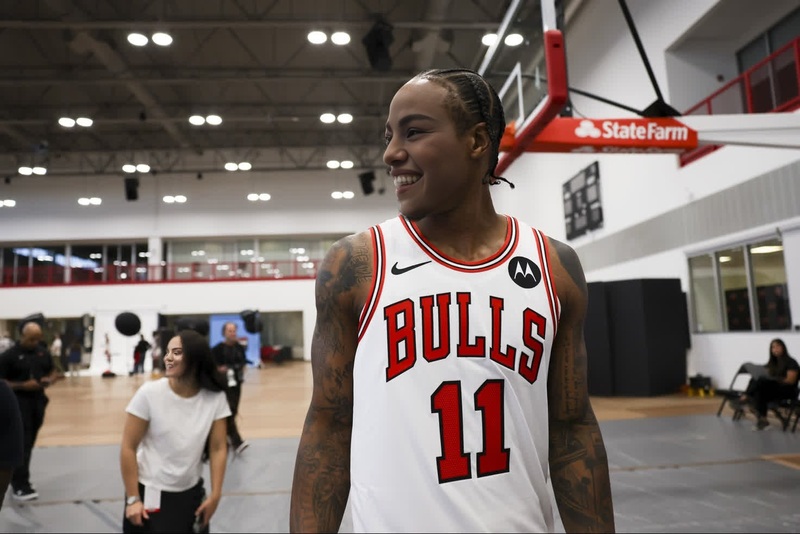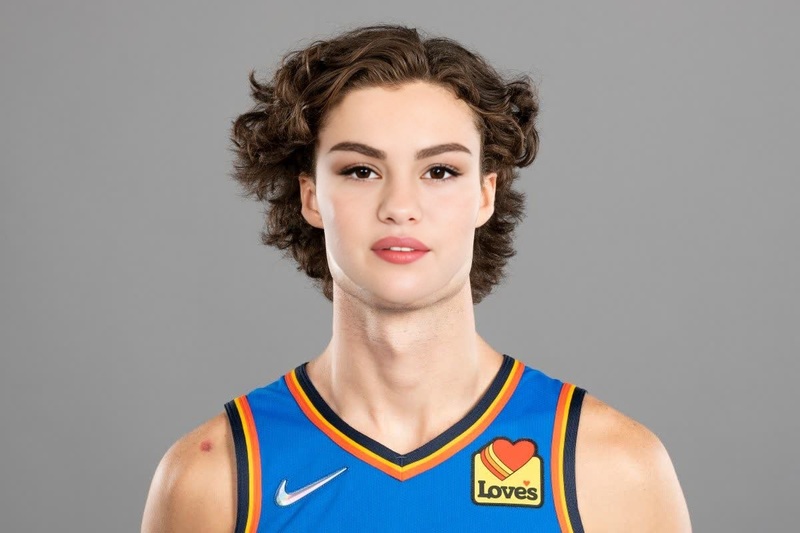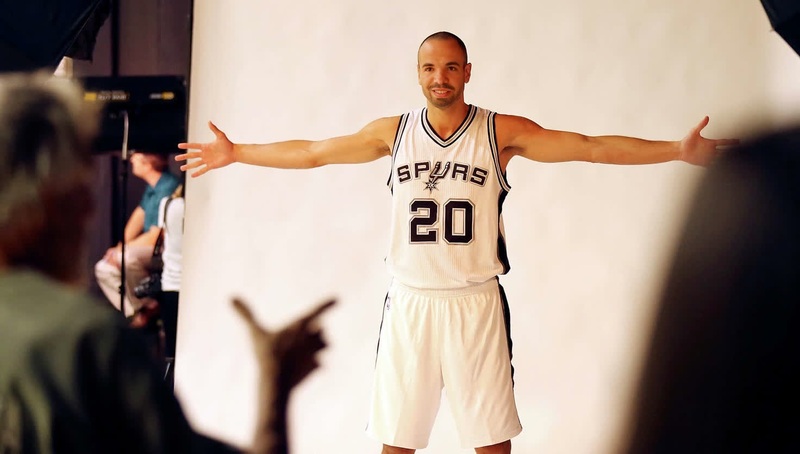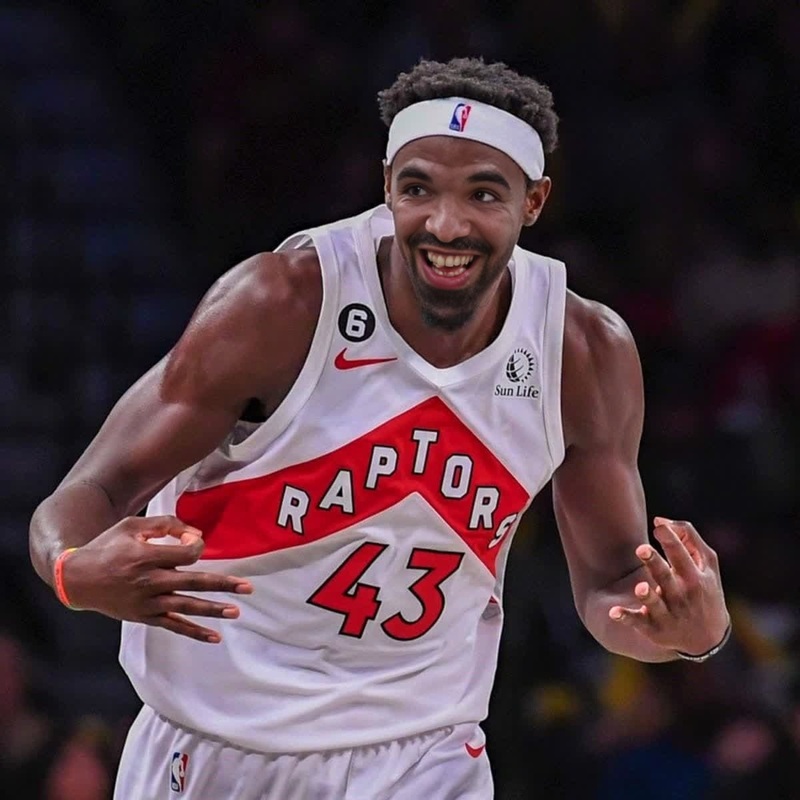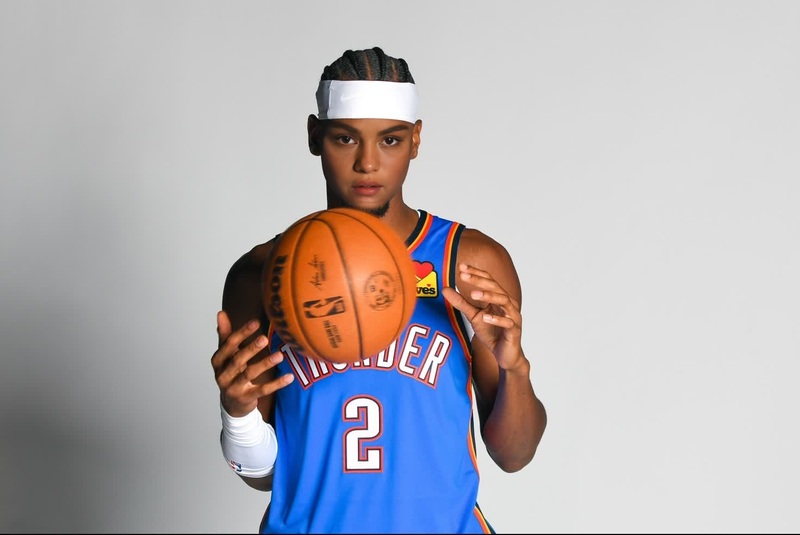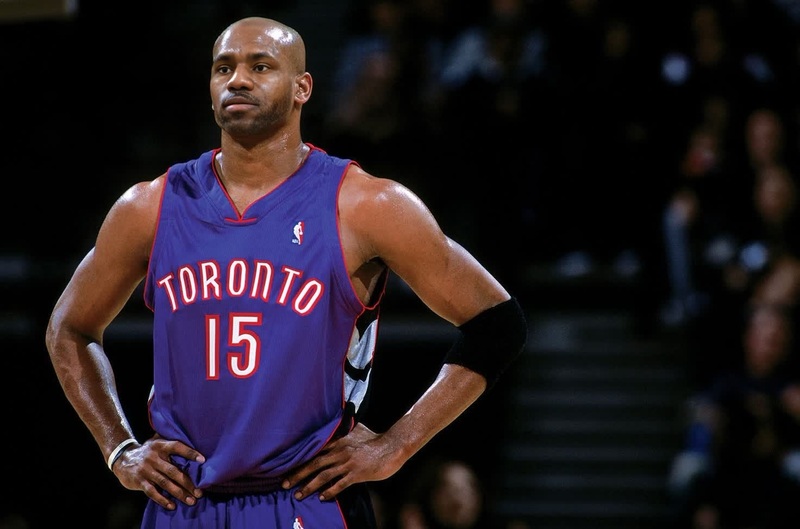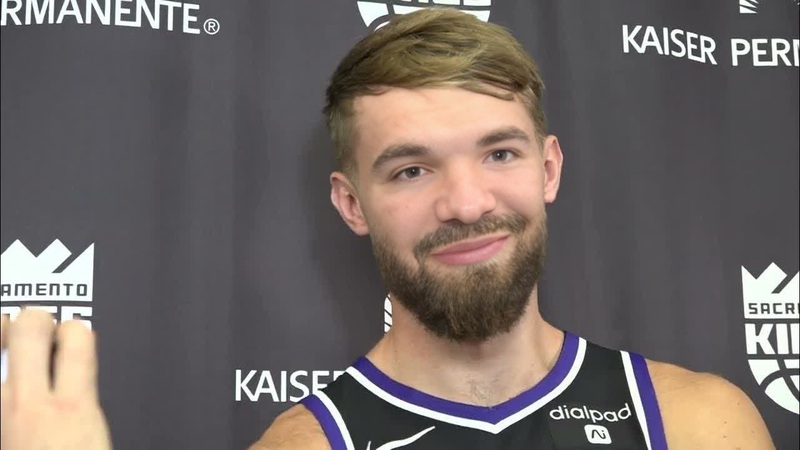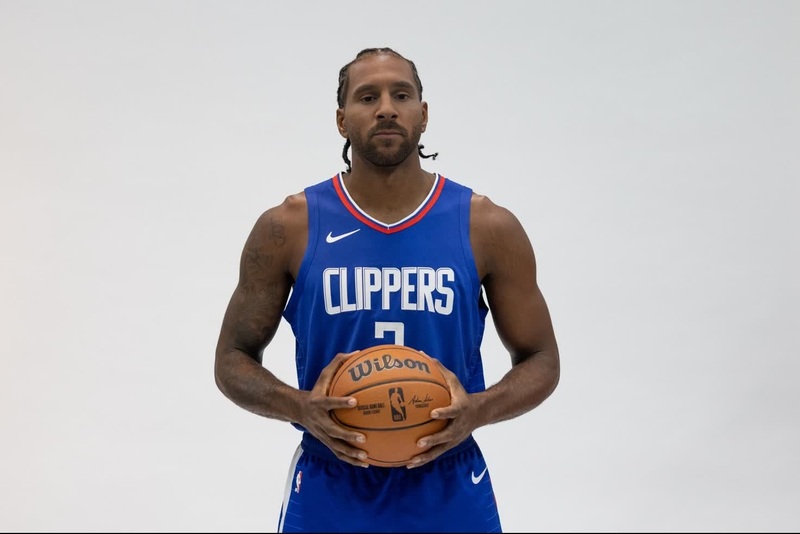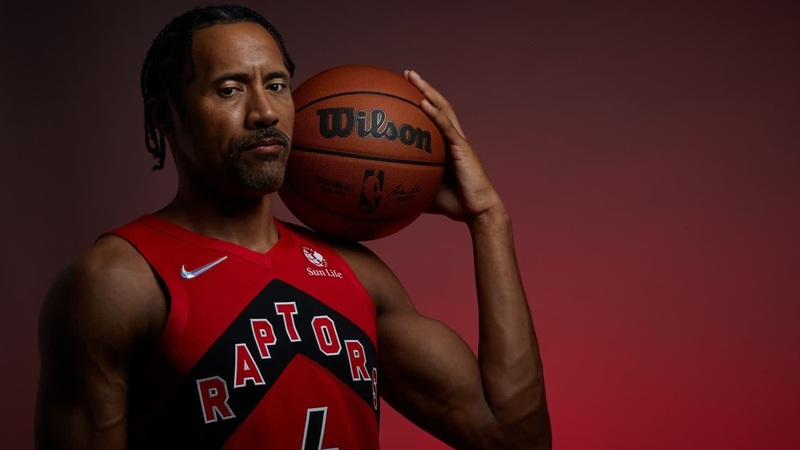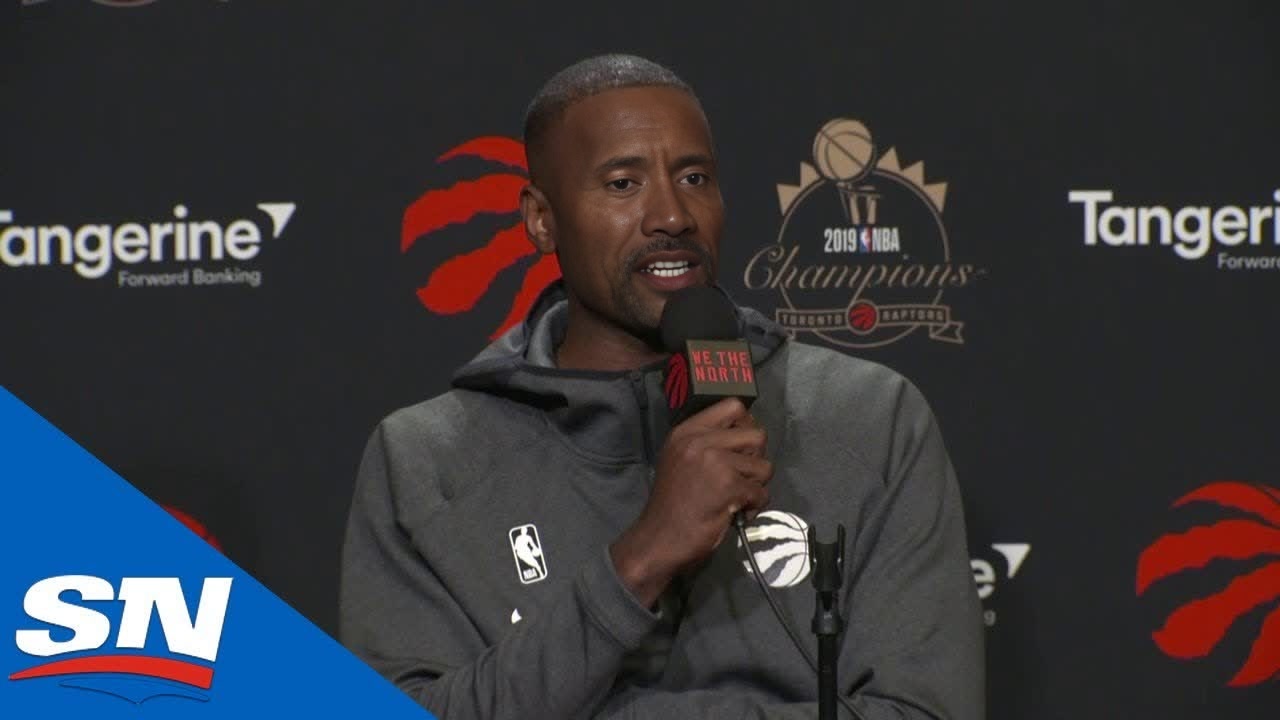
Serge Ibaka Toronto Raptors Media Day Portrait
- Image
- 1280 × 720 px
Any aspect ratio
Overview
This video face swap template allows creators to incorporate Serge Ibaka into their media projects, perfect for Toronto Raptors fans or basketball enthusiasts. It provides a dynamic way to integrate Ibaka's likeness, enhancing the visual appeal of any sports-related content.
Pair this with other transformative tools such as the Face Swap or the versatile Image to Video for a complete multimedia experience.
What It Does
The Serge Ibaka Media Day Portrait template swaps the face in your video project with Serge Ibaka's, creating a professional-grade portrait effect. Whether you're producing content for competitive sports videos or enhancing fan-driven content, this tool allows for seamless integration without losing realism.
Discover complementary tools like the AI Image Editor to refine backgrounds and adjust other elements effortlessly.
Who It's For
This template is ideal for content creators, sports media professionals, and social media marketers aiming to boost engagement through personalized sports content. Utilize it when showcasing product launches or for fan engagement in tailored video messages.
Summary
Transform your Raptors media day projects by adding Serge Ibaka into the mix with this specialized video face swap template. Adapt your video content to make it more compelling with tools from the Magic Hour platform.
Explore further enhancements with our AI Voice Changer to modify voiceovers, bringing an additional layer of customization to your projects.
How-To
Choose the Template

Customize Your Video

Generate Your Project

Use Cases
Basketball Content Enhancement
- Highlight reels
- Game day promotions
- Fan experience projects
Social Media Engagement
- Instagram stories
- TikTok challenges
- Facebook ads
Sports Event Promotions
- Ticketing ads
- Event recaps
- Sponsorship videos
Best Practices
High-Quality Source Material
Ensure the video you upload is of high quality to achieve the best face swap results. Poor-quality inputs can result in less convincing swaps.Lighting Considerations
Match the lighting conditions of the source and target images to maintain realism. Adjust lighting using an AI Image Editor if necessary.Complements with Voice Modifications
For a full transformation, consider using the AI Voice Changer to adjust voices in the video, ensuring continuity and immersion.
Frequently asked questions
More Like This