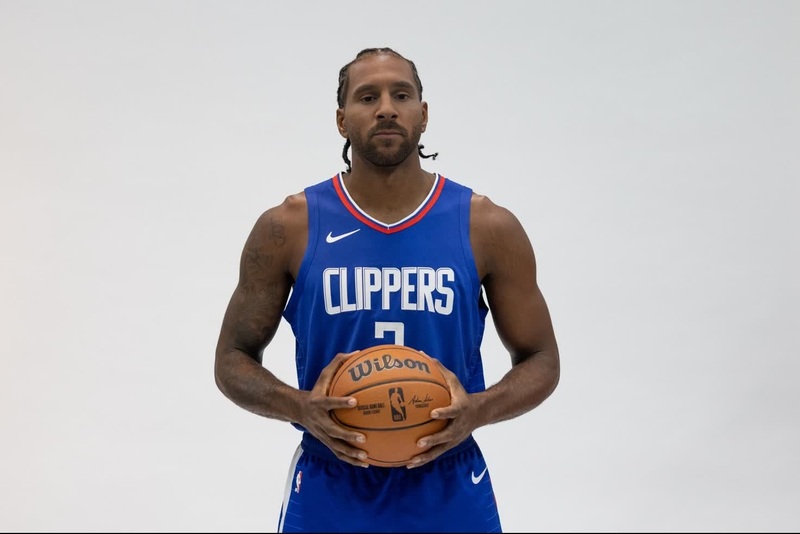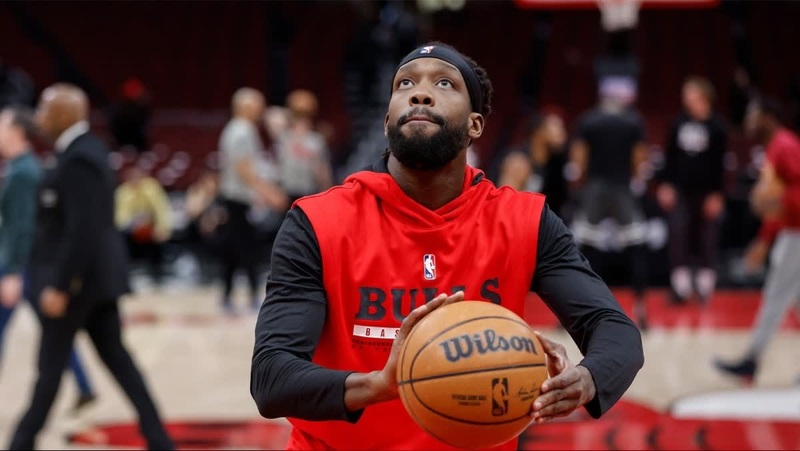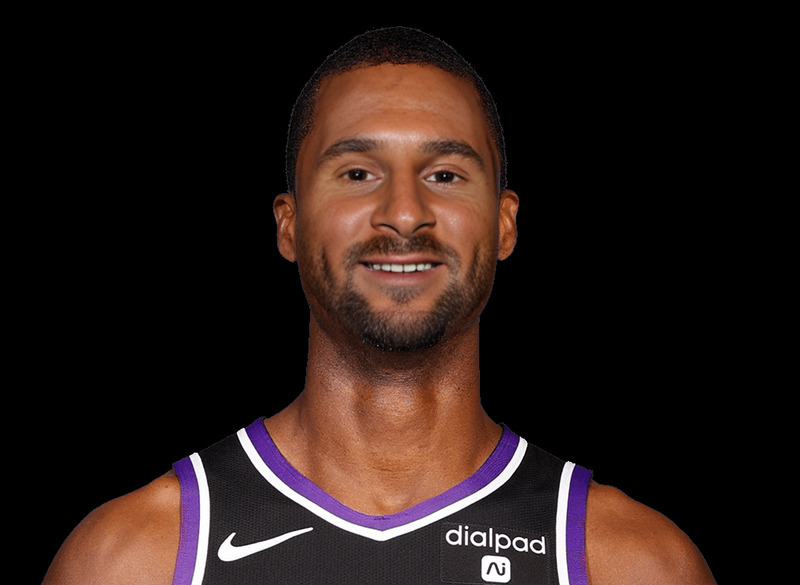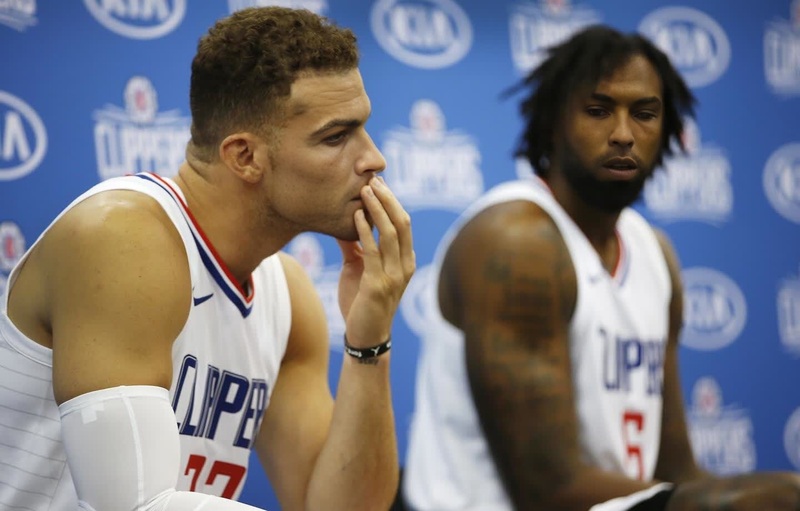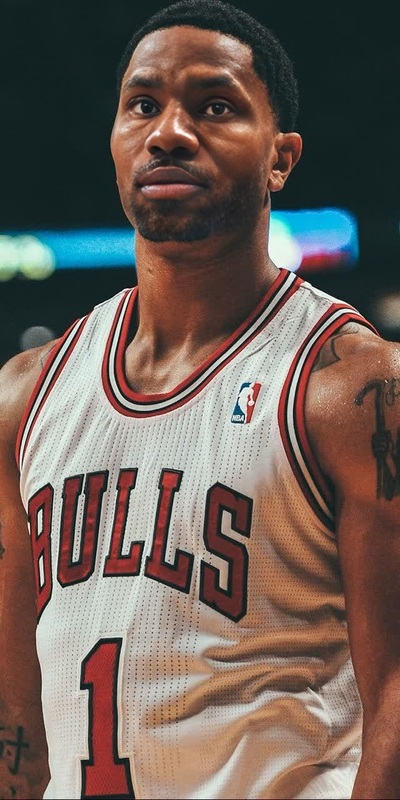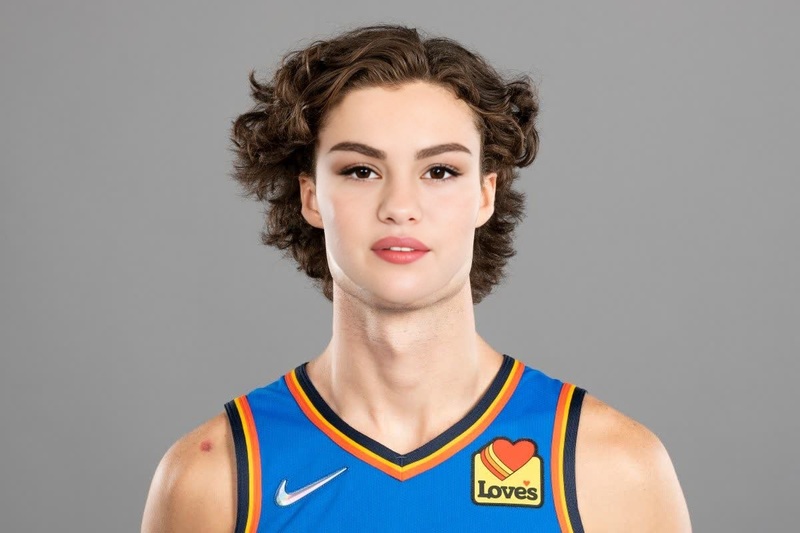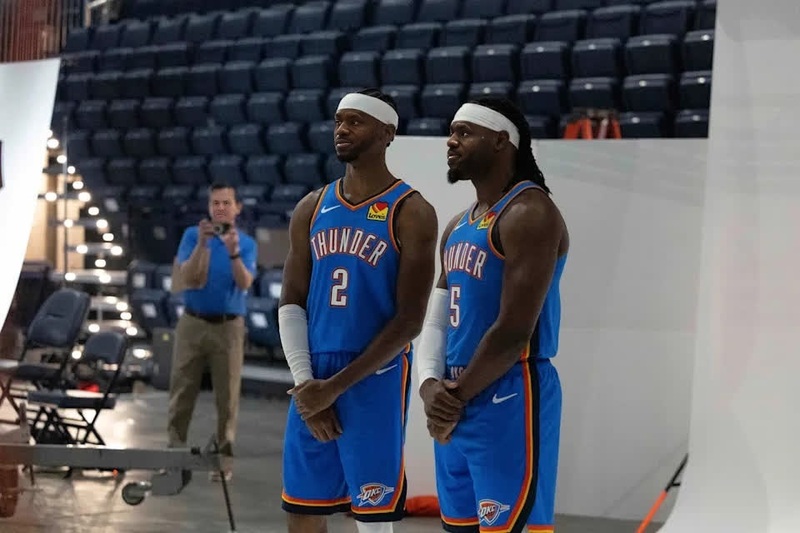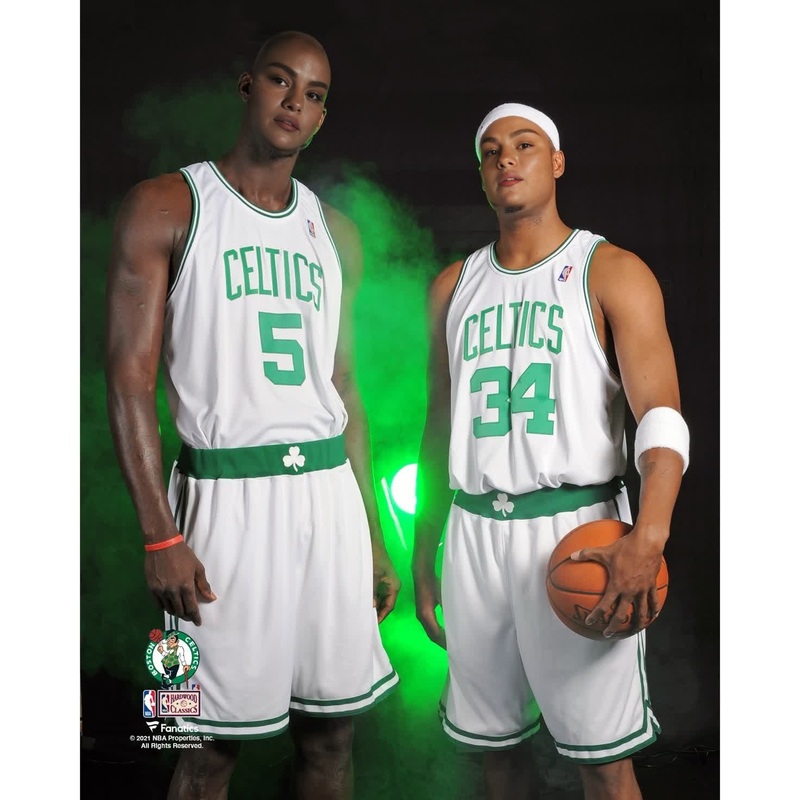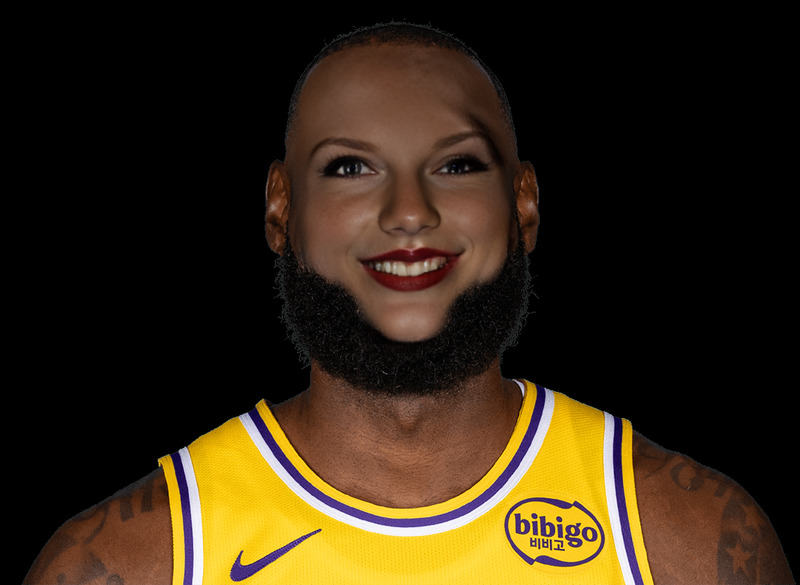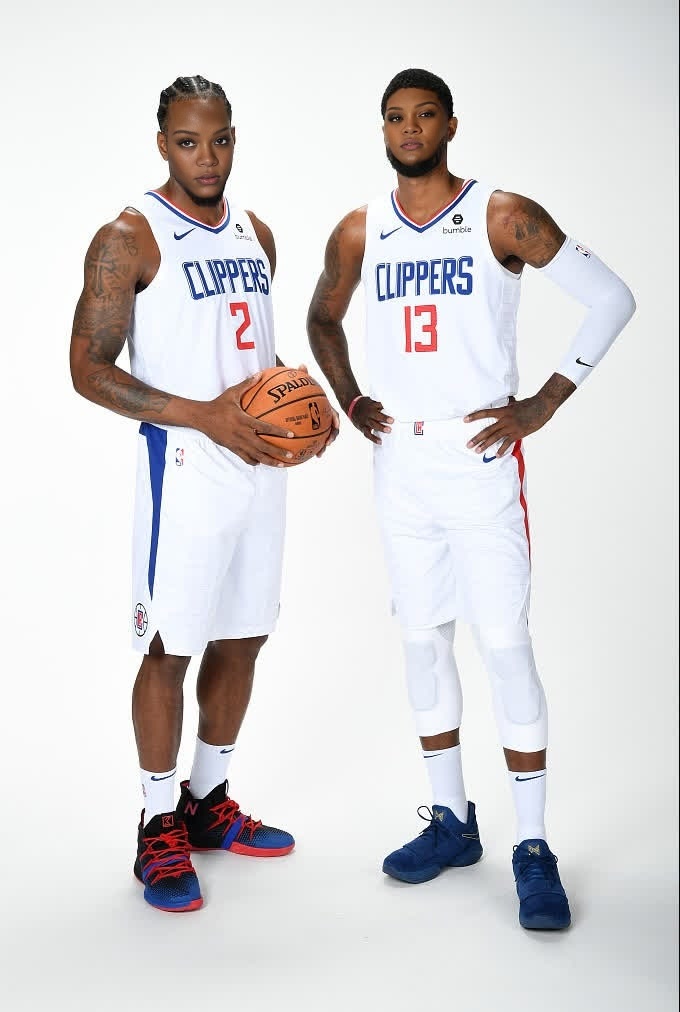
Paul George Los Angeles Clippers Media Day Portrait
- Image
- 680 × 1012 px
Any aspect ratio
Overview
Capture the fun of media day with the Paul George Los Angeles Clippers Media Day Portrait Video Face Swap. This video template allows you to swap faces effortlessly, bringing a humorous twist to the official NBA portraits. Perfect for generating laughs and engaging content, this transformation tool includes all the elements you need to customize and produce your video.
What It Does
This Video Face Swap template maps your selected face onto Paul George's famous media day portrait. Utilizing advanced facial recognition technology, the template provides realistic and smooth face swaps that are made especially vibrant for the high energy of Clippers’ portraits. It's designed to produce high-quality videos, perfect for sharing on various platforms.
Who It's For
Whether you're a basketball fan wanting to share in the fun or a content creator looking to engage your audience with something new, this template is for you. It's ideal for social media influencers, sports enthusiasts, and anyone interested in creating interactive media with a touch of humor.
Summary
The Paul George Media Day Portrait Video Face Swap is an innovative way to transform your visuals. With easy customization options, you can create a personalized clip in just a few steps. This template is a must-have if you're aiming to experiment with creative content on platforms like TikTok and Instagram. Explore our Lip Sync feature for adding more dynamic effects to your video.
How-To
Choose Template

Customize Face Swap

Generate Video

Use Cases
Social Media Content
Fan Engagement
Marketing Campaigns
Best Practices
High-Quality Images
Ensure the images you use are clear and well-lit for the best face swap results.Align Faces Carefully
Spend time aligning features accurately in the editor for a more natural outcome.Explore Additional Features
Enhance your video with AI Voice Changer to add unique audio content.
Frequently asked questions
More Like This