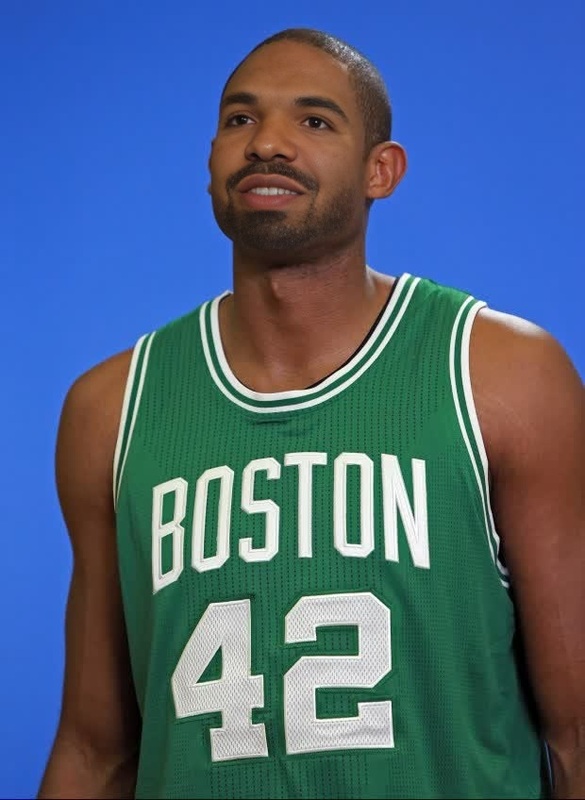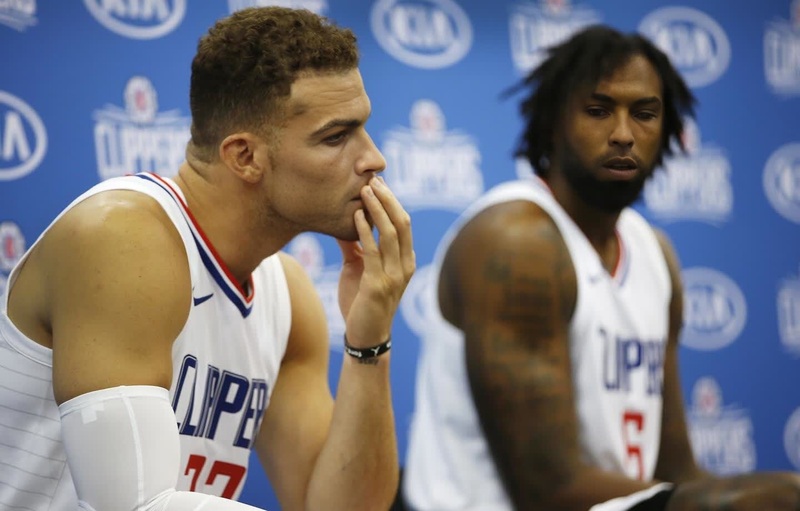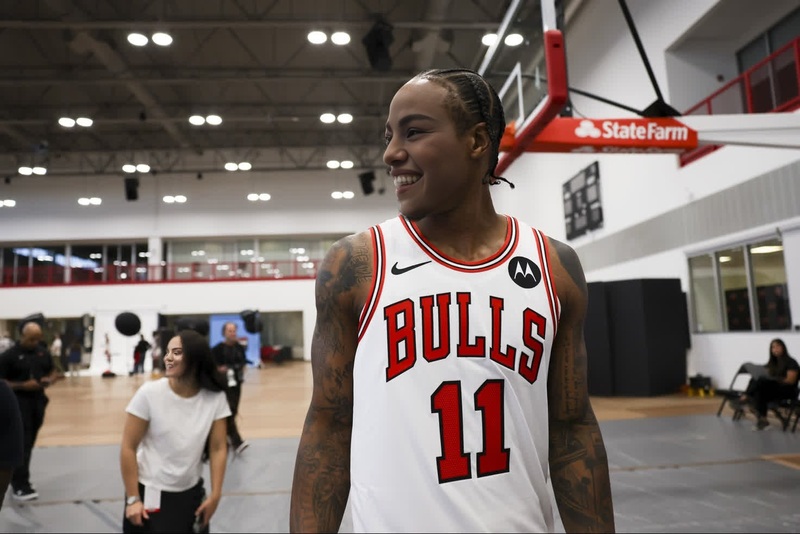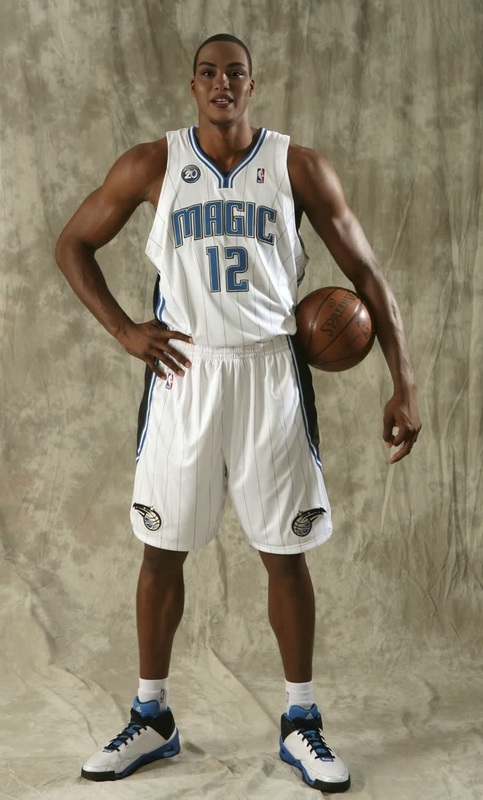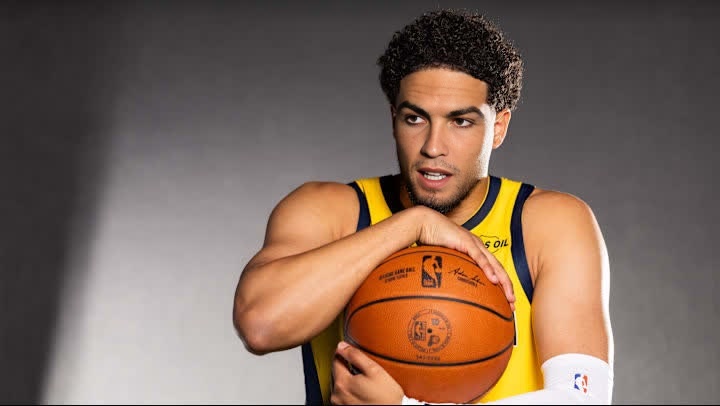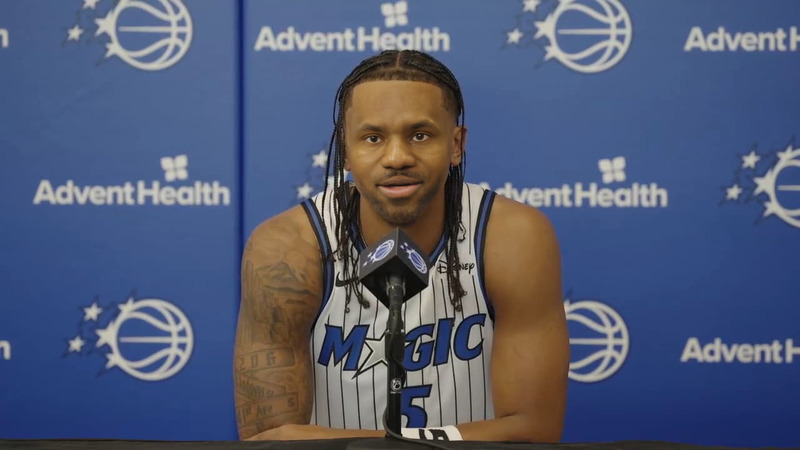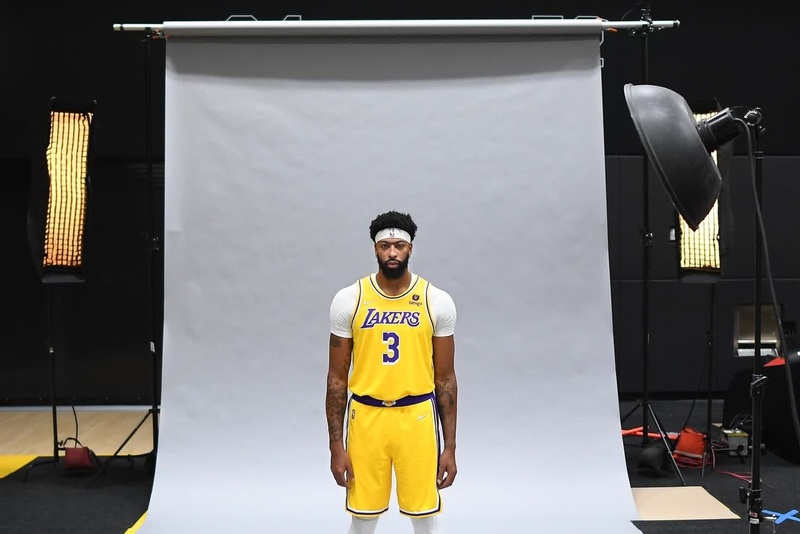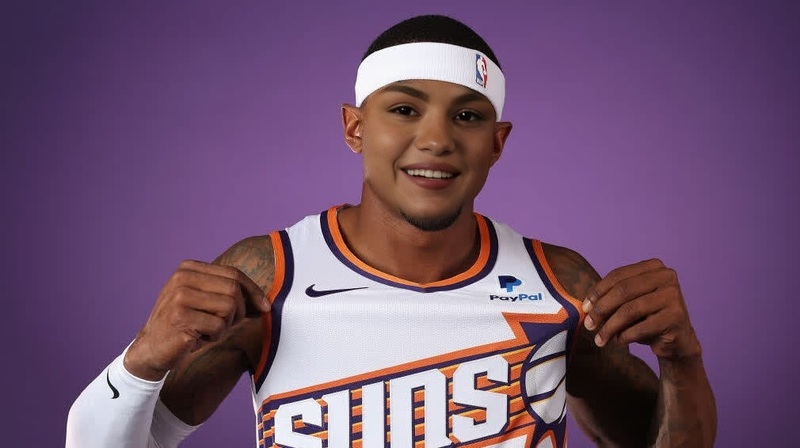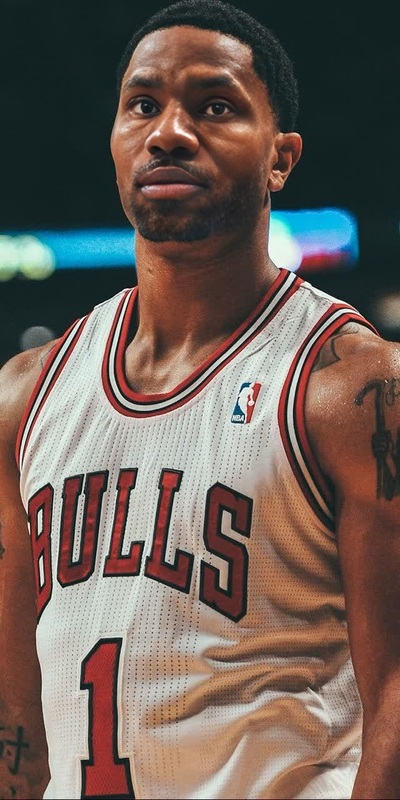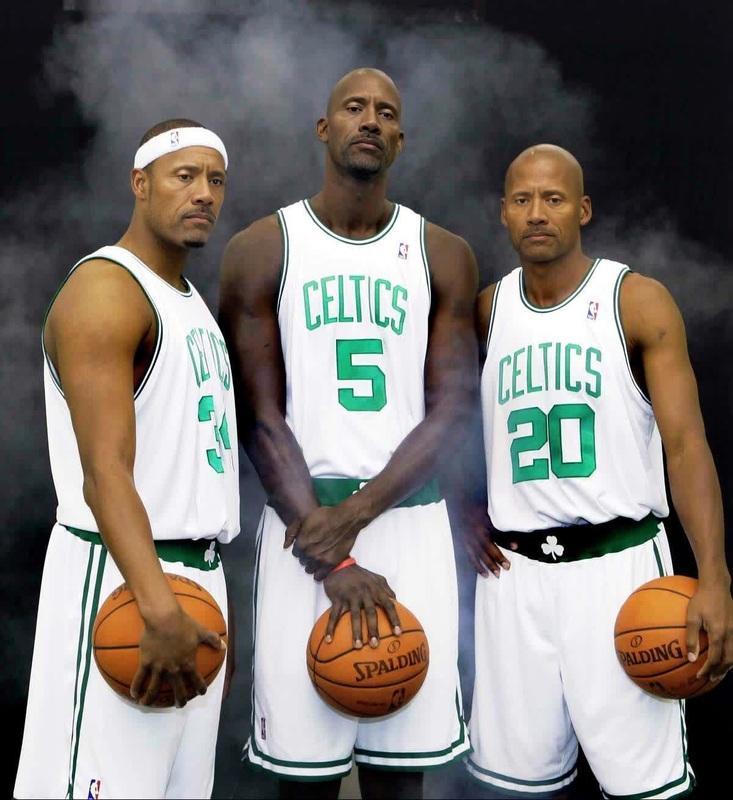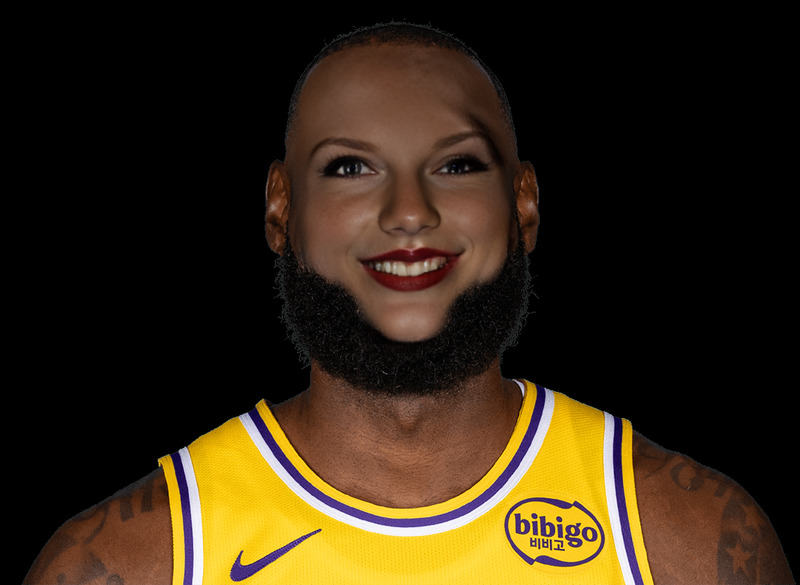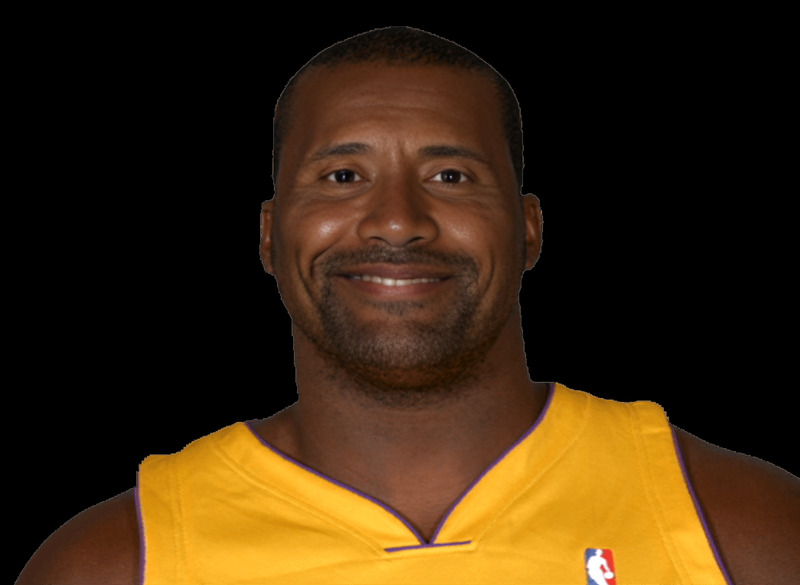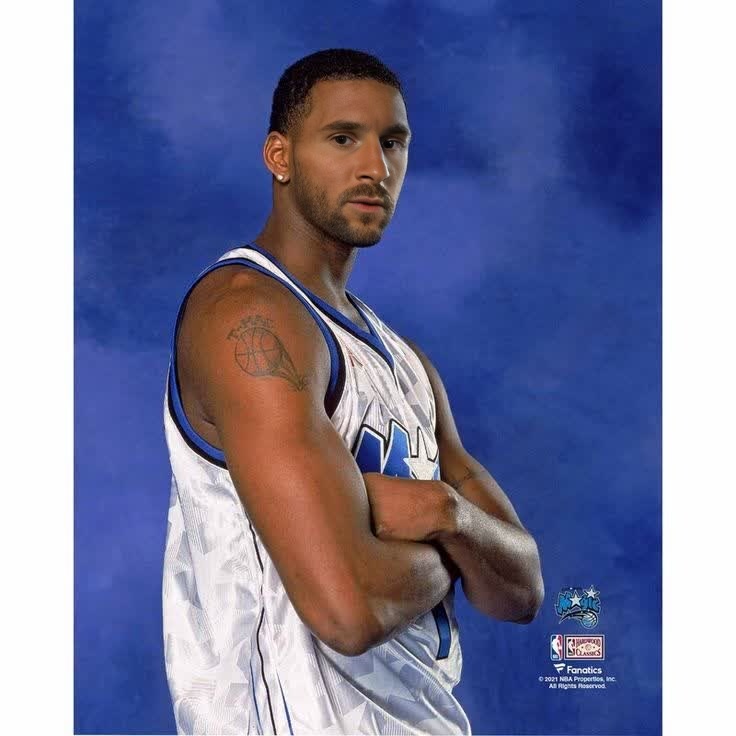
Tracy Mcgrady Orlando Magic Media Day Portrait
- Image
- 736 × 736 px
Any aspect ratio
Overview
Revitalize your video content with the Tracy McGrady Orlando Magic Media Day Portrait video face swap template. This tool allows you to put yourself or others directly into the iconic media day moments of a basketball legend. Whether you're drafting content for social media or crafting personalized fan memorabilia, this template simplifies the process of face transformation in videos.
What It Does
The template employs advanced Video Face Swap technology to integrate your face seamlessly into Tracy McGrady's famous media day portrait. It allows you to replace faces in video frames, maintaining natural expression and lighting for a polished, professional look. Ideal for creating fan-centered clips or promotional materials.
Who It's For
This tool is perfect for sports enthusiasts, digital content creators, and nostalgia lovers aiming to relive the iconic moments of Tracy McGrady. If you're involved in social media content creation or producing engaging sports reels, this face swap template is your go-to solution. Educators and marketers can also utilize it for engaging and creative content development.
Summary
With the Tracy McGrady Orlando Magic Media Day Portrait template, sports fans and media producers can effortlessly transform video content by swapping faces using cutting-edge AI. For additional editing options, consider integrating this with the AI Video Editor or explore more transformative templates in our Face Swap collection.
How to Use
Choose Your Template

Customize Your Inputs

Generate Your Video

Use Cases
Sports Fan Videos
- Create video snippets for fan pages.
- Share on social media for viral excitement.
Nostalgic Content
- Remix classic media day portraits.
- Present original takes on iconic events.
Social Media Content
- Craft engaging, shareable videos.
- Attract followers with unique sports edits.
Best Practices
Use High-Quality Inputs
For the best results, ensure that the face image you upload is of high quality and matches the angle of the template video.Fine-Tune the Details
Make use of the customization settings to precisely align the face with the template for a natural appearance.Explore Creative Angles
Consider combining with an AI Video Extender for dynamic storytelling and engaging video edits.
Frequently asked questions
More Like This