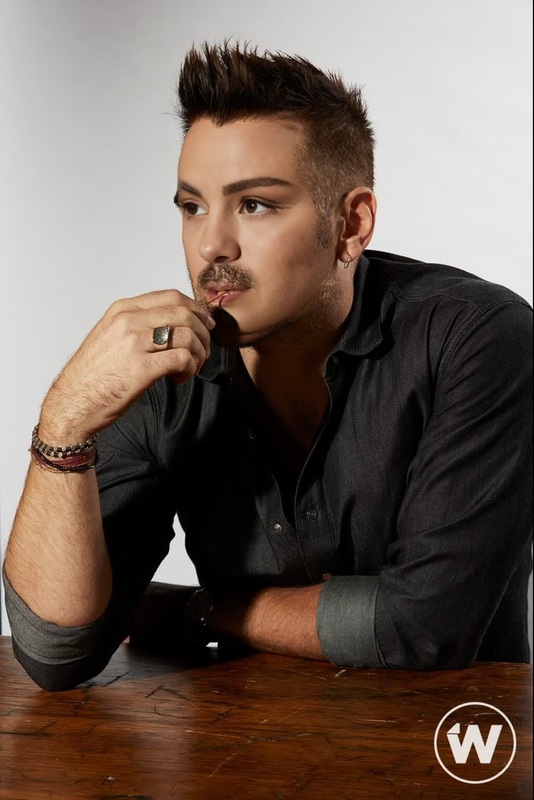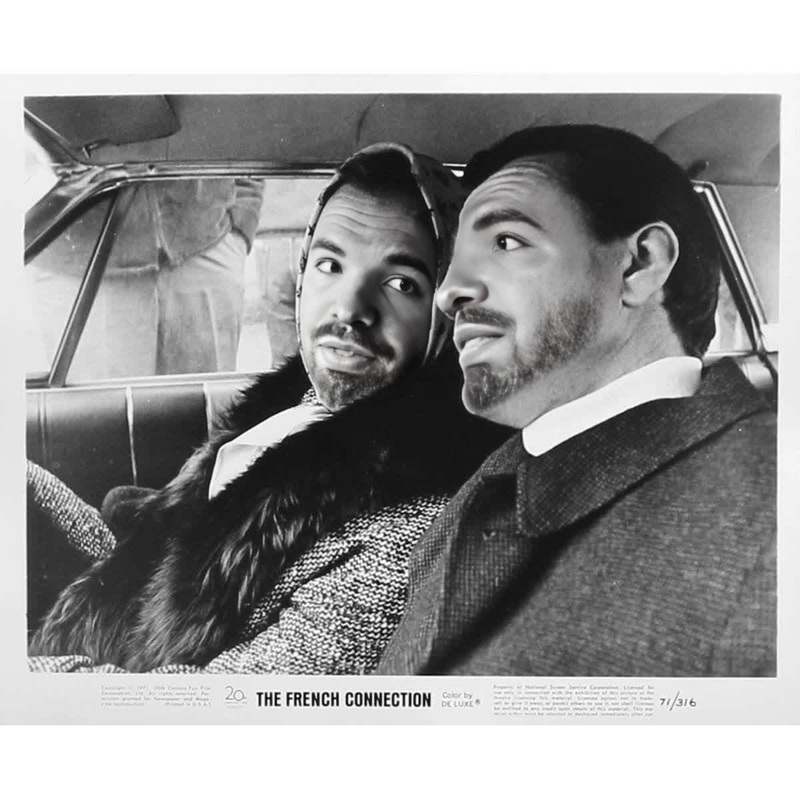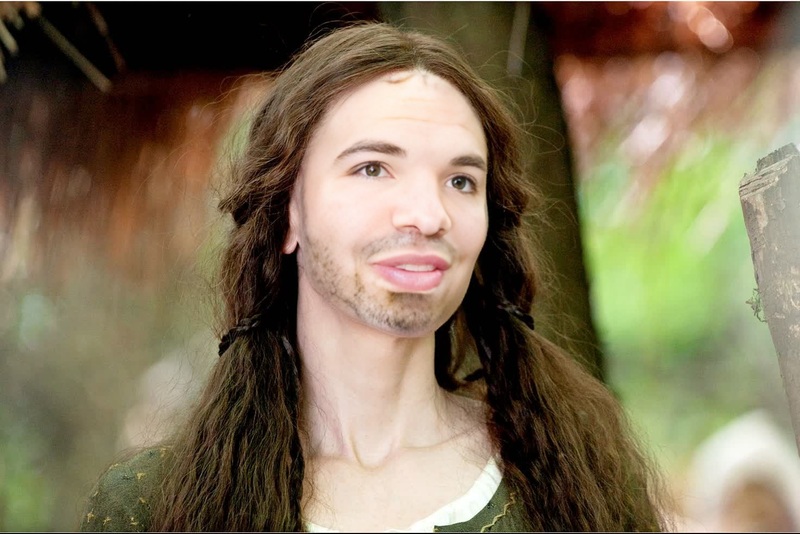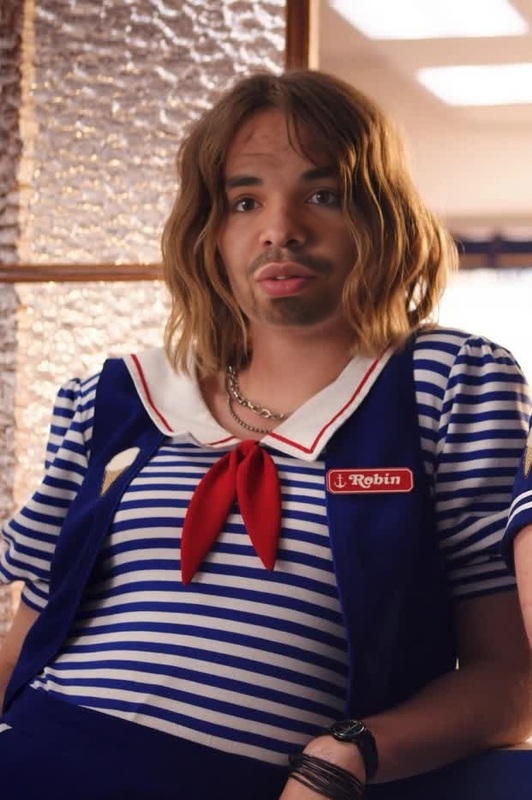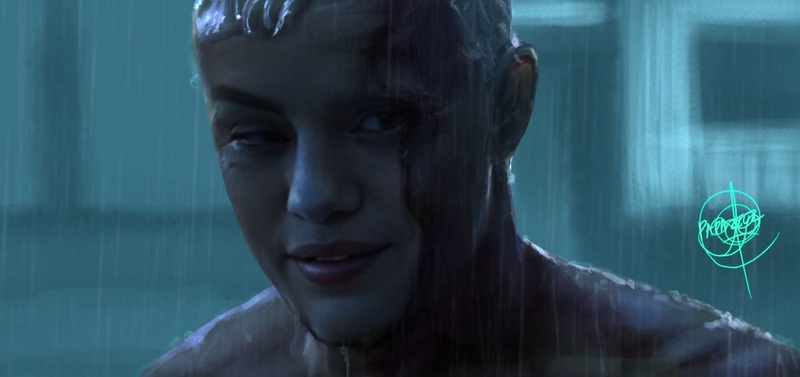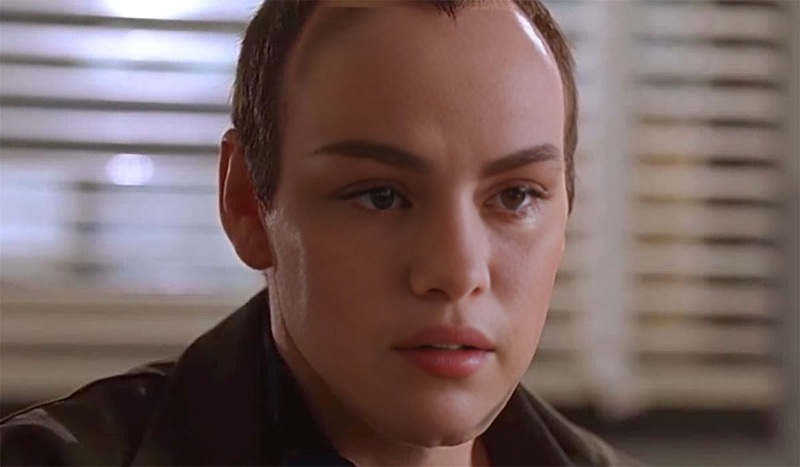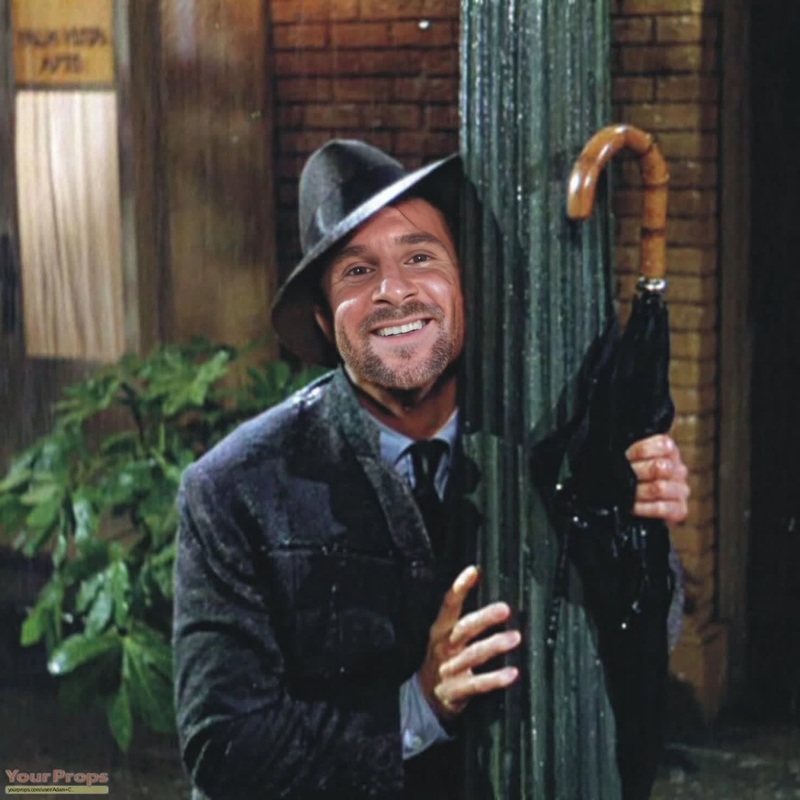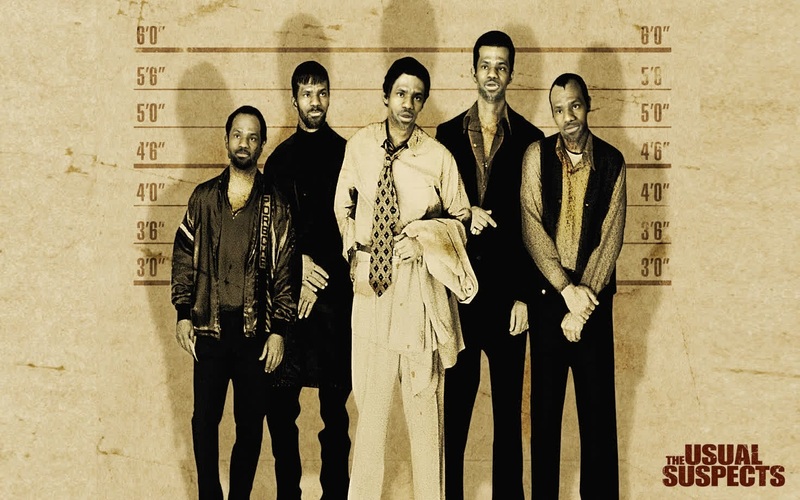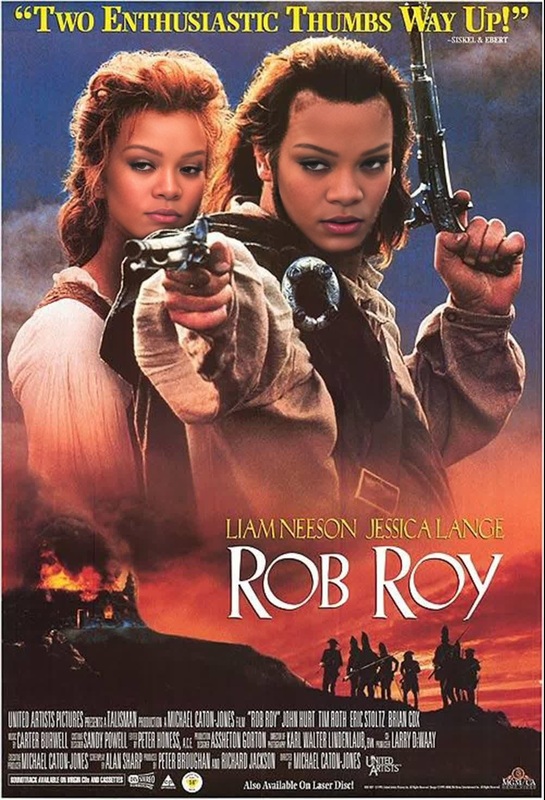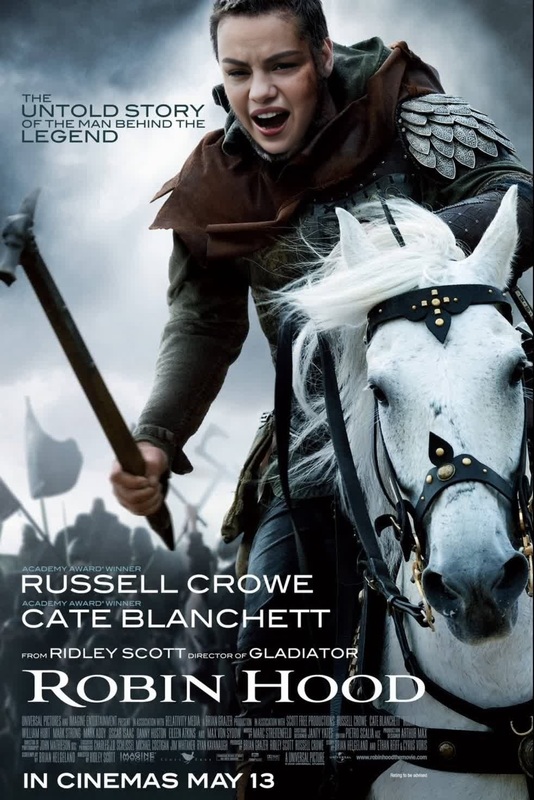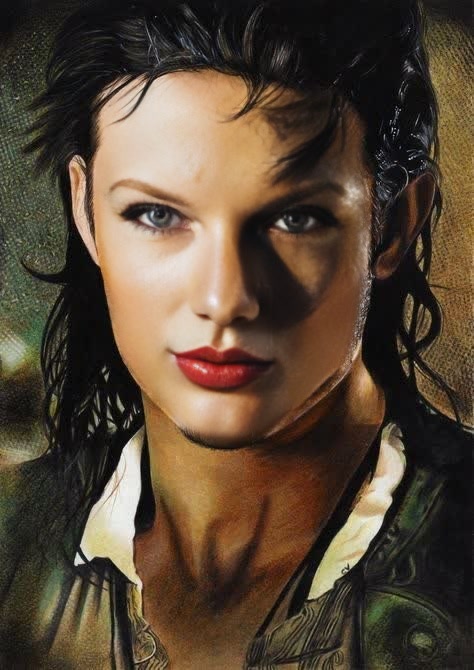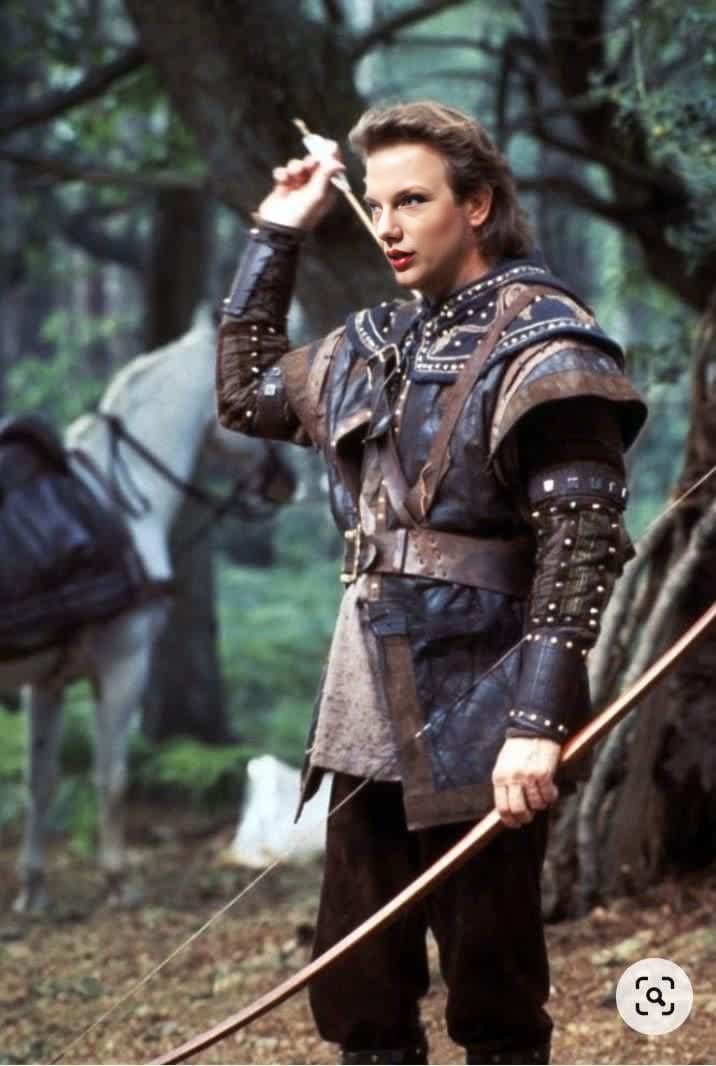
Robin Of Locksley Kevin Costner Film Portrait
- Image
- 716 × 1066 px
Any aspect ratio
Overview
Step into the shoes of the legendary Robin of Locksley with the Video Face Swap template featuring Kevin Costner's iconic role. This template allows you to overlay your own face onto Costner's portrayal, creating a dynamic transformation into this classic character. Ideal for both personal entertainment and creative projects.
What It Does
This template utilizes advanced Video Face Swap technology to replace the face in the original film footage with your own. The process is driven by AI to ensure that facial movements and expressions are preserved, making the transformation as realistic as possible. Suitable for creating engaging video content with a personal touch.
Who It's For
This tool is perfect for content creators looking for innovative ways to entertain their audiences, fans of Kevin Costner's work, or anyone with a penchant for cinematic transformations. It's also ideal for marketers seeking engaging ways to promote content using AI-powered tools.
Summary
The Robin of Locksley template offers a compelling way to integrate yourself into a piece of cinematic history. By swapping faces with Kevin Costner's character, you gain a unique video creation that stands out. Explore more creative options with our wide range of AI-driven tools on Magic Hour.
How To
Choose

Customize

Generate

Use Cases
Social Media Content
- Boost engagement with fun and quirky videos.
- Stand out with personalized classics.
Personalized Greetings
- Make greetings special with a classic film touch.
- Entertain friends and family with your transformation.
Marketing Campaigns
- Leverage nostalgia for more impactful ads.
- Increase click-through rates with dynamic content.
Best Practices
Choose High-Quality Images
For the best outcome, use clear, high-resolution images that match the angle and lighting of the original footage.Mind the Angles
Try to match the facial angle and lighting as closely as possible to enhance realism.Preview Before Finalizing
Use the preview function to ensure the swap looks natural before rendering the final video.
Frequently asked questions
More Like This