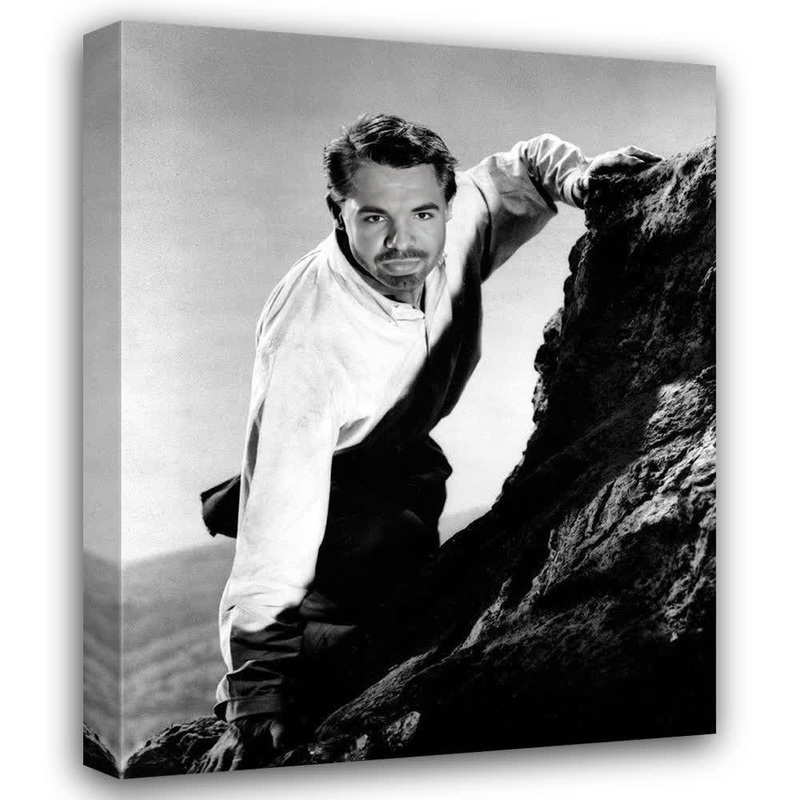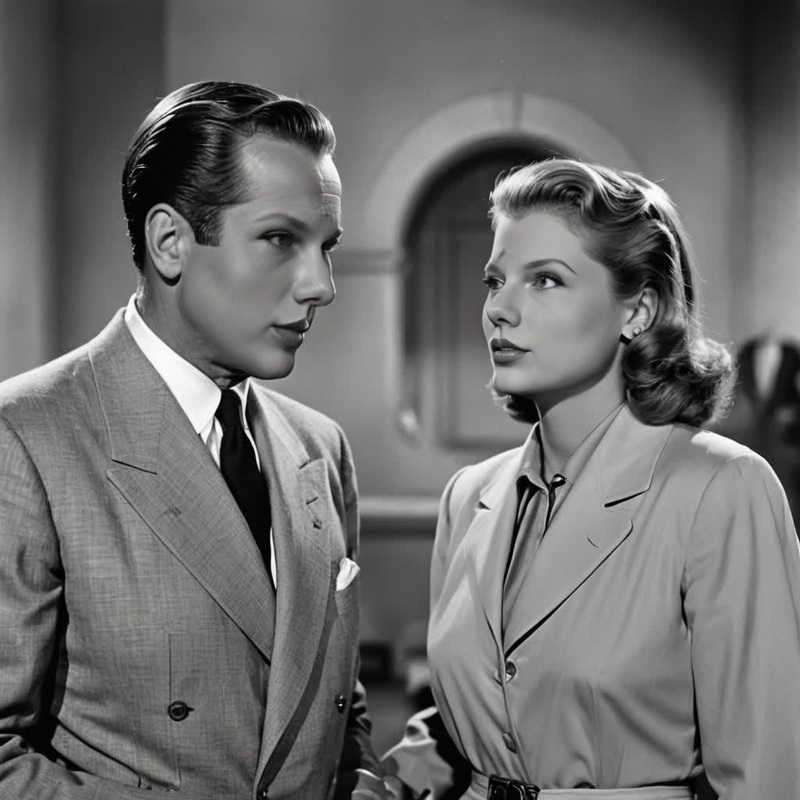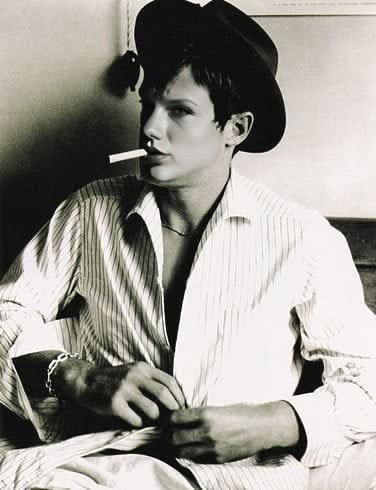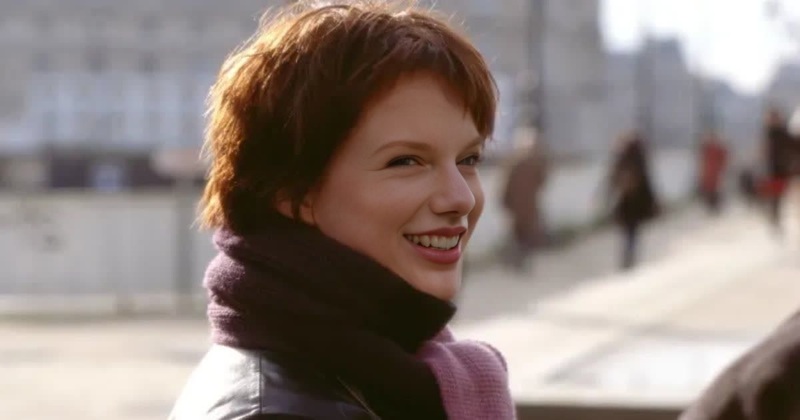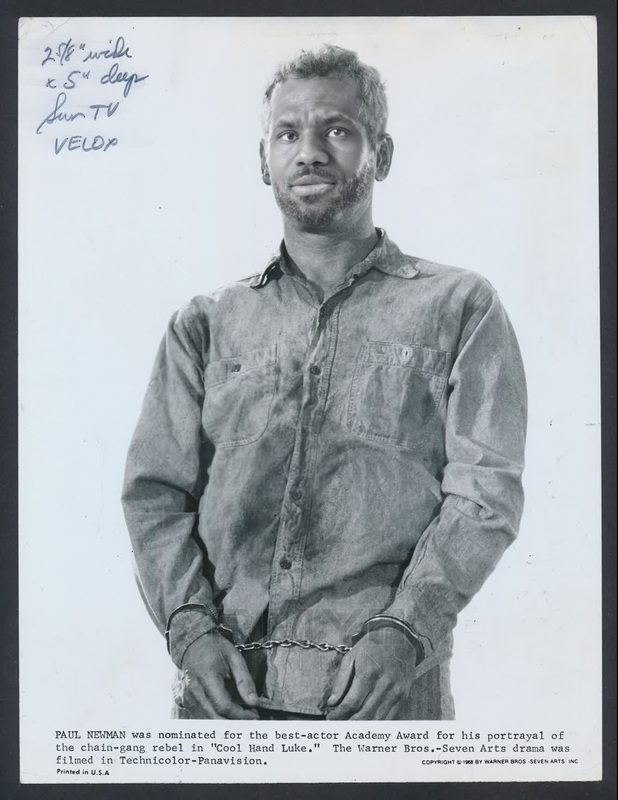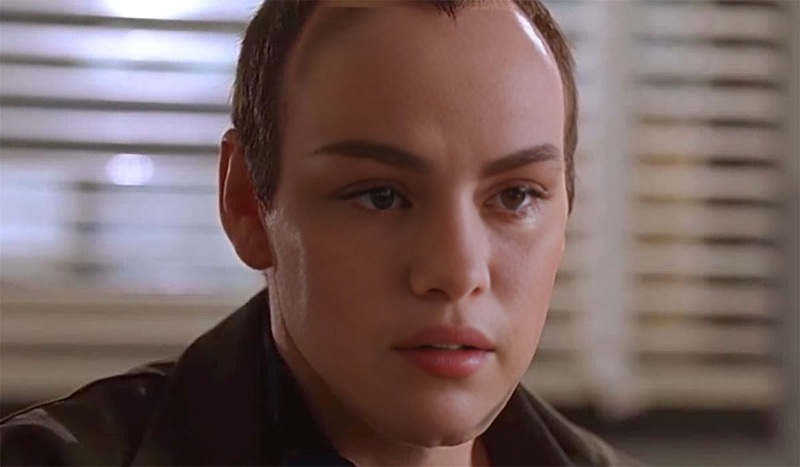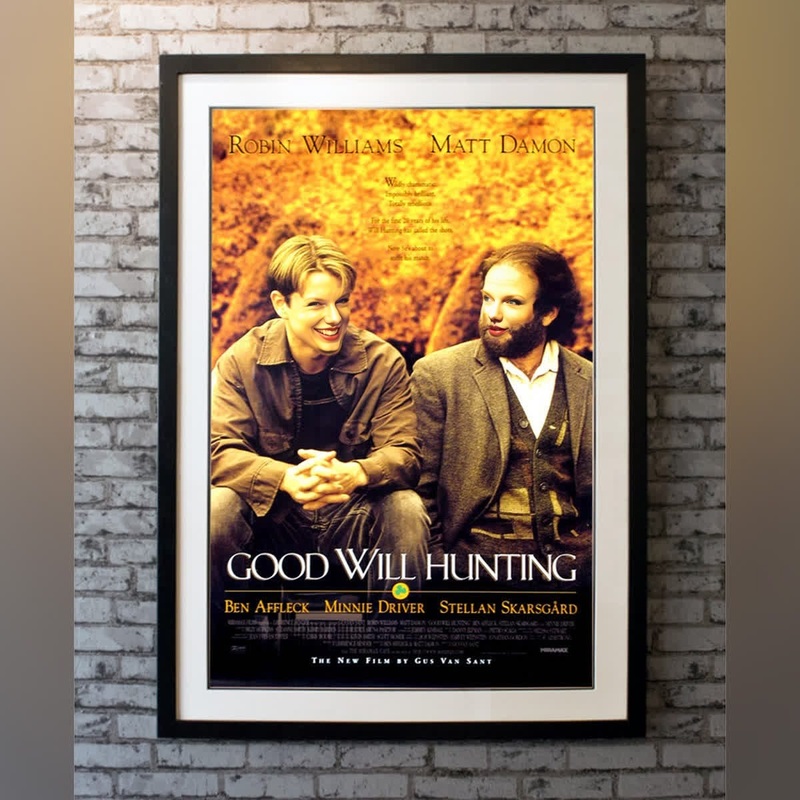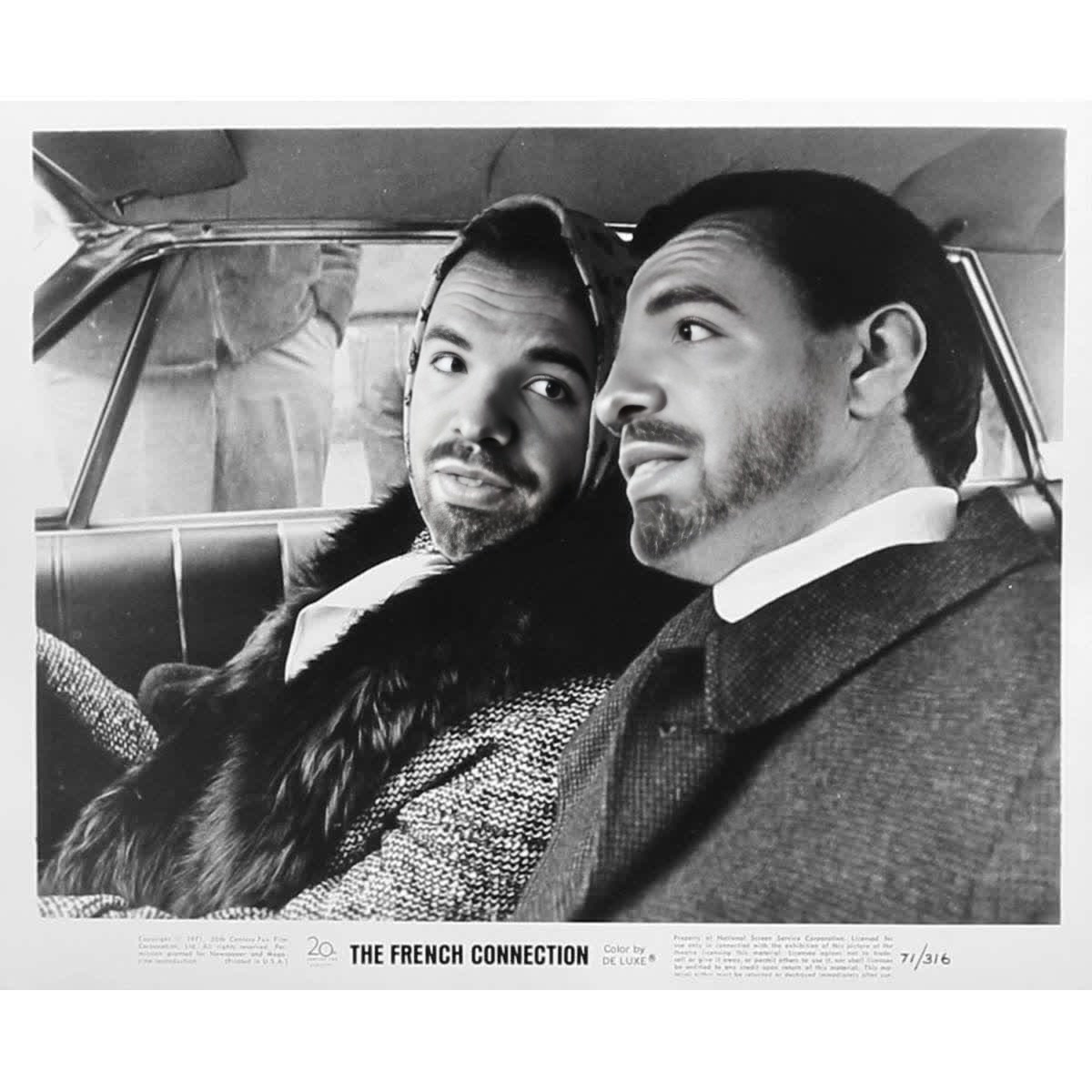
Gene Hackman The French Connection Studio Portrait
- Image
- 1200 × 1200 px
Any aspect ratio
Overview
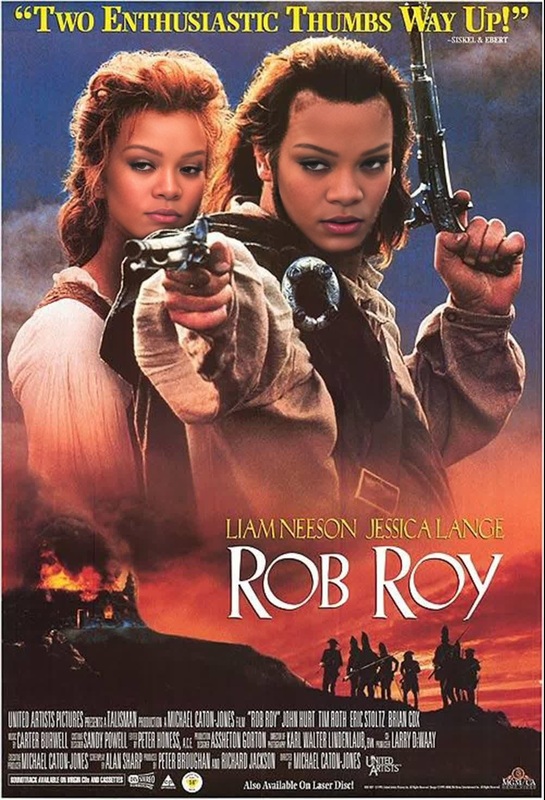
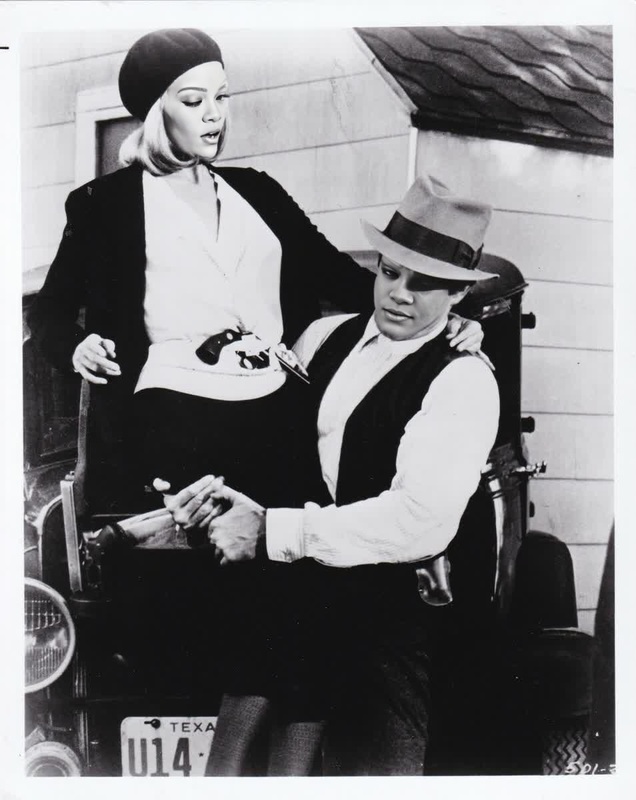
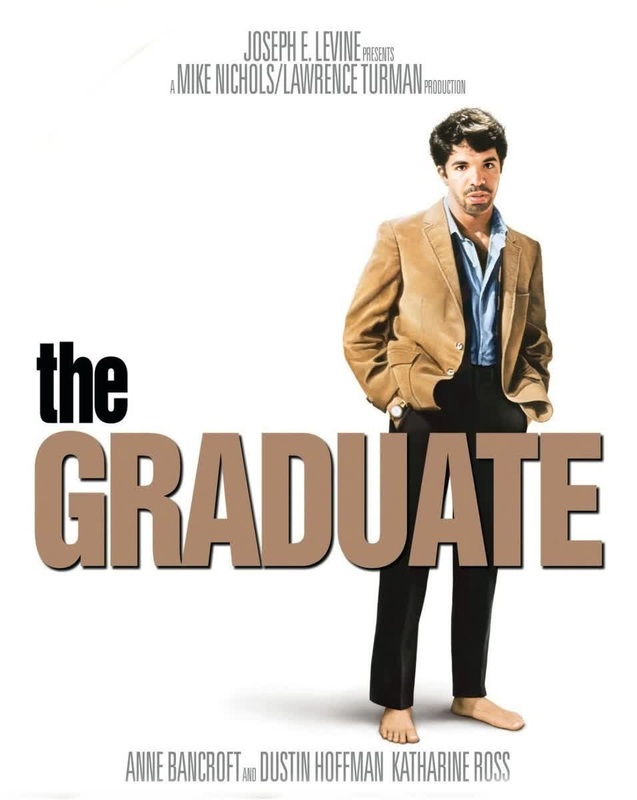
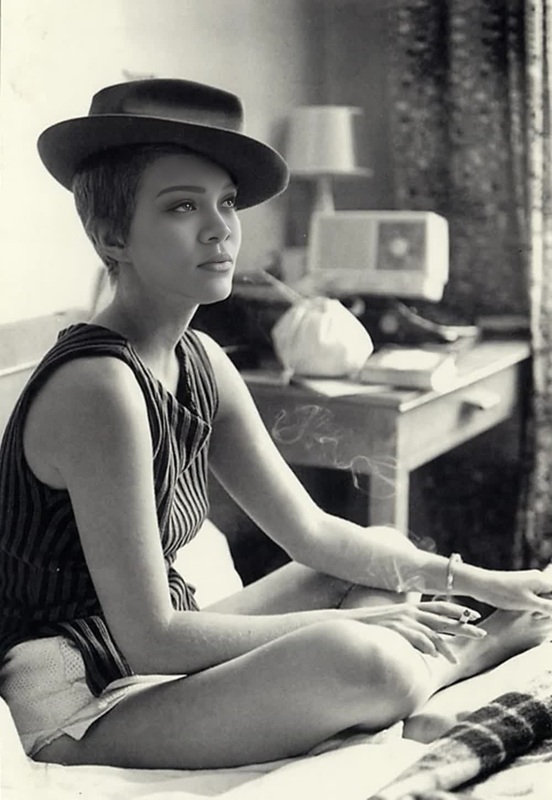
Step into the world of 1970s classic cinema with our Video Face Swap template, featuring the iconic Gene Hackman. This template lets you transpose Gene Hackman’s face from "The French Connection" onto any portrait video of your choice, adding a vintage flair to your creations.
What It Does
The Gene Hackman Video Face Swap template leverages advanced face swap technology to replace any face in your video with that of the legendary actor from his "French Connection" days. The result is a seamless integration with precise attention to facial expressions and lighting, achieving a professional studio portrait look.
For related tools, check out our Face Swap and Image to Video products, which offer similar transformational capabilities for your video projects.
Who It's For
This template is perfect for filmmakers, video editors, and creative enthusiasts who are fans of classic cinema. It’s also suitable for educators and marketers looking to create engaging and nostalgic content using famed characters. Whether you're crafting a movie homage or producing dynamic social media content, this tool can help elevate your projects.
Summary
Embrace the golden age of cinema in your video projects by using the Gene Hackman Video Face Swap template. It's an excellent choice for those seeking to inject classic Hollywood style into their digital media. To further enhance your projects, explore our AI Video Generator which provides additional creative functionalities.
How To
Choose Your Template

Customize Your Inputs

Generate Your Video

Use Cases
Classic Movie Revivals
- Movie trailers
- Film festivals
- Video tributes
Marketing Campaigns
- Retro-themed commercials
- Social media ads
- Brand storytelling
Educational Resources
- Film studies
- History lessons
- Media literacy courses
Best Practices
Use High-Quality Videos
For optimal results, ensure your source video is of high quality. This allows for better facial recognition and integration.Conduct Lighting Adjustments
Adjust the lighting settings within the template to match the original footage, ensuring the face swap appears natural.Review Facial Expressions
Check that the facial expressions align accurately with Gene Hackman’s in "The French Connection" to maintain authenticity.