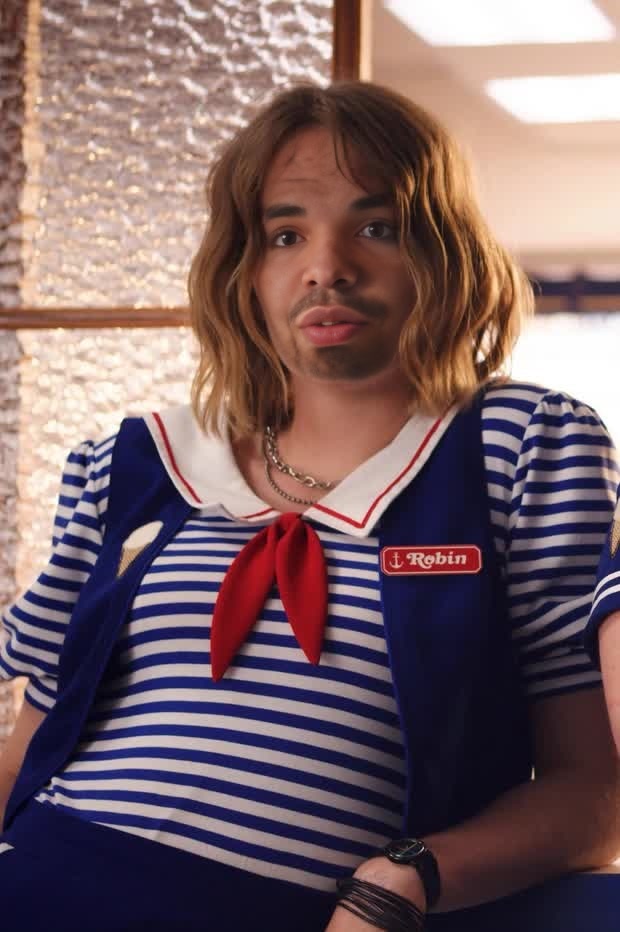
Robin Buckley Stranger Things
- Image
- 620 × 932 px
Any aspect ratio
Overview
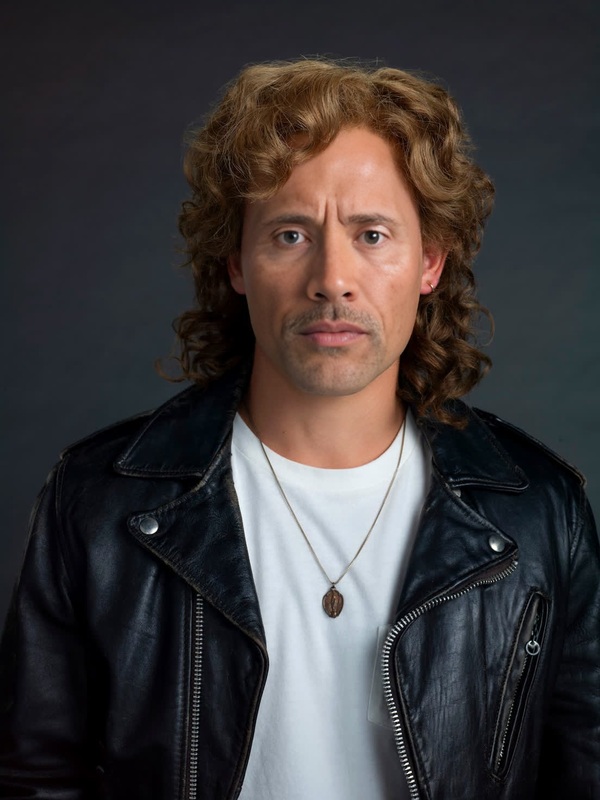
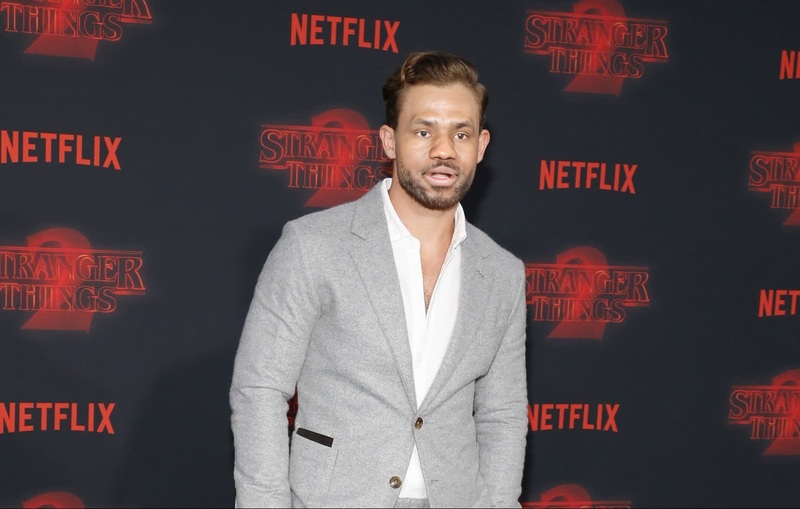
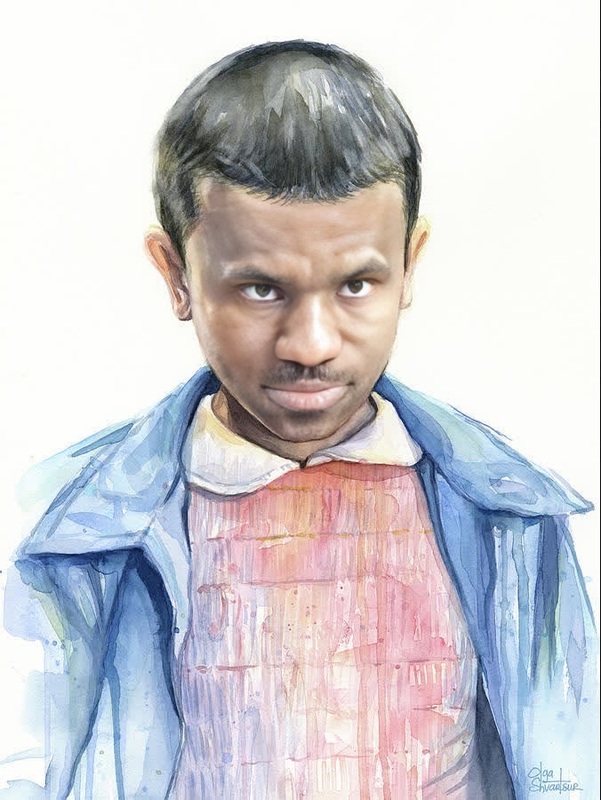
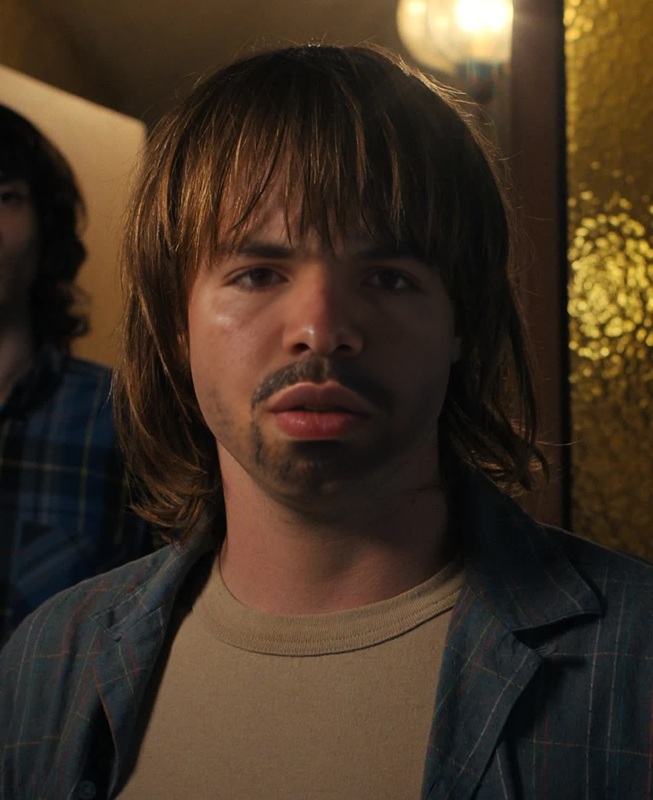
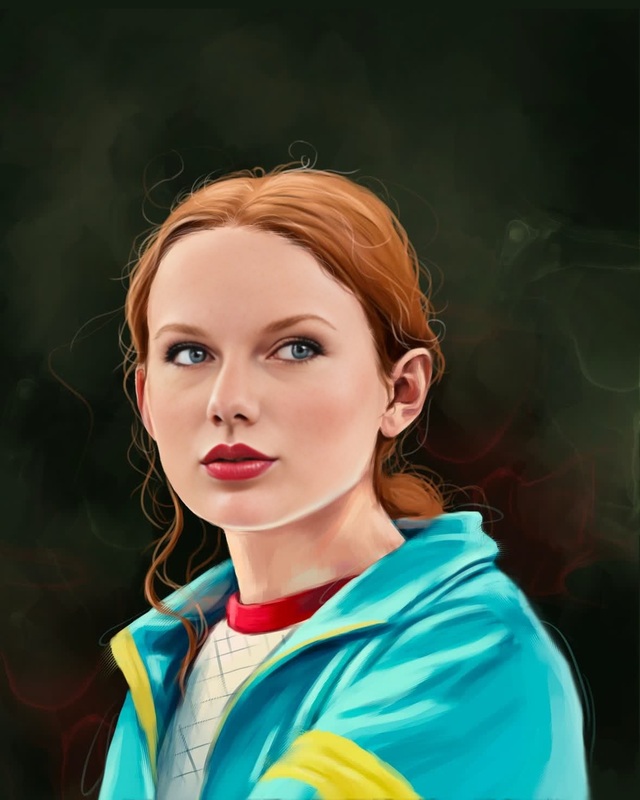
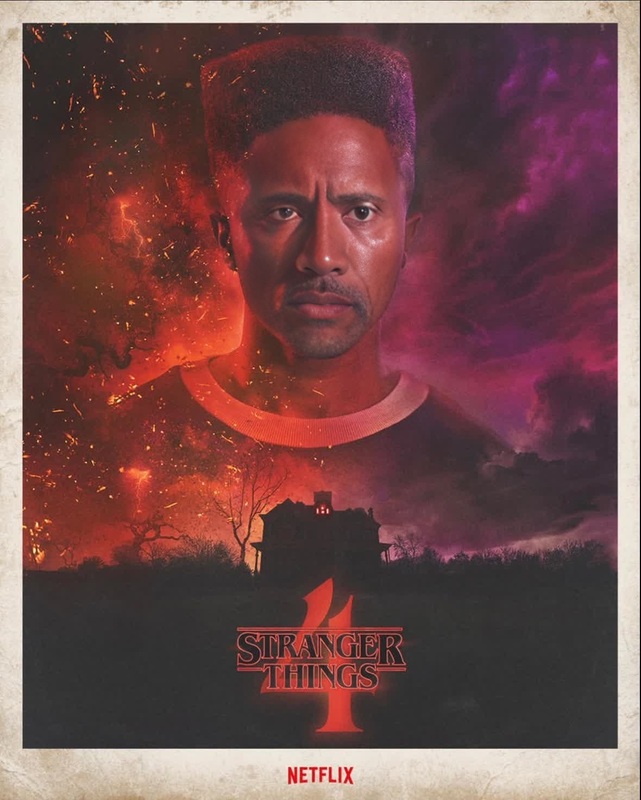
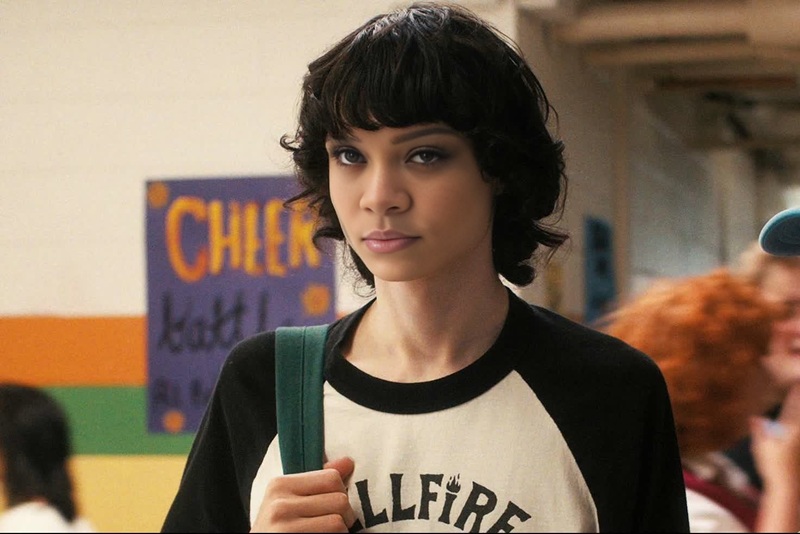
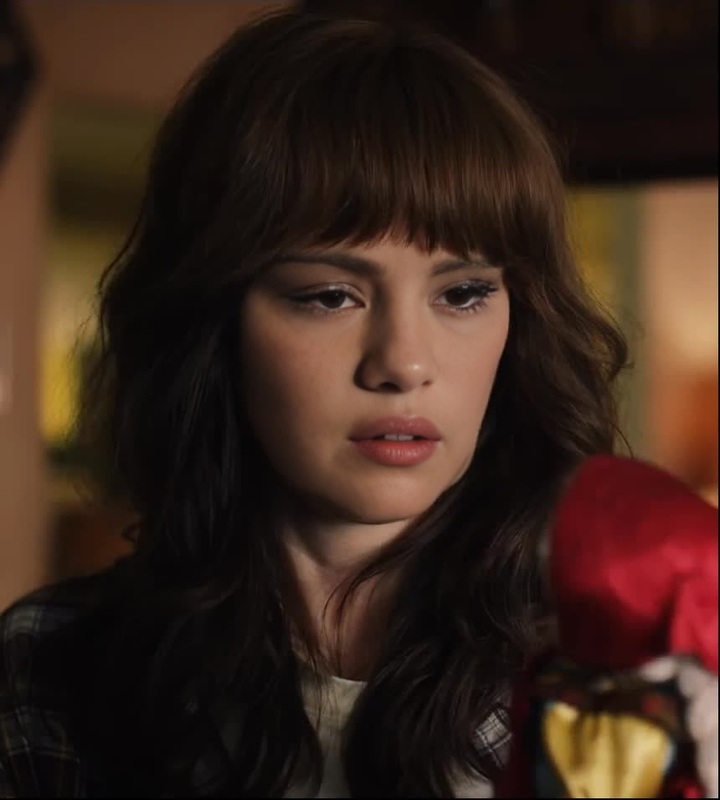
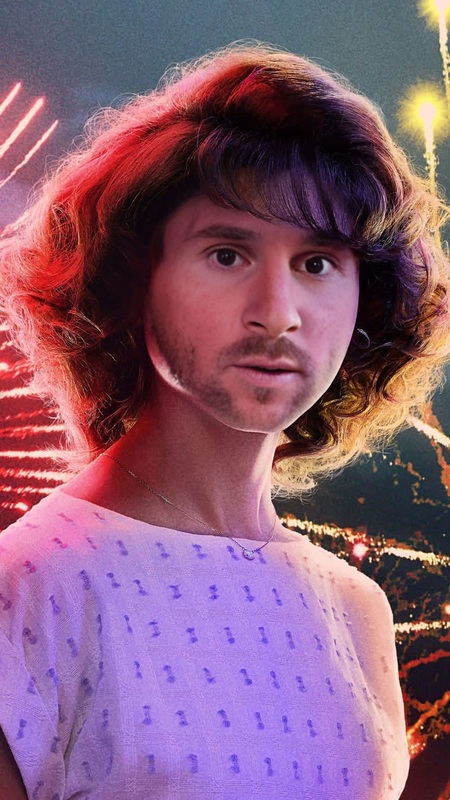
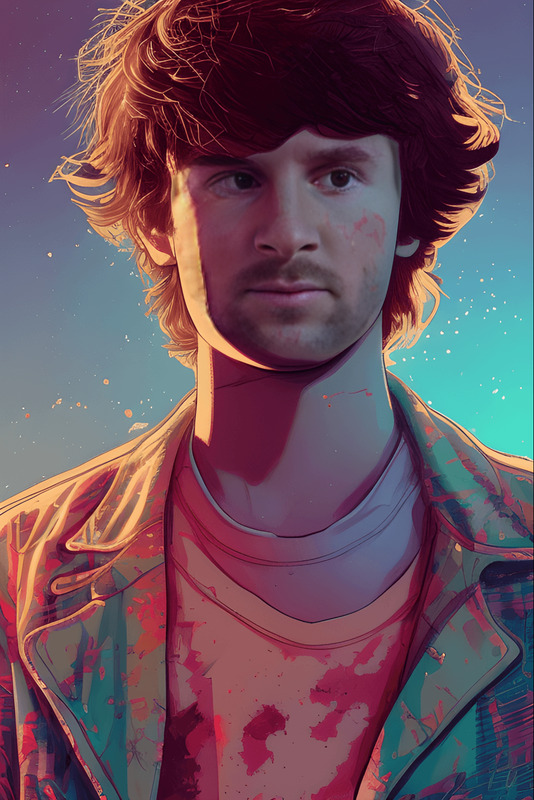
Step into the world of "Stranger Things" with the Robin Buckley Video Face Swap. This template allows you to take on the look of Robin Buckley, one of the show's beloved characters, and integrate this transformation into your video content. Perfect for fans and creators looking to craft unique and captivating media.
What It Does
The Robin Buckley Video Face Swap molds your chosen video face into that of Robin Buckley. By using robust face-swapping technology, this template seamlessly integrates the character's likeness onto your content, ready for social platforms or personal projects. Consider complementing this with the AI Video Generator for creating expanded narratives or the AI Talking Photo for adding dialogues or voiceovers.
Who It's For
This template is ideal for "Stranger Things" fans who are eager to bring an element of the series' charm to their digital projects. Social media influencers, content creators, and marketers looking to tap into the show's vibrant fanbase will find it invaluable. It's also a creative tool in the arsenal of video producers aiming to spice up their promotional or personal video content. Enhance your output with the Face Swap or AI Clothes Changer to explore different costume ideas.
Summary
The Robin Buckley Video Face Swap template enables a fast and creative way to engage with "Stranger Things" visuals. By leveraging the latest in face swap technology, this tool transforms your appearance while maintaining high-quality video integrity. Use this as part of your creative suite with other tools like the AI Voice Changer for an immersive experience.
How to Use
Choose the Template

Customize Your Content

Generate and Save

Use Cases
Social Media Content
- Instagram reels
- TikTok videos
Entertainment Projects
- Fan-made movies
- Parody sketches
Marketing Campaigns
- Themed ads
- Product launches
Best Practices
Ensure Video Quality
Start with high-resolution footage to achieve the best face swap results.Fine-Tune Adjustments
Utilize available editing tools to achieve a more natural integration of face swaps in your video.Experiment with Lighting
Adjust the lighting conditions in your original video to better match the aesthetic of "Stranger Things."
Frequently asked questions
More Like This