Rachel Dawes Batman Begins Dc Live Action
- Image
- 732 × 1000 px
Any aspect ratio
Overview
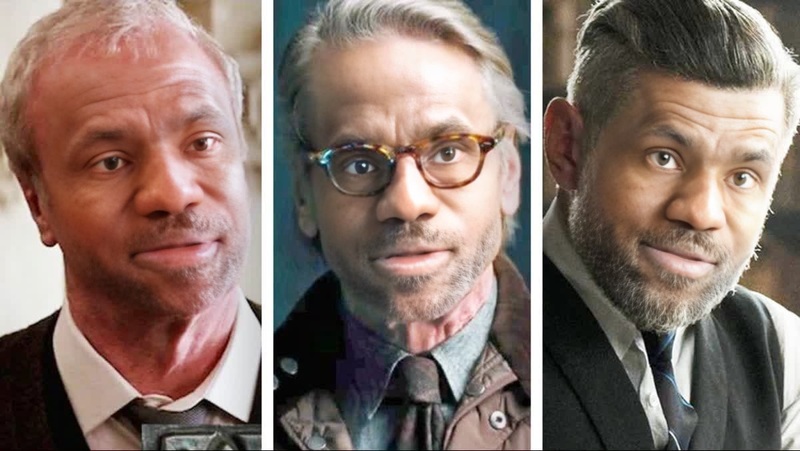
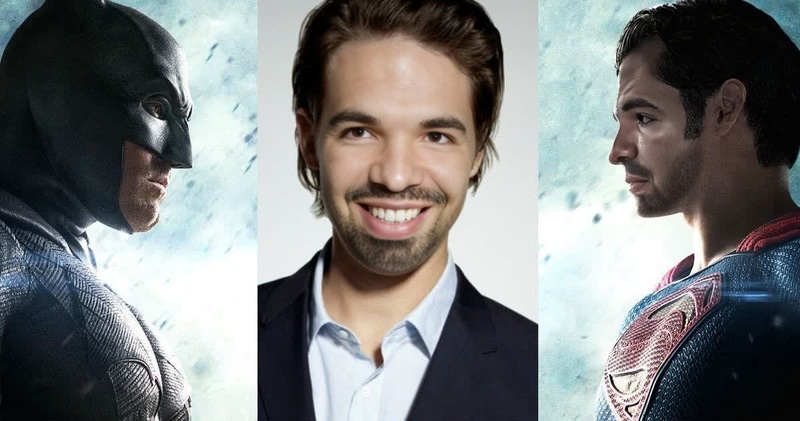
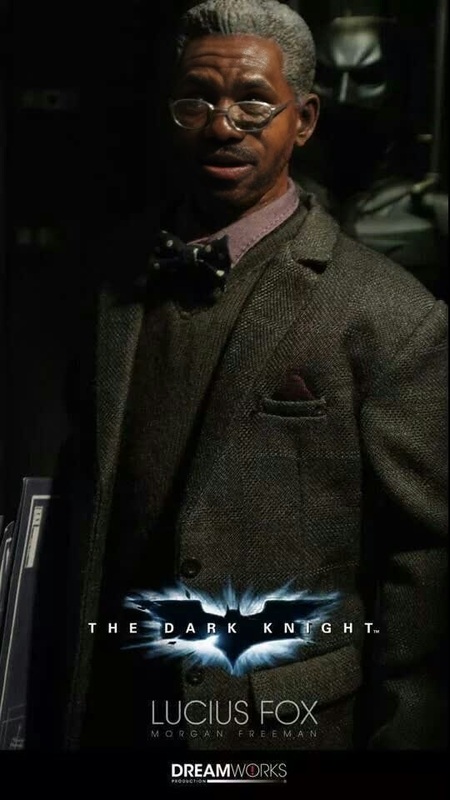
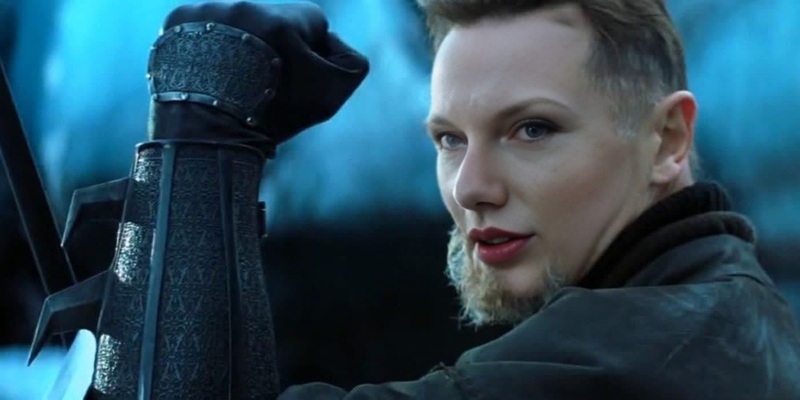
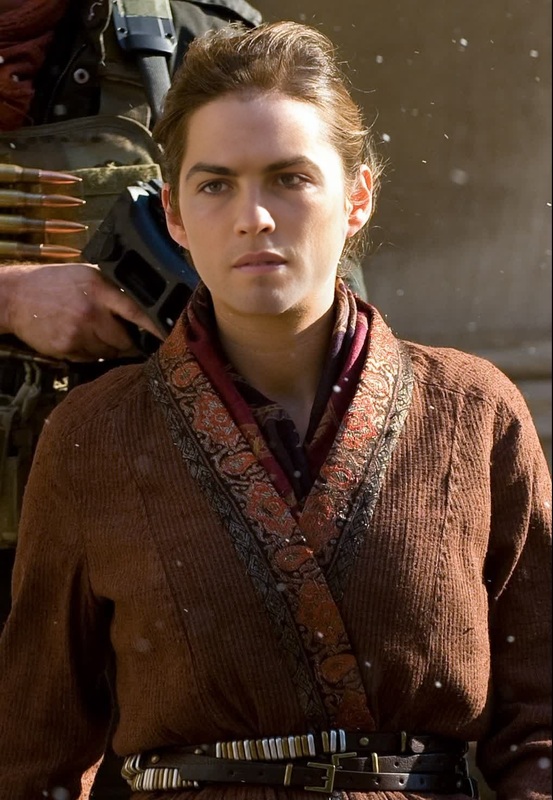
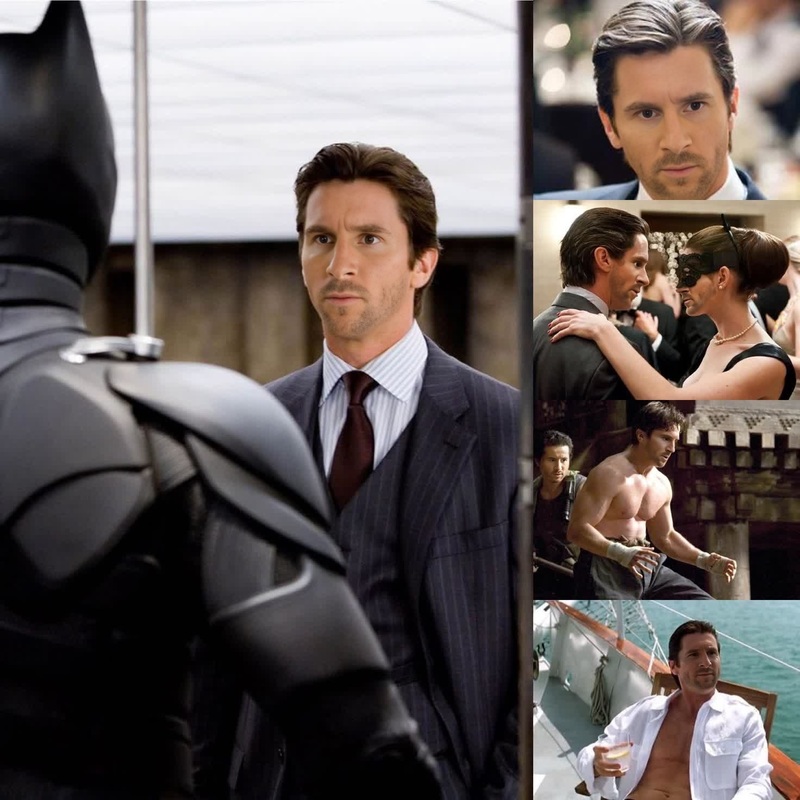
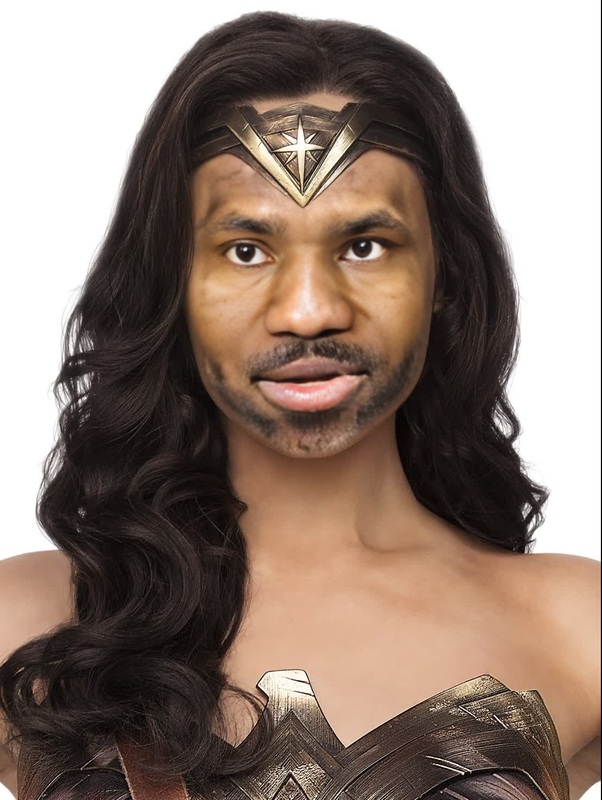
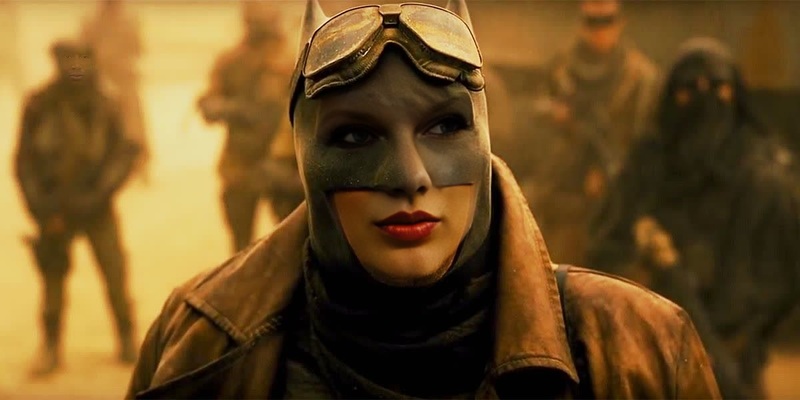
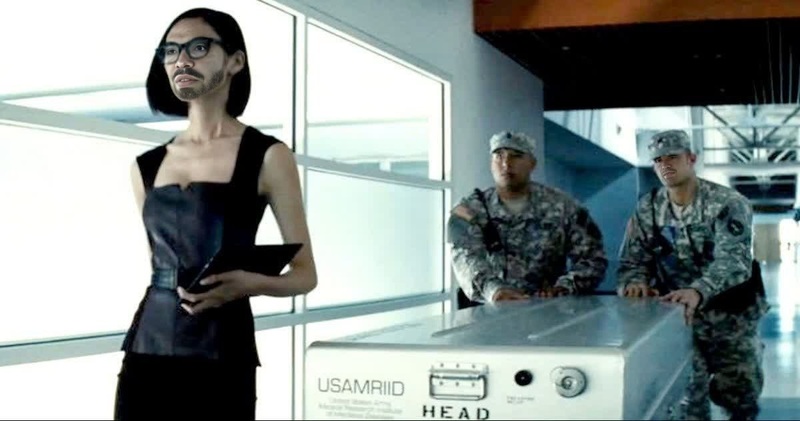
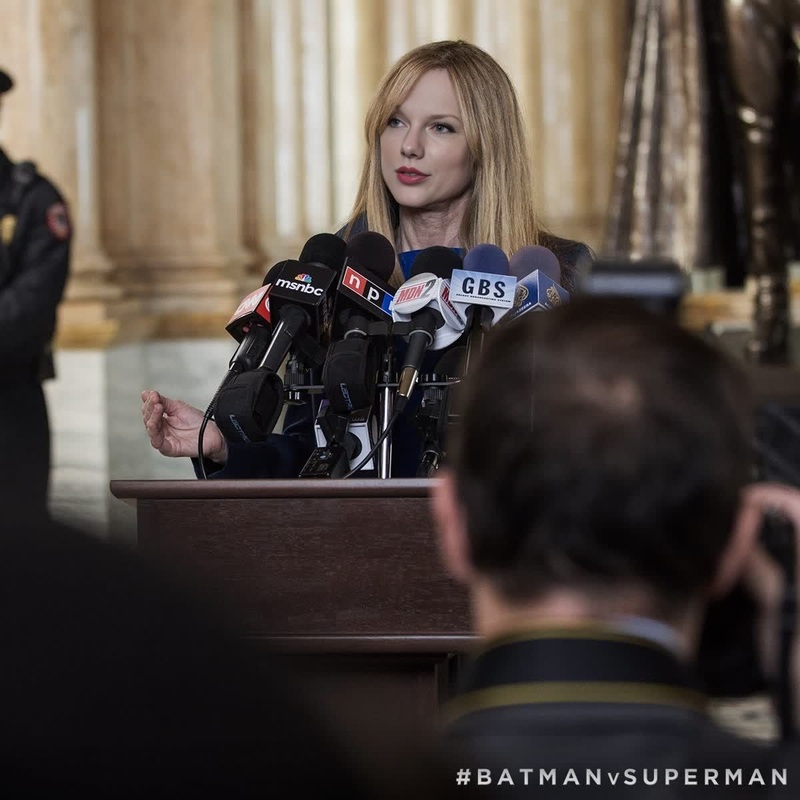
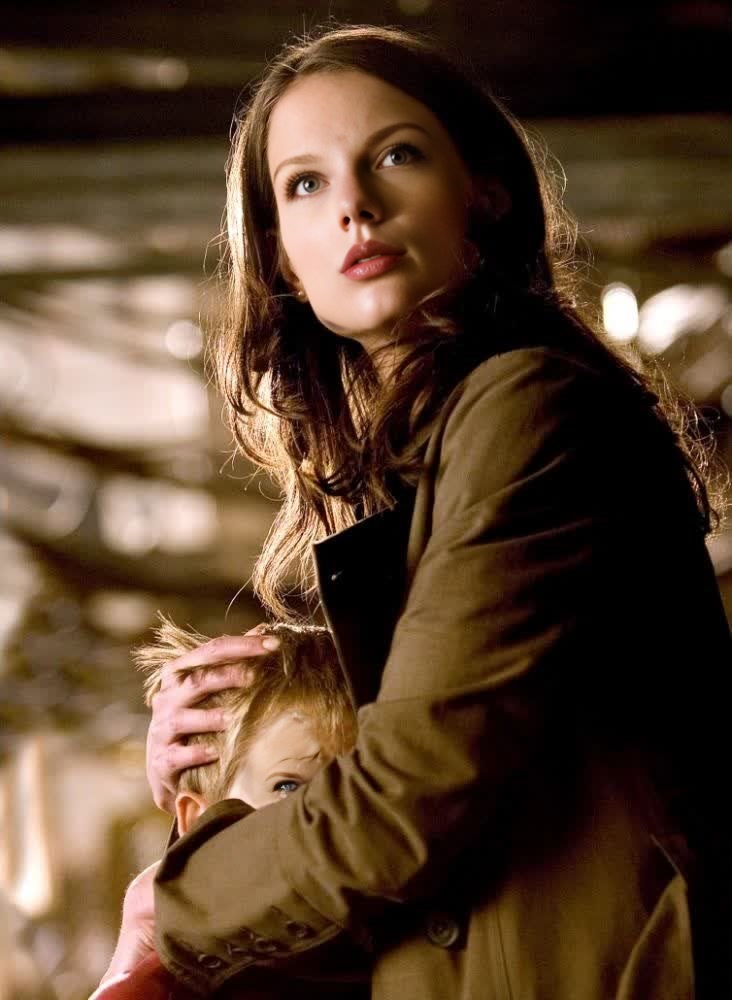
Step into the shoes of Rachel Dawes from the beloved movie Batman Begins with our engaging Video Face Swap template. This tool is ideal for DC and live-action enthusiasts looking to transform their appearance into the iconic Gotham character.
What It Does
This template leverages advanced face swap technology to morph your face into Rachel Dawes, complete with meticulous details from the Batman Begins movie. Users can expect high-quality transformations suitable for both social media posts and fan productions.
Explore more transformations with our Head Swap tool for dynamic character editing, or create new video narratives using the Image to Video tool.
Who It's For
This template is perfect for fans of DC Comics and live-action movies who wish to create tribute videos or humorous social media content. It's also an excellent tool for creators in the entertainment sector looking to experiment with fan fiction visualizations.
Summary
Transform yourself or others into the character Rachel Dawes from Batman Begins using our AI Video Generator. It's a smart choice for anyone interested in the intersection of AI technology and creative video content.
How To
Choose the Template

Customize Your Input

Generate Your Video

Use Cases
Fan Tribute Videos
Social Media Content
Entertainment-Based Projects
Best Practices
Use High-Quality Videos
Ensure the input video is of high quality with adequate lighting for the best transformation results.Mind the Angles
Choose videos where the subject's face is prominently visible to facilitate a more accurate swap.Experiment with Settings
Adjust alignment and blending settings to achieve the most natural look for your face swap.
Frequently asked questions
More Like This