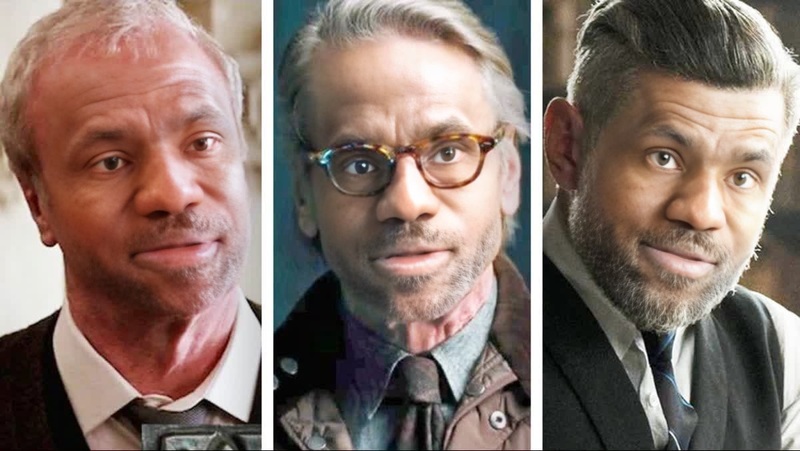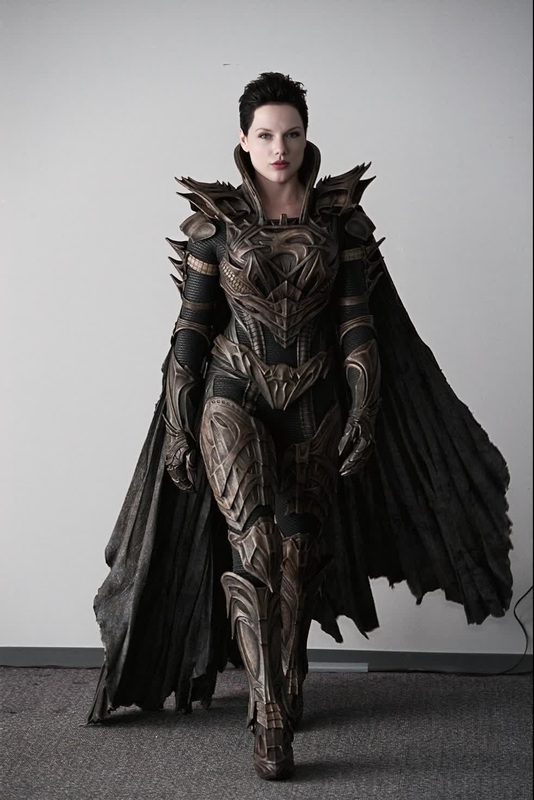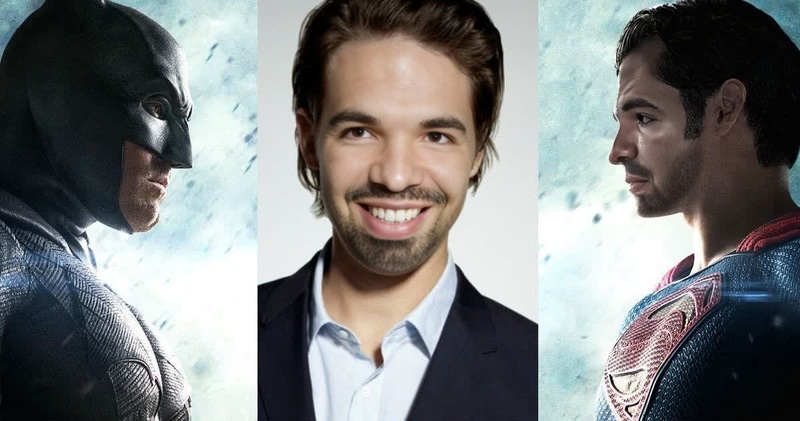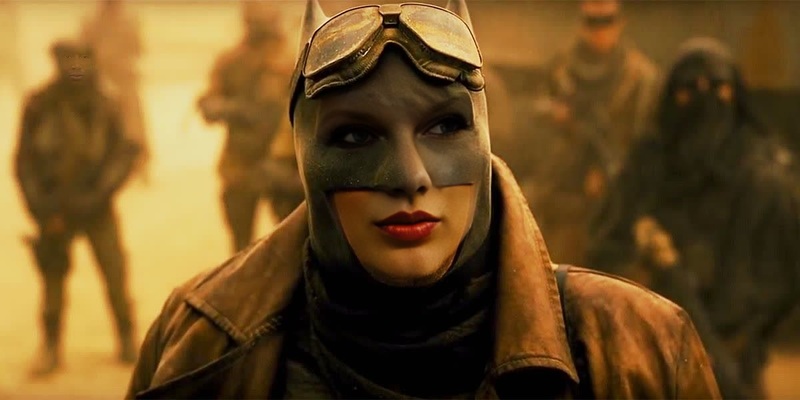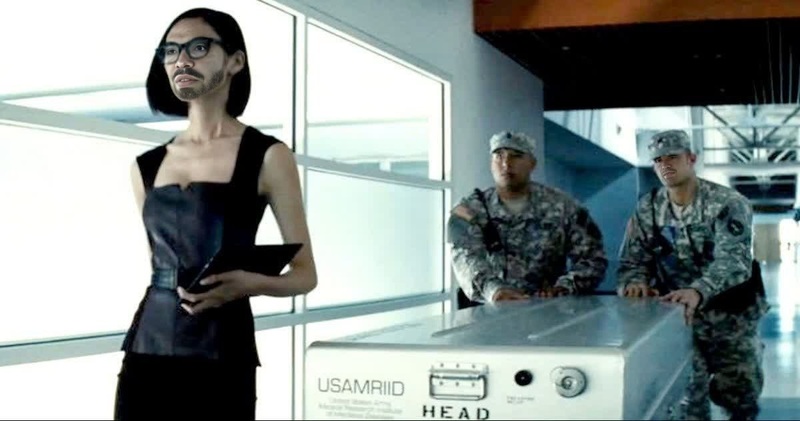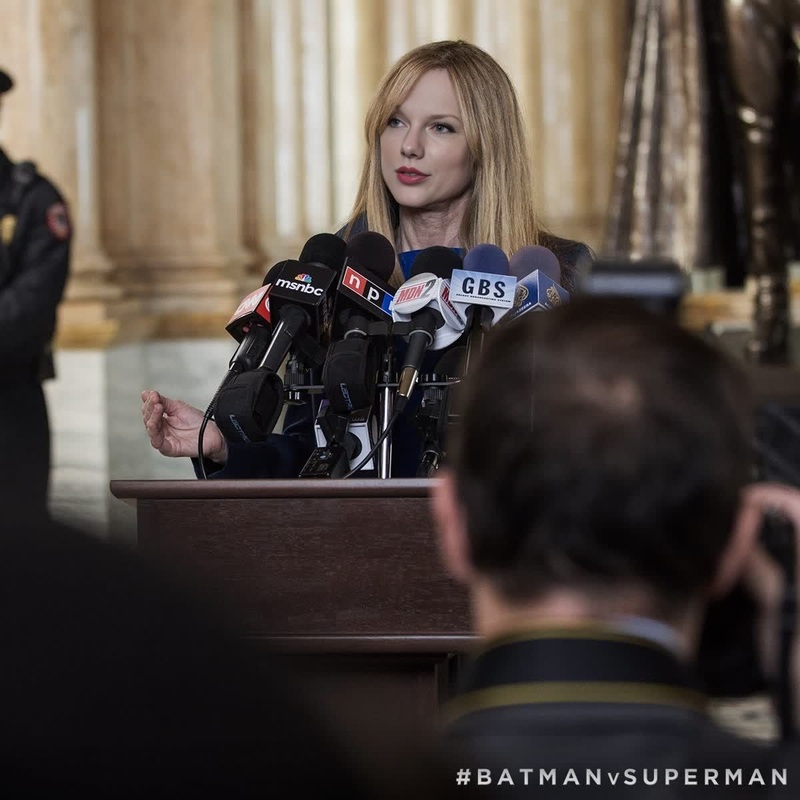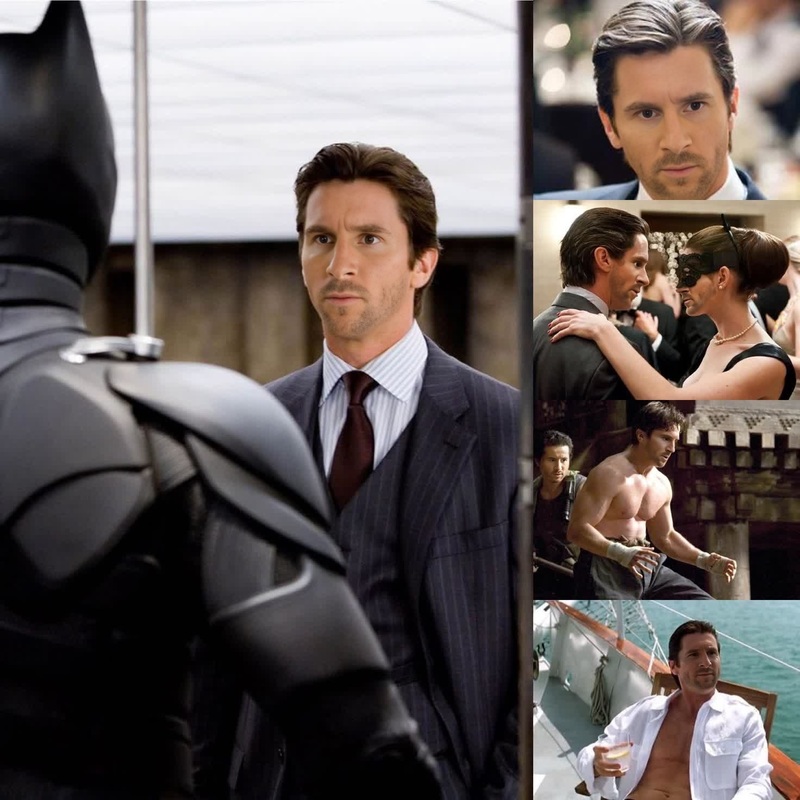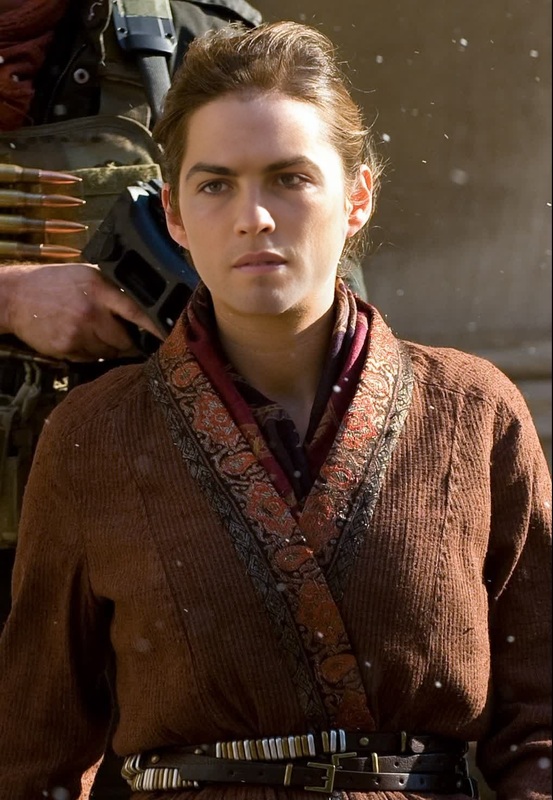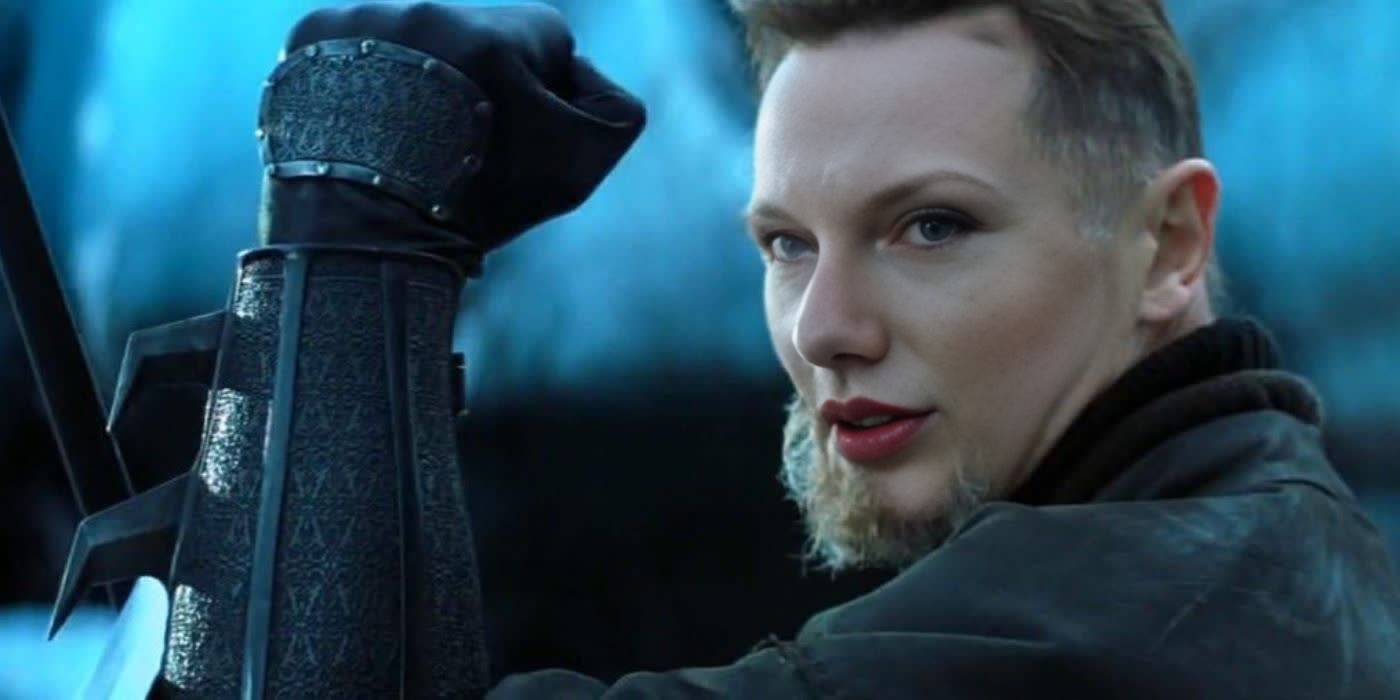
RaS Al Ghul Batman Begins Dc Live Action

RaS Al Ghul Batman Begins Dc Live Action

face-swap

1 clip
0 uses

Any aspect ratio

Tags

transformations

Turn Any Video Into a Custom Face Swap (Remixable Template)

Use this template to instantly swap faces in any video and create studio‑quality, share‑ready clips in minutes. It’s built on Magic Hour’s AI Face Swap technology and is fully remixable—so you can adapt it for your brand, product, or content workflow with almost no setup.


What This Template Does

This template lets you:

  • Replace a person’s face in a video with another face (your own, a model, or a character)
  • Preserve the original video’s:
    • Expressions
    • Head movement
    • Lighting and perspective
  • Output: a realistic, smooth face swap video you can download and share anywhere

It’s ideal for:

  • Creators and editors who need fast variants of the same concept (different faces, same scene)
  • Marketers running multi‑persona campaigns or localized content
  • Founders and teams who want quick visuals for pitch decks, landing pages, or product videos
  • UGC and influencer workflows where you reuse the same base clips

Behind the scenes, this template uses AI face reenactment and blending to map your source face onto the target video while maintaining pose, gaze direction, and motion consistency—similar in concept to methods like First Order Motion Models and modern diffusion‑based face‑swap systems.


How to Remix This Template in Magic Hour

Remixing this template means: “keep the structure, swap in my own media and faces.”

  1. Start from the template

    • Open the template inside Magic Hour (from the gallery or “Remix” button).
    • You’ll see a pre‑configured Face Swap Video flow.
  2. Replace the target video

    • Upload or select the video whose face you want to replace.
    • For best realism, choose footage with:
      • Clear, frontal or 3/4 views of the face
      • Good lighting (not heavily backlit)
      • Minimal motion blur
  3. Add or change the source face

  4. Preview and iterate

    • Run a preview to check alignment, expression matching, and realism.
    • If it looks off, try:
      • A different source image (clearer, more frontal)
      • A cleaner video segment (less blur, better light)
  5. Export and reuse the flow

    • Export the final video and save this remixed template as a reusable flow for:
      • Batch content (same structure, different faces)
      • Team use across campaigns or experiments

Best Practices for High‑Quality Face Swaps

To get results that hold up in professional contexts:

  • Use high‑quality inputs

    • Higher resolution images and videos produce more convincing blends.
    • If your base media is low‑res, consider:
  • Match lighting and angle where possible

    • Select source faces shot in similar lighting and angle to your target video.
    • This reduces artifacts and improves skin‑tone consistency.
  • Keep faces visible

    • Avoid heavy occlusions (hands covering the face, large sunglasses, masks).
    • Side profiles can work, but frontal or 3/4 views are safest.
  • Stay within realistic use

    • Use your own face, licensed faces, or AI‑generated characters.
    • Avoid impersonation or deceptive use—most platforms and regulations (e.g., EU AI Act, emerging deepfake disclosure norms) expect clear labeling and consent when real people are involved.

For developers and technically curious users, AI‑assisted face swap is related to “face reenactment” and “identity‑preserving face editing,” which have been explored in research like Zakharov et al., 2019 (Few‑Shot Adversarial Learning of Realistic Neural Talking Head Models) and subsequent diffusion‑based improvements. Magic Hour packages these capabilities into a user‑friendly workflow that’s tuned for content production rather than research tinkering.


Common Use Cases & Workflows

You can easily remix this template into specialized flows:

1. UGC & influencer variations

  • Take one strong hero clip and swap in multiple faces to:
    • Localize content by region or persona
    • Test which “spokesperson” converts best
  • Combine with:

2. Product & brand storytelling

  • Put a consistent brand avatar into different demo videos using:

3. Character & fiction content

4. Talking avatars & explainers

  • Create a static portrait (or use a real photo), then:
    • Use AI Talking Photo or
      Lip Sync for speech and movement
    • Apply this Face Swap template on top of pre‑recorded actor footage to blend realism and control
  • Add subtitles via:

Combining Face Swap With Other Magic Hour Tools

To build more advanced pipelines:


How to Clone This Template Structure Yourself

If you prefer building from scratch instead of starting from the gallery:

  1. Create a new Face Swap flow

  2. Define your inputs

    • Input A: the target video (the one whose face will be replaced)
    • Input B: the source face image or video (the identity you want to insert)
  3. Connect to your broader workflow

  4. Save as your own template

    • Once it works for your use case, save the project as a template inside Magic Hour so your team can reuse it with new faces and videos in seconds.

When to Use This Template vs. Other Magic Hour Templates

Use this Face Swap template when you:

  • Already have a strong video and only want to change who appears in it
  • Need consistent motion and acting, but flexible identity
  • Want fast content variants for testing, personalization, or localization

Consider other creation flows when you:


This template is designed to be a robust starting point for serious creators, marketers, and builders who want reliable, production‑grade face swaps, not one‑off gimmicks. Remix it, adapt it to your own workflow, and connect it with other Magic Hour tools to build end‑to‑end AI video systems tailored to your brand and products.

More Like This

Insufficient credits