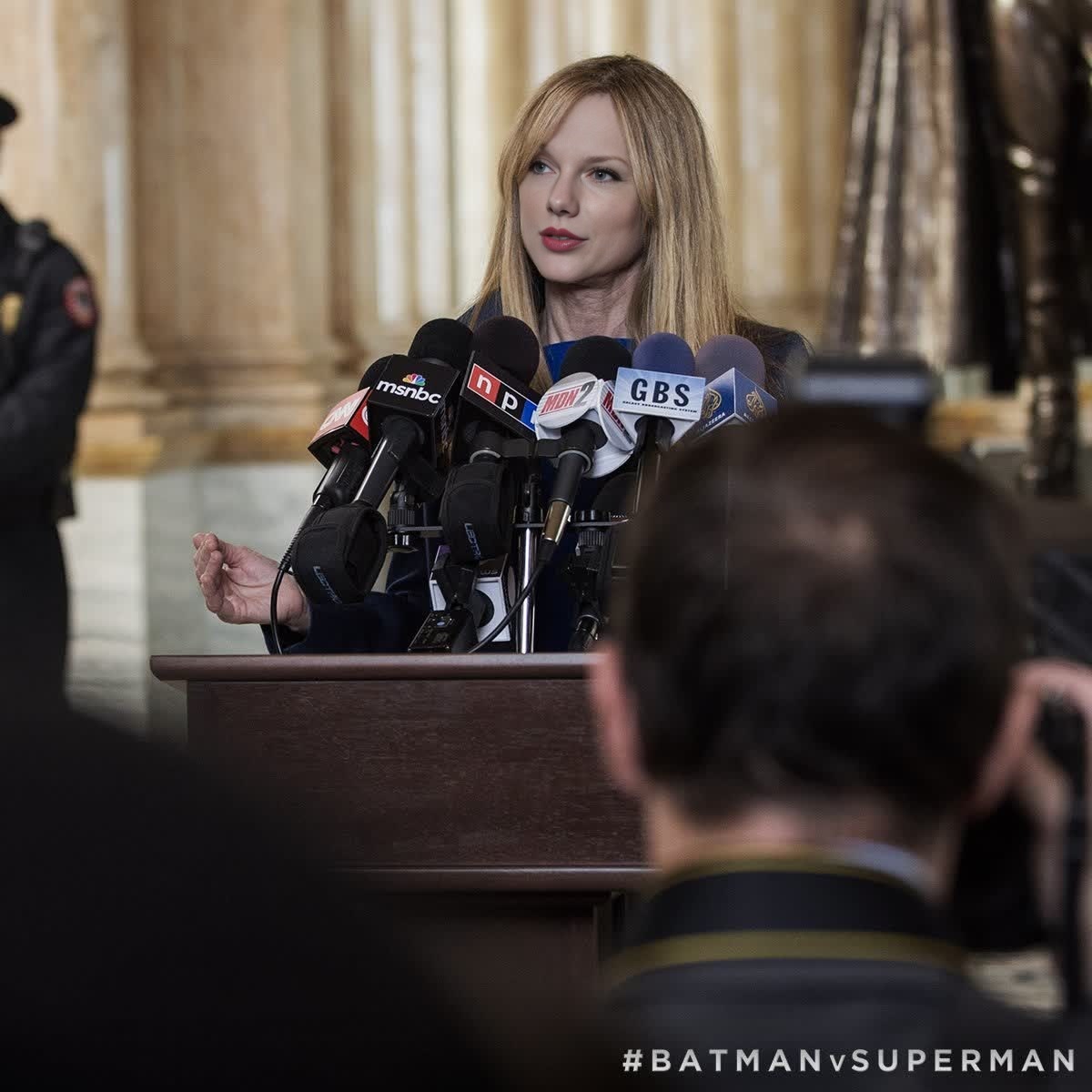
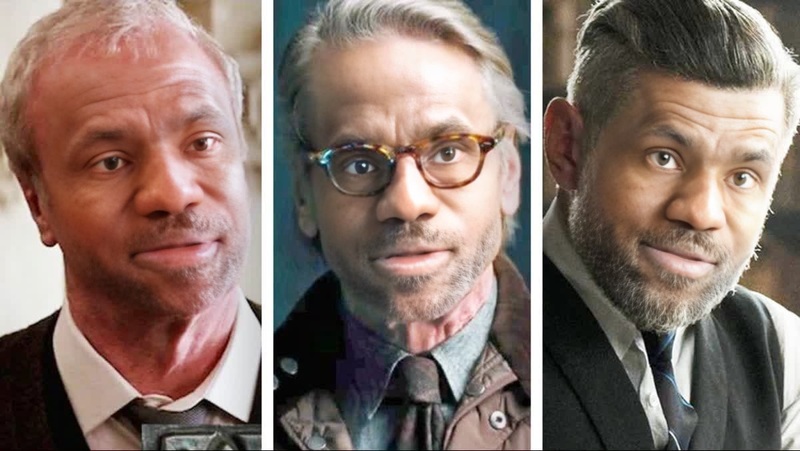
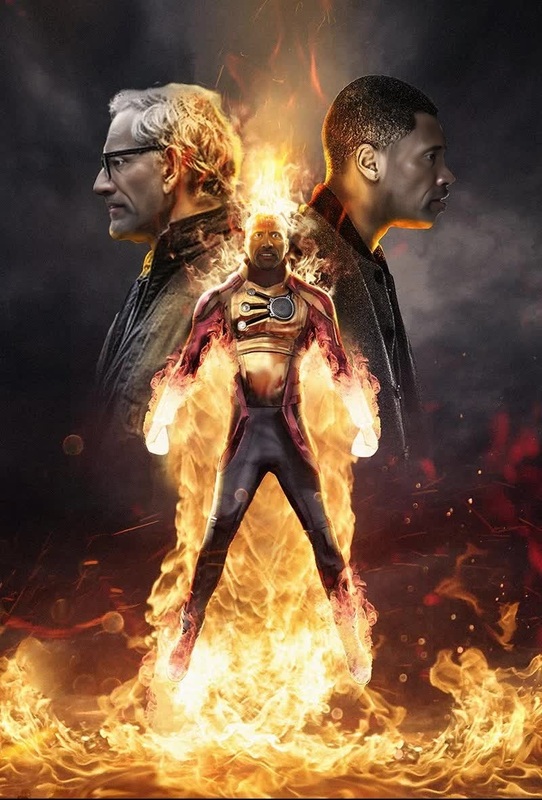
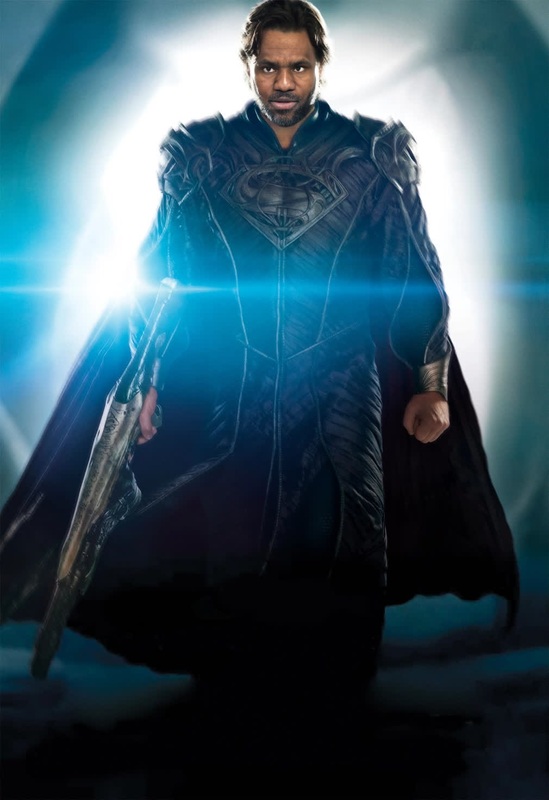
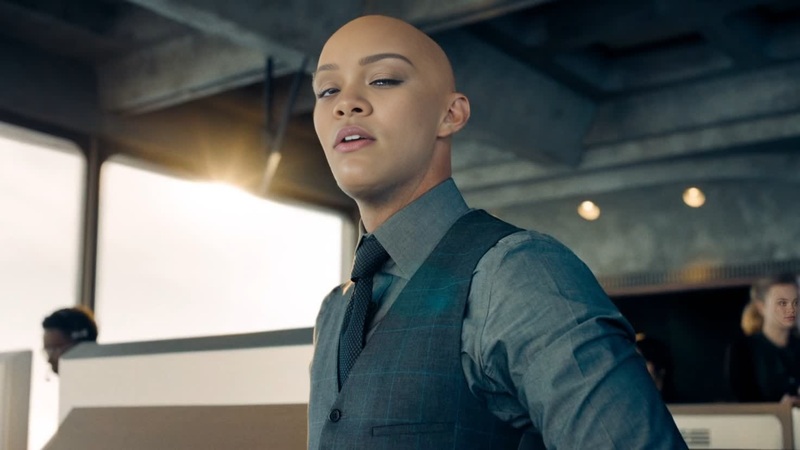
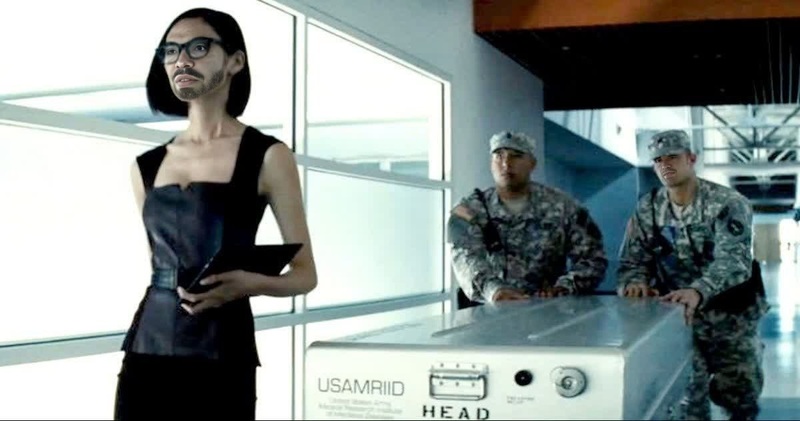
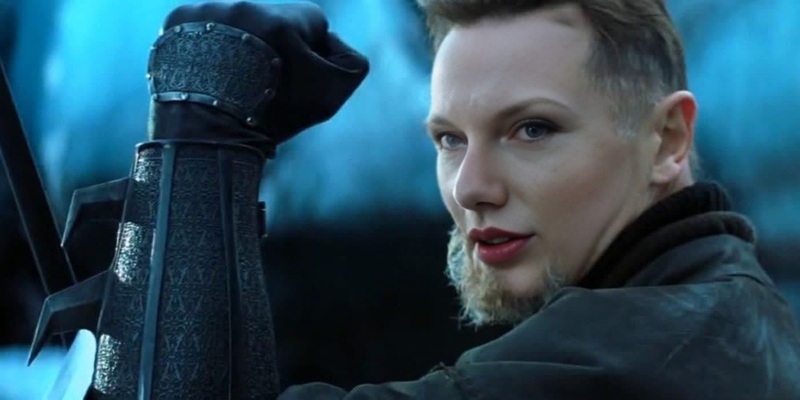
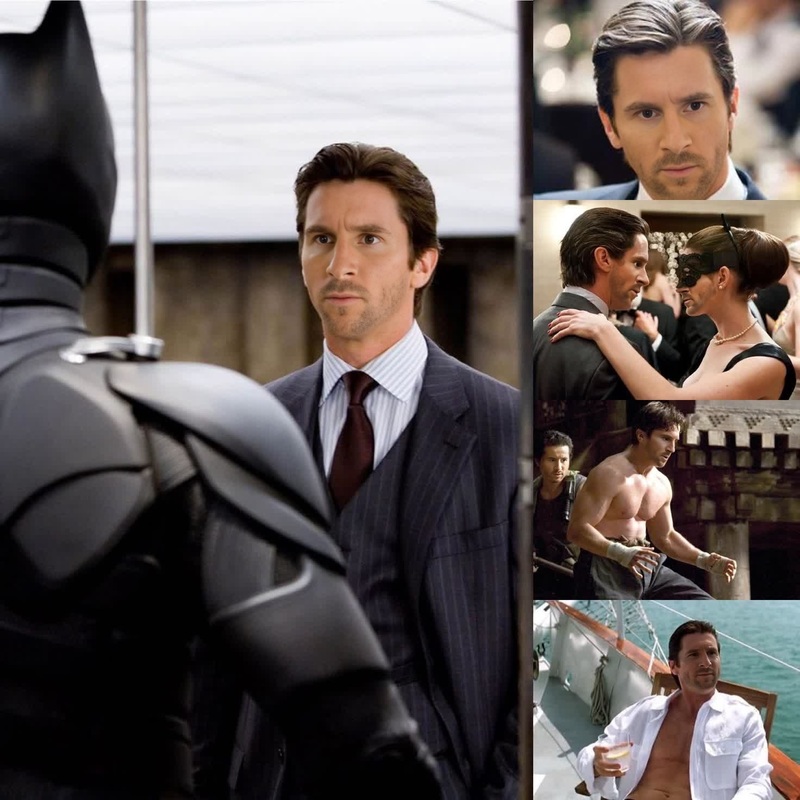
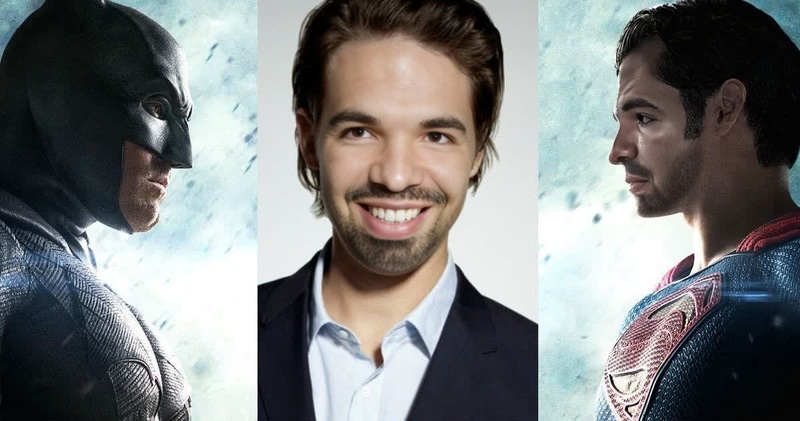
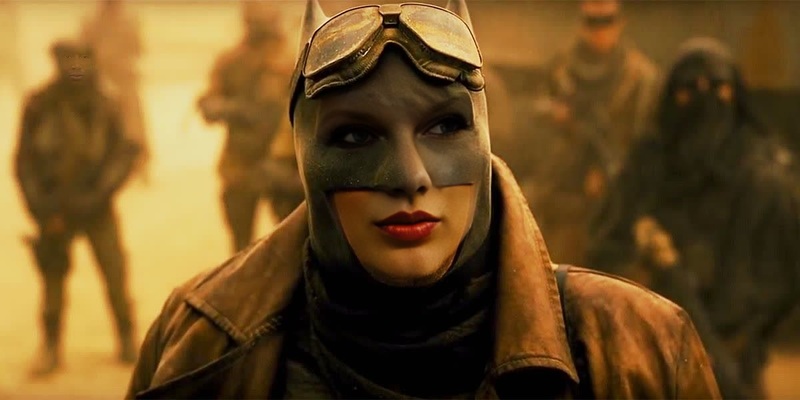
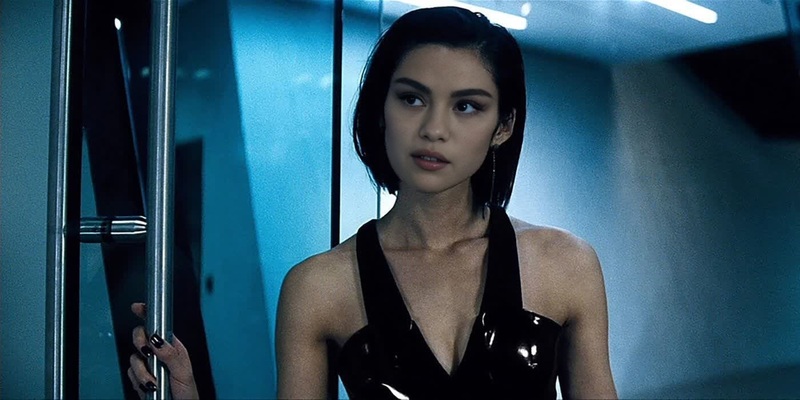
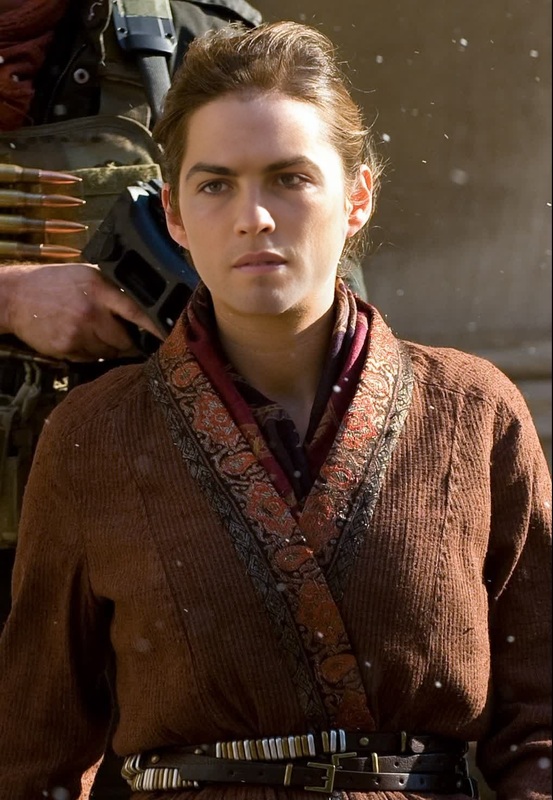
Transform into the renowned character of Senator Finch from Batman V Superman with our innovative Video Face Swap template. Dive into the DC Universe and bring your creative visions to life by swapping faces with this iconic character. Ideal for creating entertaining videos that captivate and engage audiences.
What It Does
This video template allows users to swap their face with that of Senator Finch, seamlessly integrating you into scenes from the DC Universe. By utilizing advanced facial mapping techniques, it ensures a realistic transformation that maintains the original video's quality and expressions. Combine this with our Face Swap capabilities for a seamless experience.
Who It's For
This template is perfect for DC Comics fans, content creators, and anyone interested in producing creative and engaging video content. Whether you're crafting personalized movie clips, engaging social media content, or just having fun with friends, this tool opens up a world of possibilities. Pair it with our AI Video Generator for more enhanced video creation options.
Summary
The Senator Finch Batman V Superman template is an excellent tool for anyone wanting to engage with the DC Universe innovatively. Swap faces, share your creations, and watch how this template helps you captivate viewers. Explore more with our Video-to-Video services for refined video transformations.
How to Use
01
Choose Template
Navigate to the Video Face Swap section and select the Senator Finch template.
02
Customize Face
Upload your photo to the template. Adjust the facial alignment and settings to match Senator Finch’s features for the best results.
03
Generate Video
Click on 'Generate' to create your video. Download the final product once processing is complete.
Use Cases
📲
Social Media Content
Create engaging content for your social media platforms.
Post humorous videos with your face swapped with a famous character.
Generate entertaining clips for TikTok and Instagram.
🎬
Fan Edits
Produce personalized fan edits featuring you as Senator Finch.
Create custom movie scenes.
Edit iconic moments for fan tributes.
📘
Educational Projects
Use face swap videos in educational settings.
Create historical reenactment videos.
Develop creative storytelling projects.
Best Practices
Photo Quality
For best results, use high-resolution images with clear lighting to ensure facial features align correctly.
Adjust Settings
Utilize the facial alignment tools to fine-tune the fit and realism of your face swap.
Combine Tools
Enhance your video creations by combining with other tools like the AI Image Editor for refined visual effects.