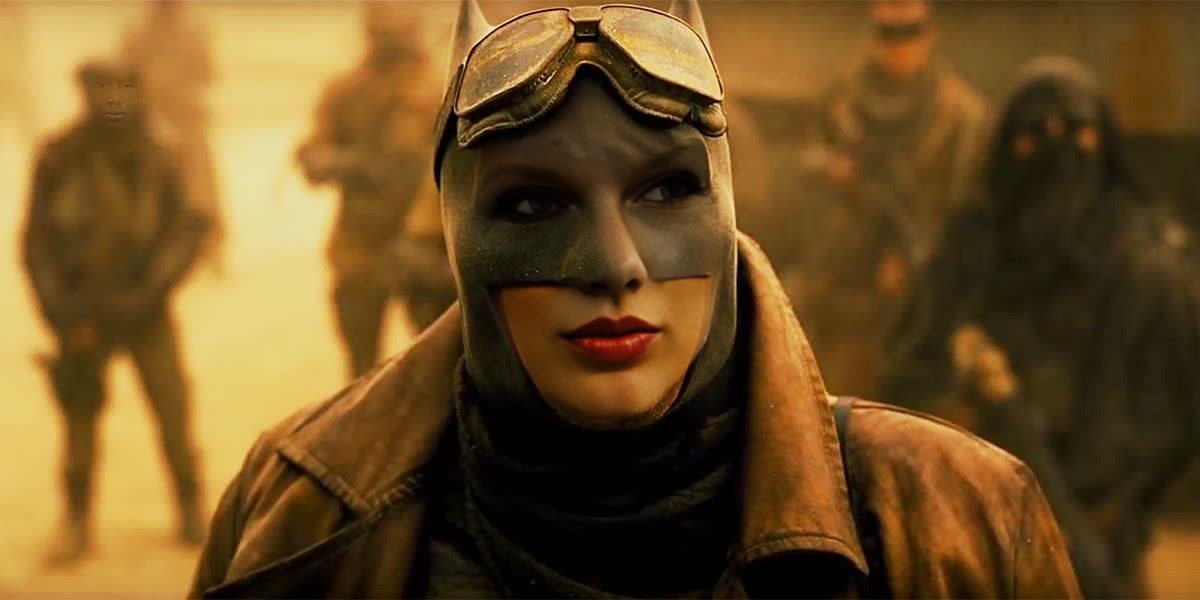
Knightmare Batman Batman V Superman Dc Live Action
- Image
- 1200 × 600 px
Any aspect ratio
Overview
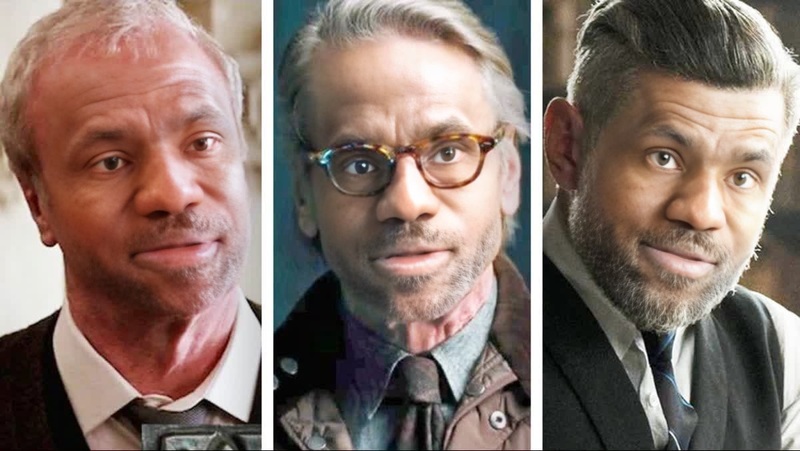
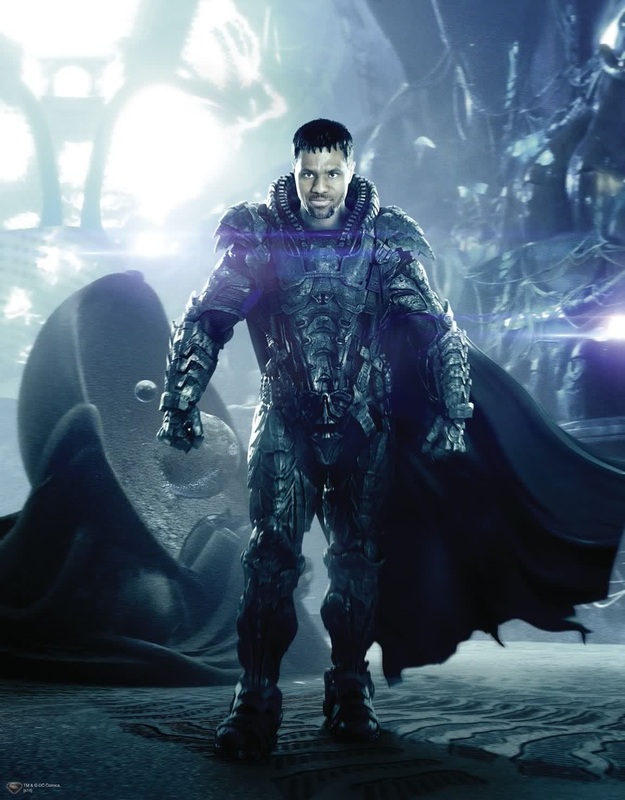
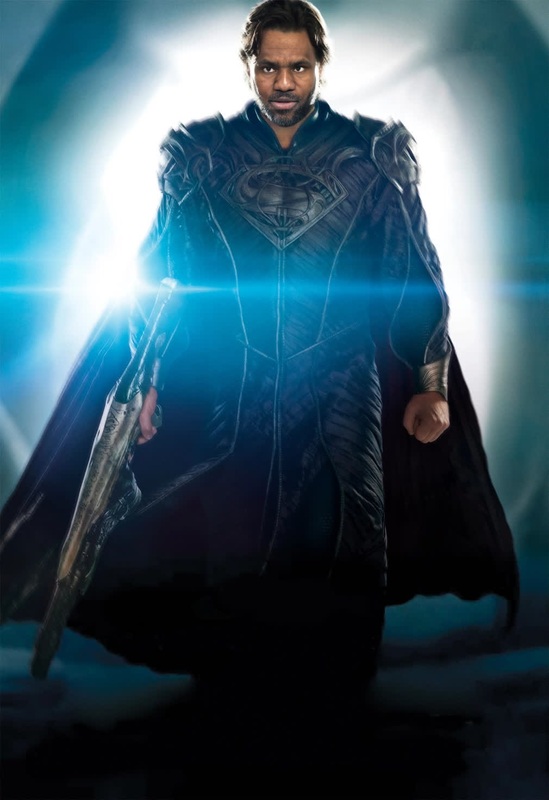
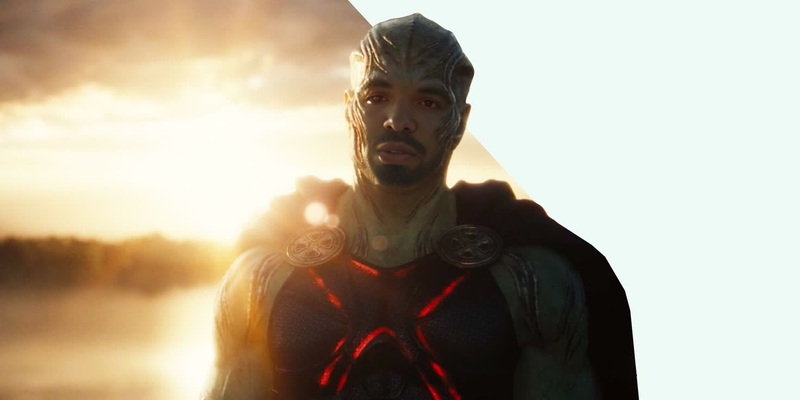
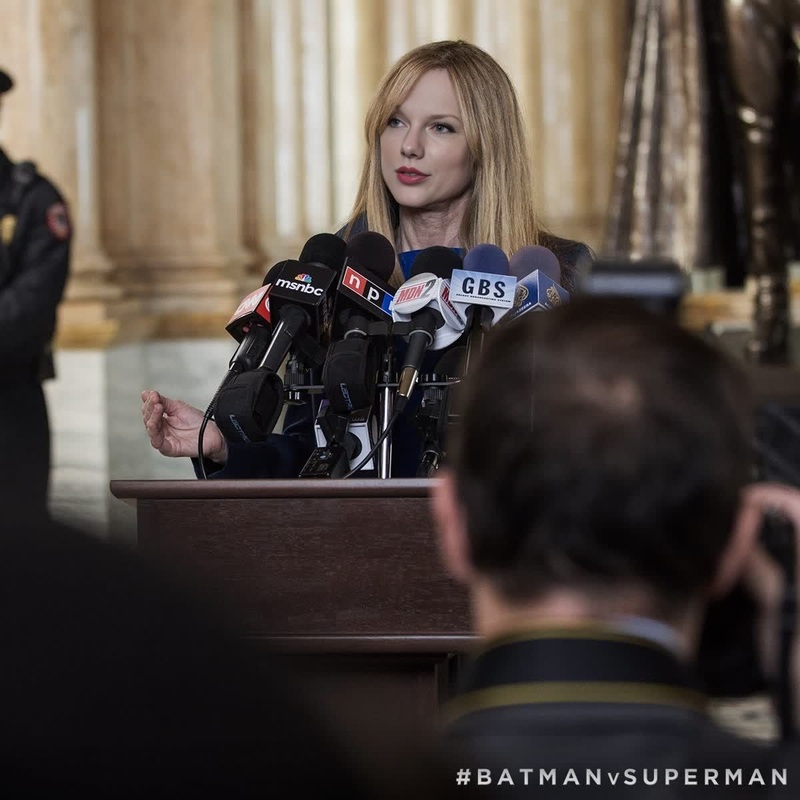
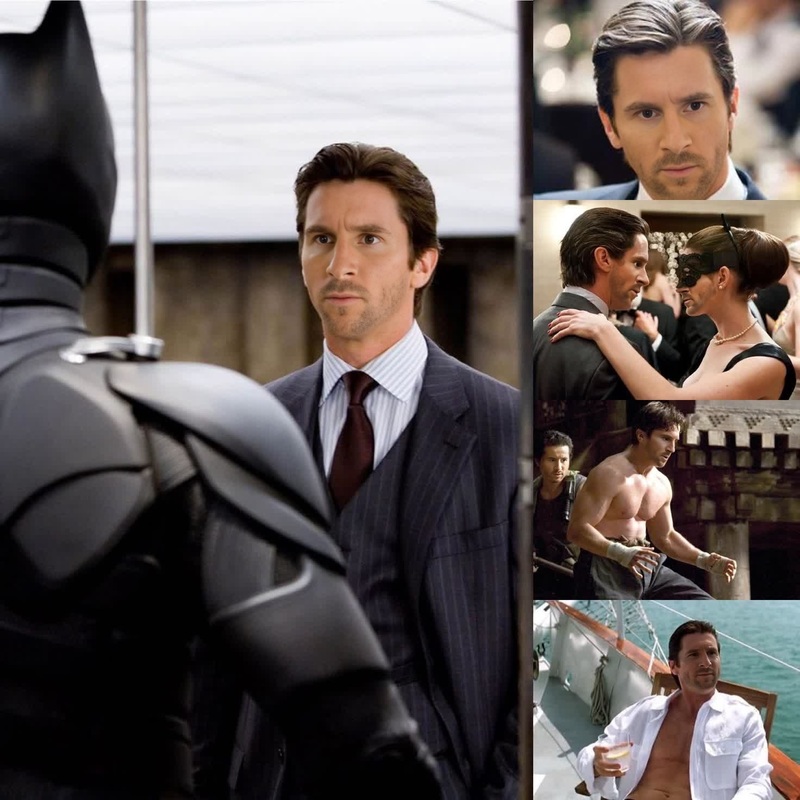
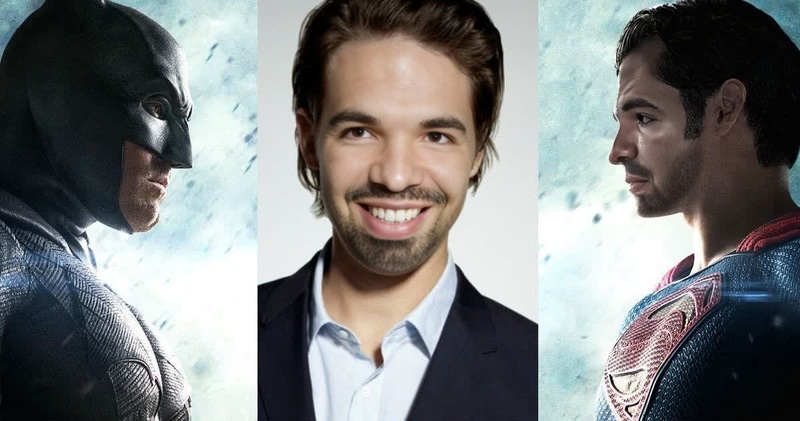
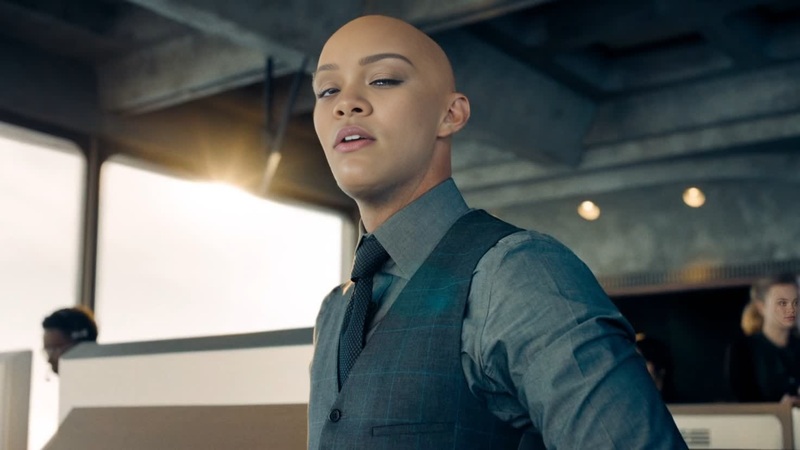
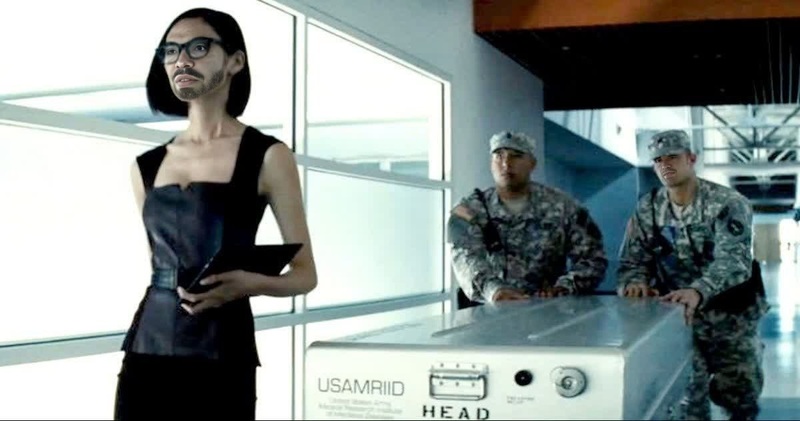
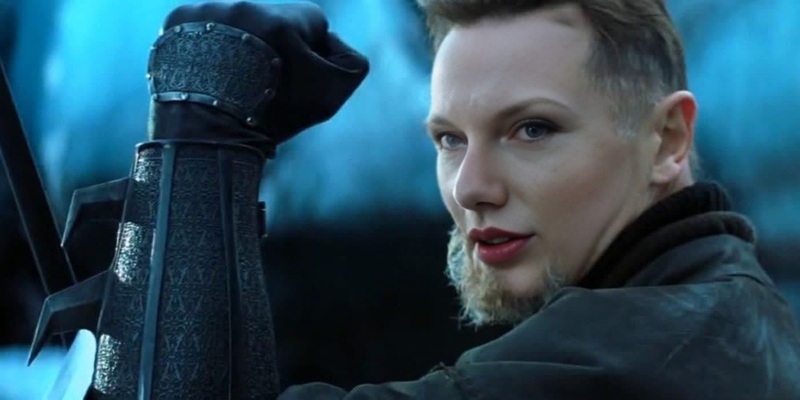
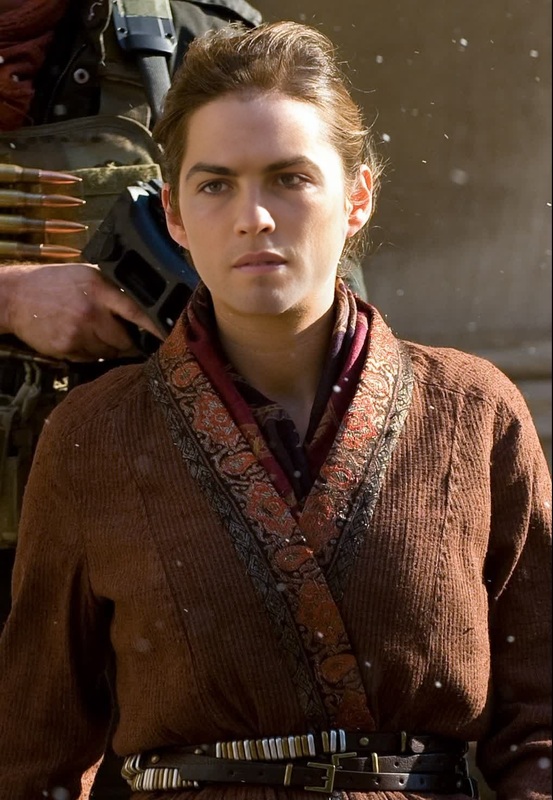
The Knightmare Batman Video Face Swap template offers a thrilling way to transform your videos by swapping faces with the iconic Knightmare Batman from the DC live-action film, Batman V Superman. This template is perfect for creators looking to enhance their video projects with exciting and dynamic visual transformations.
What It Does
This Video Face Swap template allows you to replace faces in your video with the Knightmare Batman character, adding a layer of drama and intrigue to your content. By utilizing the Face Swap technology, users can achieve high-quality transformations that are seamless and visually striking. This template supports various video formats for flexibility in your projects.
Who It's For
Ideal for filmmakers, content creators, and fans of the DC Universe, this template is designed for those who want to infuse their projects with a touch of superhero magic. It's also great for social media influencers and video editors eager to explore innovative ways to engage their audiences using Video-to-Video capabilities.
Summary
With the Knightmare Batman Video Face Swap template, you can bring an epic transformation to your videos with just a few clicks. It's a creative tool that leverages advanced face swap technology to deliver professional-grade results, supported by our Image-to-Video features and capabilities.
How To
Choose Template

Customize Your Video

Generate and Download

Use Cases
Social Media Content
- Create buzz-worthy Instagram reels
- Boost views on TikTok with creative reveals
Film and Fan Projects
- Enhance fan-made trailers
- Add unique twists to parody videos
Marketing Campaigns
- Design captivating ads for targeted audiences
- Enrich brand storytelling with exciting visuals
Best Practices
Opt for High-Quality Source Material
Higher resolution videos ensure better face swap results.Check Lighting Consistency
Ensure similar lighting conditions for the original and swapped faces for a natural look.Use Subtlety in Adjustments
Fine-tune blending options to maintain realism without over-processing.
FAQs
More Like This