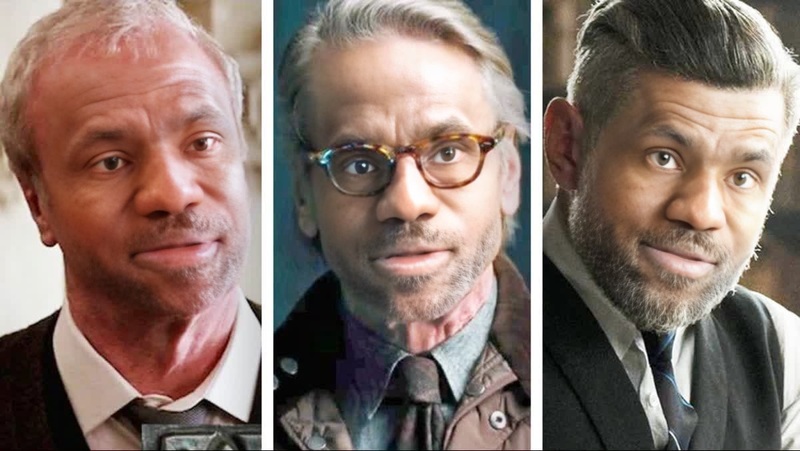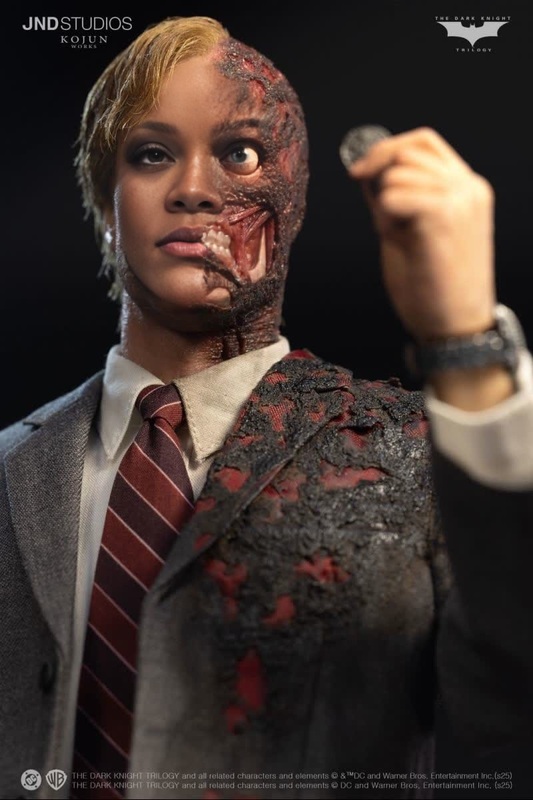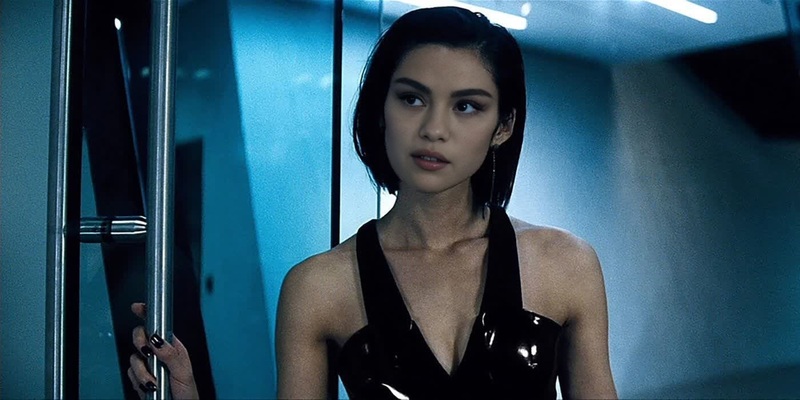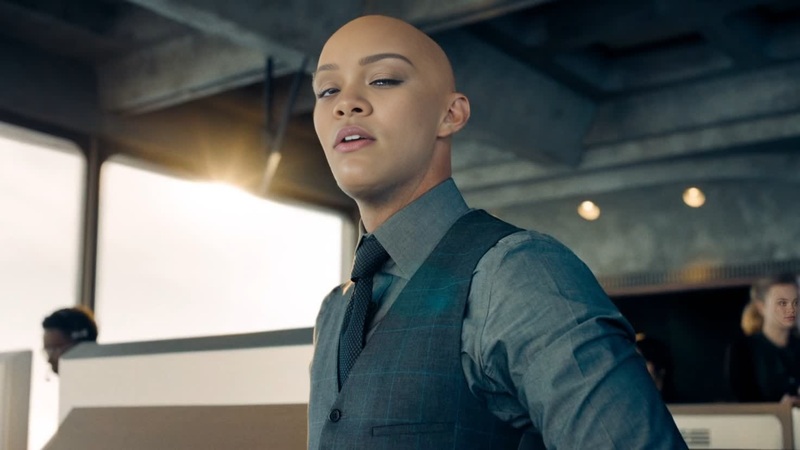
Lucius Fox Batman Dc Live Action
- Image
- 540 × 960 px
Any aspect ratio
Overview
Step into the world of Gotham with the Lucius Fox Batman DC Live Action Video Face Swap template. This tool allows you to insert Lucius Fox's face into your own videos, bringing a touch of superhero dynamics to your content. Whether you're crafting a homage to the DC universe or creating a unique project, this template offers a seamless integration to transform the narrative of your clip.
What It Does
The Lucius Fox Batman DC Live Action template utilizes advanced Video Face Swap technology to replace faces in your chosen video clips with that of Lucius Fox. By matching facial features accurately, it provides a realistic transformation that fits naturally within your cinematic vision.
Explore creative opportunities with this and similar tools like the Face Swap for broader applications.
Who It's For
This template is perfect for video editors, filmmakers, and superhero enthusiasts who want to infuse their projects with a distinctive flair. It's also ideal for content creators focused on storytelling, fan edits, or social media posts that need an engaging twist.
The template complements projects that use tools like the Image to Video or the AI Video Generator, especially for creators aiming to diversify their content expressions.
Summary
The Lucius Fox Batman DC Live Action Video Face Swap template is an effective way to deliver engaging, customized video content. It leverages facial recognition and precise mapping to create seamless transformations, enhancing your narrative capabilities within the superhero genre.
For those interested in further transformations, check out additional products like the AI Clothes Changer.
How-To
Choose the Lucius Fox Template

Customize Your Inputs

Generate and Download

Use Cases
Fan-Made Films
- Integrate Lucius Fox into existing superhero scenarios
- Enhance storytelling with a professional look
Social Media Content
- Transform popular clips
- Engage audiences with creative edits
Educational Videos
- Illustrate the power of face-swapping technology
- Support lessons on video editing
Best Practices
Select High-Quality Video
To achieve the best results, always use high-resolution video with clear and stable faces for swapping.Adjust Lighting Conditions
Ensure that the lighting in the original video matches that of the swapped face to maintain a natural appearance.Preview Before Finalizing
Always preview the final swap in the editor. This allows you to make adjustments or corrections before downloading.
Frequently asked questions
More Like This