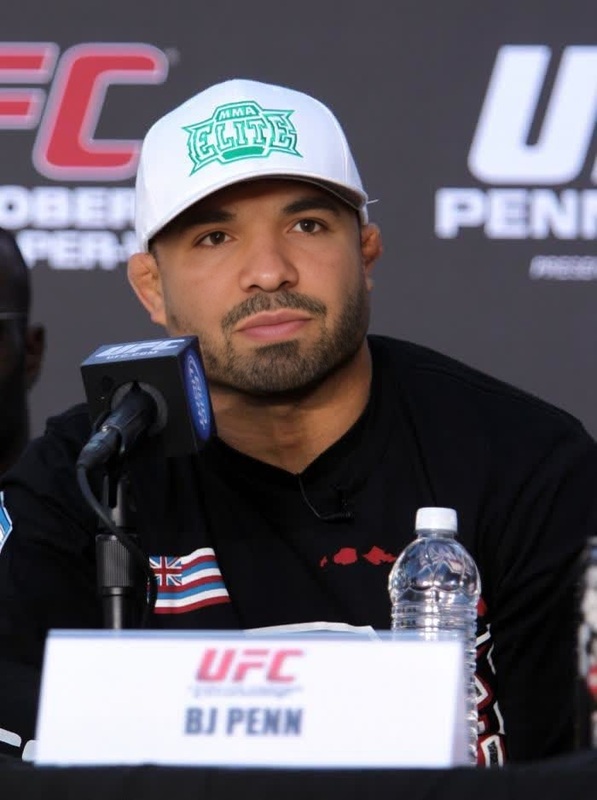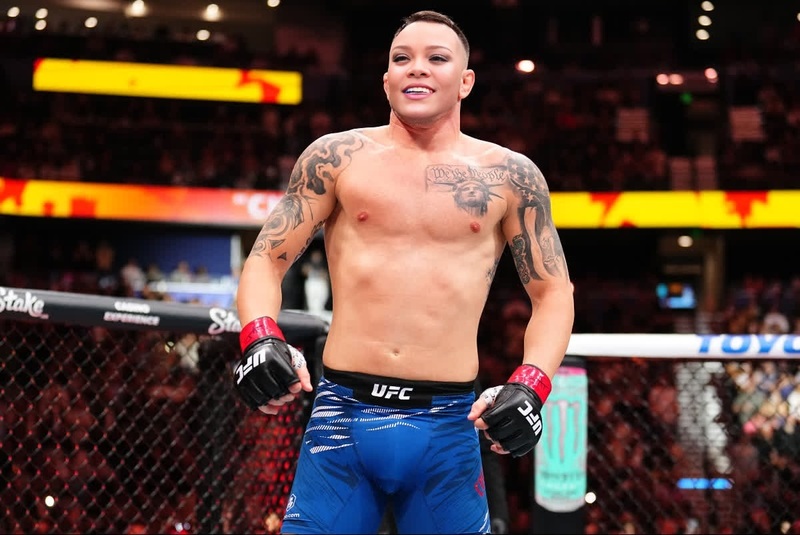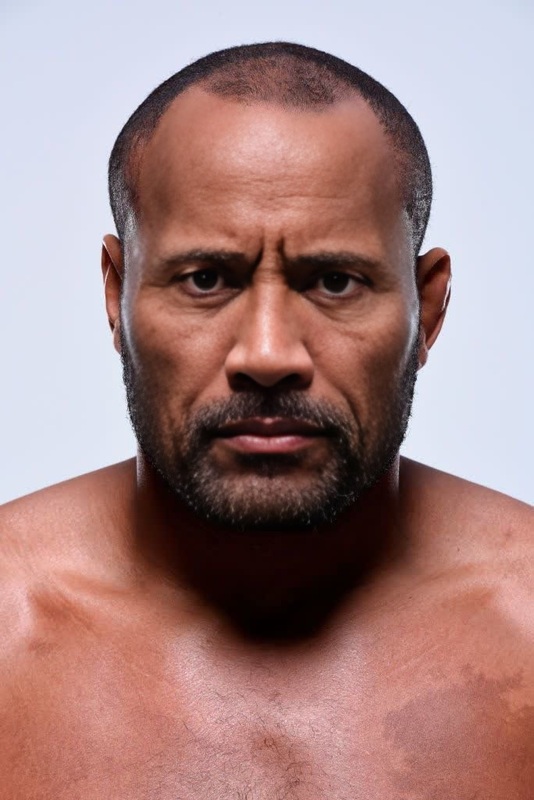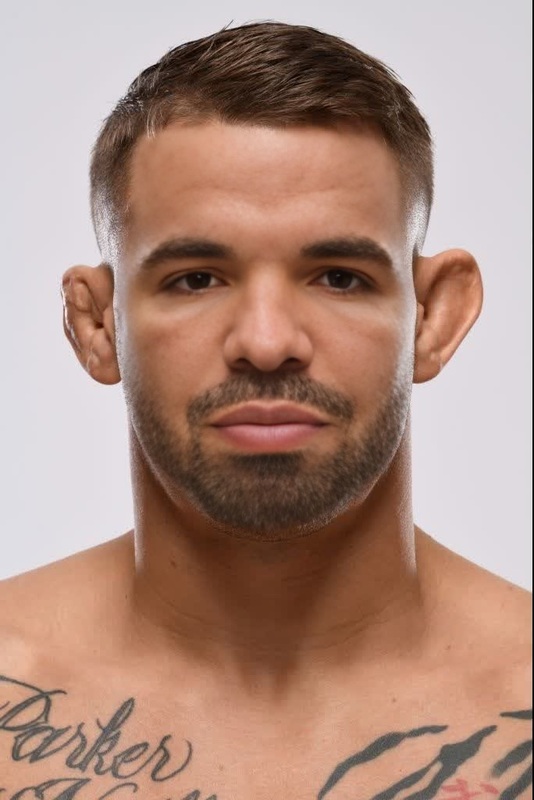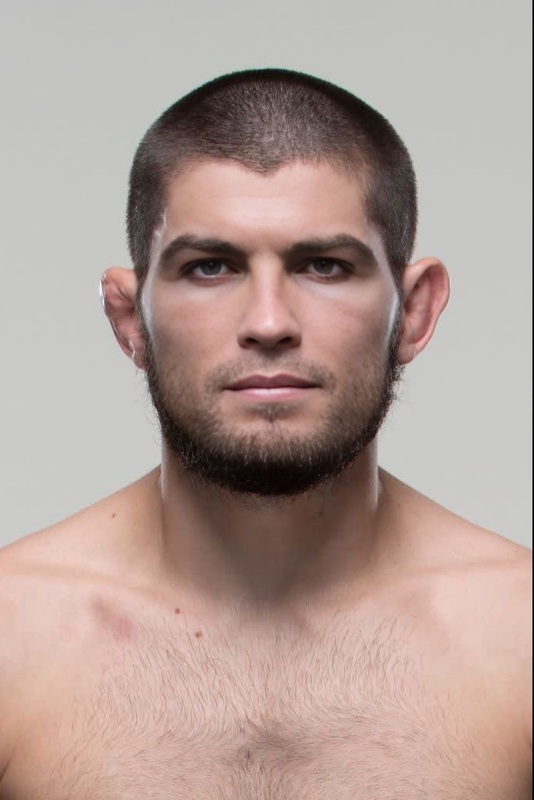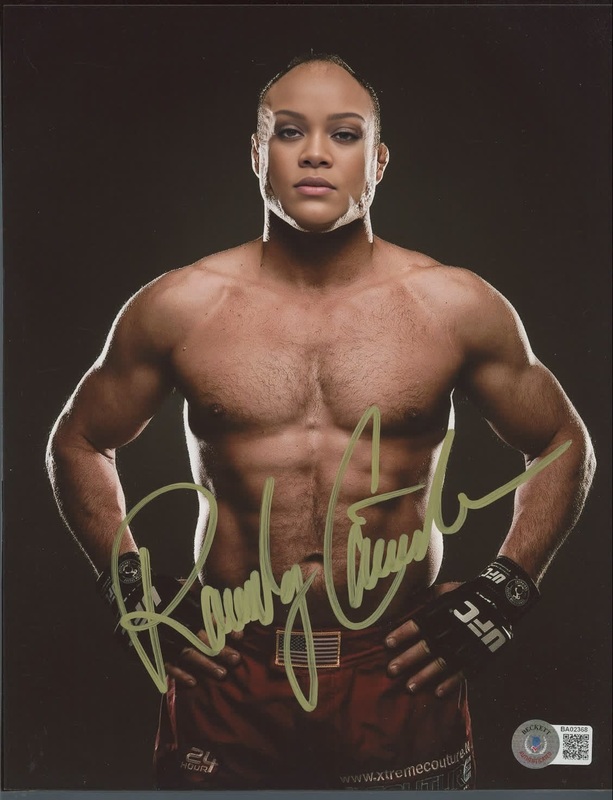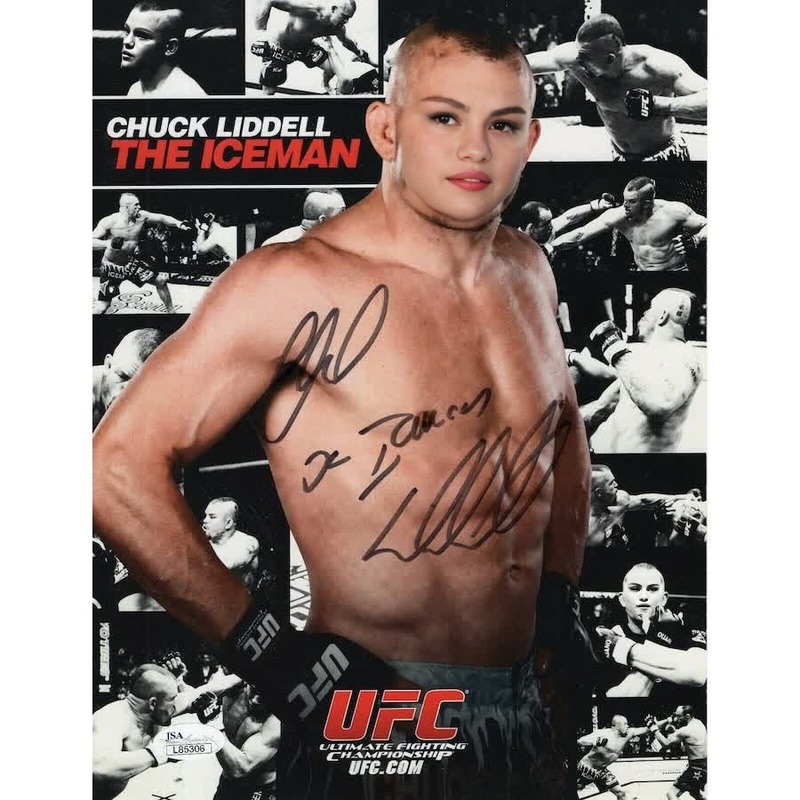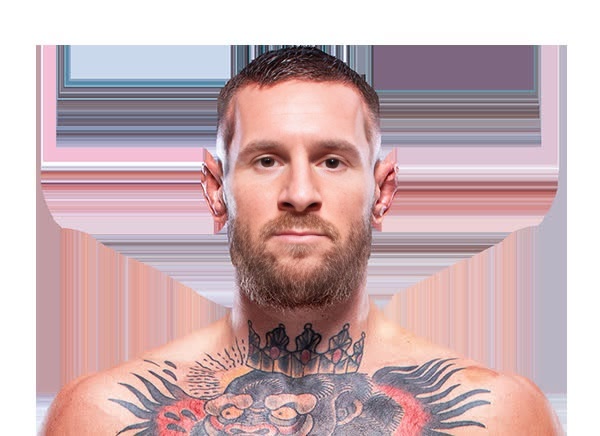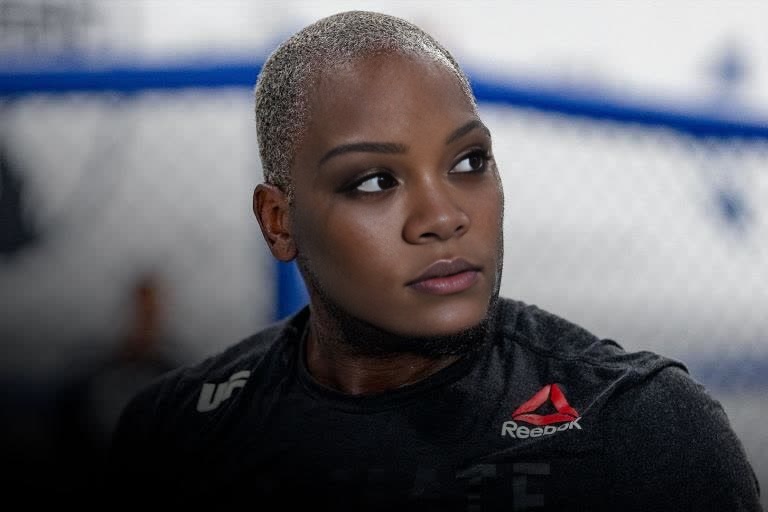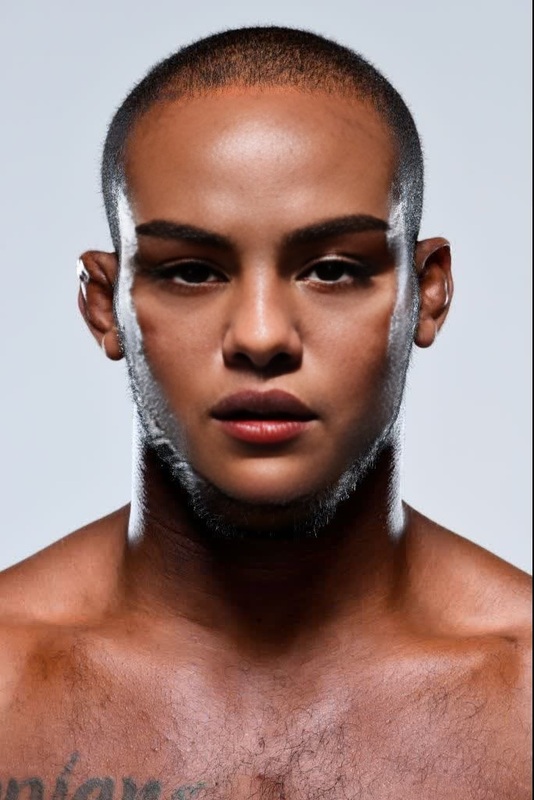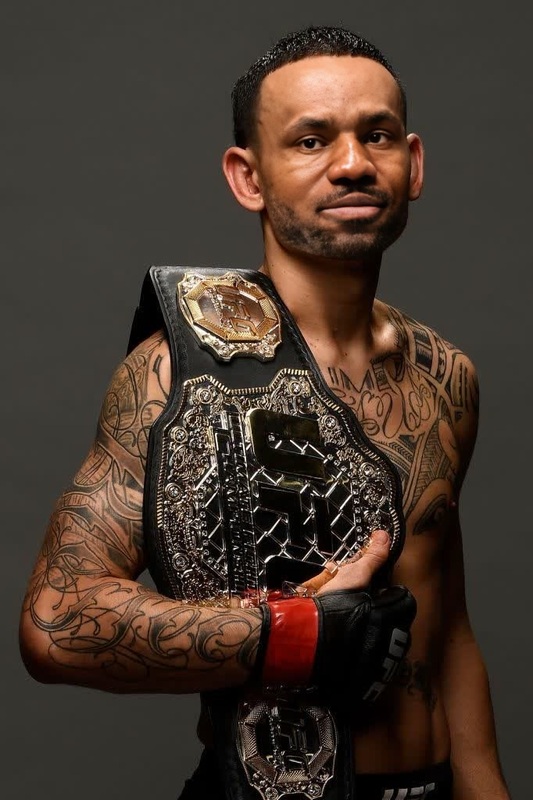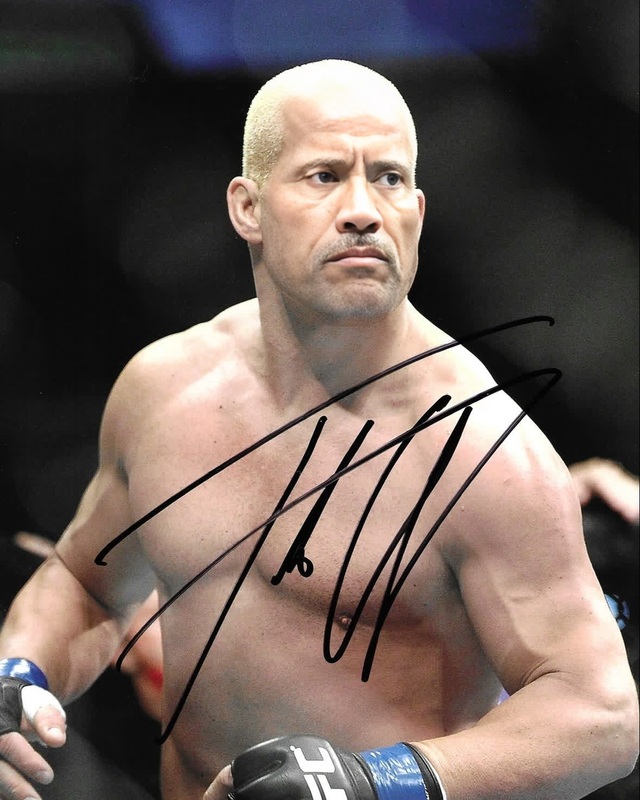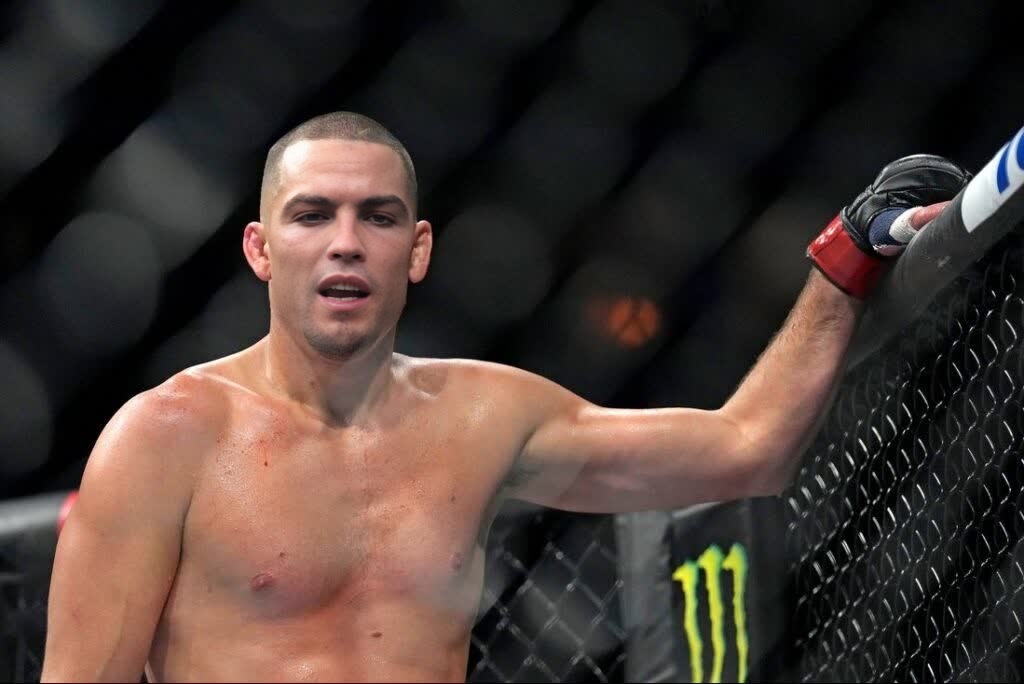
Nate Diaz Ufc Press Portrait
- Image
- 1024 × 684 px
Any aspect ratio
Overview
Bring your videos to life with the Nate Diaz UFC Press Portrait template, a part of our Video Face Swap offerings. This template is designed to give your videos a compelling transformation, swapping any face in your video with that of UFC star Nate Diaz.
What It Does
This template uses advanced algorithms to accurately swap faces. Simply upload a video, and the template will replace a chosen face with Nate Diaz's UFC press image, maintaining natural expressions and movements to ensure authenticity. Pair it with our AI Video Extender for longer creative projects.
Who It's For
The Nate Diaz UFC Press Portrait template is perfect for fight fans, content creators in the sports industry, and anyone looking to add a touch of personality to their videos. This template works well for creating engaging video content that stands out on social media platforms.
Summary
Easily create captivating videos by swapping faces with Nate Diaz. Whether it's for a laugh or a unique promotional piece, this template adds flair to your work while being supported by AI tools that ensure high-resolution outputs.
How to Use
Choose Your Template

Customize Your Input

Generate Your Video

Use Cases
Sports Event Promotions
Social Media Content
Fan Tribute Videos
Best Practices
Select High-Quality Input Videos
Ensure the video you upload is clear and well-lit to achieve the best face swap results.Preview Before Finalizing
Use the template's preview function to check the swap's accuracy and adjust if necessary.Experiment with Angles
Try different face angles in your videos to ensure the swap remains believable across various perspectives.