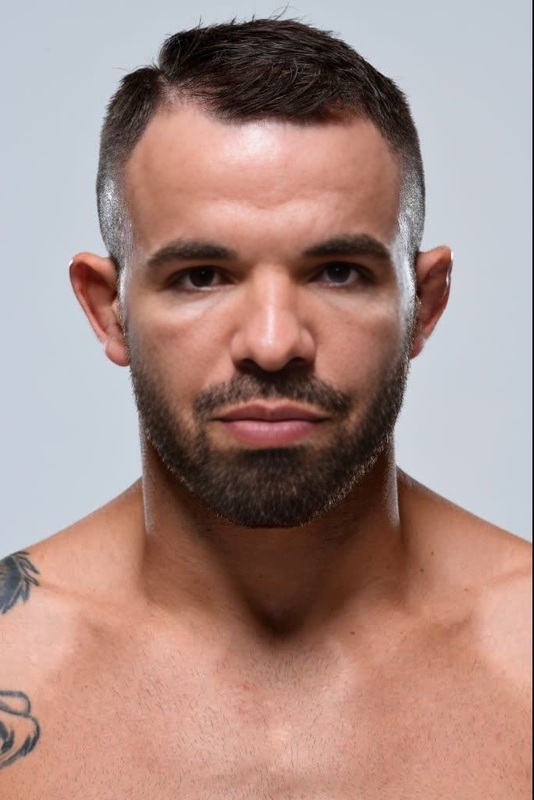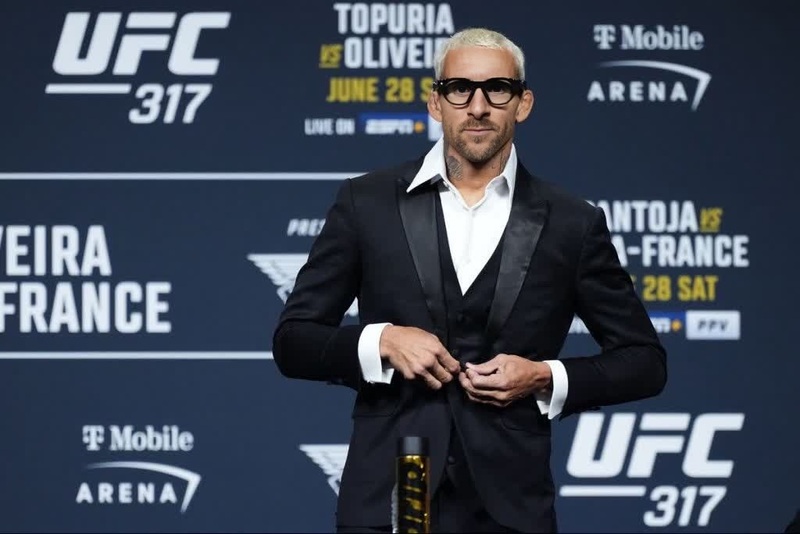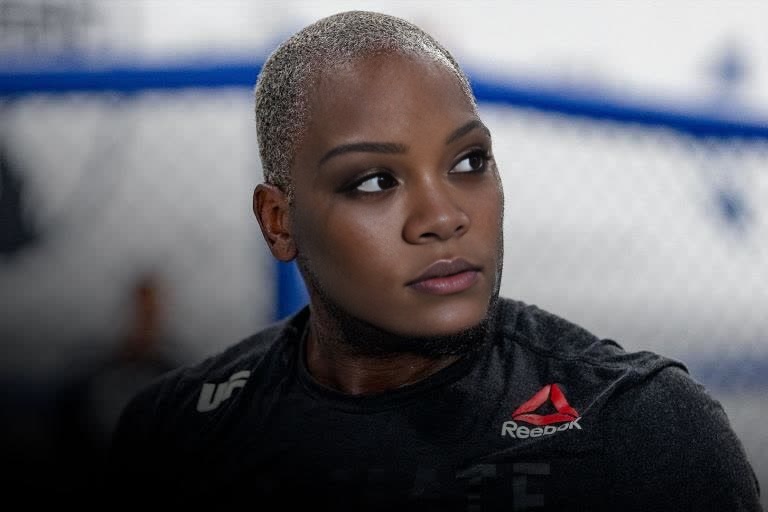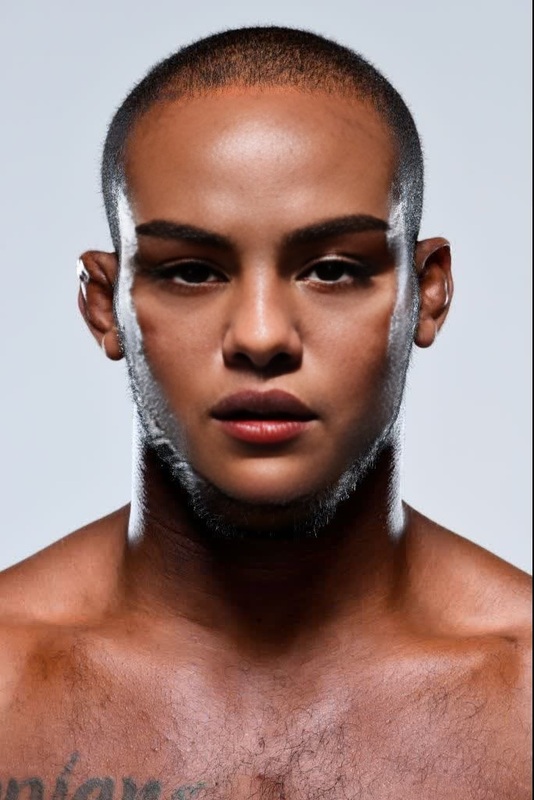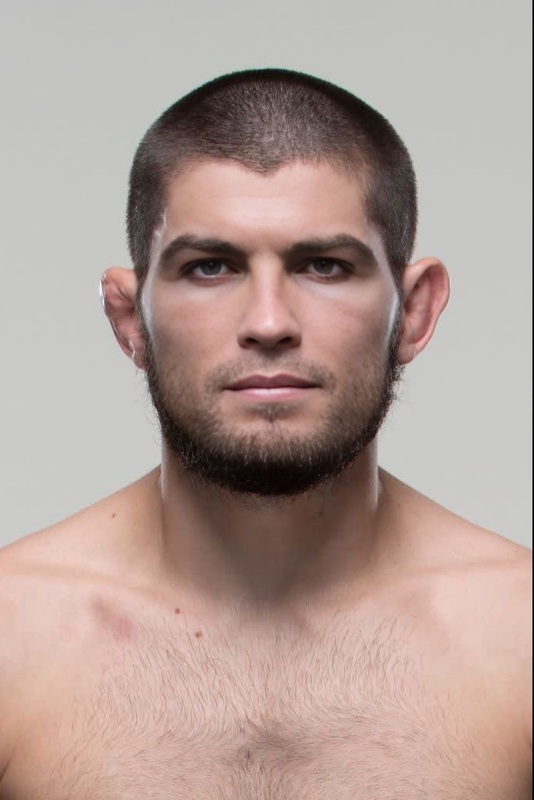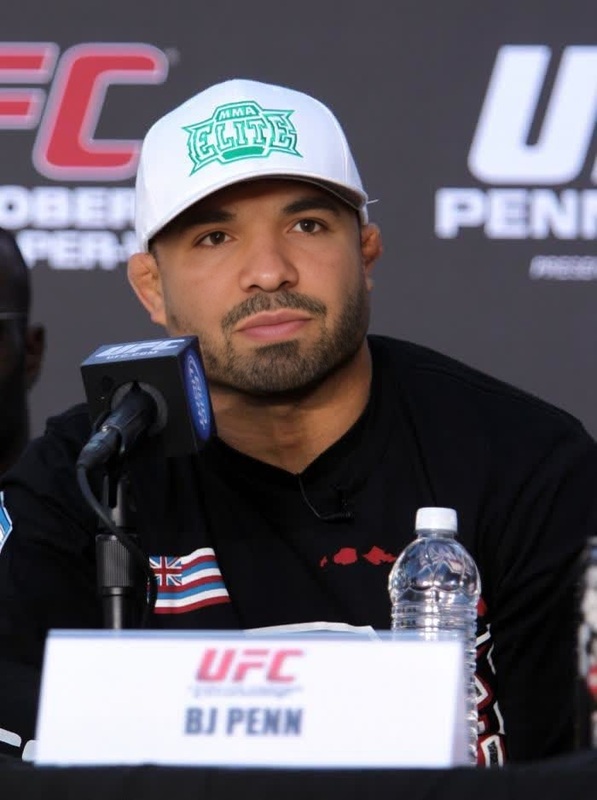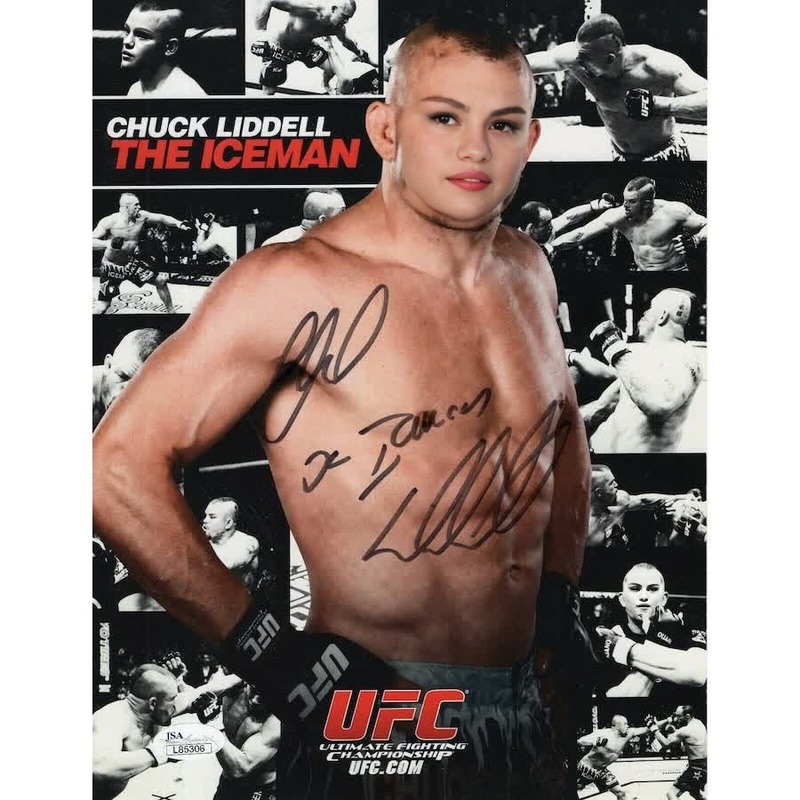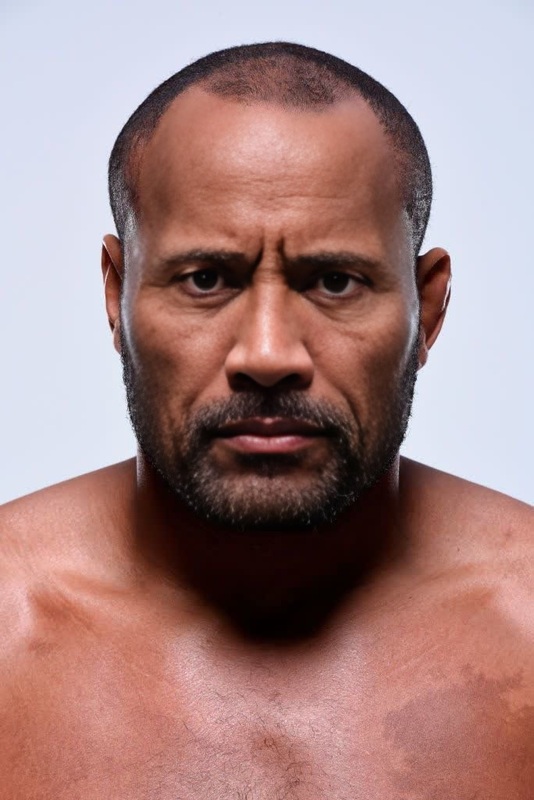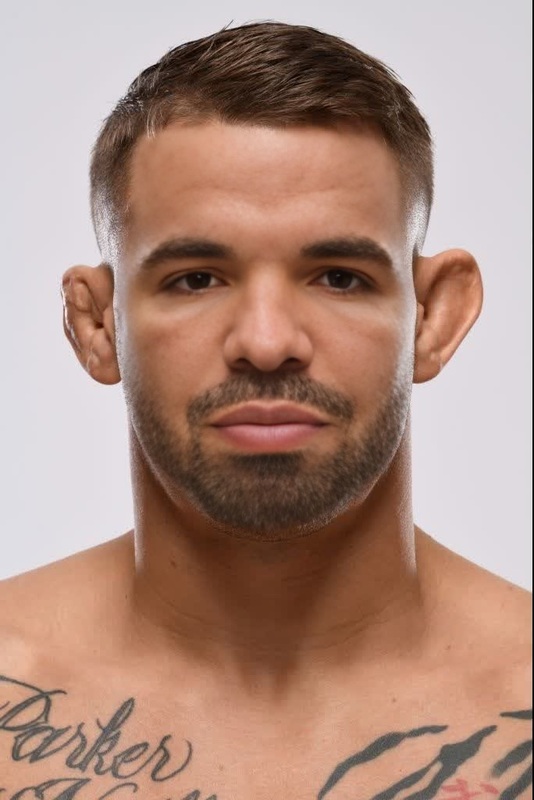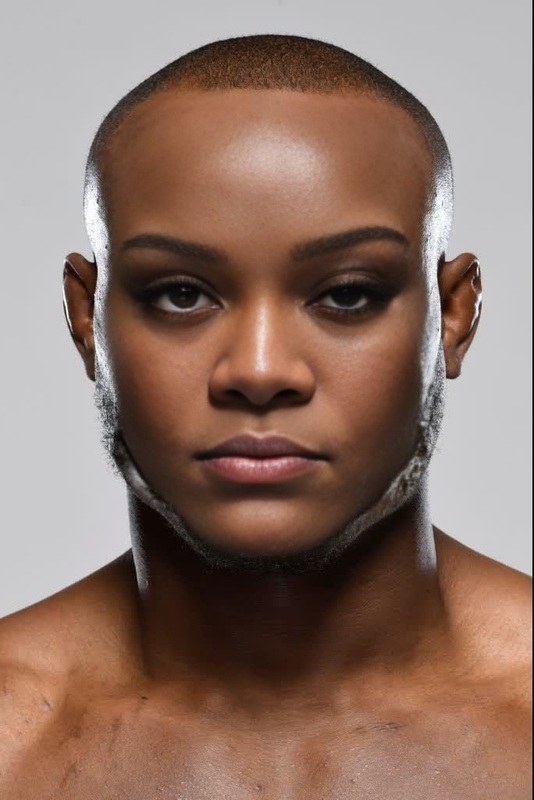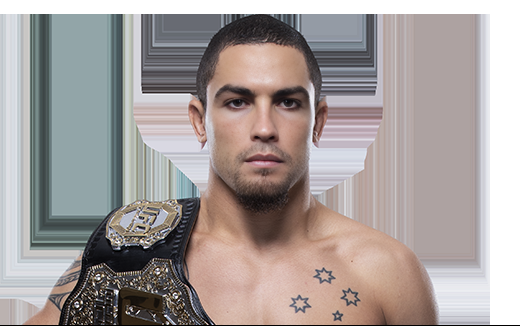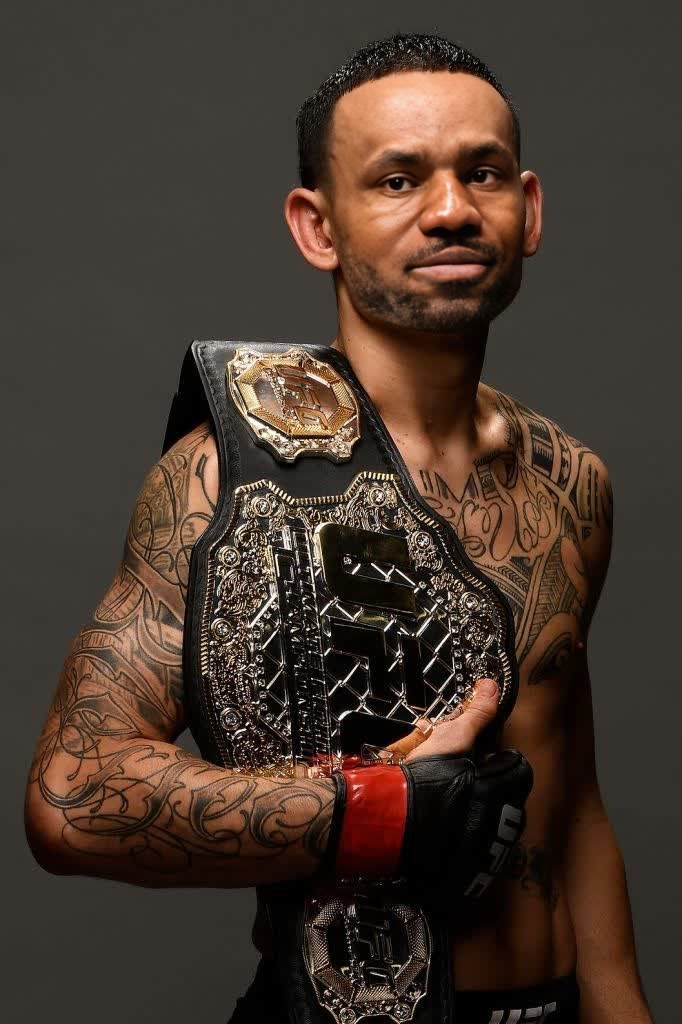
Max Holloway Ufc Press Portrait
- Image
- 682 × 1024 px
Any aspect ratio
Overview
Step into the spotlight with the Max Holloway UFC Press Portrait Video Face Swap template. This tool makes it possible to blend faces into high-quality video portraits, offering an innovative way to engage your audience.
Explore a range of creative possibilities with our face swap technology, perfect for projects that require entertaining and professional results.
What It Does
This template utilizes advanced algorithms to perform a realistic face swap on video footage. By replacing the original face with a different one, it gives a fresh perspective on media content and can be used to produce compelling video presentations.
Whether used for fun or to attract user attention in social media campaigns, our Face Swap products ensure realistic results every time.
Who It's For
This tool is ideal for marketers looking to create engaging ads, content creators aiming to entertain, or event organizers needing promotional material. If you're involved in the creative industry, this tool offers a valuable asset for your video editing kit.
The ease of use also makes it accessible for beginners who wish to dive into the world of video transformations without extensive editing skills.
Summary
The Max Holloway UFC Press Portrait Video Face Swap template stands out as a versatile tool for anyone interested in transforming their visual media. From personal projects to professional presentations, the face swap technology opens doors to new creative opportunities.
Combine this tool with other enhancements like the AI Image Editor for a complete editing experience.
How To
Choose the Template

Customize Your Inputs

Generate Your Video

Use Cases
Social Media Campaigns
- Boost brand engagement
- Entertain viewers with novelty content
Event Promotions
- Highlight event themes
- Create buzz online
Content Creation
- Enhance video blogs
- Introduce variety in presentations
Best Practices
Choose High-Quality Footage
For optimal results, use source videos that are in good quality, ensuring clear face details.Match Lighting and Angles
Try to select faces that match the lighting and angles of the original footage for a natural swap.Refining Post-Processing
Consider additional edits with the AI Image Editor to polish and enhance the final output.