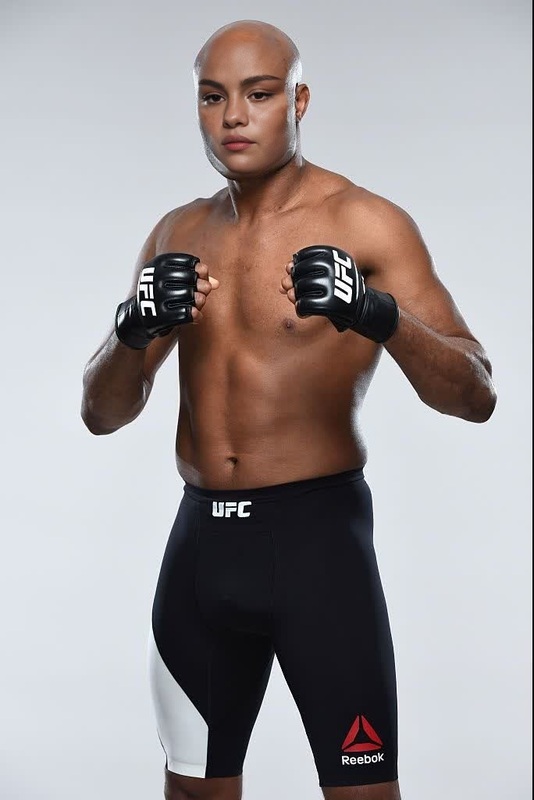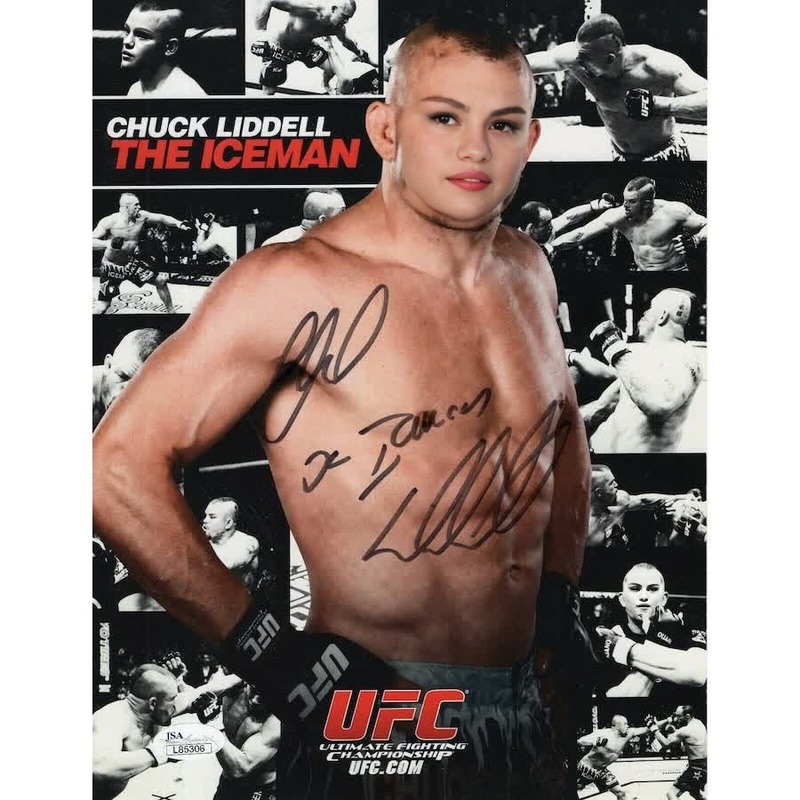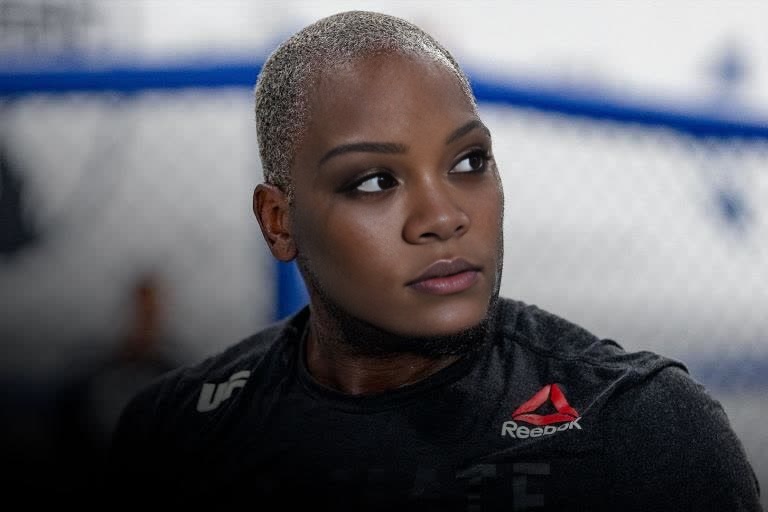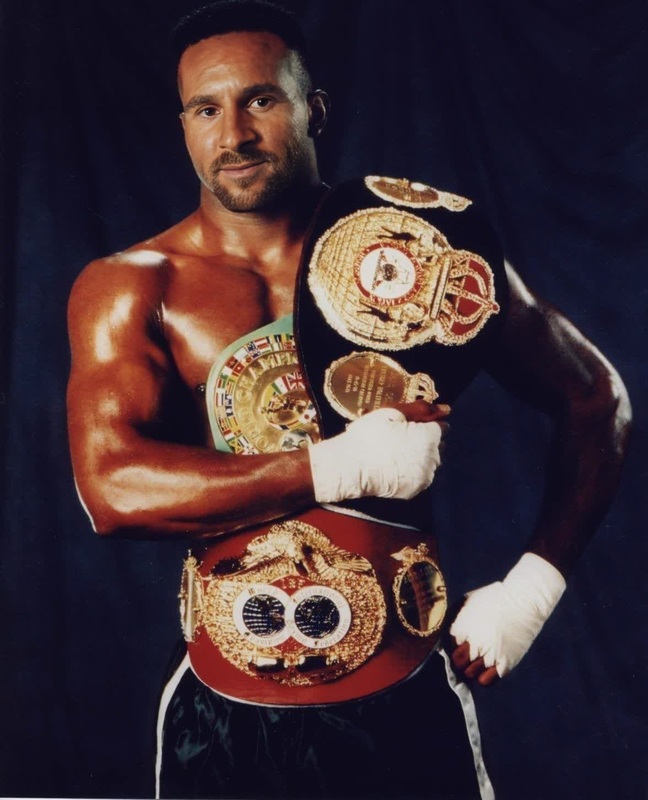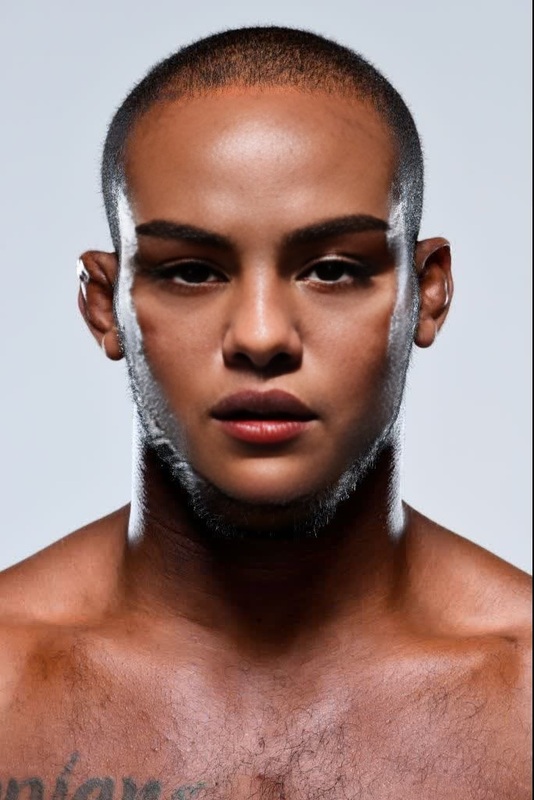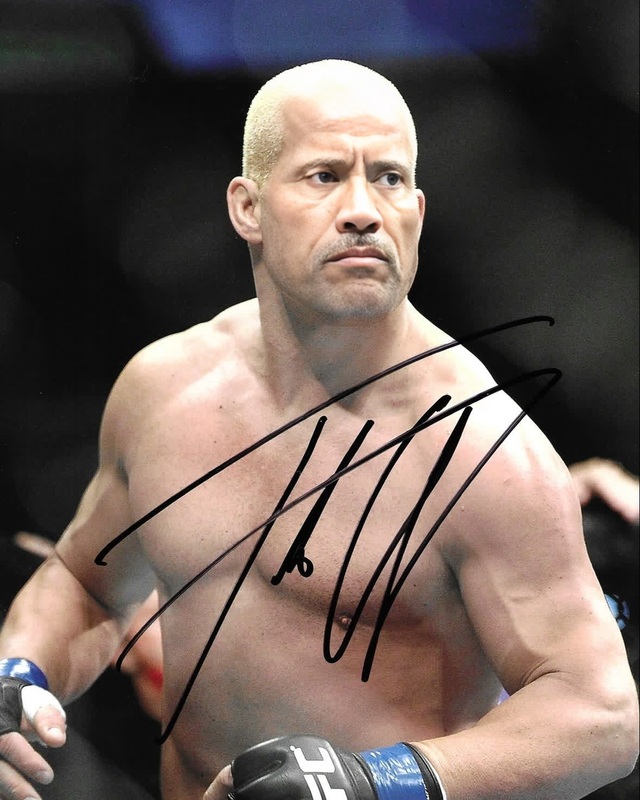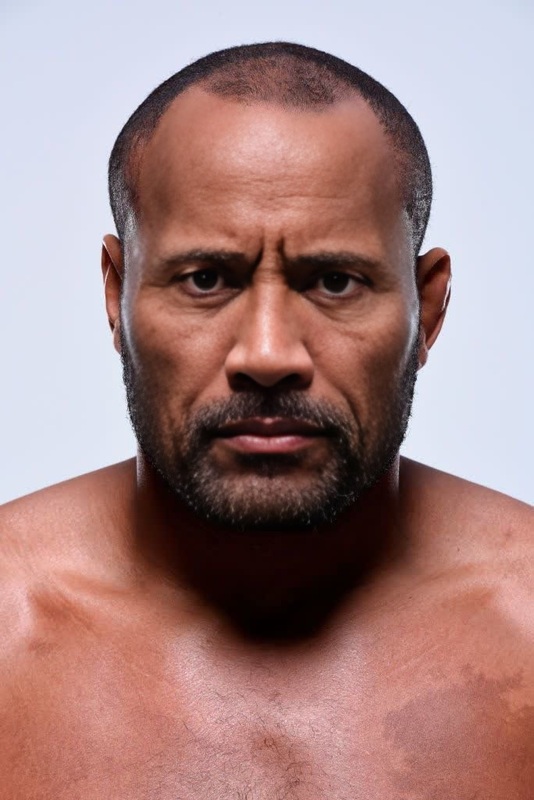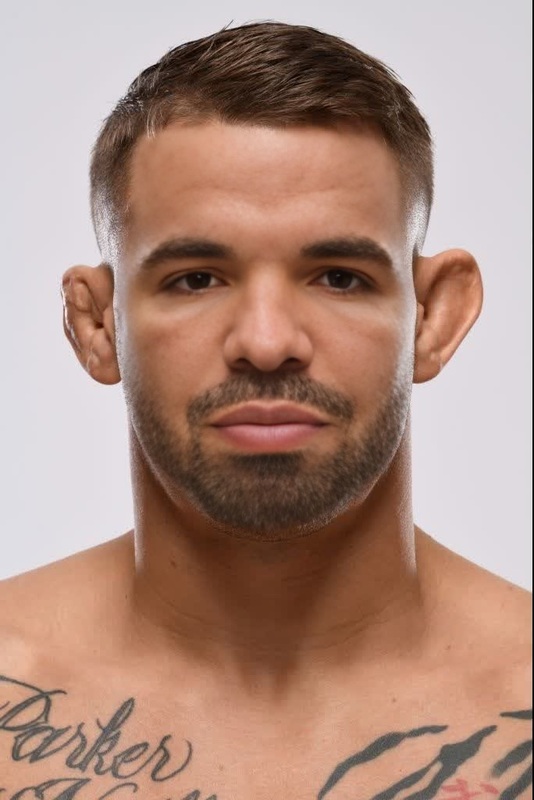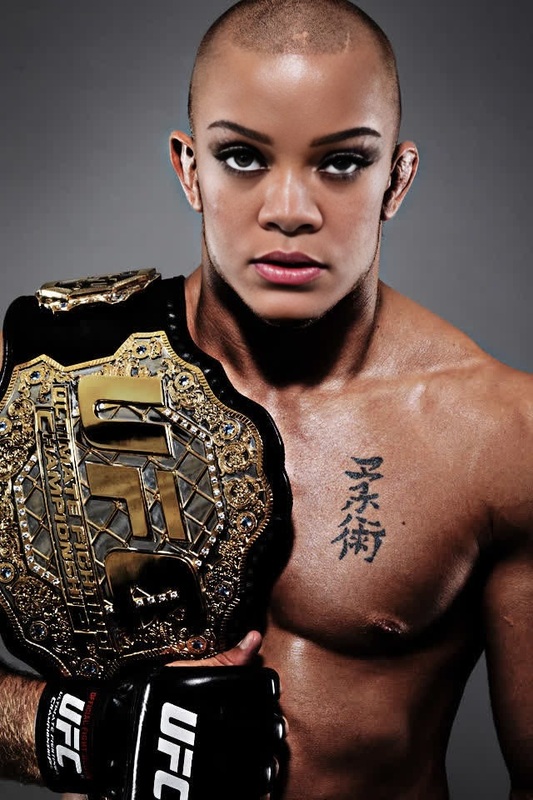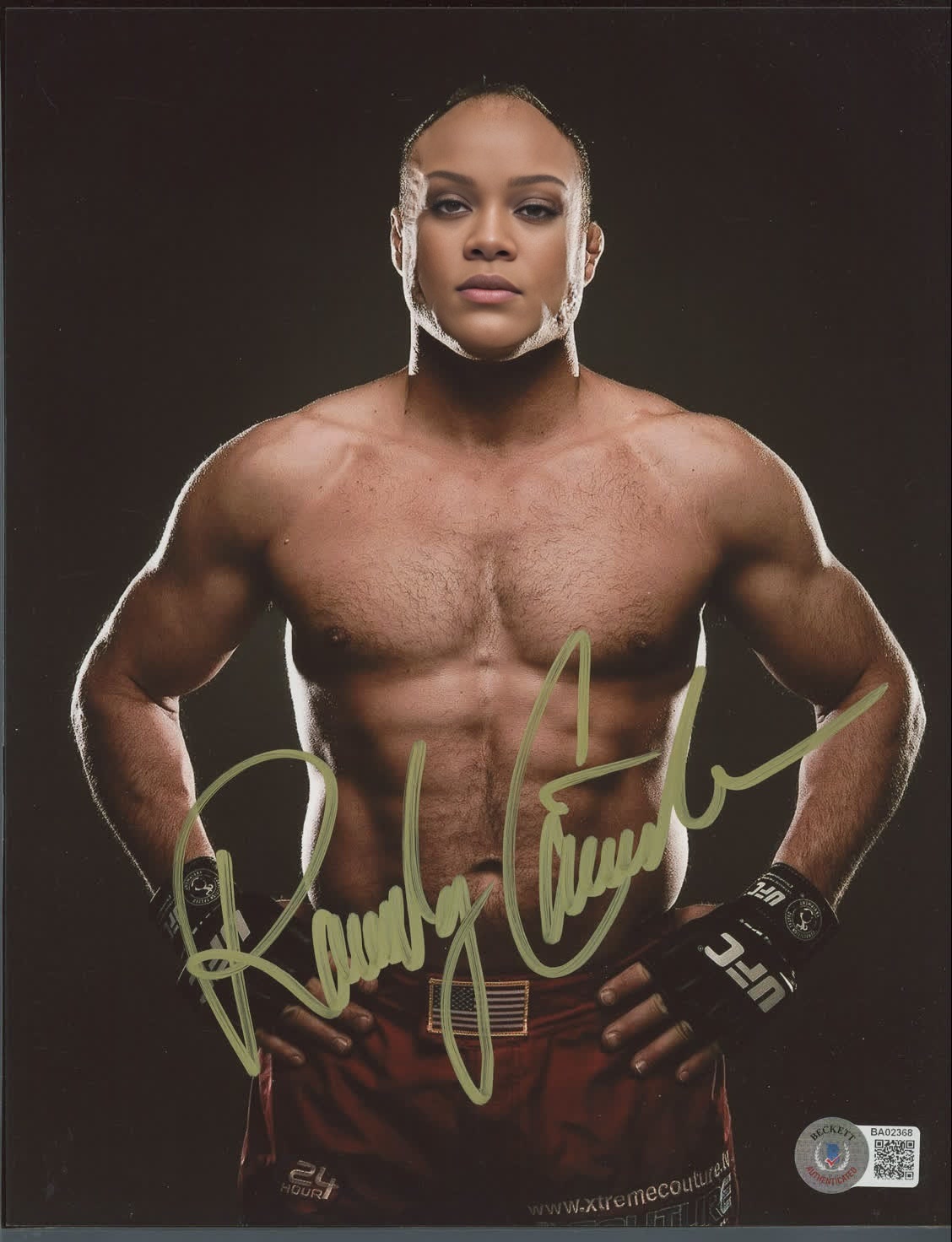
Randy Couture Ufc Classic Press Portrait
- Image
- 1128 × 1472 px
Any aspect ratio
Overview
Step into the fighting arena with the Randy Couture UFC Classic Press Portrait Video Face Swap template. This option allows you to transform your ordinary videos by swapping in the legendary MMA fighter Randy Couture's face from his iconic press moments. Ideal for adding a punch of excitement to sports montages or promotional content, it ensures your visual storytelling packs a heavyweight punch.
What It Does
This template uses advanced face-swapping technology to replace faces in your video footage with Randy Couture's from a classic press portrait. It is powered by Magic Hour's cutting-edge Face Swap tool, renowned for its high precision and natural look. This feature ensures that swapped faces blend seamlessly with the original background, maintaining realistic expressions and lighting effects.
Who It's For
This template is perfect for sports enthusiasts, content creators, and marketers looking to infuse a sense of excitement and athletic prestige into their projects. Whether you're creating a social media ad or a sports highlight reel, this tool is ideal for anyone wanting to stand out with unique and engaging visual content.
Summary
The Randy Couture UFC Classic Press Portrait Video Face Swap template is your backstage pass to adding a legendary touch to your videos. Leverage tools like the Video-to-Video and AI Video Generator for enhanced video projects, blending in Randy's face with your footage for that knockout effect.
How To
Choose Your Template

Customize the Input

Generate Your Swapped Video

Use Cases
Sports Highlight Videos
Promotional Sports Ads
Social Media Engagement
Best Practices
Choose Clear Footage
Ensure that your original video footage is well-lit and clear to maximize the quality of the face swap.Match Expressions
Select video clips where the subject's expression closely matches Randy's to ensure seamless blending.Review Before Finalizing
Preview your face-swapped video in different segments to check for congruency and make necessary adjustments if needed.