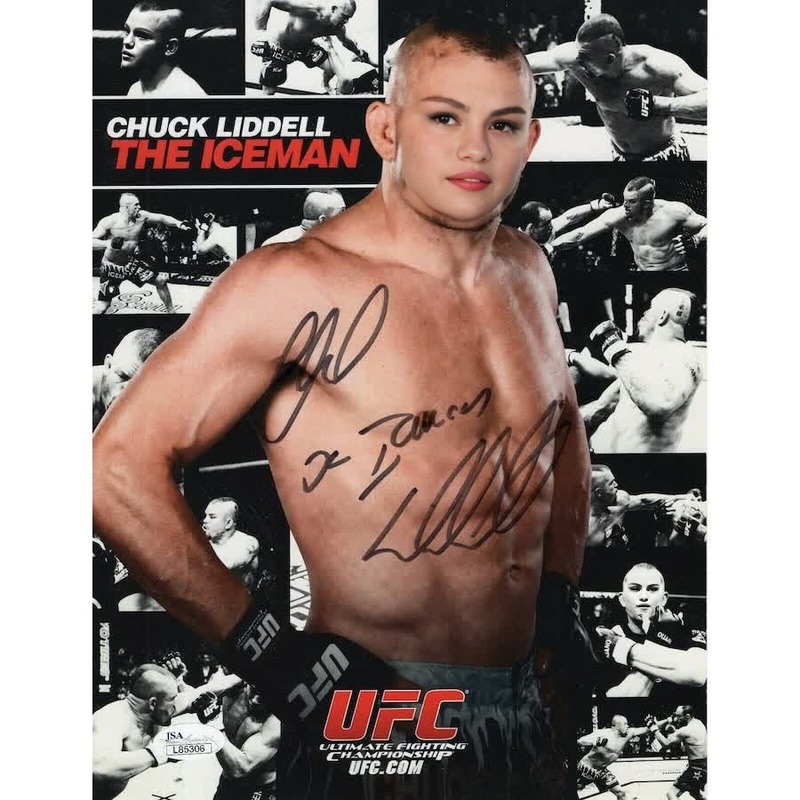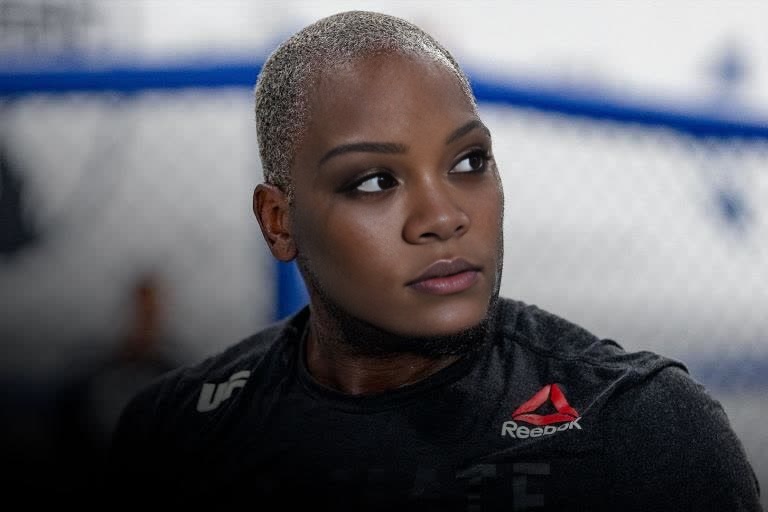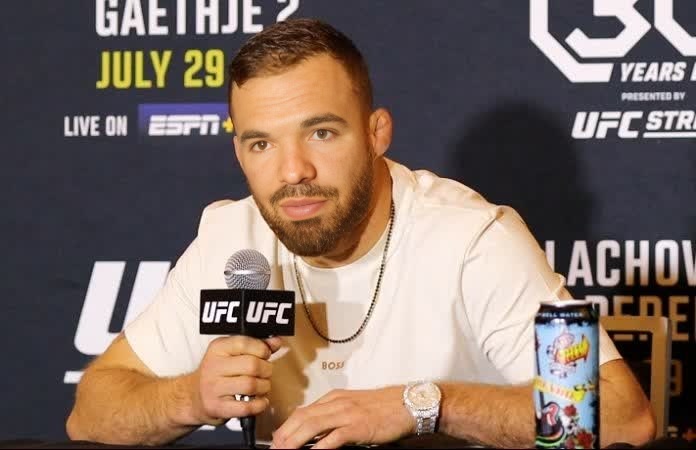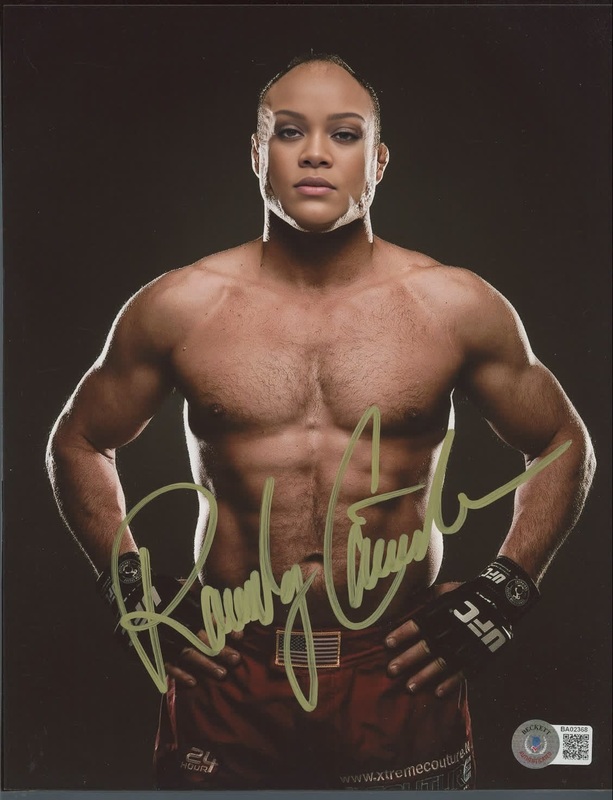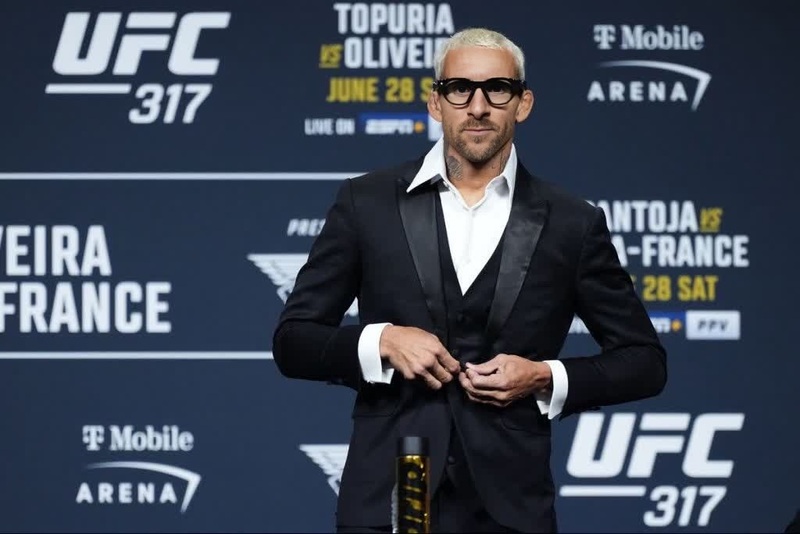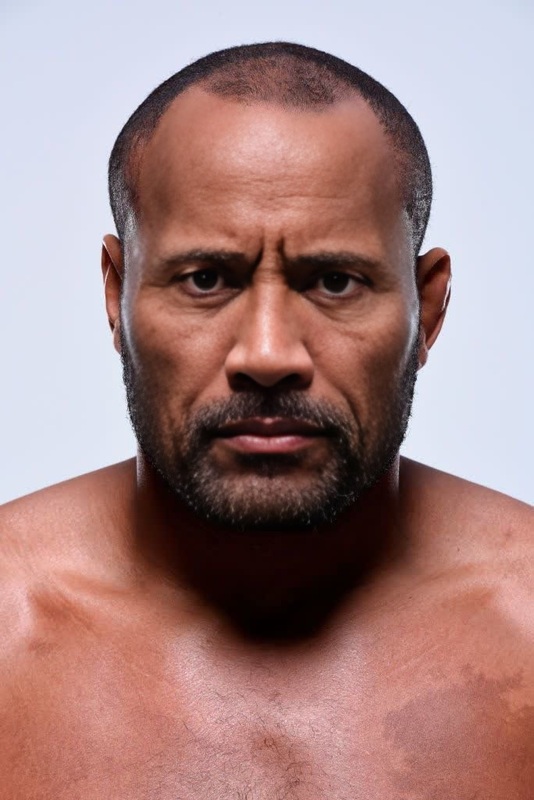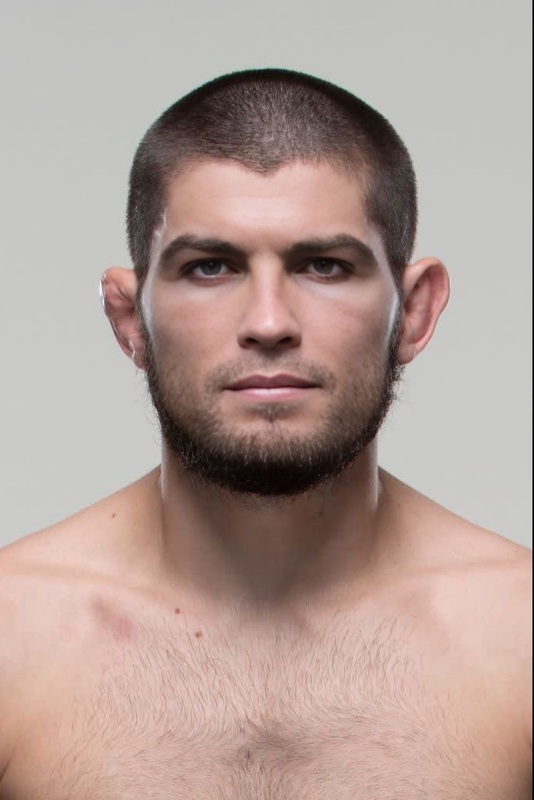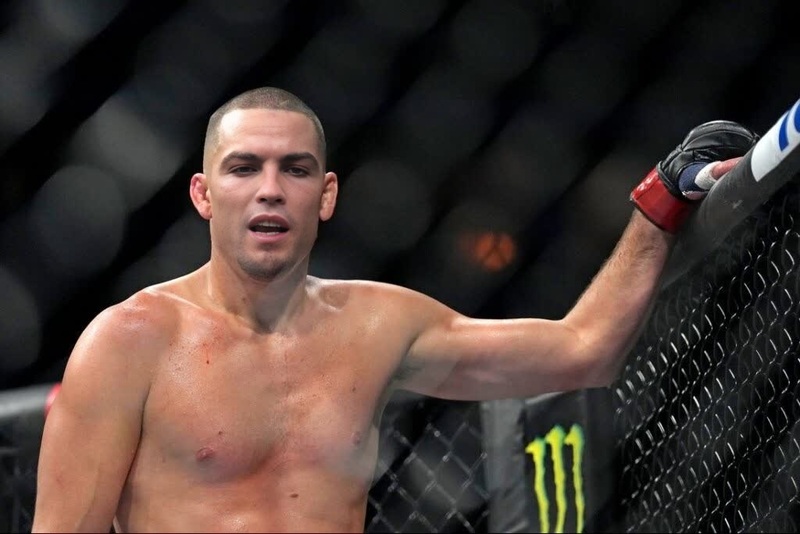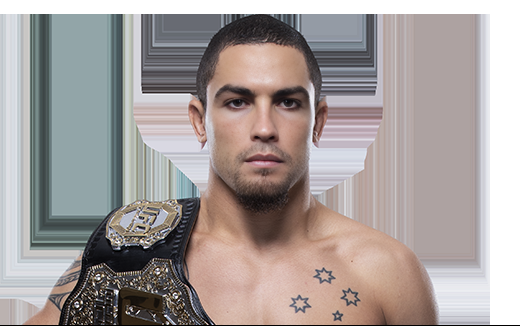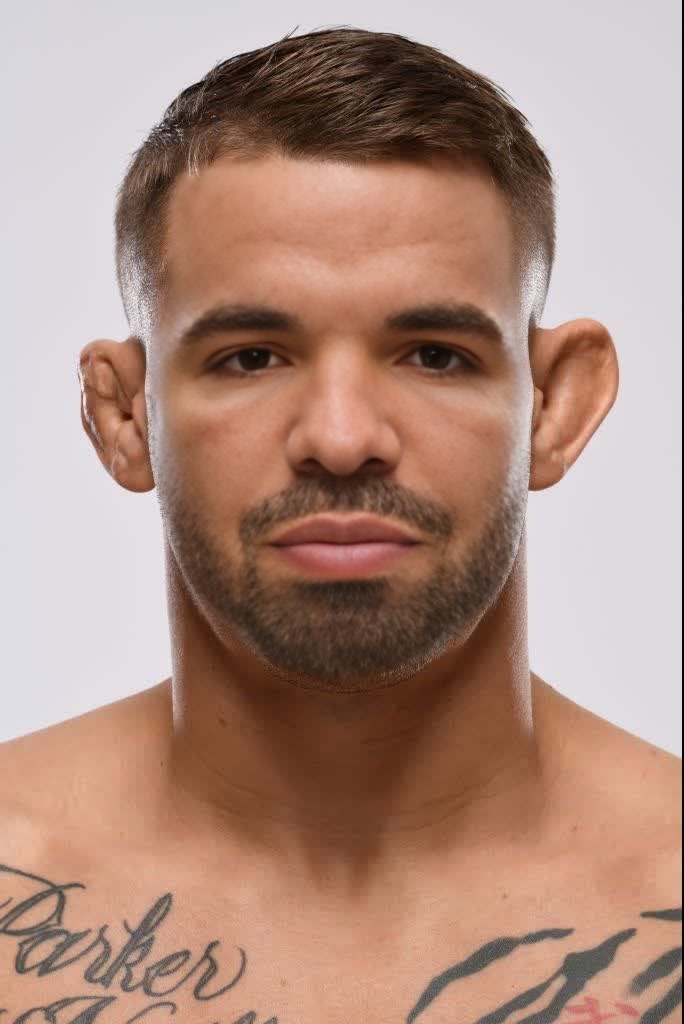
Dustin Poirier Ufc Press Portrait
face-swap
Any aspect ratio
Tags
transformationsTurn any video into your video with AI face swap
Use this template to instantly replace the face in any video with your own (or any other face you have the rights to use). It’s built on Magic Hour’s production-grade Face Swap engine and is designed for fast, realistic results that work for marketing, UGC, prototyping, and experimentation.
This template is a remixable starting point: you can open it in Magic Hour, duplicate it, and adapt it to your own brand, persona, or campaign.
What this template does
This template uses Face Swap Video to:
- Detect and track the original face in a source video
- Replace it with your chosen face image or headshot
- Preserve expressions, lighting, perspective, and head movement as closely as possible
- Export a ready-to-share video you can use across social, ads, product pages, and concept tests
Typical use cases:
- Creators: generate “presence” videos without re-recording yourself each time
- Marketers: localize or personalize campaigns with different faces or ambassadors
- Founders: prototype video ideas, landing page hero videos, and UGC-style explainers quickly
- Product teams: test visual concepts, storyboards, or onboarding flows using realistic face-swapped clips
How to remix this template in Magic Hour
You can recreate and customize a version of this template in a few simple steps:
Start from Face Swap Video
- Go to Face Swap Video.
- Upload or select the target video (the clip whose face you want to replace).
Add the face you want to swap in
- Use a clear, front-facing photo with good lighting and minimal obstruction.
- Professional headshots, AI-generated portraits, or selfies from your phone can all work.
- If you don’t have a good source image, you can generate one first with:
Run the face swap
- Confirm your target video and source face.
- Let Magic Hour process the video and render the swapped result.
Refine visuals and context (optional)
- If your source or target media needs adjustments:
- Enhance or clean up images with the AI Image Editor
- Upscale low-res assets with AI Image Upscaler or Video Upscaler
- Remove distractions from images with the AI Remover or Remove Object from Photo
- Fix blur with Unblur Image
- If your source or target media needs adjustments:
Save your setup as a remixable workflow
- Once you’re happy with the result, save it in your Magic Hour workspace.
- Reuse the same structure with new faces and new videos to keep output consistent across campaigns or clients.
Because this template is simple and composable, you can easily integrate it into larger workflows with lip sync, video-to-video, or text-to-video generation.
Advanced workflows: chaining tools with face swap
For teams and power users, this template is often just one step in a more complex content pipeline. Here are proven combinations:
1. Face swap + Lip sync for talking avatars
Create speaking characters that look like you (or your brand persona) without repeatedly filming:
- Start with this face swap template using Face Swap Video.
- Bring the output into Lip Sync to match mouth movement to any script or voice track.
- Generate or clone the voice using:
- Automatically add subtitles with the Auto Subtitle Generator.
Use this stack for explainers, sales outreach videos, onboarding flows, and localized content.
2. Face swap + image/video generation for character-driven content
Craft fictional or stylized characters that stay visually consistent across assets:
- Generate character images with:
- Turn images into motion using Image to Video or Video-to-Video.
- Apply face swap to keep a consistent identity across new videos while changing scenes or styles.
This is powerful for story-driven campaigns, game/fiction prototypes, VTubers, and IP exploration.
3. Personalization at scale
If you’re running performance or account-based marketing:
- Use this template to insert a sales rep, founder, or influencer into multiple campaign variants.
- Pair with:
- Text-to-Video for script-based video creation.
- AI Talking Photo for lightweight, quick-turnaround talking thumbnails and intros.
- Thumbnail Maker and AI Meme Generator to create consistent visual treatments for social previews.
Tips for high-quality face swap results
Whether you’re remixing this template or building from scratch, these best practices matter:
Use clear, high-resolution faces
- Avoid heavy shadows, extreme angles, or partially covered faces.
- Neutral or slight expression often transfers best; you can add expression via motion in the target video.
Match framing and perspective when possible
- Source photos taken at a similar angle and distance to the target face generally produce more natural results.
Start with clean input video
- Higher resolution, good lighting, and stable framing in the target video help the model track and reconstruct faces more accurately.
- If your footage is old or low quality, you can preprocess it with Video Upscaler or restore frames with Old Photo Restoration (for stills used in sequences).
Respect rights, privacy, and platform policies
- Only use faces and likenesses you have permission to use.
- Align with applicable privacy laws and the content policies of the platforms where you’ll publish.
For more background on the ethics and best practices of face swapping, see research and guidance from sources like the Partnership on AI and academic surveys on deepfake detection and responsible synthetic media.
Extending this template for brand and product work
If you’re using Magic Hour in a professional context, this template is a base layer for more structured content systems:
Brand personas and mascots
- Design a unique character via AI Photo Generator, AI Logo Generator, or Avatar Generator.
- Lock in that character’s face and reuse it with this template across new campaigns.
Product-led storytelling
- Generate app/device mockups and environments with AI Art Generator or AI Background Generator.
- Use Image-to-Video or Animation to add motion.
- Drop your recurring persona in with face swap to keep continuity.
Experimentation and A/B testing
- Test different spokespersons or archetypes (e.g., professional vs. casual) by generating multiple faces via AI Face Generator.
- Swap each into the same core video and measure performance across channels.
Related Magic Hour tools to explore
To build your own expanded templates and workflows around face swapping, many teams combine:
- Face Swap Video – this template’s core engine
- Face Swap GIF – for short, shareable reactions and loops
- Gender Swap – for explorations, transformations, and creative concepts
- AI Clothes Changer and AI Fashion Generator – to test outfits and styles on the same face
- AI Outfit Generator – for social, lookbooks, and lifestyle variations
- AI Image Editor – to refine stills used in your videos
- AI GIF Generator – to repurpose face-swapped clips into GIFs for chat, email, and social
How to adapt this template to your workflow
When you remix this template in Magic Hour, think in terms of modular pieces:
- Identity layer: the face you’re swapping in (real person, AI-generated persona, or brand character).
- Motion layer: the target video that defines movement and expression (recorded footage, Image-to-Video, Video-to-Video, or Text-to-Video).
- Audio layer: your narration or voice (recorded, AI Voice Generator, or AI Voice Cloner).
- Context layer: backgrounds, graphics, and UI elements (from AI Background Generator, AI Illustration Generator, Comic Book Generator, etc.).
By saving each layer as a reusable pattern in your Magic Hour workspace, you can spin up new, on-brand videos in minutes instead of hours.
Use this template as your baseline for reliable, realistic face swap video — then remix it with other Magic Hour tools to build the exact workflow your team needs.