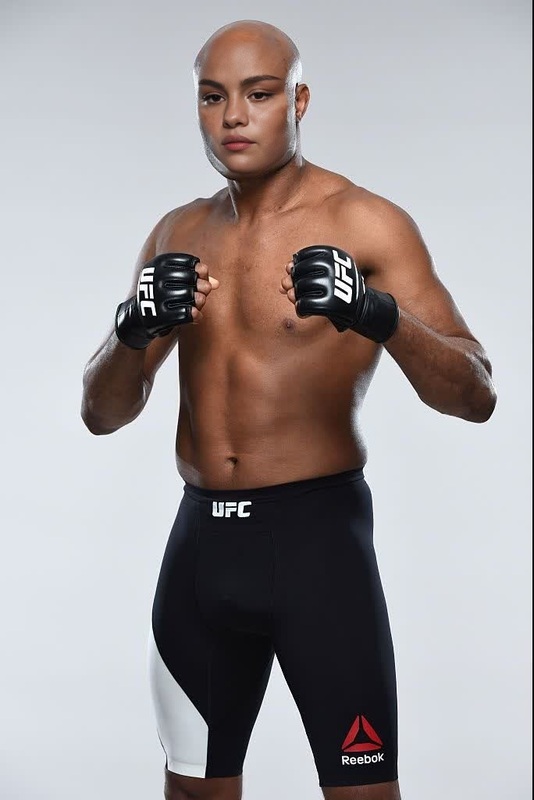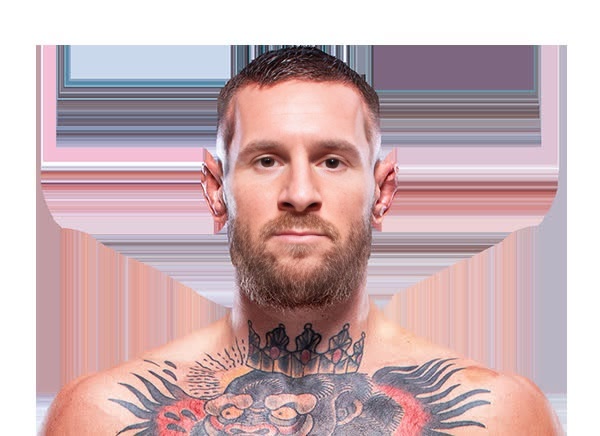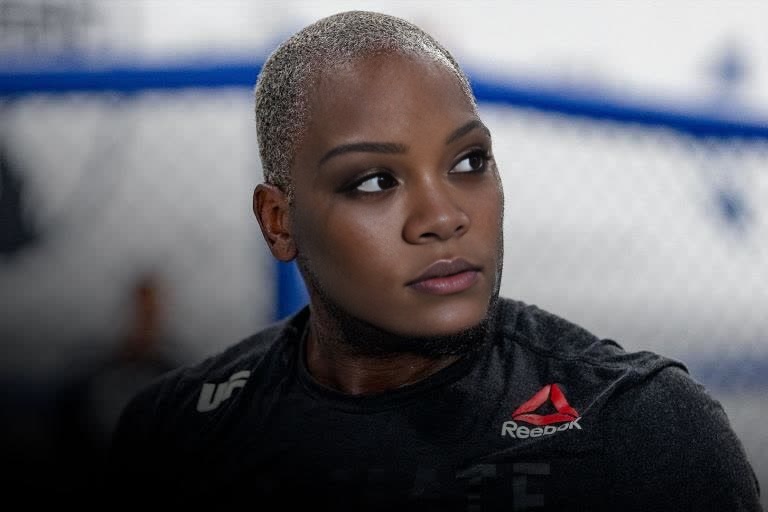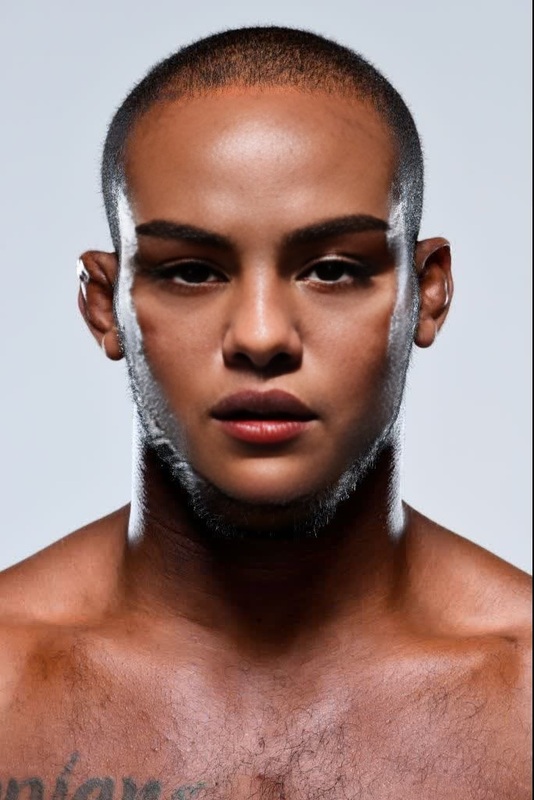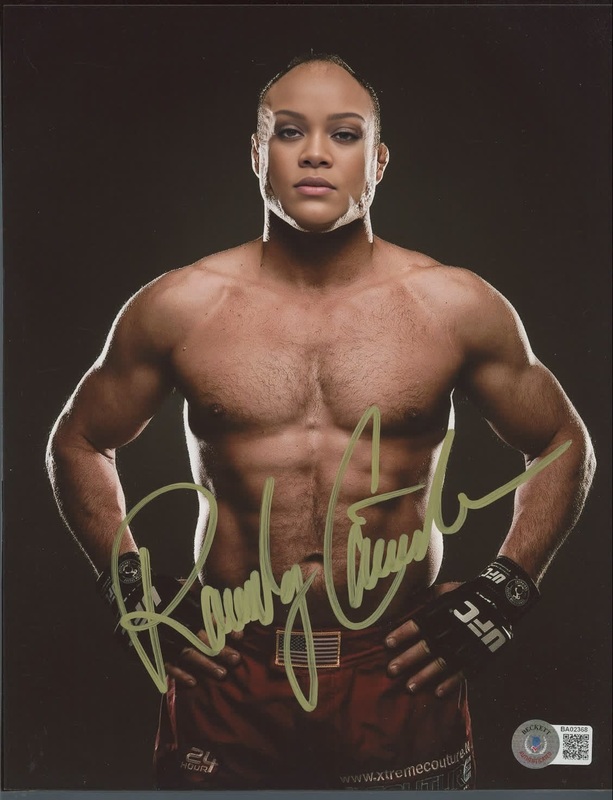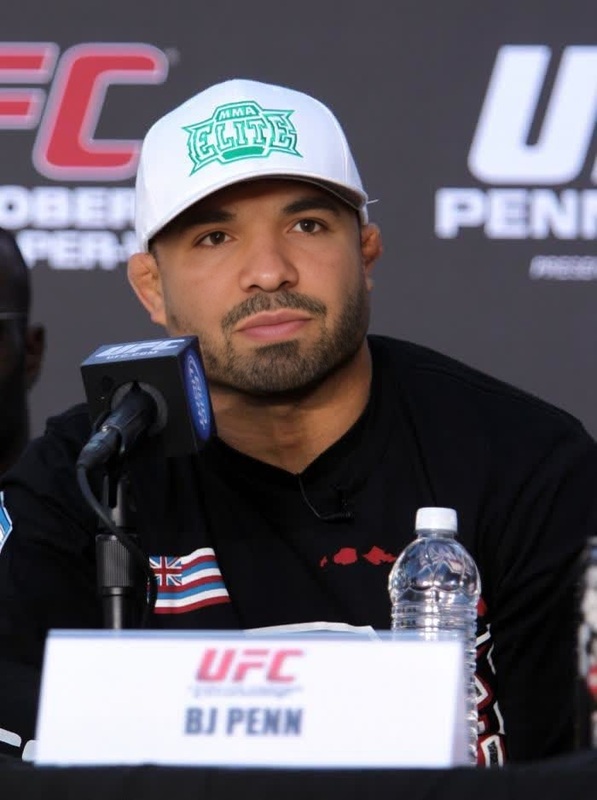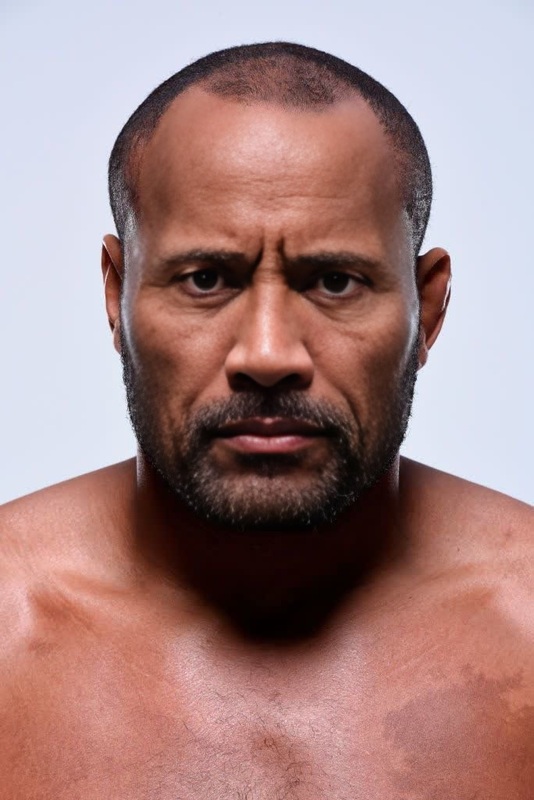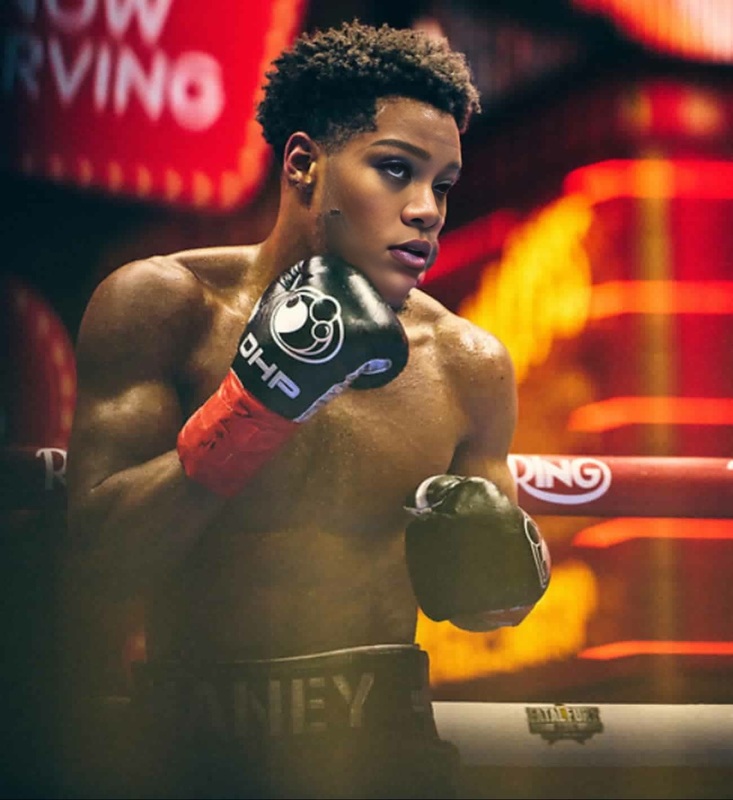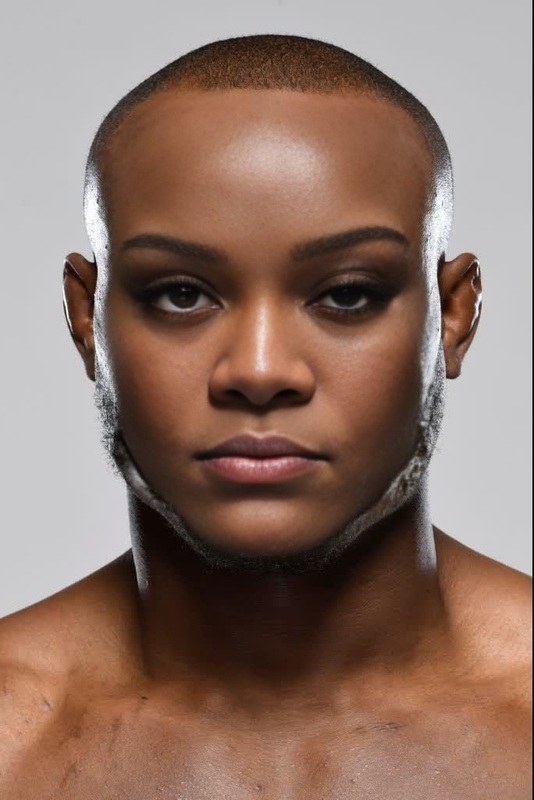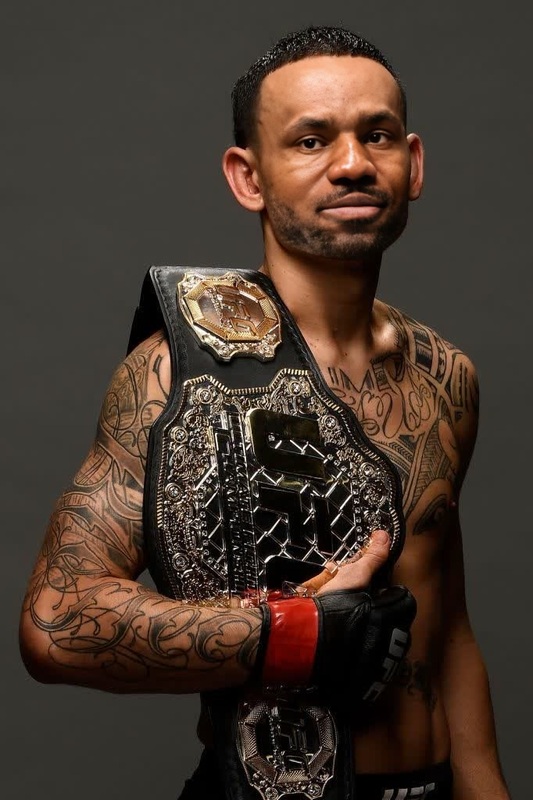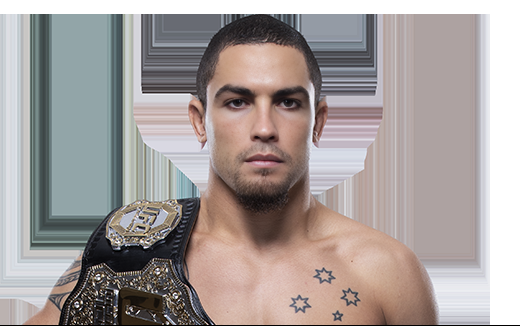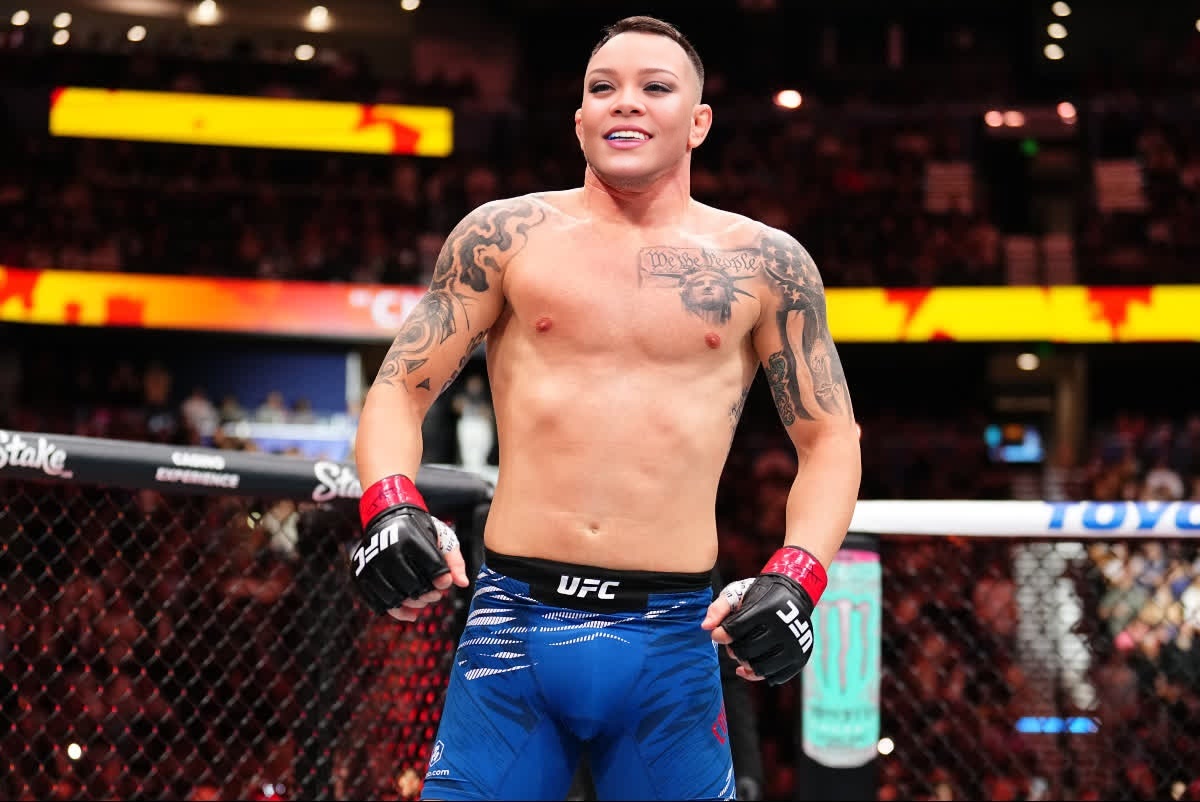
Colby Covington Ufc Press Portrait
- Image
- 1200 × 802 px
Any aspect ratio
Overview
Step into the world of UFC spotlight with the Colby Covington UFC Press Portrait video face swap template. This tool allows you to transpose faces onto Colby Covington's famous press portraits, ideal for creating distinctive and engaging content for social media or personal growth projects.
What It Does
The template provides a video face swap feature, effectively placing any face onto Colby Covington during a UFC press event. By leveraging the Video Face Swap technology, you can create realistic transformations in your videos, making them perfect for social media buzz or humorous personal showcases.
Who It's For
This template is perfect for social media enthusiasts, content creators, and fans of UFC looking to inject humor and novelty into their content. Additionally, those new to video editing can harness the AI Video Generator to generate professional-looking outputs effortlessly.
Summary
Use the Colby Covington UFC Press Portrait template for your next video project to combine creativity and UFC fandom. This Face Swap tool turns your ideas into attention-grabbing content that stands out in the crowd, be it on social media or in personal collections.
How to Use
Choose Template

Customize Inputs

Generate Video

Use Cases
Social Media Engagement
- Stand out on Instagram Reels.
- Create trending TikToks.
Personal Projects
- Personalized greeting videos.
- Funny group projects.
Marketing Videos
- Creative branding content.
- Attention-grabbing teasers.
Best Practices
Select High-Quality Images
For the best face swap results, use a high-resolution image with clear facial features.Consider Lighting and Angles
Match the lighting and angle of the face image to Colby Covington's for a more seamless blend.Utilize Editing Tools
Explore the AI Image Editor for refining images before swapping, ensuring optimal output.