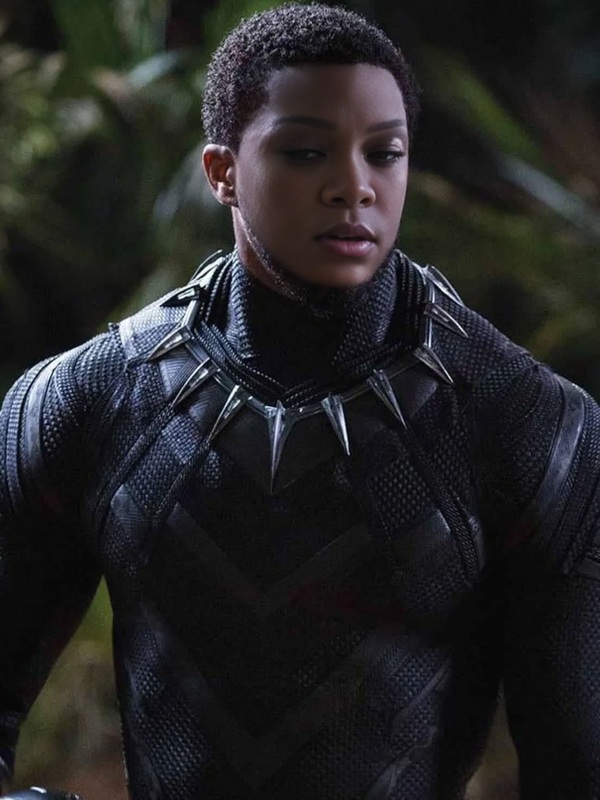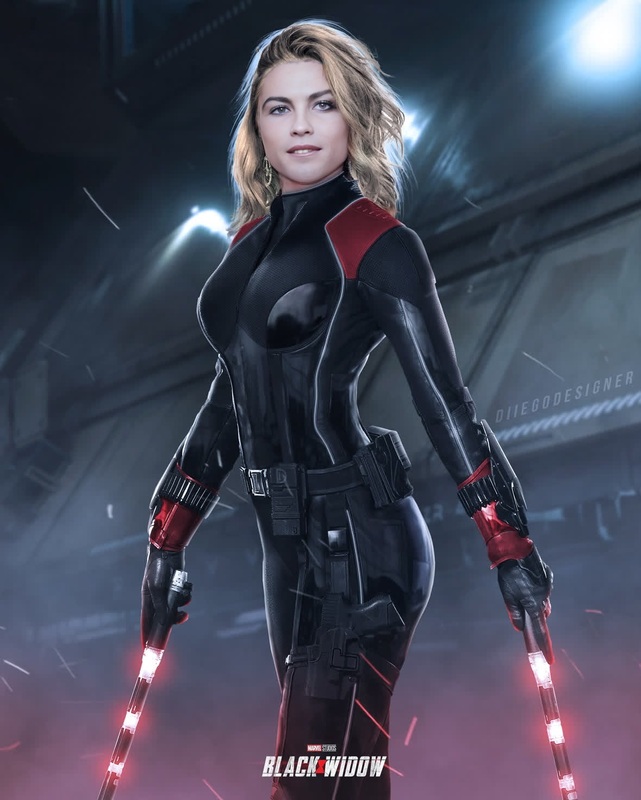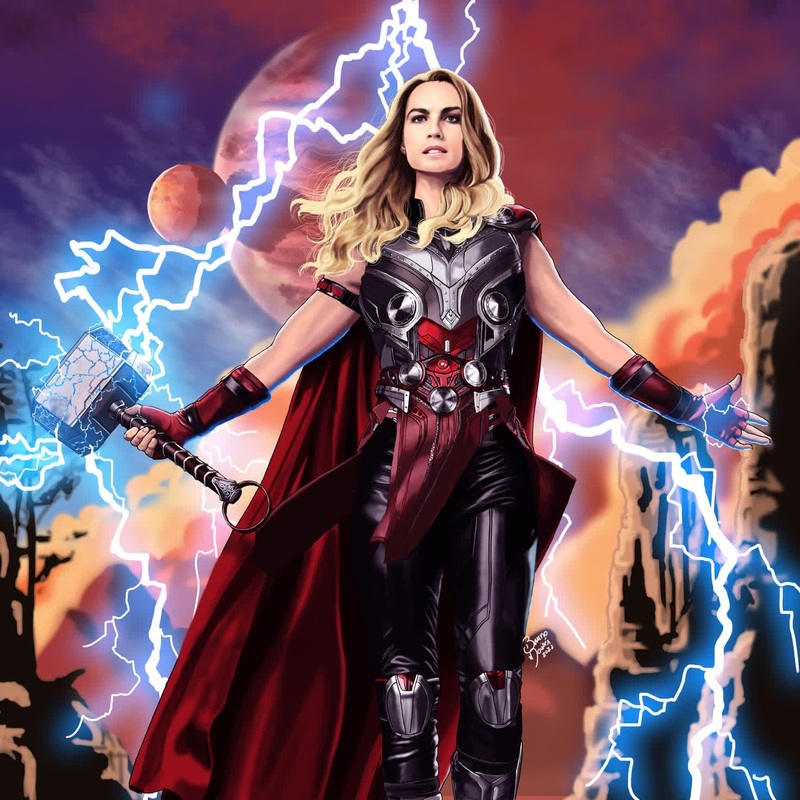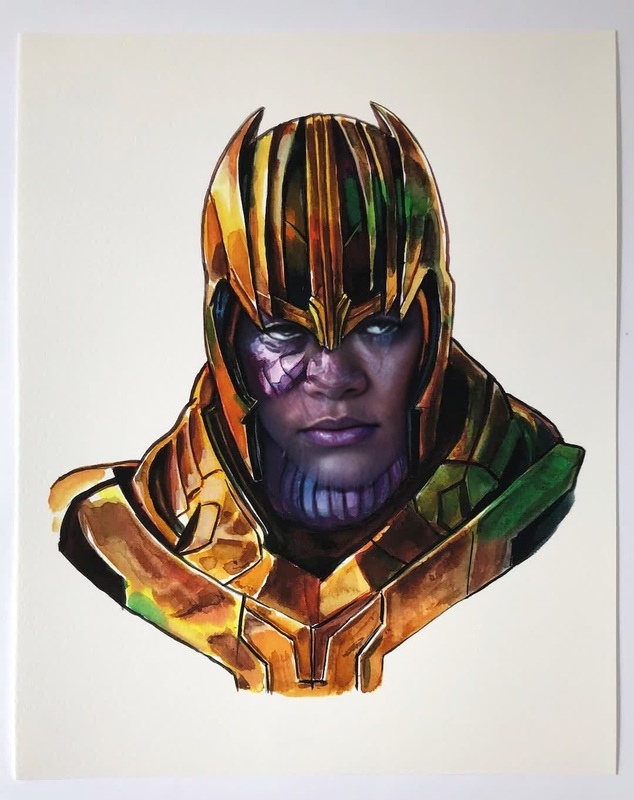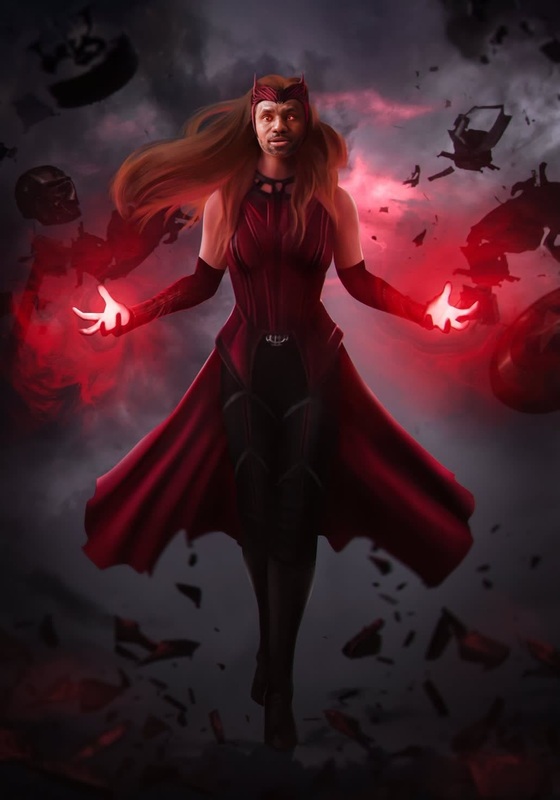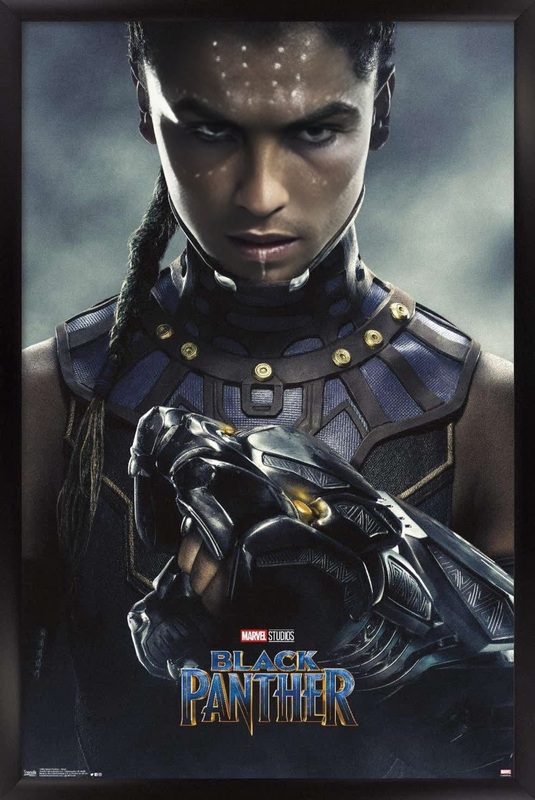
Natasha Romanoff Black Widow Marvel Cinematic Universe

Natasha Romanoff Black Widow Marvel Cinematic Universe

face-swap

1 clip
0 uses

Any aspect ratio

Tags

transformations

Transform any face into a cinematic character with this Face Swap video template. Use it as‑is, or remix it in a few clicks to build your own branded, high‑conversion content for social, ads, or product demos.


What this template does

This template uses Magic Hour’s AI Face Swap technology to replace the face in a video with a new, hyper‑realistic identity—while keeping:

  • The original body, lighting, and camera motion
  • Natural expressions and head movement
  • Consistent style across every frame

It’s ideal for:

  • UGC‑style ads and influencer content (without needing a shoot)
  • Concept videos for founders and marketers validating ideas
  • Character tests for games, animation, and storytelling
  • Creators who want to appear on camera in different looks or personas

Under the hood, Face Swap uses deep learning methods similar to modern face reenactment and identity transfer models (see, for example, recent research like Pivotal Tuning for Diffusion Models or Neural Face Reenactment in CVPR/ICCV proceedings) but wrapped in a workflow that’s fast, safe, and usable in a browser.


How to remix this template in Magic Hour

You can create your own version of this template in minutes.

  1. Open the Face Swap video creator
    Go to the Face Swap Video page. This is the same tool this template is built on.

  2. Upload or choose a base video

    • Use your own footage (talking head, reaction, walkthrough, etc.)
    • Or start from any video you’ve already generated with:
  3. Add the face you want to appear in the video

  4. Preview, iterate, and remix fast

    • Generate a preview to check identity match and realism
    • Remix by swapping in:
  5. Export and extend


Proven use cases for creators, marketers, and builders

1. UGC and performance marketing

  • Test multiple “creators” without reshooting by swapping the face on a single base video
  • Create localized or persona‑specific creatives for different audiences
  • Keep a winning script and hook, just change the person on screen

Pair with:

2. Founder and team avatars

  • Let founders “appear” in multiple outfits or environments using:
  • Use Face Swap to put that identity into explainer videos, onboarding flows, or investor updates without repeated shoots

3. Product storytelling and character‑driven content

4. Rapid experimentation for startups

  • Validate value props with realistic talking‑head videos before hiring creators
  • Run creative sprints: generate a base talking video with AI Talking Photo or Lip Sync, then Face Swap different identities to test which persona performs best on your funnel

Advanced workflows and tips


Best practices for high‑quality face swaps

To get reliable, production‑ready results:

  • Choose strong source images

    • Good lighting, neutral expression, and a clear front‑facing shot
    • Minimal occlusions (no heavy sunglasses, hands covering the face, or extreme motion blur)
  • Use clean base video

    • Stable framing and visible facial area
    • Avoid extreme low‑light or highly compressed footage for best realism
  • Stay within responsible use

    • Use faces you own or have explicit rights to use
    • Avoid impersonation, misleading content, or scenarios that violate platform or legal policies
    • For brand safety and compliance, align with emerging AI content guidelines (e.g., FTC recommendations around synthetic media and disclosure)

For more advanced reading on the underlying techniques, you can look into academic resources on neural face editing, digital humans, and diffusion‑based video synthesis in venues like CVPR, ICCV, NeurIPS, and SIGGRAPH.


Other Magic Hour tools that pair well

Depending on your workflow, you may want to connect this Face Swap template with:


How to start from this template

  1. Open this template in Magic Hour.
  2. Click to remix or duplicate it into your workspace.
  3. Swap in:
    • Your own base video
    • Your chosen face (founder, creator, or character)
    • Any supporting assets you’ve created with other Magic Hour tools
  4. Generate, review, and export for your channel of choice.

Use this template as a reusable building block: keep the structure, pacing, and framing that work for your brand, and continuously swap faces, voices, and styles to evolve your content—without rebuilding your production pipeline from scratch.

More Like This

Insufficient credits