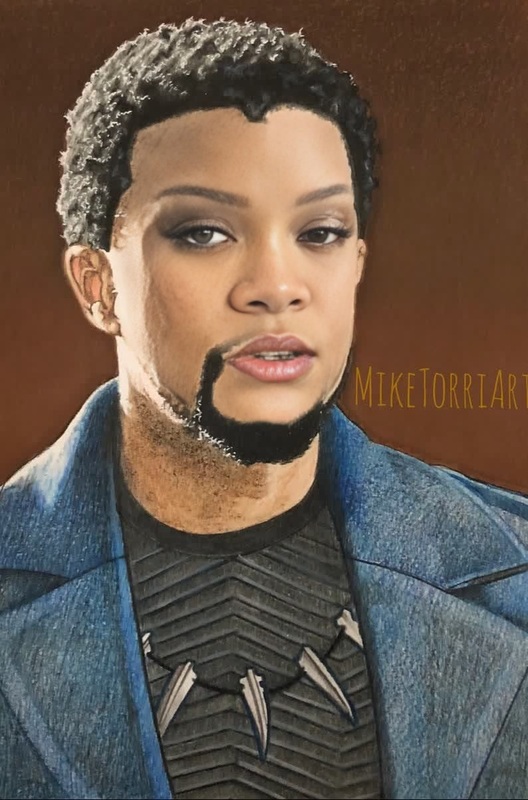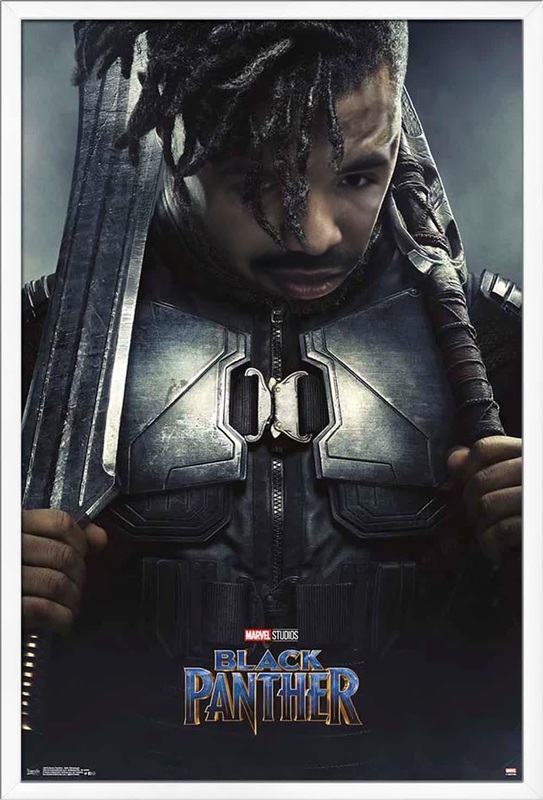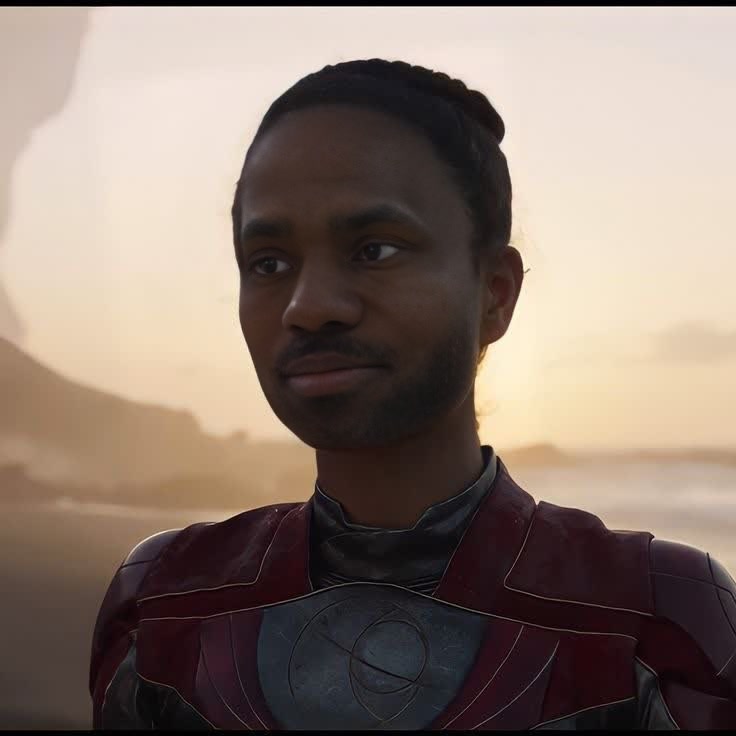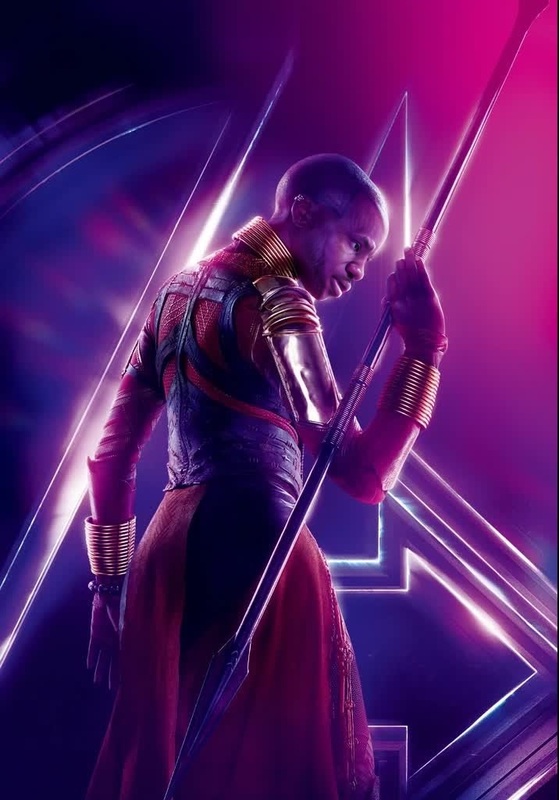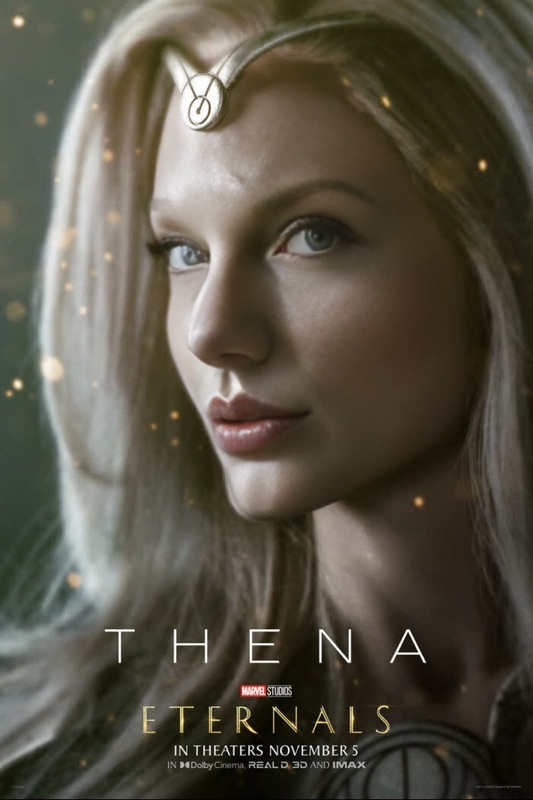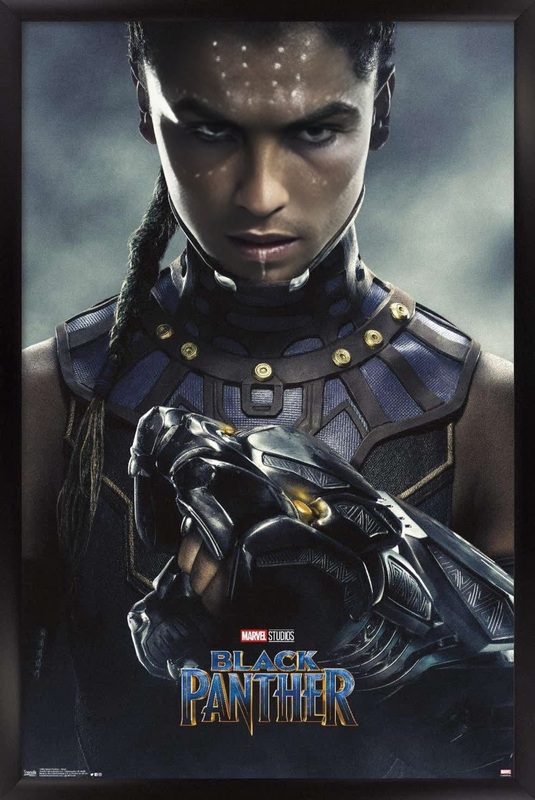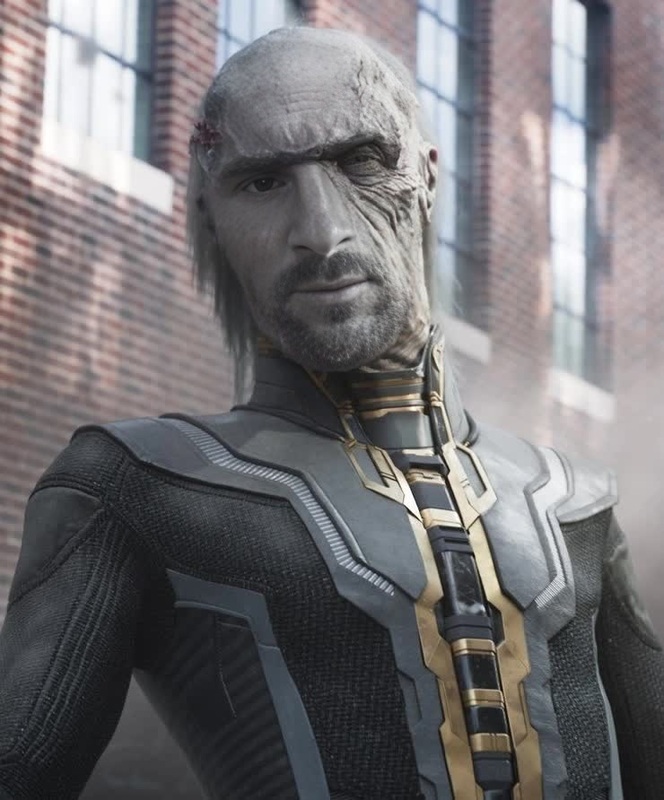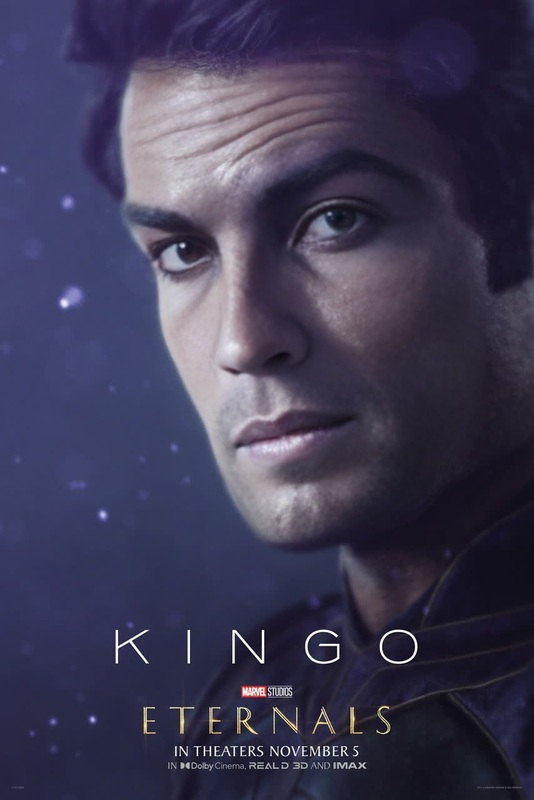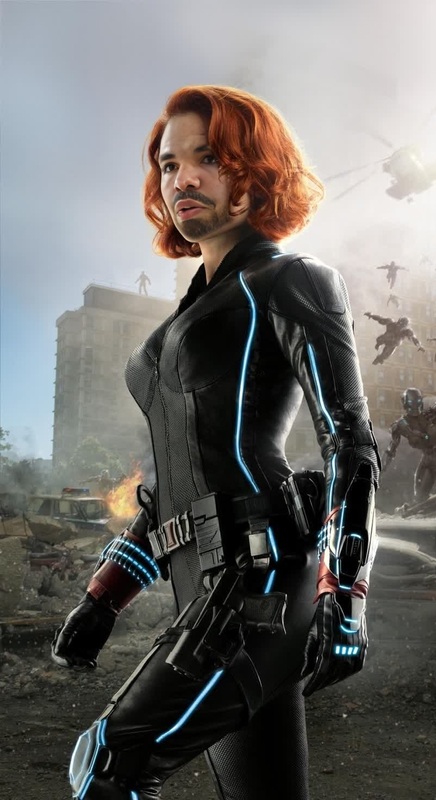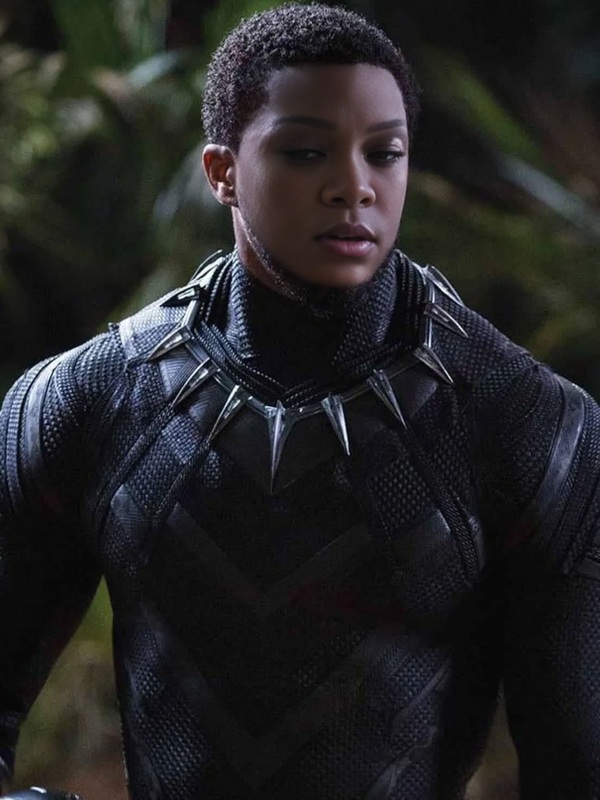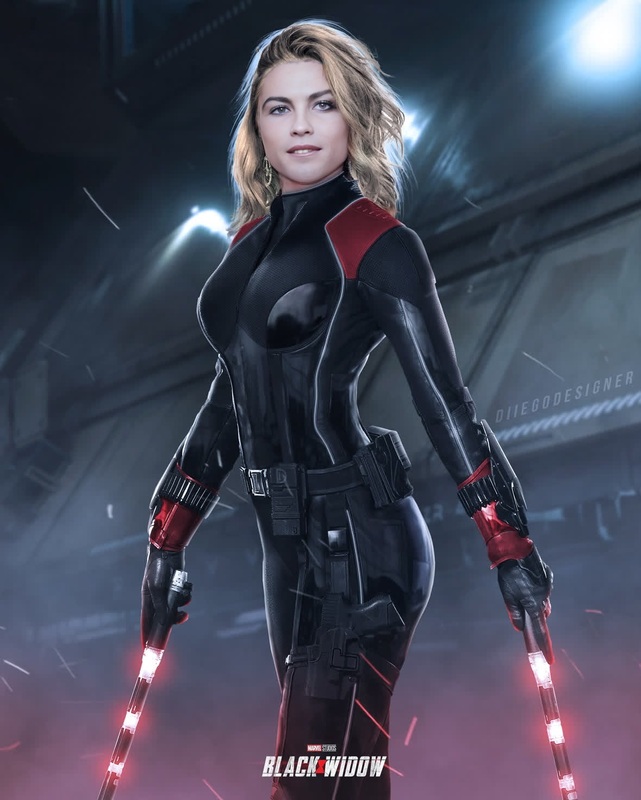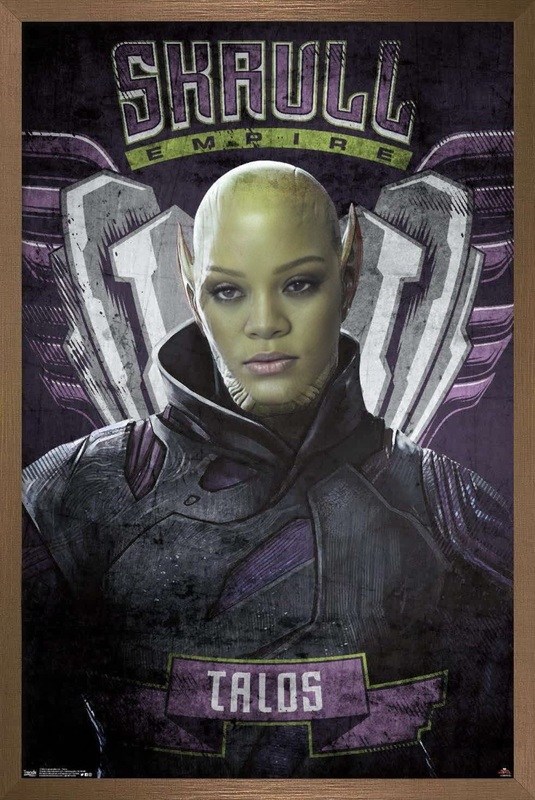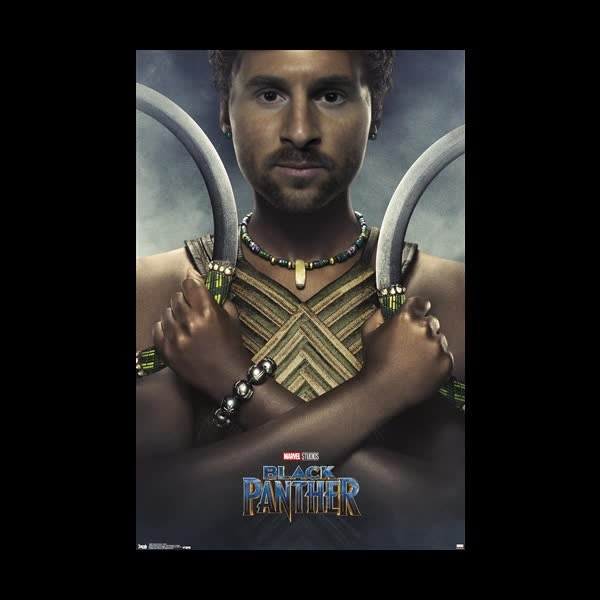
Nakia Black Panther Marvel Cinematic Universe
face-swap
Any aspect ratio
Tags
transformationsCreate Hyper‑Realistic Face Swap Videos in Minutes
Turn any video into a tailored, on‑brand asset by swapping faces with AI—perfect for creators, marketers, founders, and technical teams who need fast, production‑ready content without a full video team.
This template is powered by Magic Hour’s Face Swap engine and can be remixed, extended, and combined with other Magic Hour tools to fit your specific workflow.
What This Template Does
This Face Swap template lets you:
- Replace the face in an existing video with a new face (you, an actor, a character, or a brand avatar)
- Preserve expressions, lighting, head movement, and camera angles for a realistic result
- Generate content that’s consistent across multiple videos (e.g., the same face/character in a whole campaign)
- Prototype and test ideas quickly before committing to expensive shoots
It’s especially useful for:
- Short‑form content (TikTok, Reels, Shorts)
- Explainer and product demo videos
- UGC‑style ads and social proof
- Character‑driven content (storytelling, game characters, VTubers)
- Localization and regional variants of the same creative
How to Remix This Template in Magic Hour
You can create your own version of this template directly in Magic Hour by starting from a Face Swap workflow and customizing the inputs.
Open the Face Swap video creator
Go to the Magic Hour Face Swap Video template.Upload or choose a base video
- Use a talking‑head clip, product demo, or UGC footage.
- For best results, pick videos with:
- Clear, front or three‑quarter view of the face
- Consistent lighting
- Minimal heavy motion blur
Provide the face you want to swap in
- Upload a photo or frame of the new face (yourself, a client, an actor, or a character).
- Use a sharp, well‑lit image with the face clearly visible.
Generate the new video
- Magic Hour’s Face Swap model analyzes facial structure, expressions, and lighting to produce a coherent, frame‑by‑frame swap.
- Review the result and iterate by changing the source image or base video.
Export and reuse
- Download the output or bring it into other Magic Hour tools (for editing, upscaling, lip sync, talking photos, and more).
Advanced Workflows: Go Beyond Simple Face Swaps
You can use this template as the core building block of more complex AI video pipelines:
1. Add Lip Sync and Voice
Make your swapped face speak any script in any language:
- Use Lip Sync to match the mouth movements to new audio.
- Generate or clone voices with:
- Turn still photos into talking avatars with AI Talking Photo.
2. Turn Images into Dynamic Characters
Start from an image or illustration, then bring it to life:
Design characters with:
Animate them using:
Then apply this Face Swap template to put your AI‑designed character into any live‑action or stylized clip.
3. Ad Creative & Social Content at Scale
For performance marketers and growth teams:
Use a single “hero” actor and generate many variants:
- Different faces (localized personas, influencers, fictional characters)
- Different scripts or voiceovers via Text to Video + voice tools
- Meme‑style remixes with AI Meme Generator
Quickly align all assets with your brand using:
- AI Image Editor
- AI Background Generator
- Thumbnail Maker for YouTube or campaign thumbnails
- Album Cover Generator for cover art and key visuals
4. Content Localization and A/B Testing
For startups and product teams:
- Create different on‑screen presenters for different regions by swapping faces while keeping the same script.
- Translate the audio and sync it using Lip Sync.
- Use Auto Subtitle Generator to add captions for accessibility and higher retention.
- A/B test faces, styles, and tones quickly to improve watch‑through and click‑through rates.
Practical Tips for High‑Quality Face Swaps
To get the best results from this template:
Choose high‑quality input faces
- Use sharp, high‑resolution images for the face you’re swapping in.
- Avoid heavy shadows, extreme angles, or occlusions (e.g., big sunglasses, hands covering the mouth).
Match lighting and angle when possible
- If your base video is side‑lit or at an angle, try to supply a face photo with similar lighting and pose.
Use clear, stable video
- Short motion blur, quick turns, and strong occlusions can reduce realism.
- For dynamic scenes, consider testing multiple short clips and selecting the best.
Iterate like a product experiment
- Treat each swap as a test: adjust inputs, run variants, and compare.
- For recurring campaigns or recurring characters, standardize on a small set of “canonical” face images.
Combine with Other Magic Hour Tools
This Face Swap template becomes more powerful when chained with other Magic Hour capabilities:
Prep & polish visual assets
- AI Image Upscaler and Unblur Image for sharpening low‑res faces
- Photo Colorizer and Old Photo Restoration for historical or archival footage
- Image Background Remover and Remove Object from Photo to clean up imagery before use
Generate supporting creatives
- Brand avatars with Avatar Generator and AI Selfie Generator
- Campaign visuals using AI Art Generator, AI Illustration Generator, and AI Logo Generator
- Niche content with tools like AI Manga Generator, Comic Book Generator, or Disney AI Generator
Experiment with identity, style, and fashion
- Gender Swap and AI Face Editor to explore character variations
- AI Clothes Changer, AI Outfit Generator, and AI Fashion Generator for wardrobe changes
- Full Body Generator for complete character looks
Example Use Cases for Creators, Marketers, and Builders
Creators & influencers
- Put your own face into trending formats or famous scenes using Face Swap and Face Swap Video.
- Generate GIF reactions with Face Swap GIF and AI GIF Generator.
Marketing & growth teams
- Localize testimonial or founder videos by swapping in region‑specific presenters.
- Create dozens of ad variants cheaply and test which faces and styles convert best.
Product teams & startups
- Build AI‑native onboarding or help content with a consistent “virtual host.”
- Integrate AI‑generated assets into product videos with Image to Video and Video Upscaler.
Developers & technical teams
- Prototype AI characters for games, interactive experiences, or virtual assistants.
- Combine character generation, Text to Video, Face Swap, and voice tools to create fully synthetic yet coherent spokespeople.
How to Start Remixing This Template
To build your own custom version of this Face Swap template:
Start from the base workflow
Open the Face Swap Video template.Swap in your own assets
- Replace the demo video with your own footage.
- Upload new faces (your founder, your customers, your brand character).
Chain with other tools as needed
- Add lip sync with Lip Sync.
- Transform footage with Video to Video or Animation.
- Polish images and videos with the editing and upscaling tools listed above.
Systematize your workflow
- Reuse the same faces and character images across templates.
- Document which base videos and inputs perform best for your team.
- Build a small internal “component library” of clips, faces, and styles in Magic Hour so your team can assemble new content quickly.
Face Swap is a foundational capability in modern AI video production. This template gives you a reliable starting point: you supply the face and footage, and Magic Hour handles the heavy lifting. From there, you can remix, chain tools, and scale up to a complete AI‑driven content pipeline tailored to your product, brand, or creative vision.