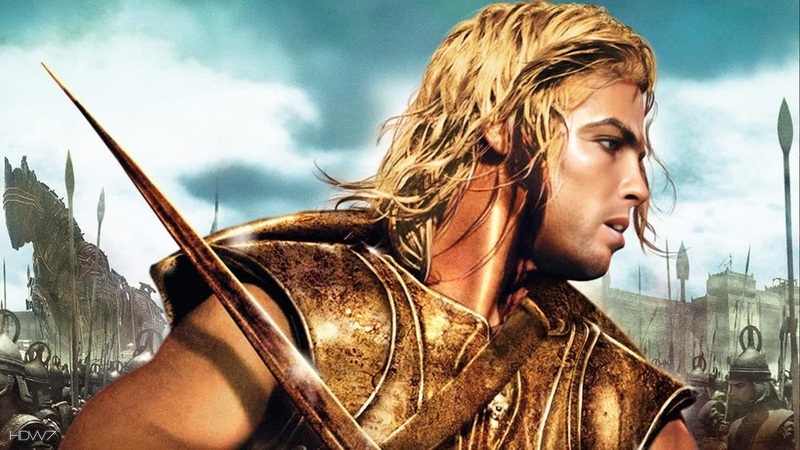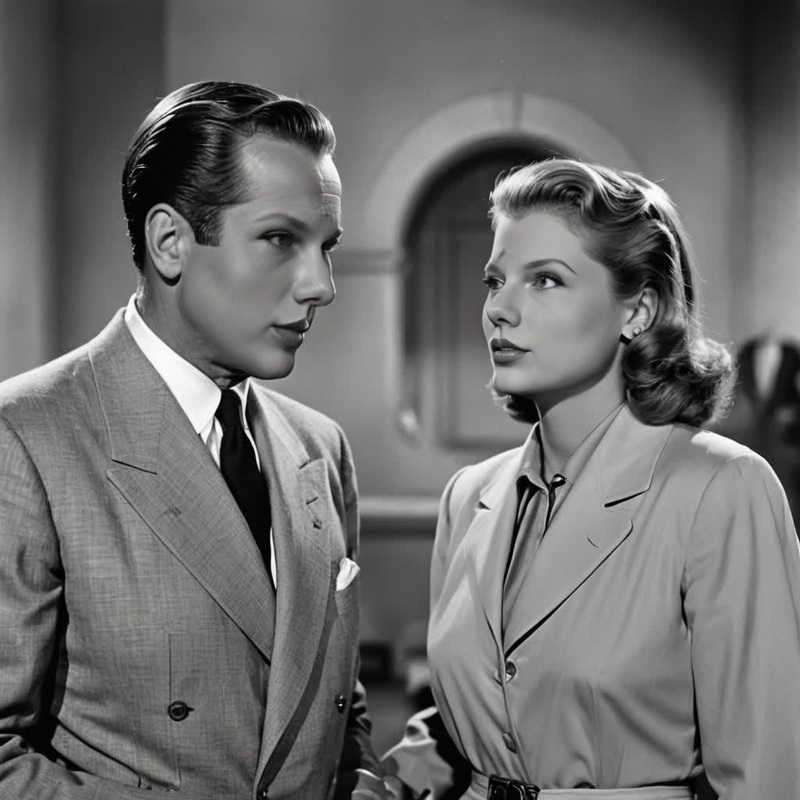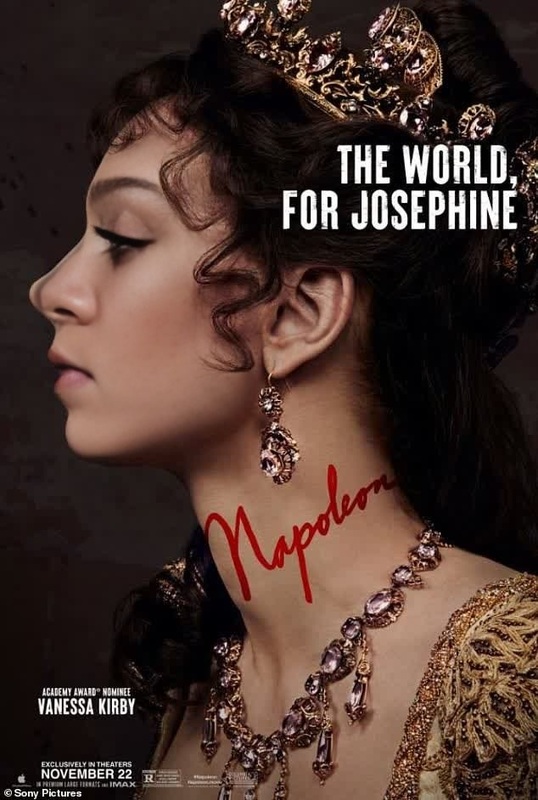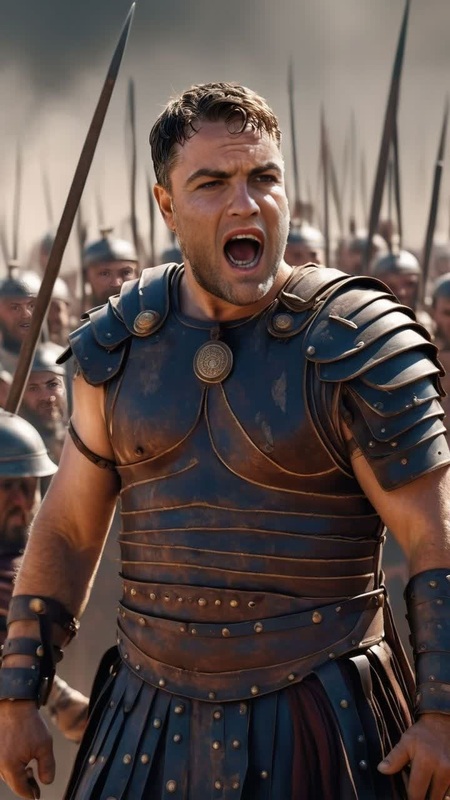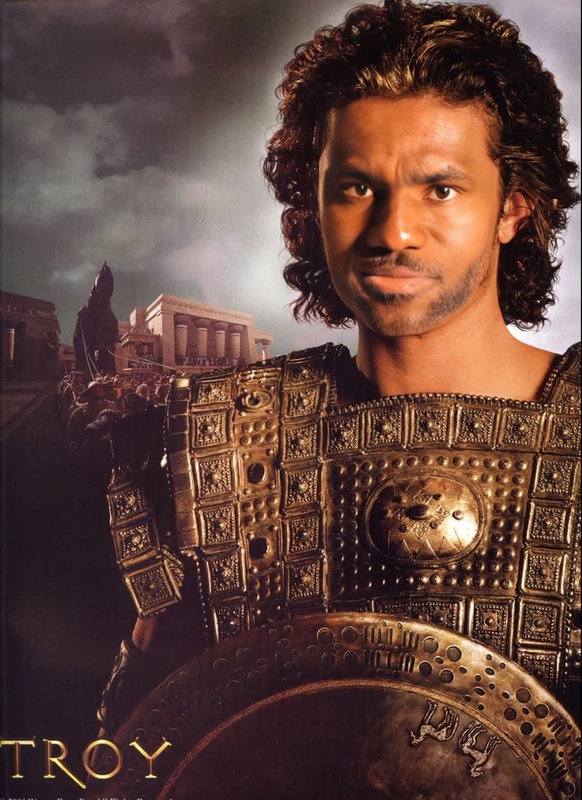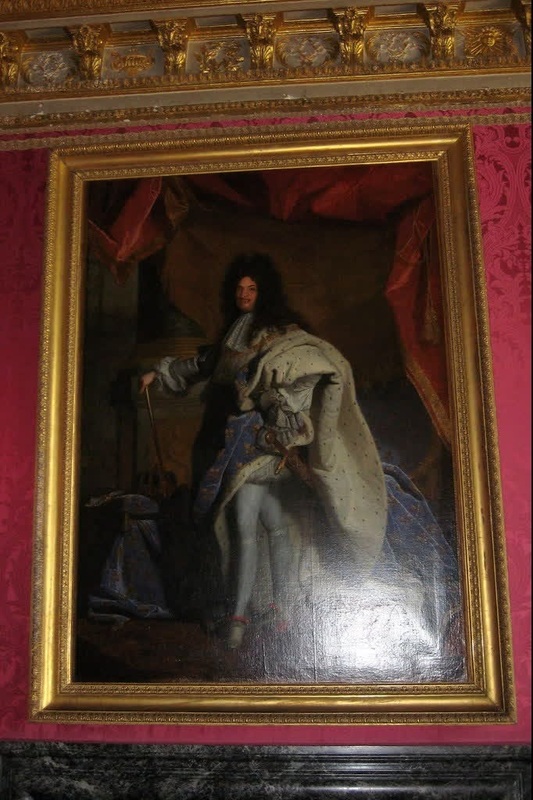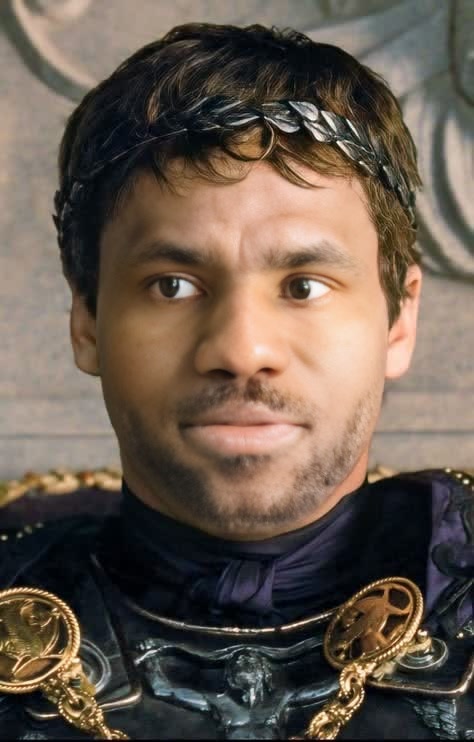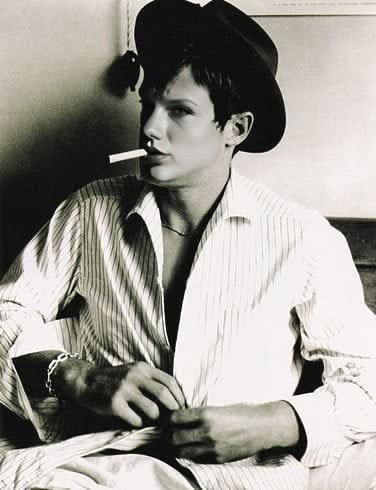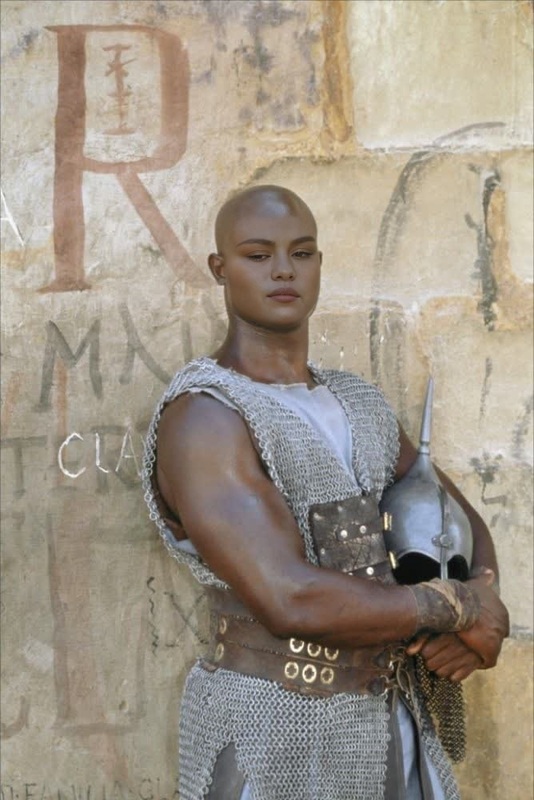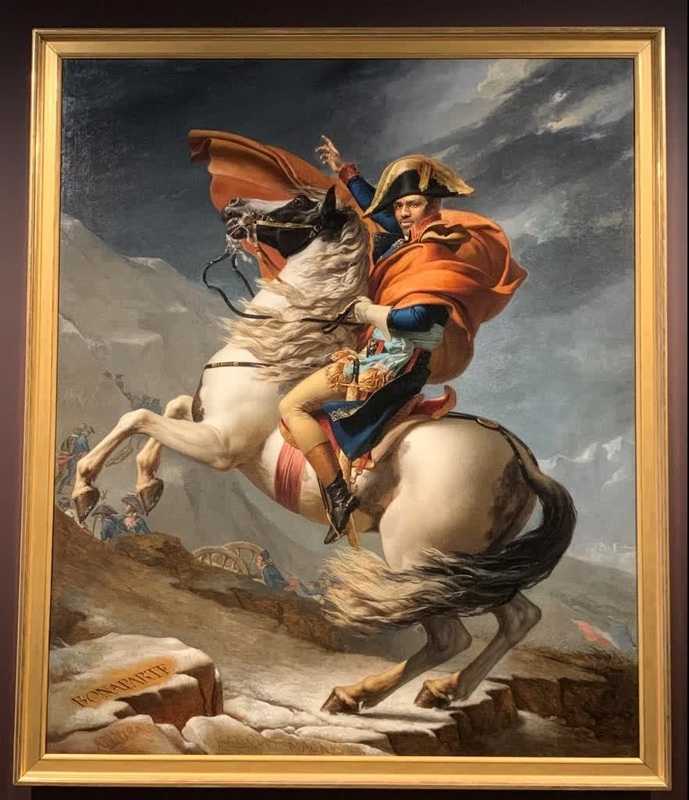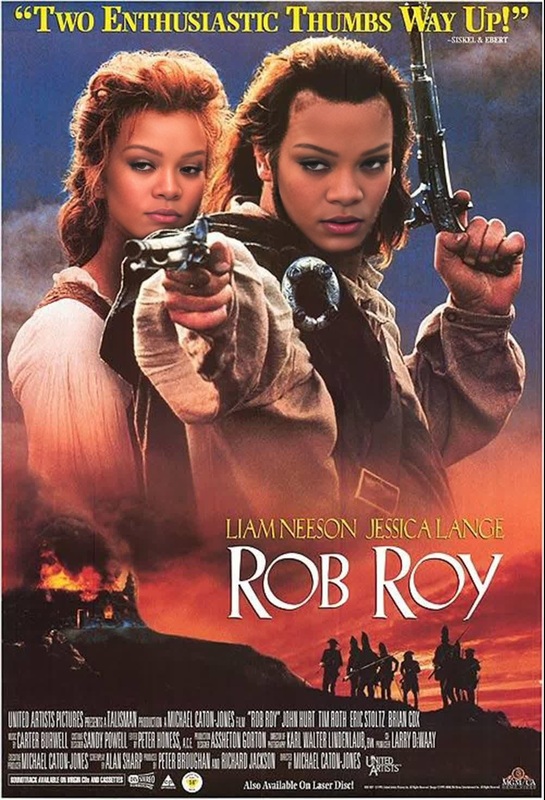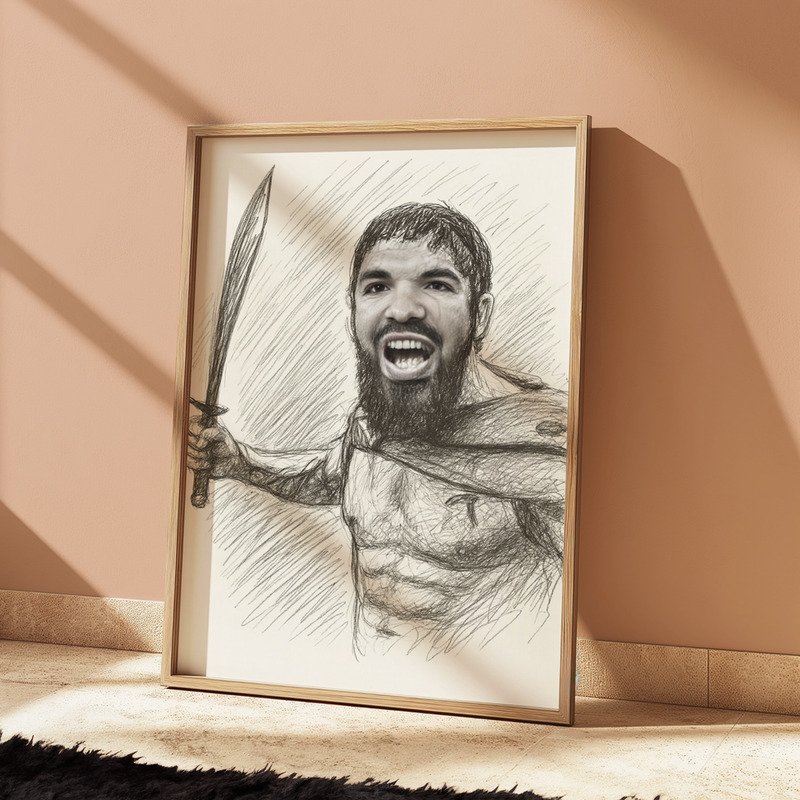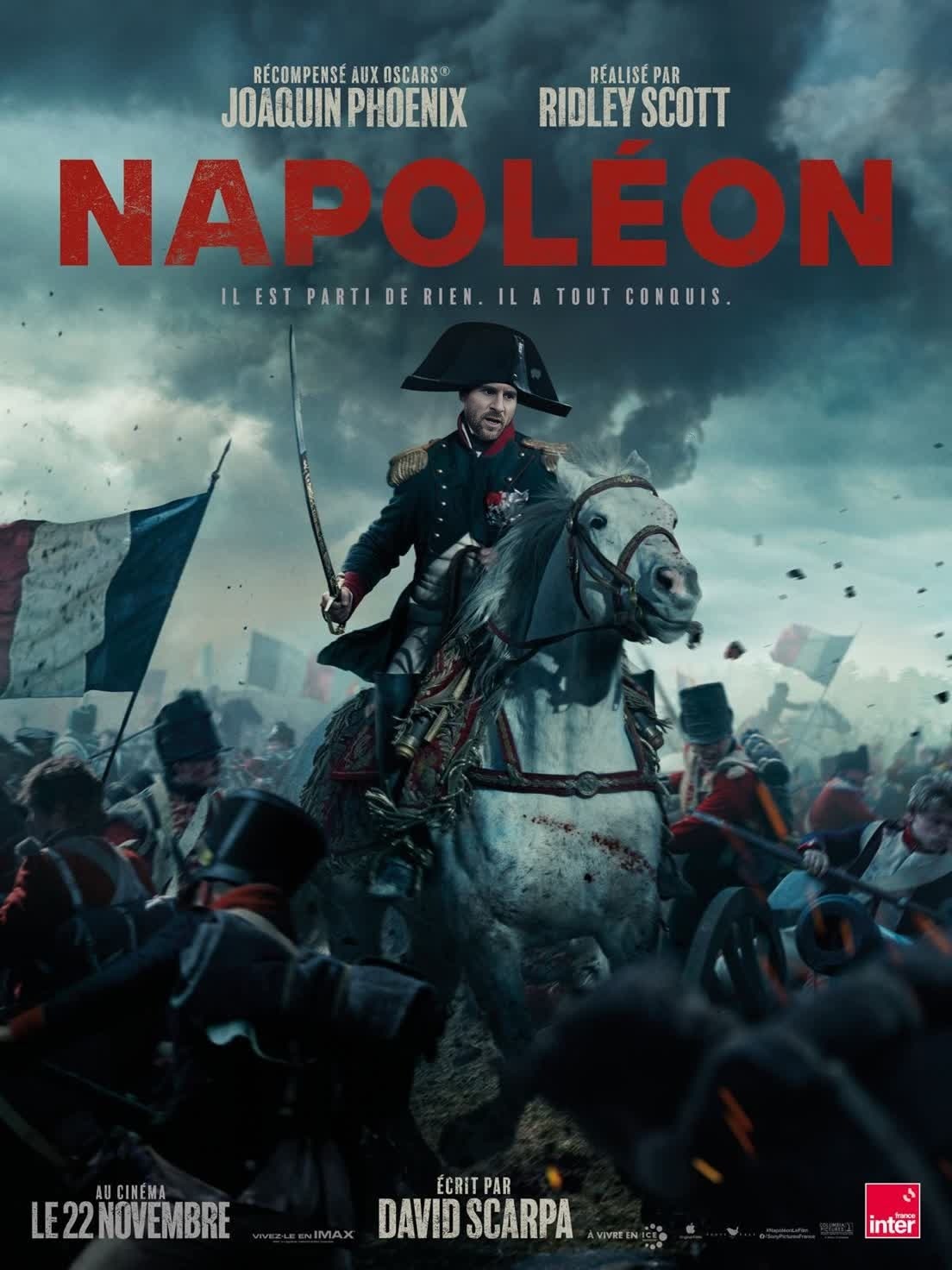
Napoleon Bonaparte Film Portrait
- Image
- 1104 × 1472 px
Any aspect ratio
Overview
Step into history with the Napoleon Bonaparte Film Portrait, a Video Face Swap template designed to transform your likeness into that of the legendary French leader. Perfect for creating educational content, promotional videos, or simply sharing an intriguing visual effect with friends.
What It Does
This template utilizes advanced Video Face Swap technology to create realistic portrayals of Napoleon Bonaparte using your features. It's perfect for producing content that demands historical accuracy and a seamless blend of past and present personas. Pair it with our AI Image Upscaler for enhanced resolution and clarity.
Who It's For
This template is ideal for educators, history enthusiasts, and content creators aiming to produce engaging historical narratives or promotional materials. It's a handy tool for anyone involved in storyboarding or seeking to add a unique twist to their presentations and social media posts.
Summary
Transform yourself or your character into Napoleon Bonaparte with a template that makes crafting historical content both compelling and visually stunning. Ideal for educators, marketers, and anyone intrigued by historical reenactment. Explore more transformation tools such as the AI Clothes Changer and AI Video Generator for a more immersive experience.
How To
Choose the Template

Customize Your Input

Generate Your Video

Use Cases
Historical Content Creation
- Educational videos
- Museum displays
- Themed promotions
Engaging Social Media Posts
- Funny video edits
- Interactive content
- Trendsetting posts
Creative Educational Tools
- Classroom presentations
- Online courses
- History projects
Best Practices
Ensure Good Lighting
A well-lit source video improves the quality of face swap results. Consider natural lighting or professional studio setups.Choose High-Resolution Images
Start with high-resolution files to maintain clarity in the final video. For a cleaner output, consider using the AI Image Upscaler.Align Faces Accurately
Proper alignment of your face in the source image with Napoleon's face in the template ensures a more accurate and believable swap.
FAQs
More Like This