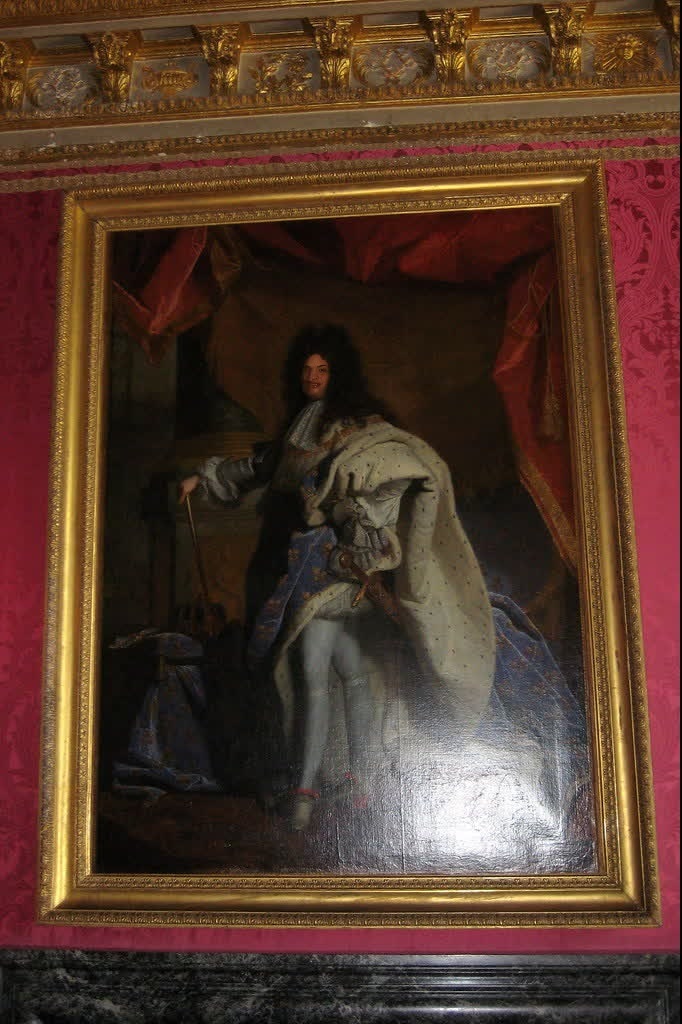
Versailles Louis Xiv Series Portrait
- Image
- 682 × 1024 px
Any aspect ratio
Overview
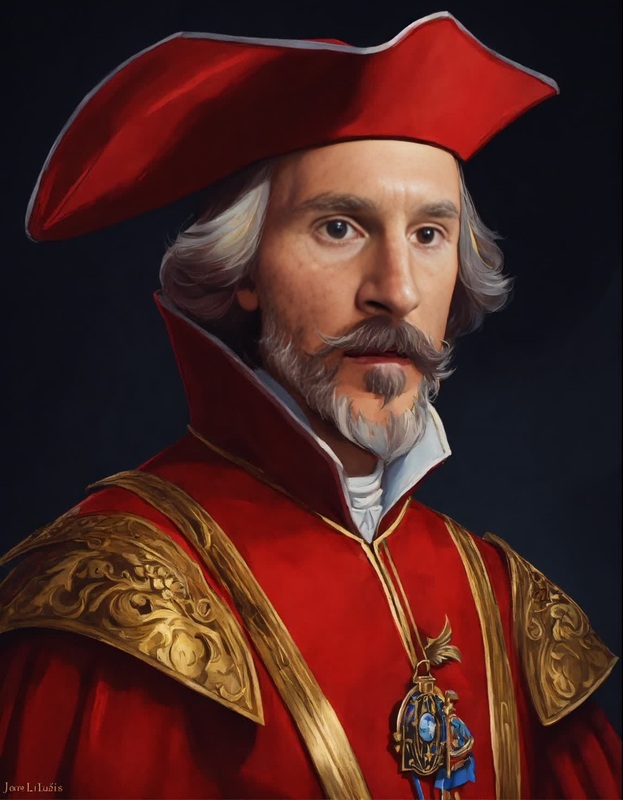
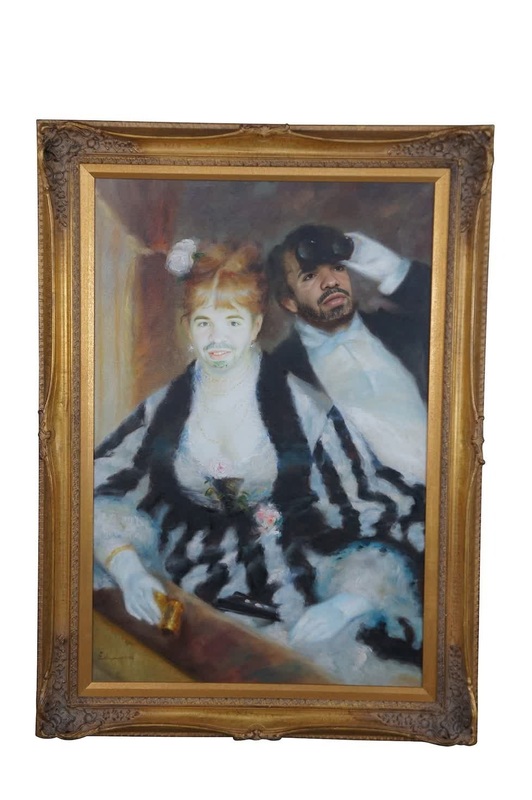
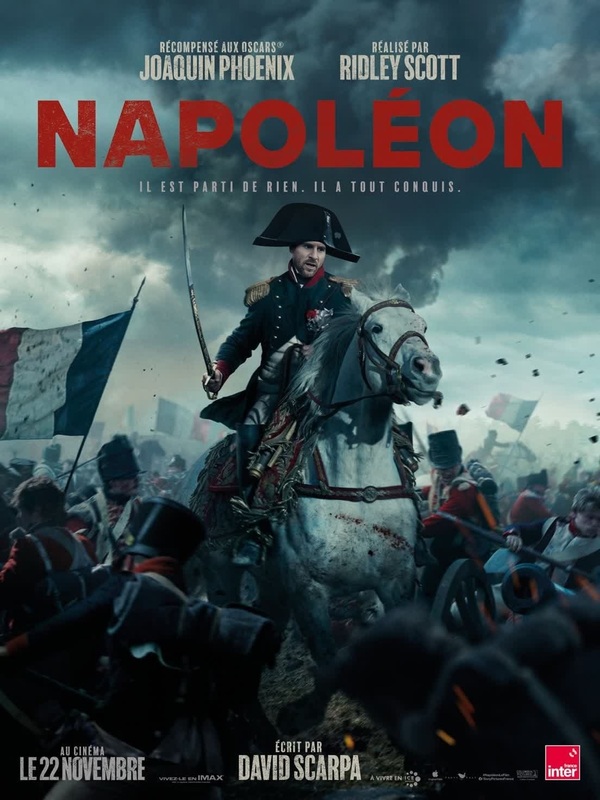
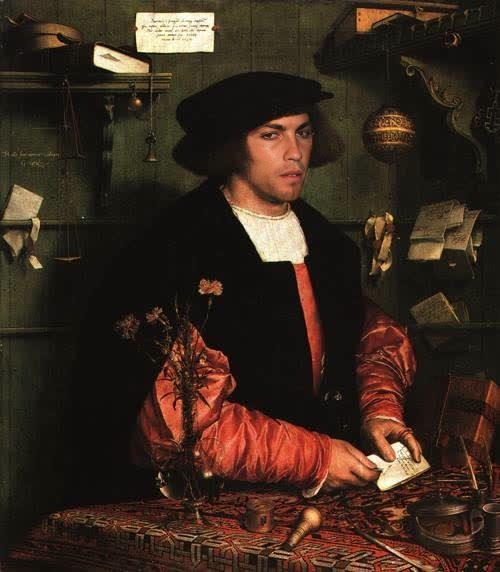
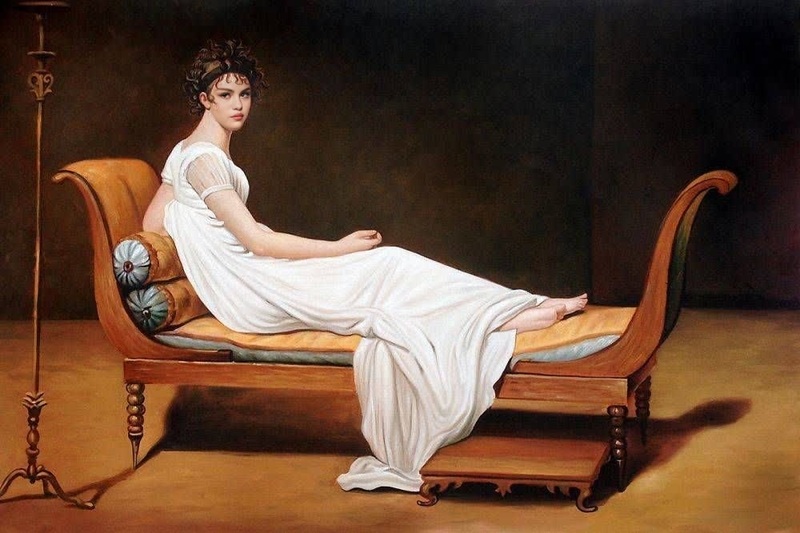
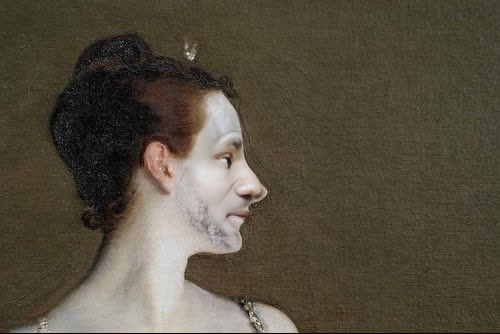
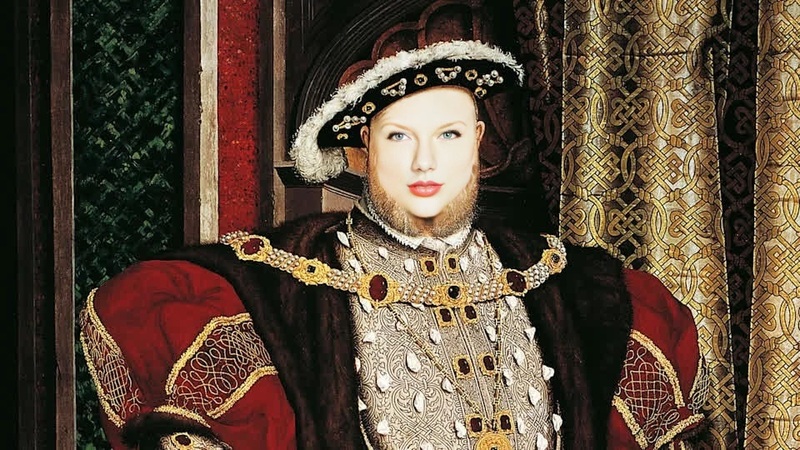
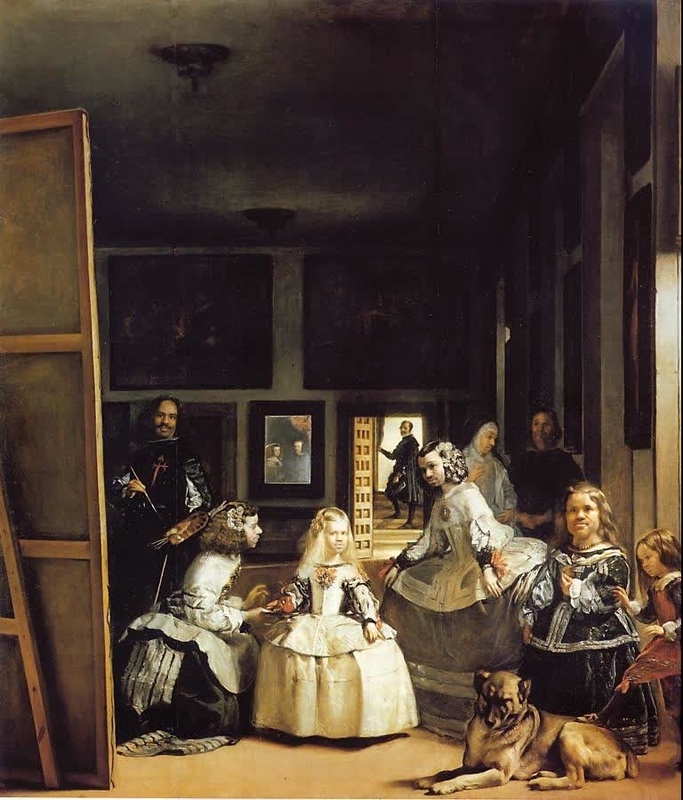
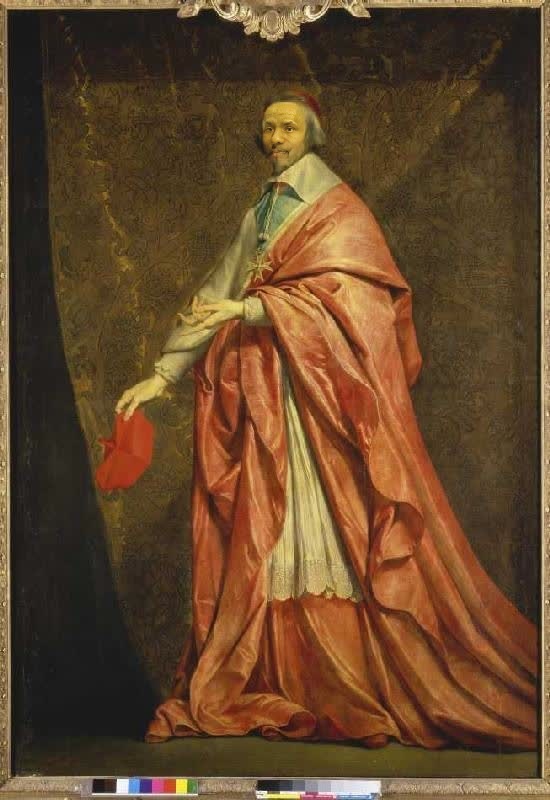
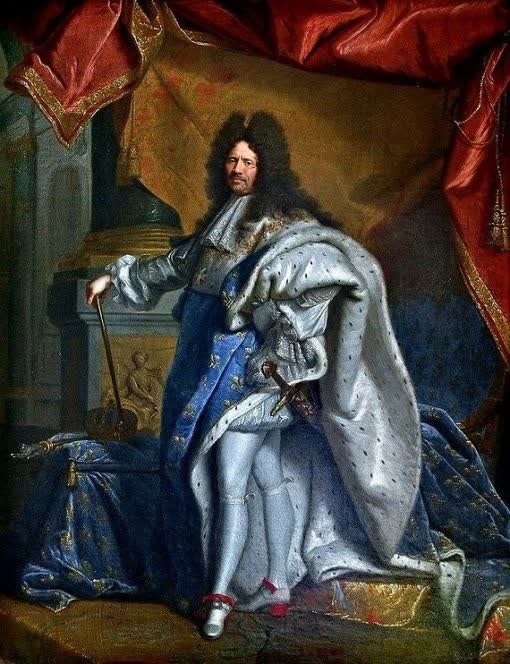
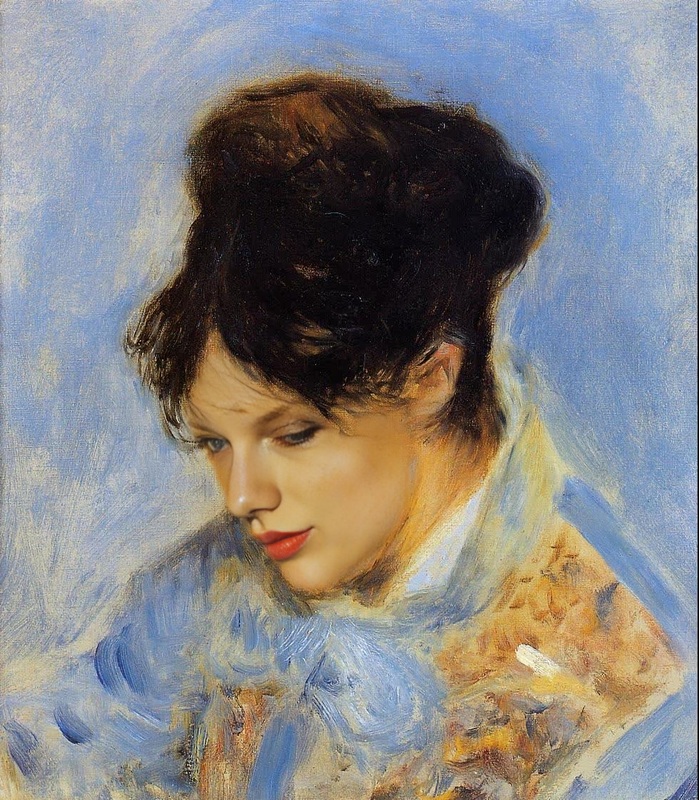
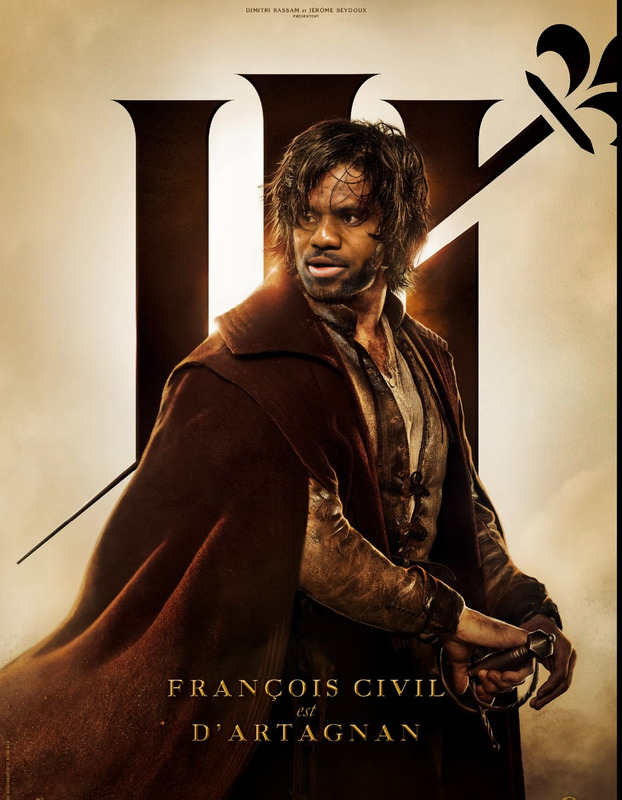
Experience a touch of royal elegance with the Versailles Louis XIV Series Portrait face swap template. This tool transports your visual content into the opulent world of the Sun King without the need for elaborate setups. Whether you're producing historical content or viral transformations, this template is your key to creating captivating visuals.
What It Does
The Versailles Louis XIV Series Portrait allows you to blend contemporary images into the grandeur of Louis XIV's era. By leveraging the powerful Face Swap technology, users can transform faces within a video frame to match the look and feel of historical figures, providing an authentic period look.
Who It's For
This template is ideal for content creators, educators, and marketers looking to infuse historical context into their media. It's perfect for those who use Video-to-Video editing to create educational videos, social media content, or engaging ad campaigns that capture attention with a unique and scholarly twist.
Summary
With the Versailles Louis XIV Series Portrait template, transform your videos with a royal twist. It integrates seamlessly with our AI Image Editor for enhancements, ensuring high-quality outputs that match the splendor of a legacy befitting Louis XIV himself. This suite of tools supports creators in crafting historical narratives with ease and precision.
How-To
Choose the Template

Customize Your Content

Generate the Final Product

Use Cases
Historical Reenactments
- Virtual museum exhibits
- School projects
- Documentaries
Social Media Content
- Viral challenges
- Influencer collaborations
- Engaging stories
Marketing Campaigns
- Fashion retargeting ads
- Luxury brand promotions
Best Practices
Choose High-Quality Inputs
For optimal results, use high-resolution images or videos. This ensures the swapped faces appear clear and realistic.Balance Modern and Historical Elements
While transforming into historical figures, maintain some contemporary elements to make content relatable to current audiences.Test Different Scenarios
Experiment with various lighting conditions and facial expressions to see how the template adjusts, ensuring versatility in your final output.
FAQs
More Like This