Eleven Stranger Things
- Image
- 676 × 900 px
Any aspect ratio
Overview
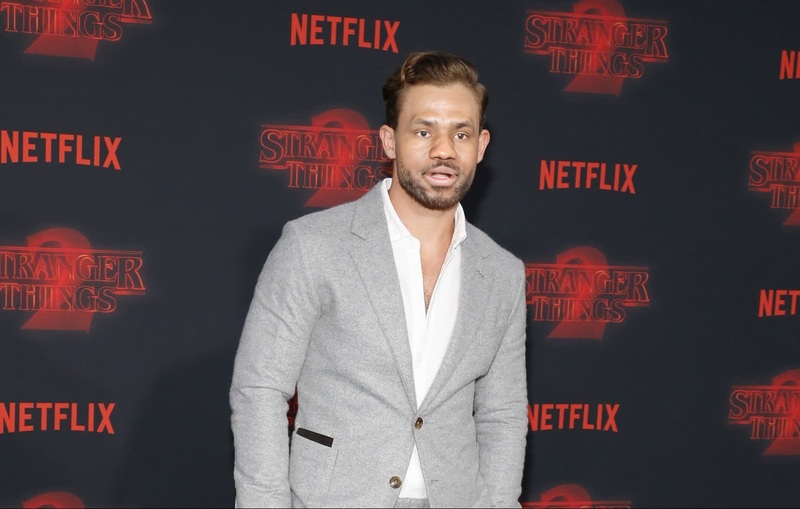
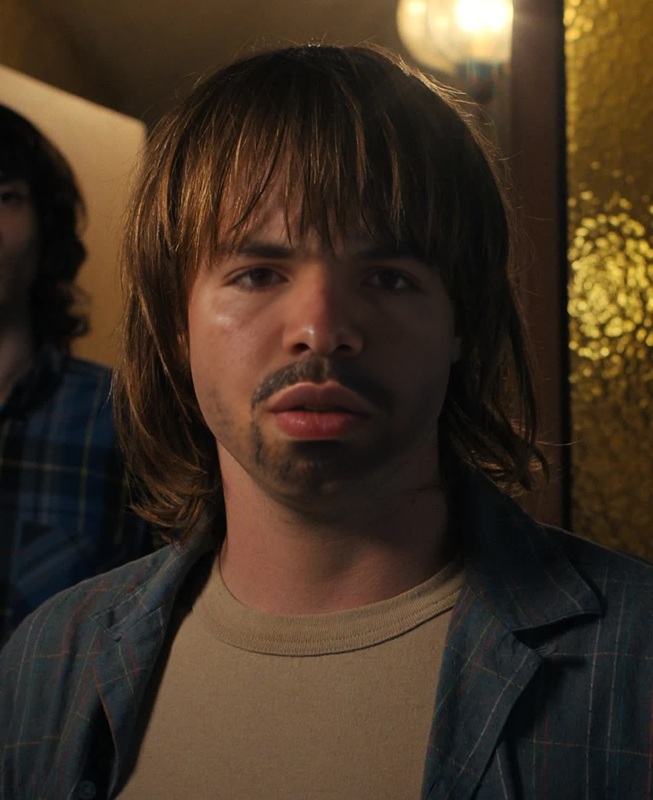
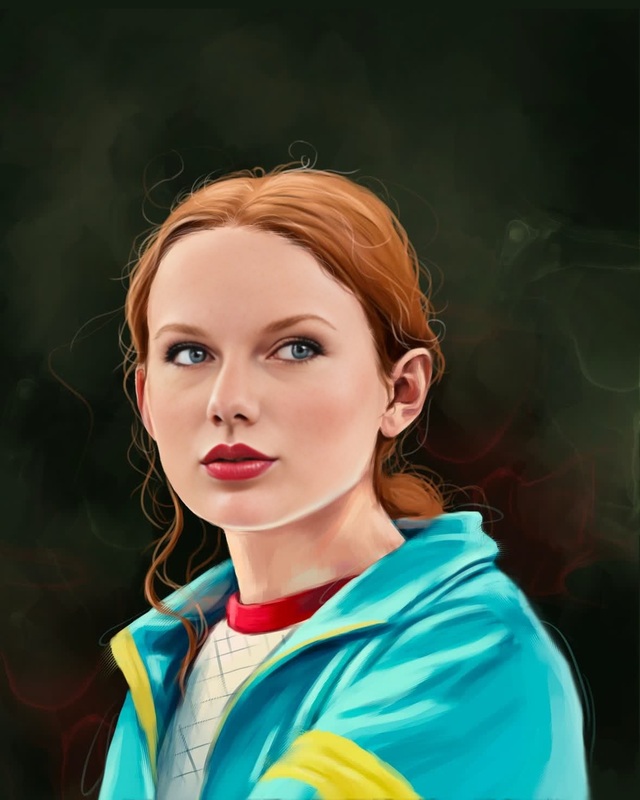
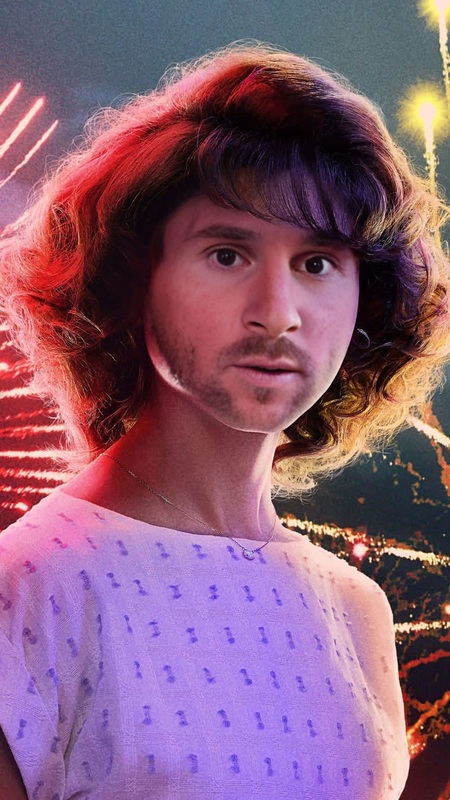
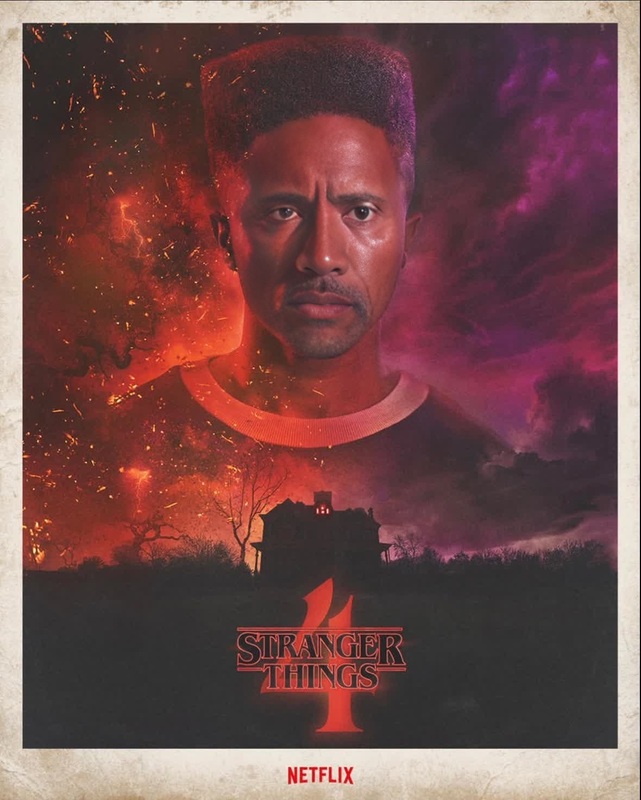
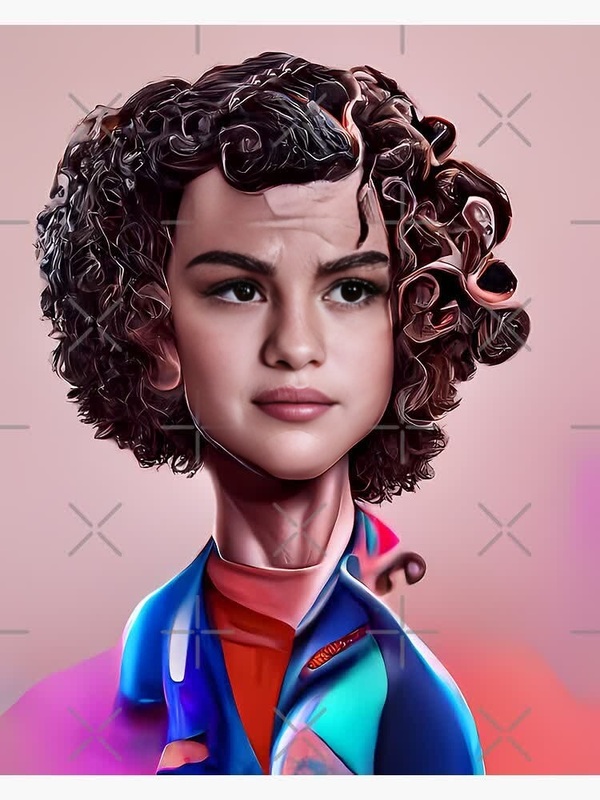
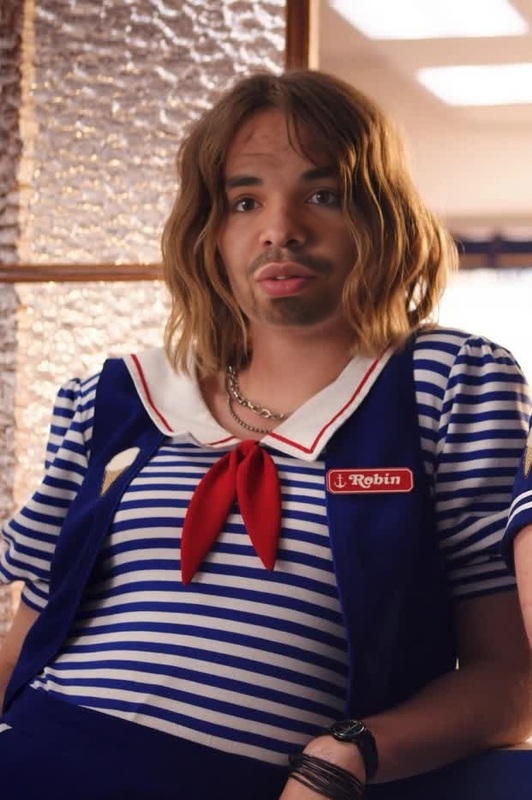
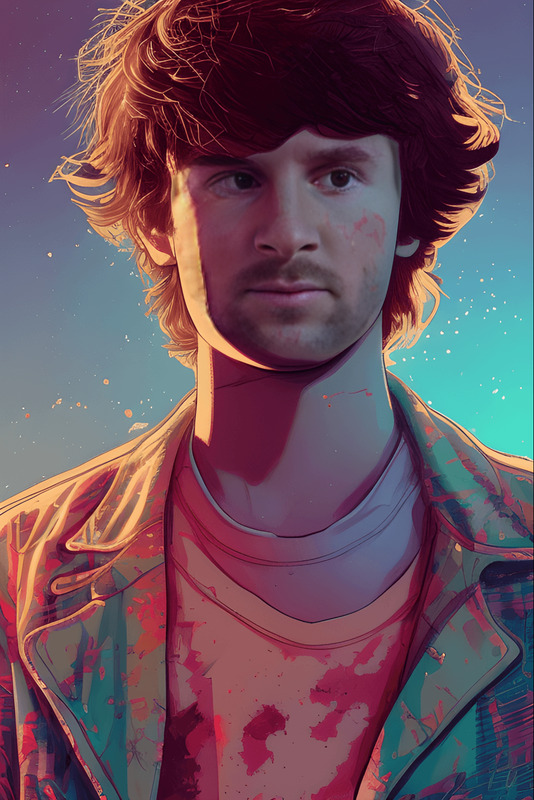
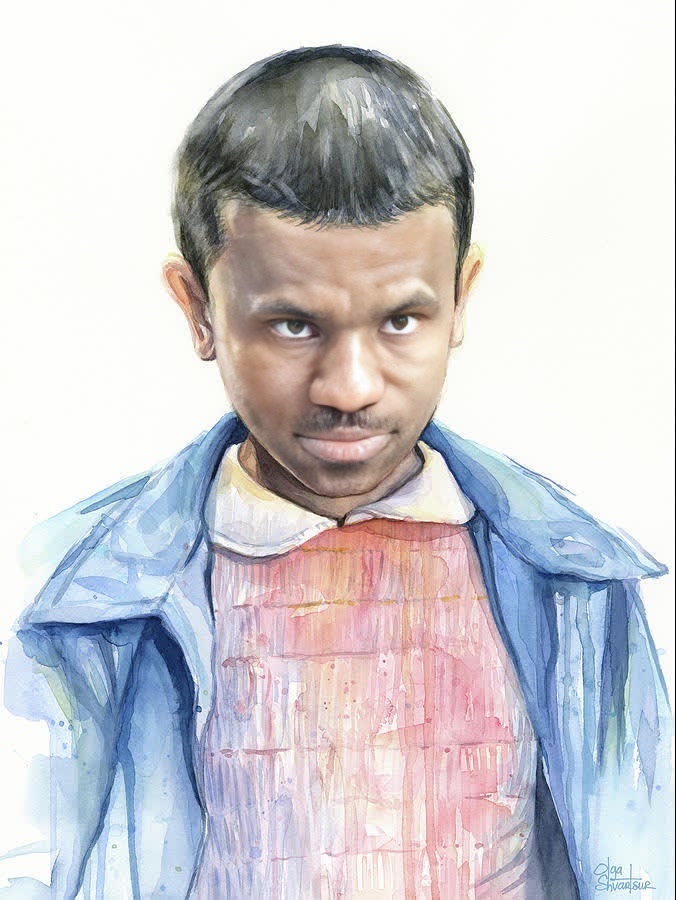
The Eleven Stranger Things template transforms your ordinary videos by swapping faces with Eleven from the popular Netflix series. This Video Face Swap tool allows you to reimagine your scenes with a captivating twist, adding a touch of the supernatural to your media projects. Perfect for fan edits, parodies, or creative storytelling.
What It Does
Our template uses advanced face-swapping technology to seamlessly integrate Eleven's likeness into your video scenes. Simply set the parameters and let the magic unfold, turning any character in your video into the iconic face of Eleven. With support for common video formats like MP4 and AVI, your output is versatile and ready for sharing.
Who It's For
This template is designed for video creators, Stranger Things fans, and anyone looking to add a unique twist to their projects. From social media influencers creating viral content, to filmmakers seeking a bit of fun with special effects, and educational creators illustrating media literacy with familiar characters, it’s a versatile tool.
Summary
With the Eleven Stranger Things video face swap template, relive the magic of your favorite series by integrating Eleven into your videos. Engage audiences in new and entertaining ways while exploring creative video transformations. Pair this with other features like the AI Video Extender to elongate your scenes, or the AI Voice Changer for added character dimension.
How-To
Choose the Template

Customize Your Video

Generate and Download

Use Cases
Fan Edits
- Recreate classic Eleven moments
- Integrate Eleven into different storylines
Social Media Content
- Boost engagement with unique content
- Generate trending content for reels
Parodies and Comedy
- Add a comedic element
- Perfect for spoof videos
Creative Storytelling
- Explore alternate realities
- Expand on backstories
Best Practices
Select High-Quality Source Videos
Ensure that your input video is of high quality for the best face swap results. Clear images lead to more seamless swaps.Use Consistent Lighting
Try to use videos where lighting conditions are uniform. This helps with blending the swapped face naturally.Experiment with Different Scenes
Try swapping faces in various scenes to see which scenarios produce the most believable or humorous results.
Frequently asked questions
More Like This