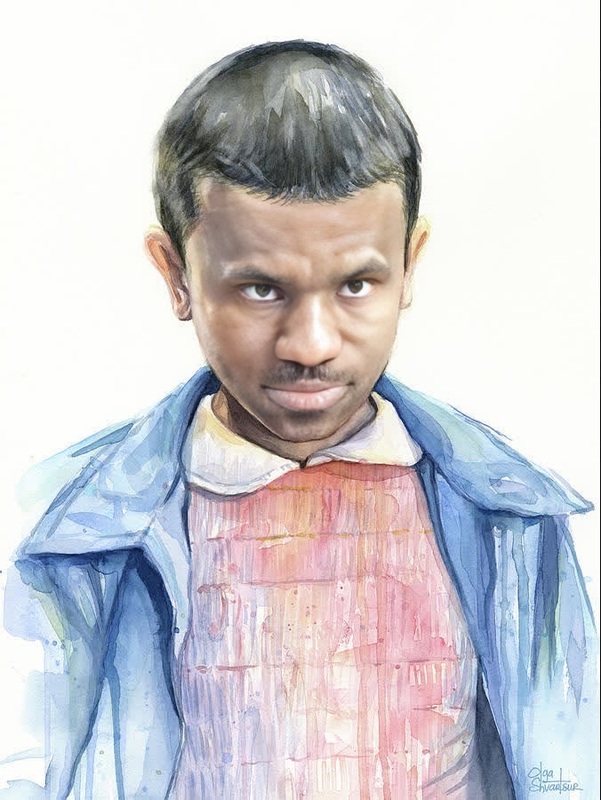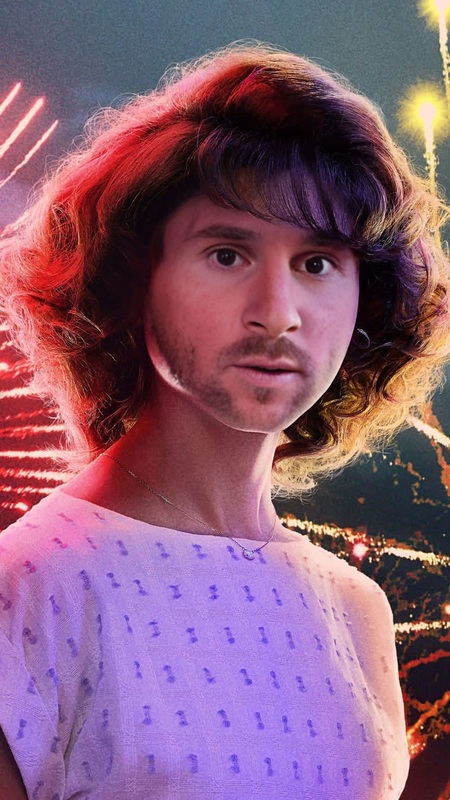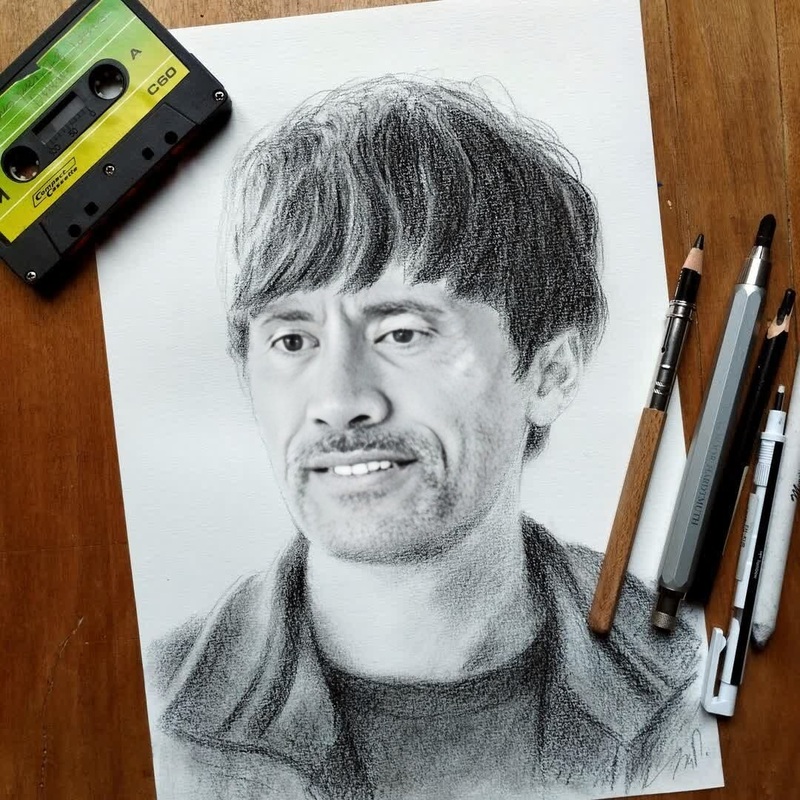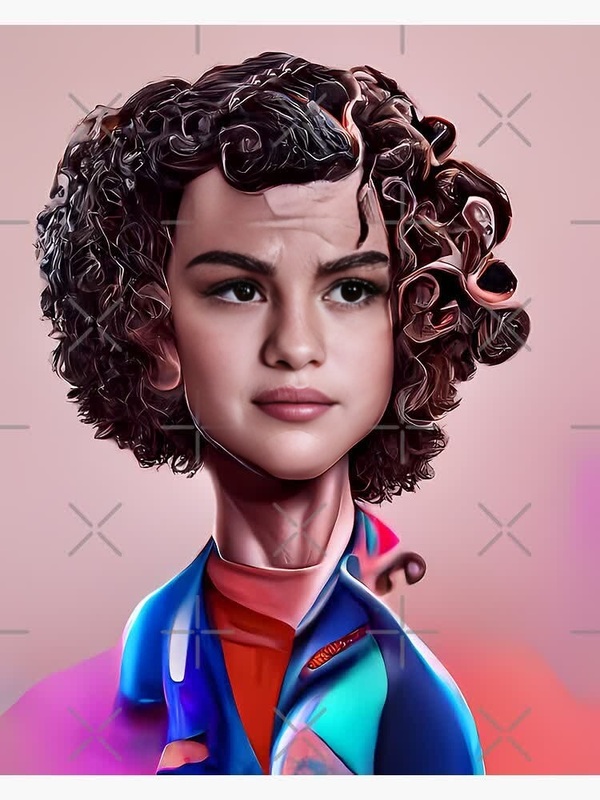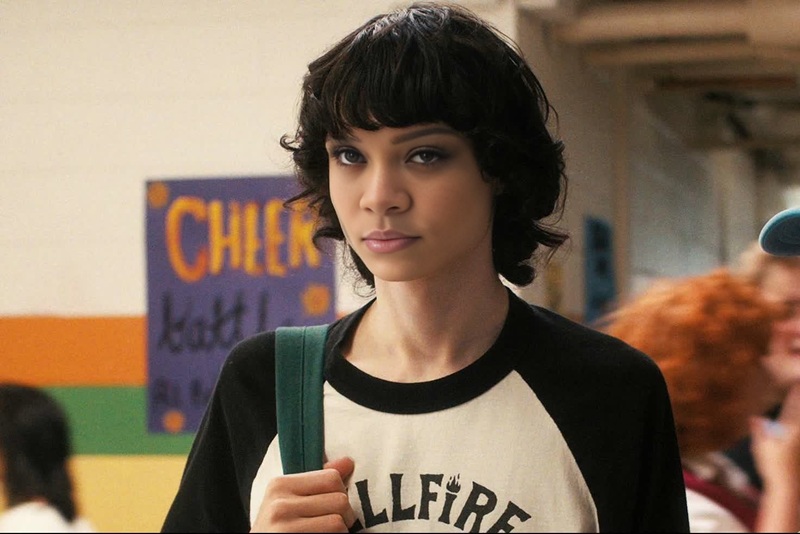
Max Mayfield Stranger Things

Max Mayfield Stranger Things

face-swap

1 clip
0 uses

Any aspect ratio

Tags

transformations

Transform Your Face Into Any Character With AI Face Swap Video

Use this template to instantly place your face (or your actor’s face) into any video clip, meme, reel, or short. Powered by Magic Hour’s Face Swap engine, it’s built for creators and teams who need believable results fast—without deepfake complexity.

This template runs on the same core tech as Face Swap Video and the standalone Face Swap product, so you get high‑quality, frame‑consistent swaps that work for social, ads, prototypes, and experiments.


What You Can Do With This Template

Use this Face Swap template to:

  • Turn yourself into a movie character, athlete, or historical figure for short-form content
  • Test ad creative by swapping different faces into the same shot
  • Localize campaigns with region‑specific talent while keeping the same video structure
  • Personalize videos for clients, prospects, or community members
  • Prototype character designs for games or animation workflows
  • Create safer “stand‑in” talent for internal demos and concept tests

For animated or stylized projects, you can chain this with:


How to Remix This Template in Magic Hour

You can recreate or customize this template in a few minutes by remixing it inside Magic Hour:

  1. Start from this template

    • Open this template in Magic Hour.
    • Click to remix or duplicate it into your workspace so you can adapt it for your brand or project.
  2. Upload your base video

    • Use any video with a clear, visible face: talking head, vlog, cinematic shot, UGC clip, or stock footage.
    • For faster experiments, short clips (5–20 seconds) work well.
    • You can also generate a base shot first using Text to Video or Image to Video, then swap a face into it.
  3. Add your source face

  4. Run Face Swap on your clip

    • Apply the Face Swap step to combine your base video and the source face.
    • Preview the result and re-run with different source images if you want a different identity or expression match.
  5. Polish your output (optional)

  6. Export for your channel

    • Download the final video and repurpose it across TikTok, Reels, Shorts, ads, pitch decks, or landing pages.
    • For looping content, you can also convert short sequences into GIFs with the AI GIF Generator or use Face Swap GIF.

Advanced Workflows for Creators & Teams

Because Magic Hour is modular, this Face Swap template can act as one step in a broader pipeline:


Tips for More Realistic AI Face Swaps

For better results that hold up under scrutiny:

  • Use high-quality source images

    • Sharp, front-facing, well-lit faces produce more consistent swaps.
    • Avoid heavy filters, sunglasses, extreme angles, or low-resolution crops if realism is important.
  • Match rough pose and expression

    • If the target video has side profiles or strong expressions (laughing, yelling), choose a source face with similar angles and expression variety.
    • You can generate multiple source variants with the AI Face Editor or AI Image Editor.
  • Consider identity consistency across scenes

    • For multi‑shot edits, keep using the same small set of source images so the identity stays stable.
    • If shots vary a lot in lighting or style, you can pre‑normalize portraits using Unblur Image, Old Photo Restoration, or Photo Colorizer.
  • Refine stills for thumbnails and ads


Ethical and Legal Considerations

Face swap and deepfake‑style content comes with real responsibilities. Industry guidelines (e.g., discussions from Stanford HAI, MIT Technology Review, and major platforms’ policies) generally recommend:

  • Get consent from anyone whose real face you use, especially for commercial or public projects.
  • Avoid impersonation that could mislead viewers about identity, endorsements, or intent.
  • Label synthetic or AI‑generated content clearly when context or trust is important (news, politics, education, brand communications).
  • Respect IP and likeness rights, especially for celebrities, public figures, and brand characters.

Using fictional or AI‑generated faces (via tools like AI Face Generator, AI Selfie Generator, or AI Character Generator) is often safer when you are experimenting or building products at scale.


Combine Face Swap With Other Magic Hour Tools

To turn this template into a full production pipeline, consider adding:


Who This Template Is For

This Face Swap template is optimized for:

  • Creators and influencers who need to test concepts quickly and post frequently
  • Marketers and growth teams exploring personalized, localized, or highly experimental creative
  • Startup builders and product teams prototyping AI‑native features (custom avatars, virtual hosts, synthetic actors)
  • Studios and agencies building internal tools and workflows around synthetic media

Remix this template to match your exact use case—change the base video, feed different faces, chain it with Lip Sync, Video to Video, or Animation, and plug in any of the supporting tools above. The result is a reusable, scalable Face Swap pipeline that you control end‑to‑end inside Magic Hour.

More Like This

Insufficient credits