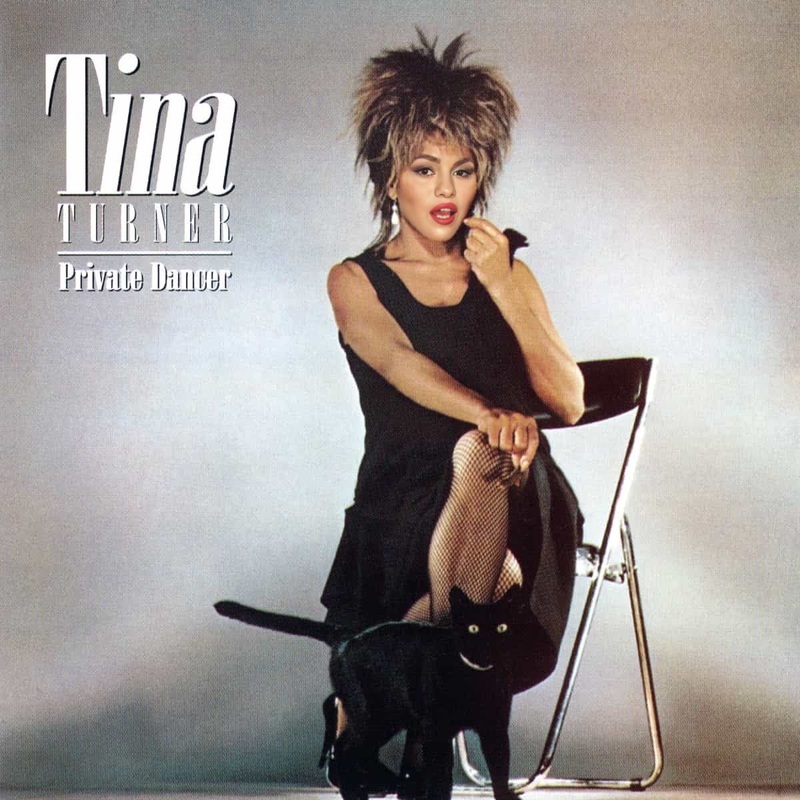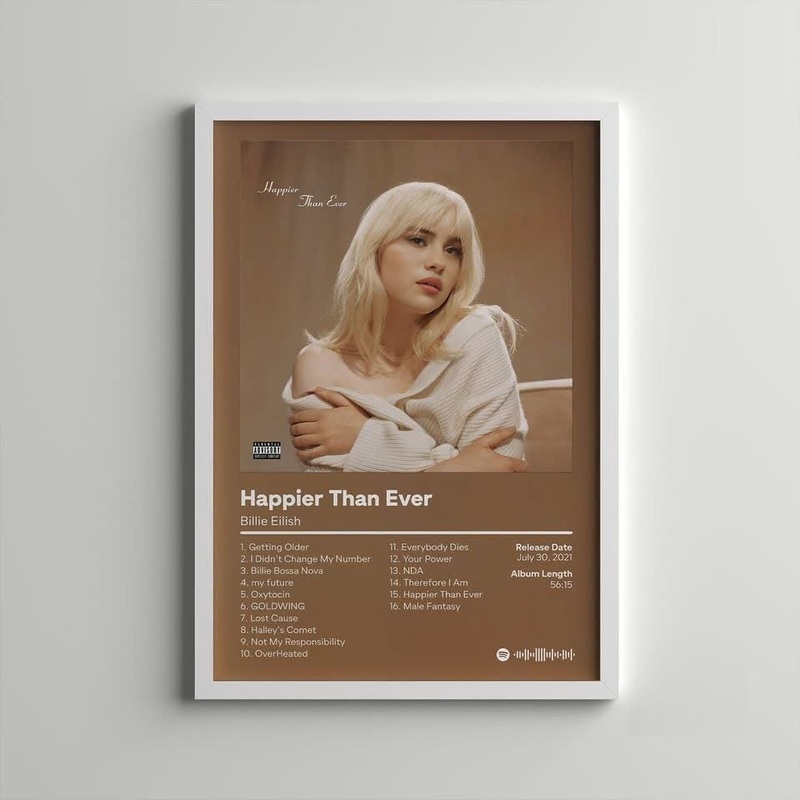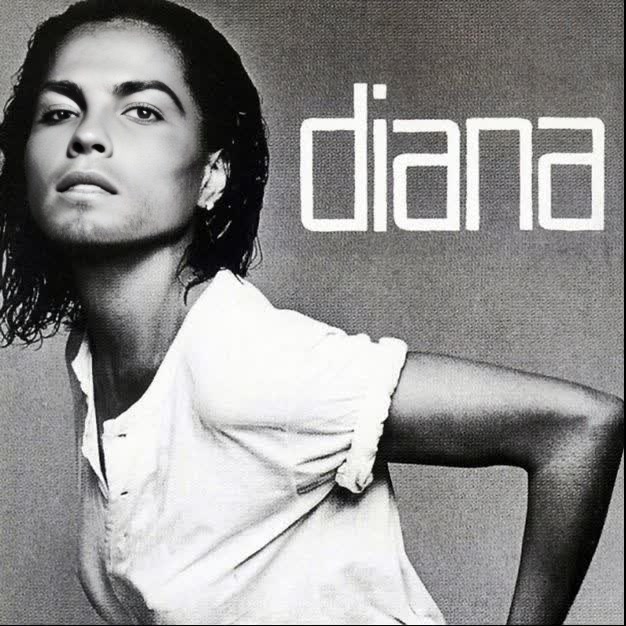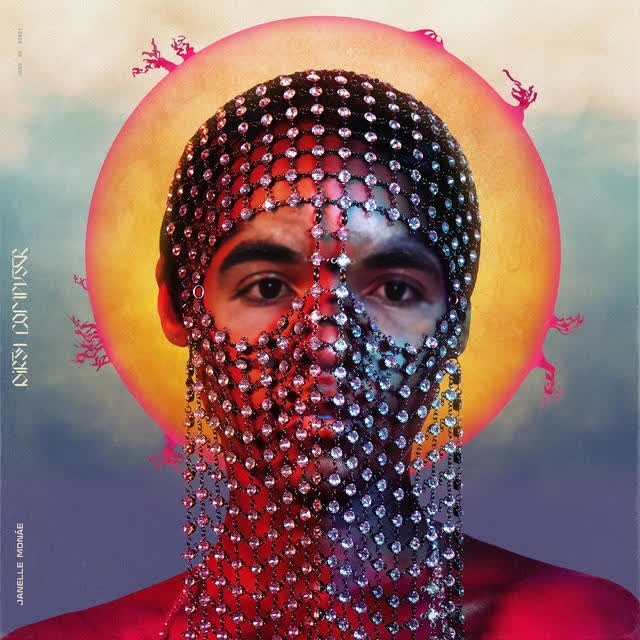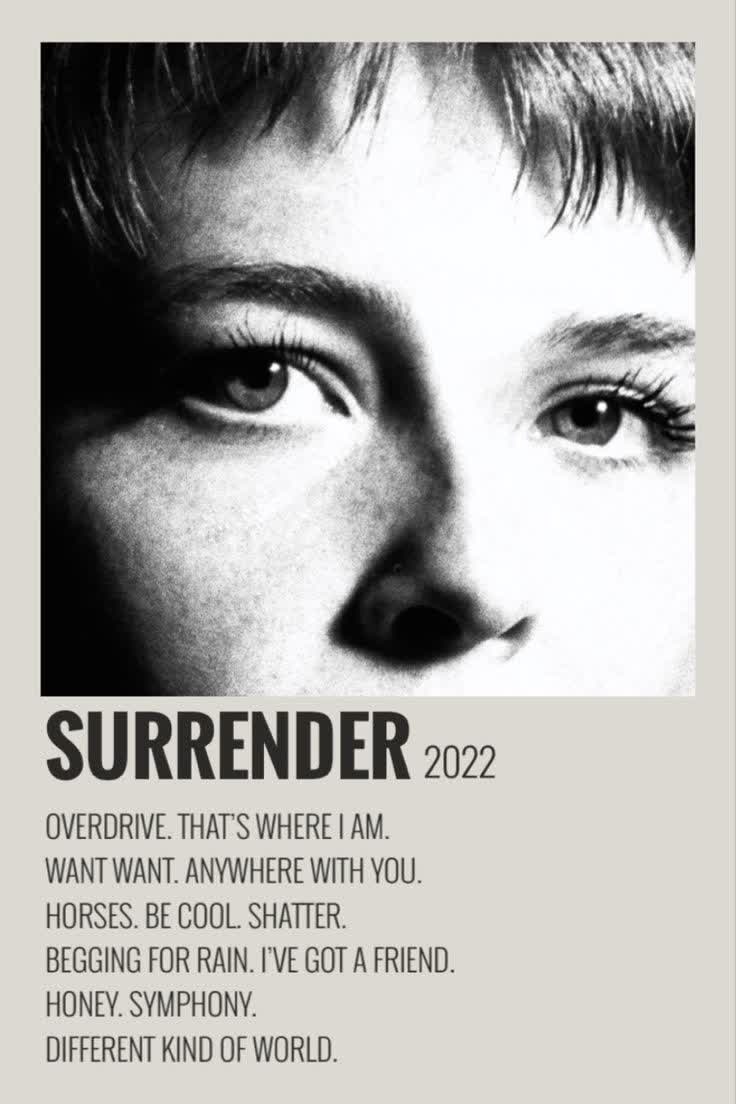
Maggie Rogers Surrender Album Cover Portrait
- Image
- 736 × 1104 px
Any aspect ratio
Overview
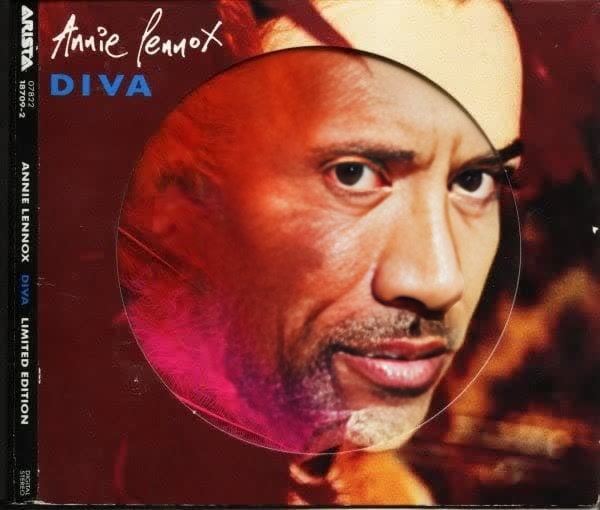
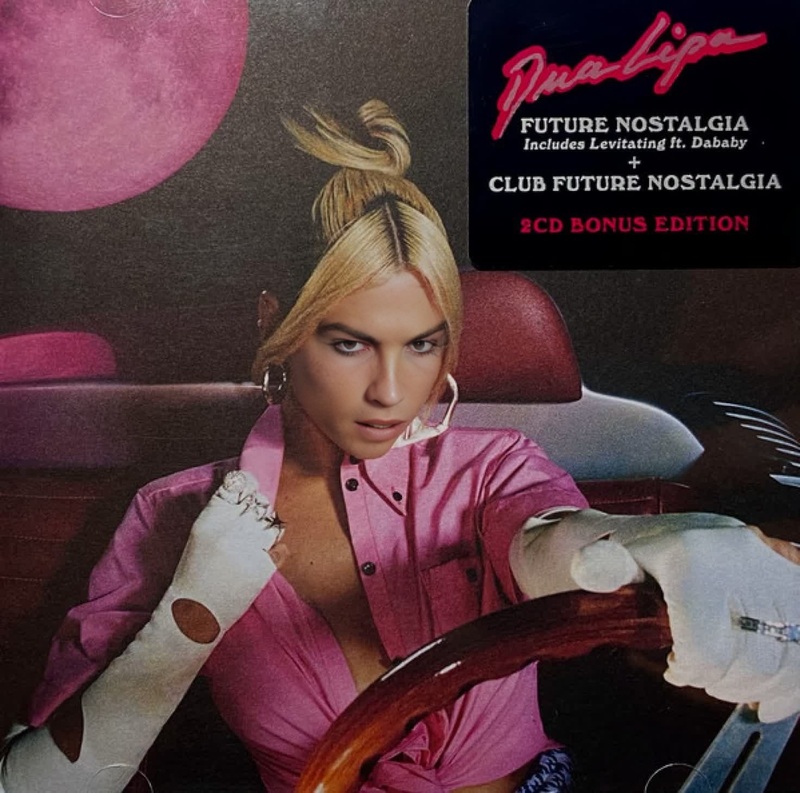
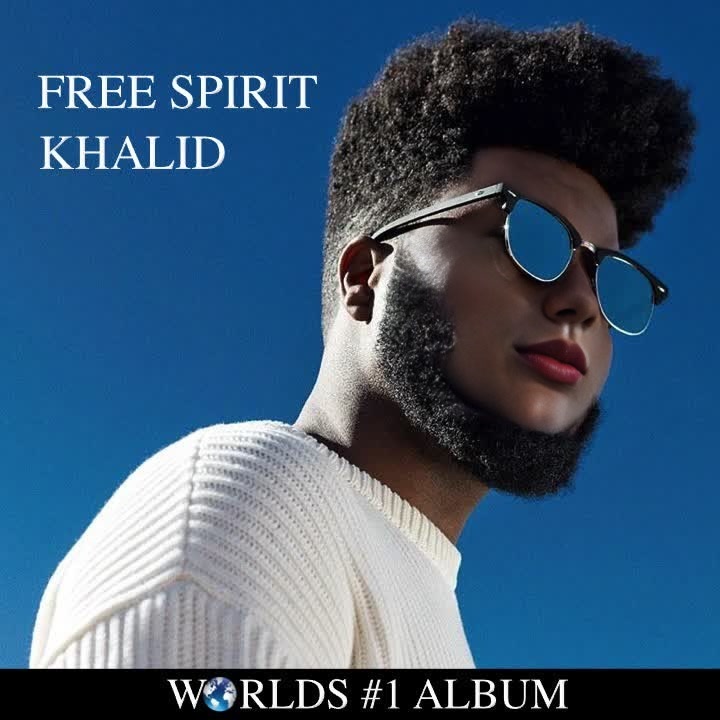
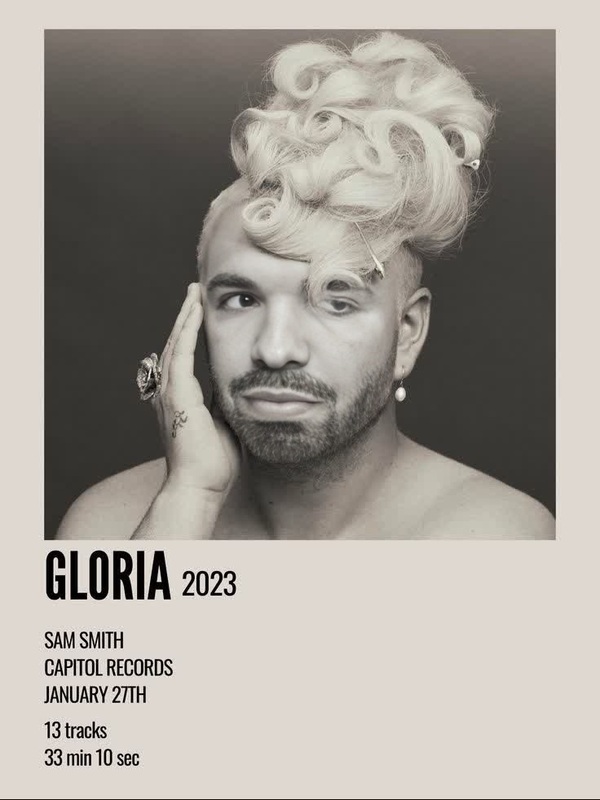
The "Maggie Rogers Surrender Album Cover Portrait" template allows users to create engaging videos by swapping faces with the iconic album cover of Maggie Rogers' "Surrender." Utilizing advanced video face swap technology, this tool delivers personalized content that's both fun and unique.
What It Does
This video face swap template presents an opportunity to transform any face into Maggie Rogers' album cover style. It's perfect for creating social media content that stands out. Pair it with other features on the platform, like the AI GIF Generator to create dynamic and engaging visuals.
Who It's For
This template is ideal for content creators, social media enthusiasts, and fans of Maggie Rogers looking to add a personal twist to their content. It's also suitable for marketing professionals creating buzzworthy video ads, potentially integrating capabilities with the AI Ad Creative Generator.
Summary
The "Maggie Rogers Surrender Album Cover Portrait" template leverages cutting-edge Video Face Swap technology to craft compelling and personalized video content. Whether you're looking to entertain, promote, or engage, this tool provides a seamless method to enhance your video projects.
How To
Choose the Template

Customize Your Inputs

Generate the Video

Use Cases
Social Media Content
- Use to increase engagement with intriguing visuals.
- Perfect for showcasing creativity in your reels.
Marketing Campaigns
- Elevate brand engagement by tapping into pop culture.
- Enhance video promotions targeted at music fans.
Fan Engagement
- Participate in themed content creation challenges.
- Foster community by engaging with relatable content.
Best Practices
Resolution Matters
For the best face swap results, ensure that your source images are high resolution and well-lit.Align Features
Make sure both the original photo and the target face are aligned similarly to maintain the natural look in the swap.Test Various Settings
Experiment with different swap settings to see which best matches the style you aim to achieve.
Frequently asked questions
More Like This