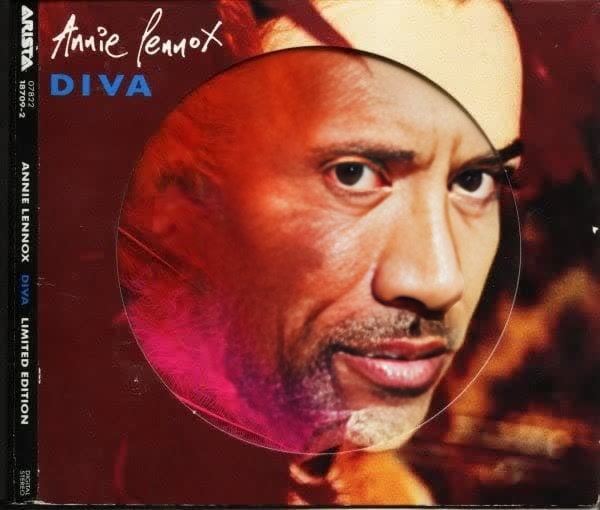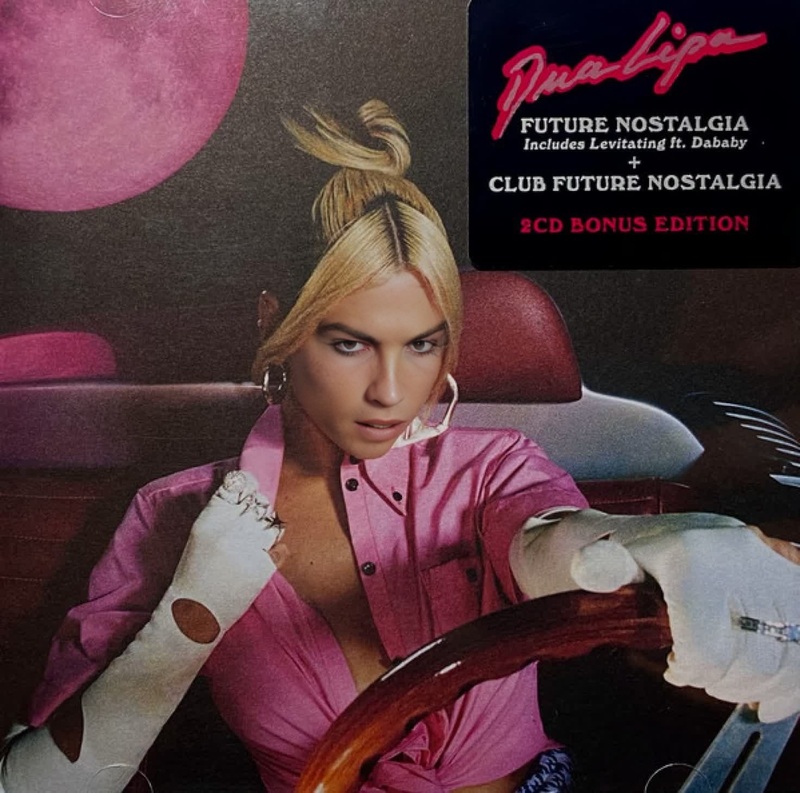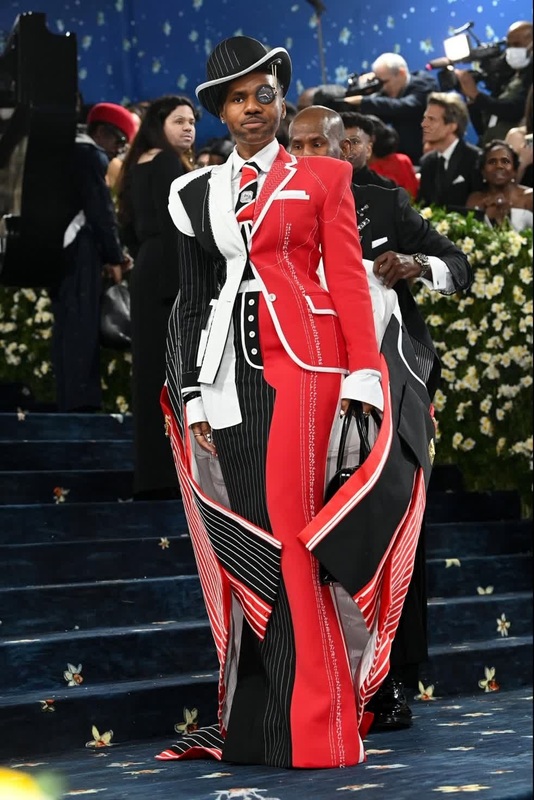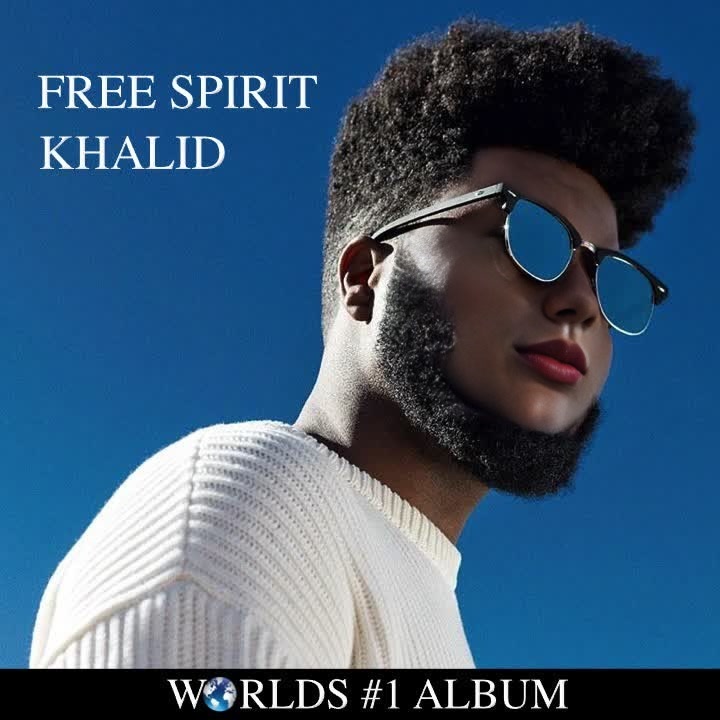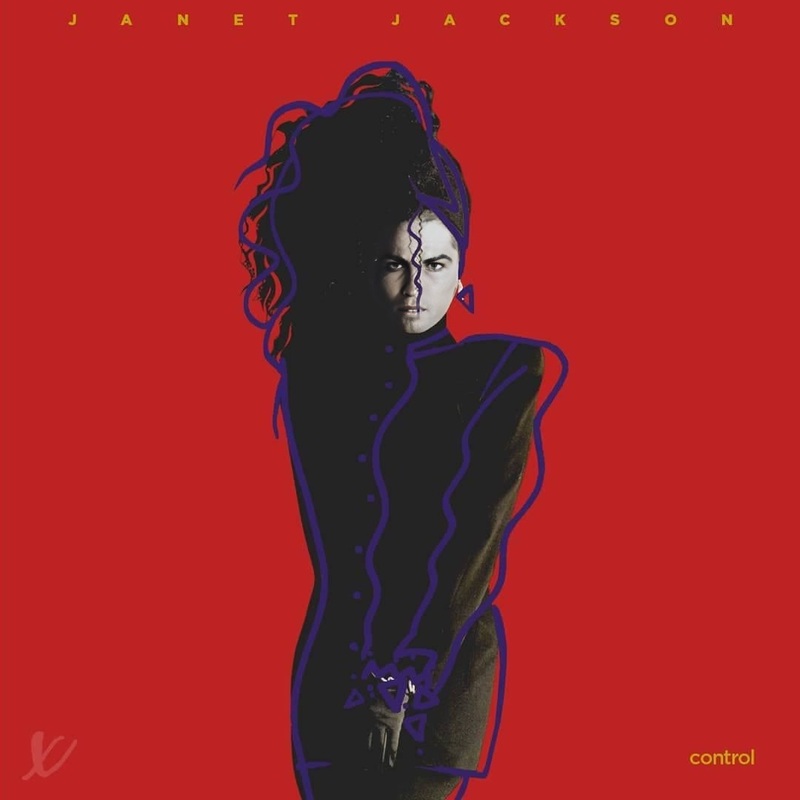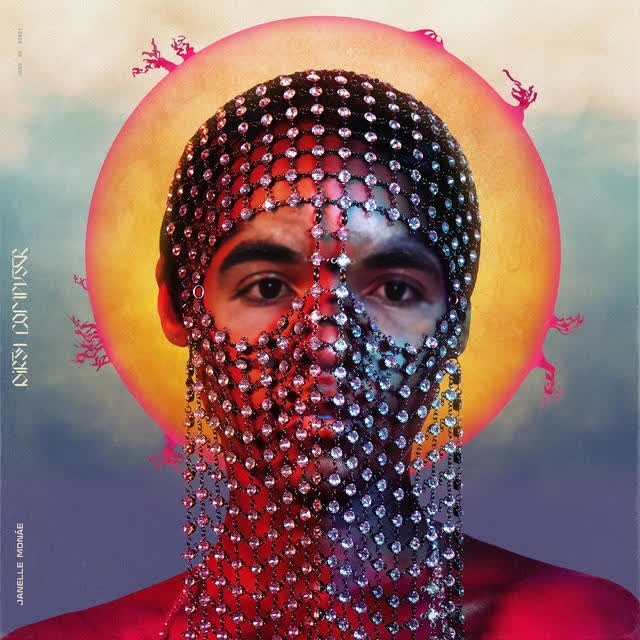
Janelle Monae Dirty Computer Album Cover Portrait
- Image
- 640 × 640 px
Any aspect ratio
Overview
Transform yourself into Janelle Monae on her iconic Dirty Computer album cover with this Video Face Swap template. Swap your face with precision using advanced AI to create unique videos that mirror Monae's artistic flair. Ideal for personal expression and fun, this template puts you in the spotlight.
What It Does
This template provides a seamless way to perform a video face swap using Janelle Monae's Dirty Computer album cover. This sophisticated AI-driven tool distinguishes itself by delivering realistic video transformations that maintain the album cover's original aesthetic. Incorporate your facial nuances while keeping the essence of the cover artwork intact.
Who It's For
Perfect for content creators and fans of Janelle Monae, this Video Face Swap tool lets you explore unique artistic expressions. Whether you're a video editor looking to experiment with AI technology or a fan wanting to immerse yourself in the Dirty Computer universe, this template caters to your needs.
Summary
With the Janelle Monae Dirty Computer Album Cover Portrait template, redefine your digital persona. Experience professional-quality face swaps that bring creativity to the forefront. Let your imagination run wild, complementing your project with additional AI image editing or trying out other imaginative Image to Video capabilities.
How-To
Choose the template

Customize your input

Generate and download

Use Cases
Social Media Content
- Instagram Reels
- TikTok Videos
- YouTube Shorts
Fan Creations
- Music Video Tributes
- Fan Art Visuals
Creative Media
- Storytelling
- Video Art Pieces
Best Practices
High-Quality Inputs
For best results, use high-resolution images or videos. This ensures a clean and convincing face swap.Lighting and Angles
Ensure your face is well-lit and facing forward. Consistent lighting and angles with the source material enhance realism.Experiment with Edits
Leverage other tools like the AI Image Editor to refine your video post-swap. Additional edits can help blend and polish your final output.