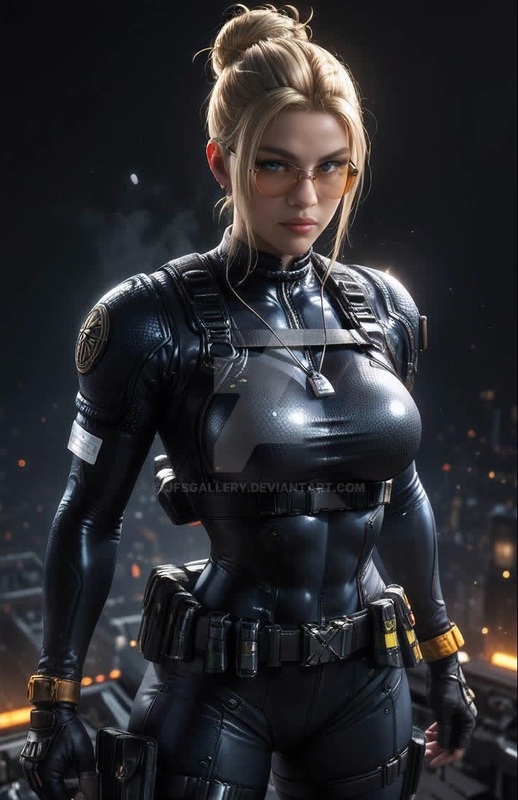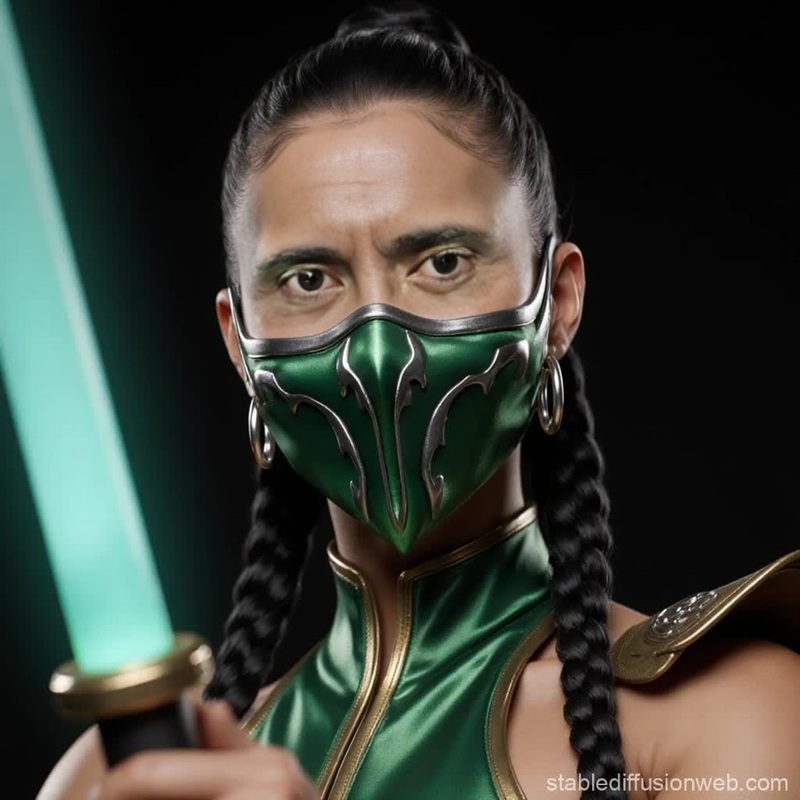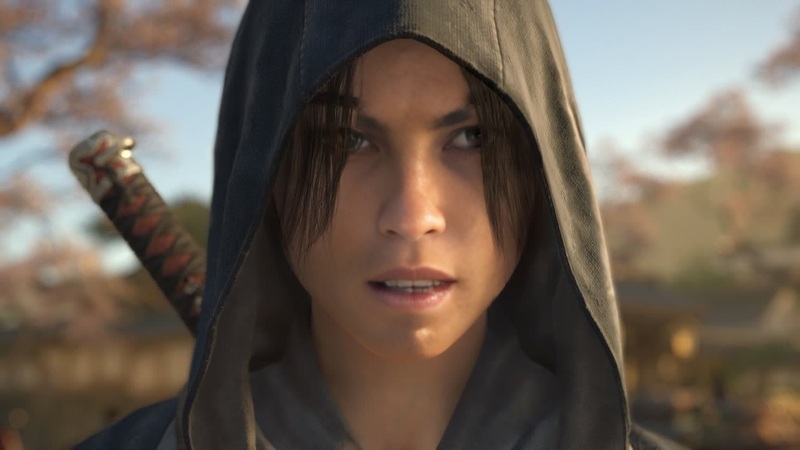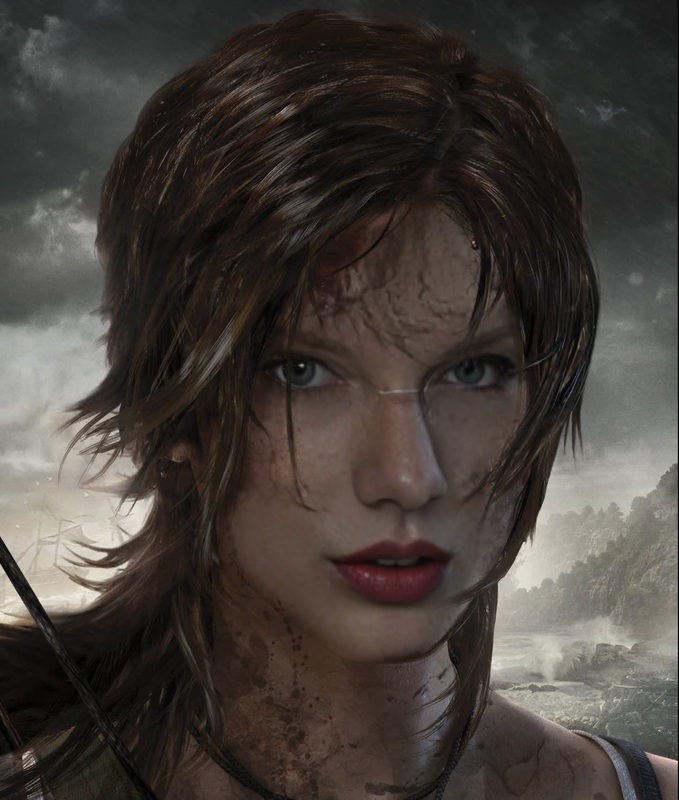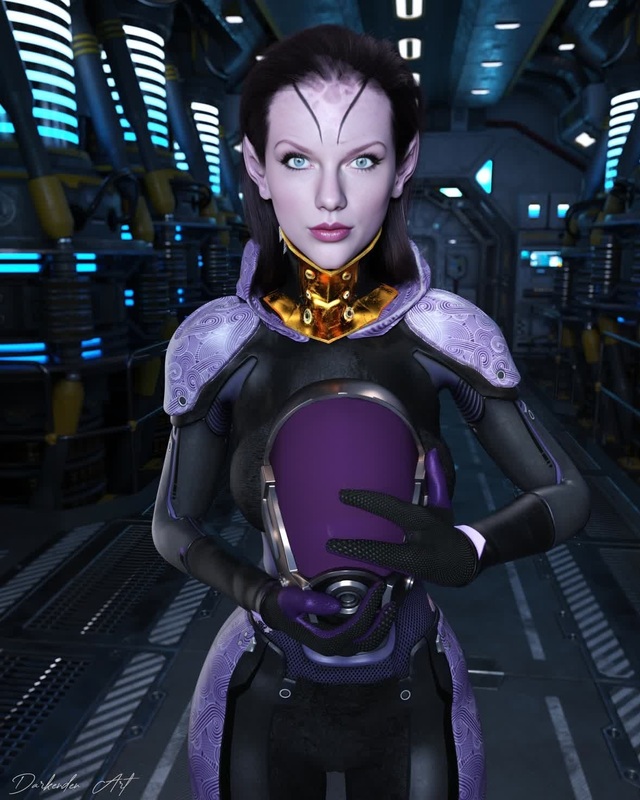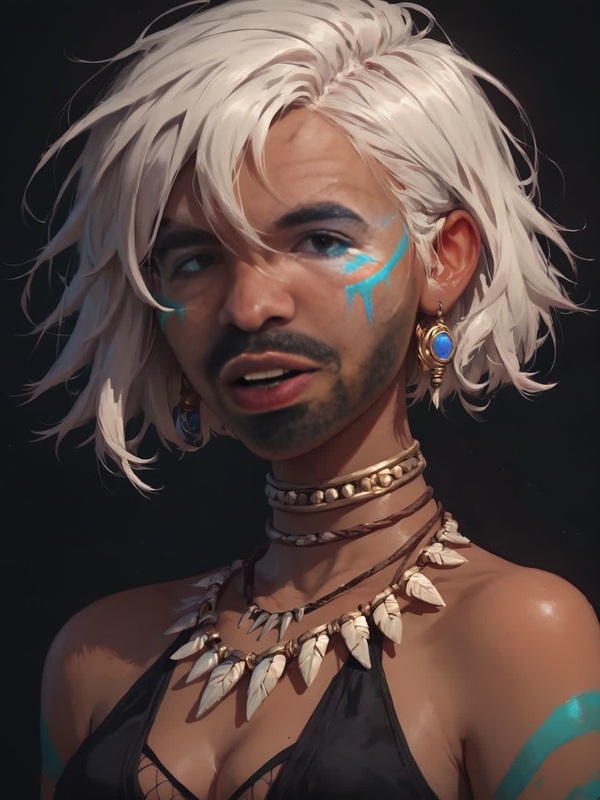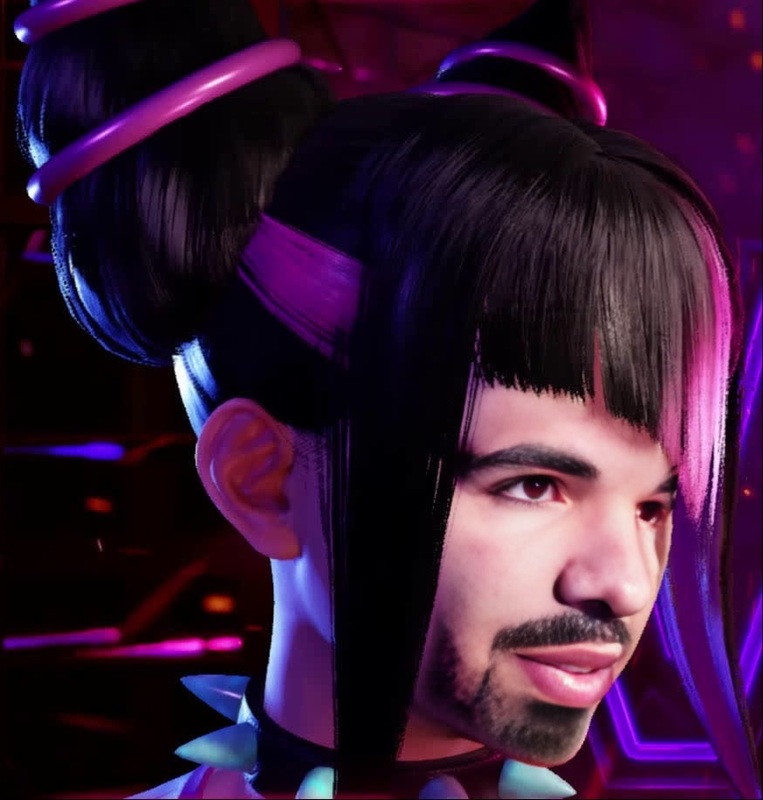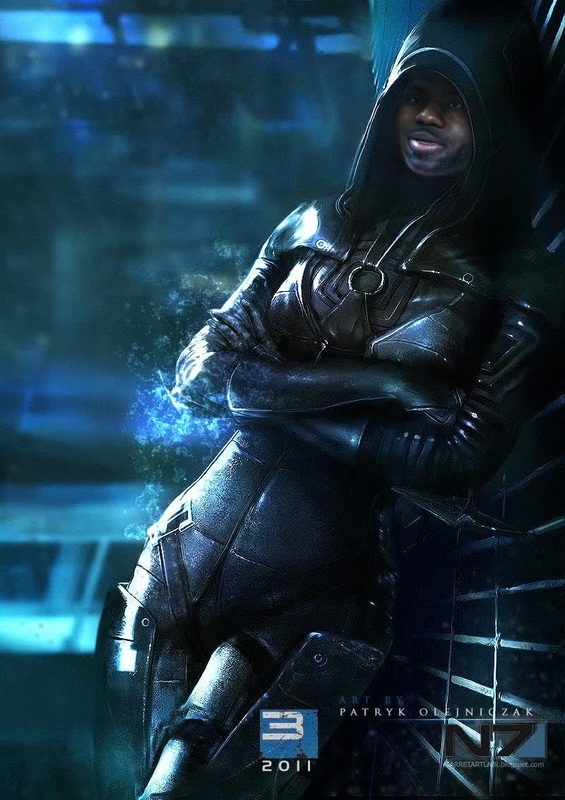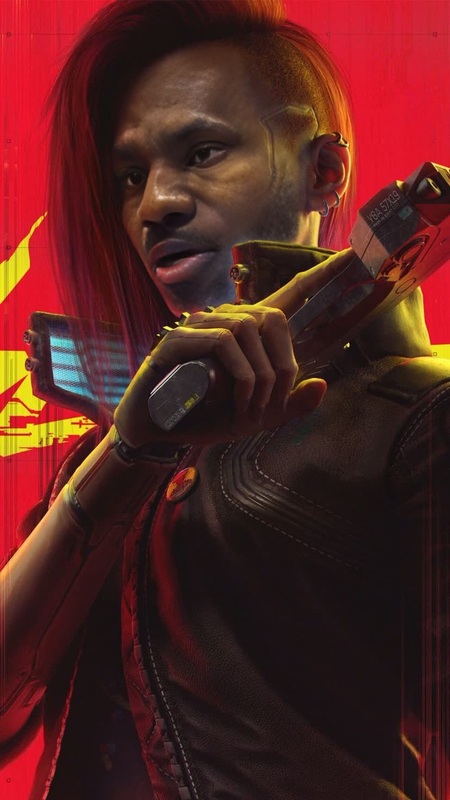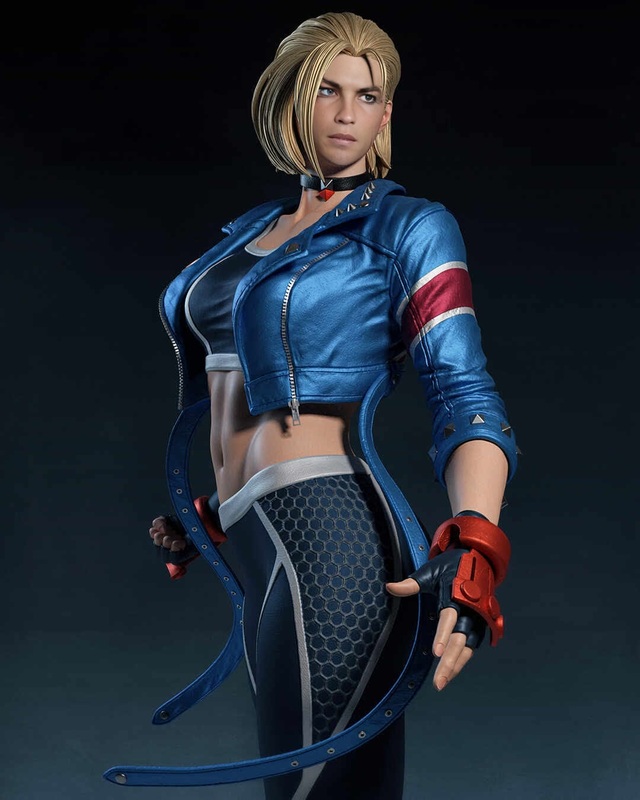
Kitana Mortal Kombat Photorealistic Portrait
face-swap
Any aspect ratio
Tags
transformationsCreate Ultra‑Realistic Face Swap Videos with This Magic Hour Template
Use this template to instantly swap any face into a video while keeping natural expressions, lighting, and motion. It’s built on Magic Hour’s production-grade Face Swap engine and can be quickly remixed for marketing, UGC ads, content localization, and concept testing.
What This Template Does
This template lets you:
- Replace the face in a source video with a new face (photo or frame from another video)
- Preserve the original video’s movement, camera angles, and expressions
- Generate high‑quality, share‑ready clips in a few clicks using Face Swap Video
Real‑world uses:
- Creators: test different “on‑camera hosts” for the same script
- Marketers: localize ads with diverse faces for different regions
- Product teams: prototype video concepts without repeated reshoots
- Agencies: produce variations for A/B testing at scale
How to Remix This Template in Magic Hour
You can build your own version of this template directly inside Magic Hour by remixing it:
Open Face Swap Video
- Go to the Face Swap Video creator.
Upload Your Base Video
- Choose the video whose motion, expressions, and scene you want to keep.
- Ideal inputs: talking‑head clips, product explainers, reaction videos, or any shot where the face is clearly visible.
Choose or Upload the New Face
- Upload a face image or select a frame from another video.
- Use a clear, front‑facing view for best realism.
Generate Your Face-Swapped Video
- Run the swap and preview the result.
- Download or export for editing, posting, or testing in your campaigns.
To iterate quickly, duplicate the project and swap in different faces to create multiple variants in minutes.
Advanced Workflows: Combine Face Swap with Other Magic Hour Tools
You can chain this template with other Magic Hour products to build more sophisticated pipelines:
Lip-Synced, Face-Swapped Spokesperson
- Start with Lip Sync to match video speech to any audio.
- Then run Face Swap Video on the output to change the on‑screen presenter.
Turn a Single Photo into a Talking, Face-Swapped Character
- Generate or upload a portrait.
- Animate it with AI Talking Photo.
- Apply face swap to integrate that character into real footage.
Prototype Entire Ad Concepts from Images
- Generate brand‑aligned stills with the AI Image Generator or AI Photo Generator.
- Convert to motion with Image to Video.
- Swap faces in those new videos via Face Swap Video to test different personas.
Create Stylized or Animated Face-Swapped Clips
- Use Video to Video or Animation to stylize or animate your footage.
- Optionally generate stylized characters with Animated Characters Generator or AI Anime Generator.
- Apply face swap to blend realistic faces into stylized scenes.
High-Quality Social Clips
- Upscale with Video Upscaler.
- Add automatic captions via Auto Subtitle Generator.
- Generate thumbnails with the Thumbnail Maker and faces from your swapped footage.
Practical Use Cases for Professionals
For Marketers & Growth Teams
- Quickly test different presenters, demographics, or styles for the same script.
- Localize campaigns by swapping in regionally relevant faces while keeping the same creative.
- Build UGC‑style ads with consistent messaging but different “creators.”
Pair with:
- AI Voice Generator or AI Voice Cloner to test different voices.
- Text to Video to auto‑generate the base script video, then face‑swap the presenter.
For Creators & Influencers
- Maintain a consistent avatar across multiple formats using AI Selfie Generator or Avatar Generator, then swap that face into any footage.
- Experiment with different aesthetics using AI Face Editor and AI Clothes Changer before embedding your look into final videos with face swap.
For Product, Content, and Startup Teams
- Rapidly storyboard and simulate product explainers using AI Image Generator and Image to Video, then face‑swap in specific personas or fictional characters.
- Create internal training or demo videos where one actor stands in for multiple personas via face swap.
Related Templates and Tools Worth Exploring
If you like this template, you may also want to explore:
- Face Swap (core product) – overview of face swap capabilities.
- Face Swap GIF – create looping, shareable face‑swapped GIFs.
- Lip Sync Template – sync any voice to mouth movement.
- Video to Video Template – stylize or transform existing video content.
- Animation Template – convert footage into animated sequences.
You can also integrate complementary tools:
- AI Headshot Generator to create professional faces to swap into marketing clips.
- AI Meme Generator or AI GIF Generator to repurpose your face‑swapped frames as memes.
- AI Image Upscaler and Unblur Image to improve source face quality before swapping.
Tips for Best Results
- Use high‑quality, well‑lit source videos where the face is visible and not heavily obstructed.
- Choose clear, front‑facing reference faces with natural expressions.
- Keep the use case ethical: only swap faces with consent, and avoid misleading or harmful content. Industry guidelines, including principles from organizations like the Partnership on AI and academic studies on deepfake misuse, strongly emphasize consent, transparency, and context when using generative face technologies.
By remixing this template in Face Swap Video and combining it with tools like Lip Sync, Image to Video, and Text to Video, you can build a repeatable pipeline for fast, high‑quality, face‑swapped video production tailored to your brand, product, or creative workflow.