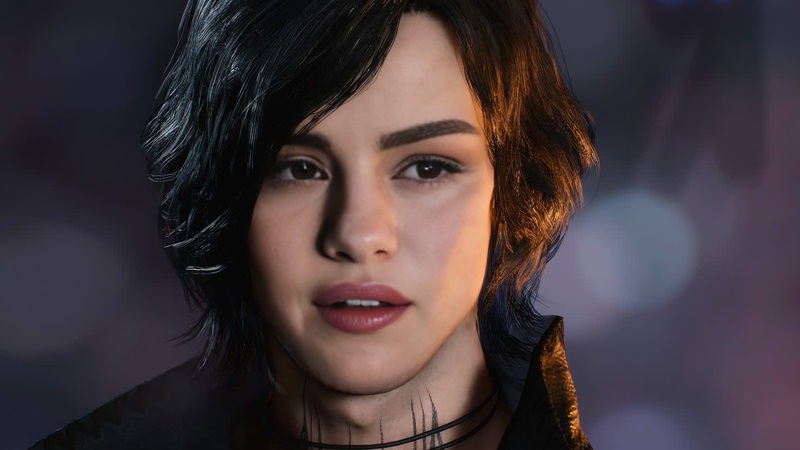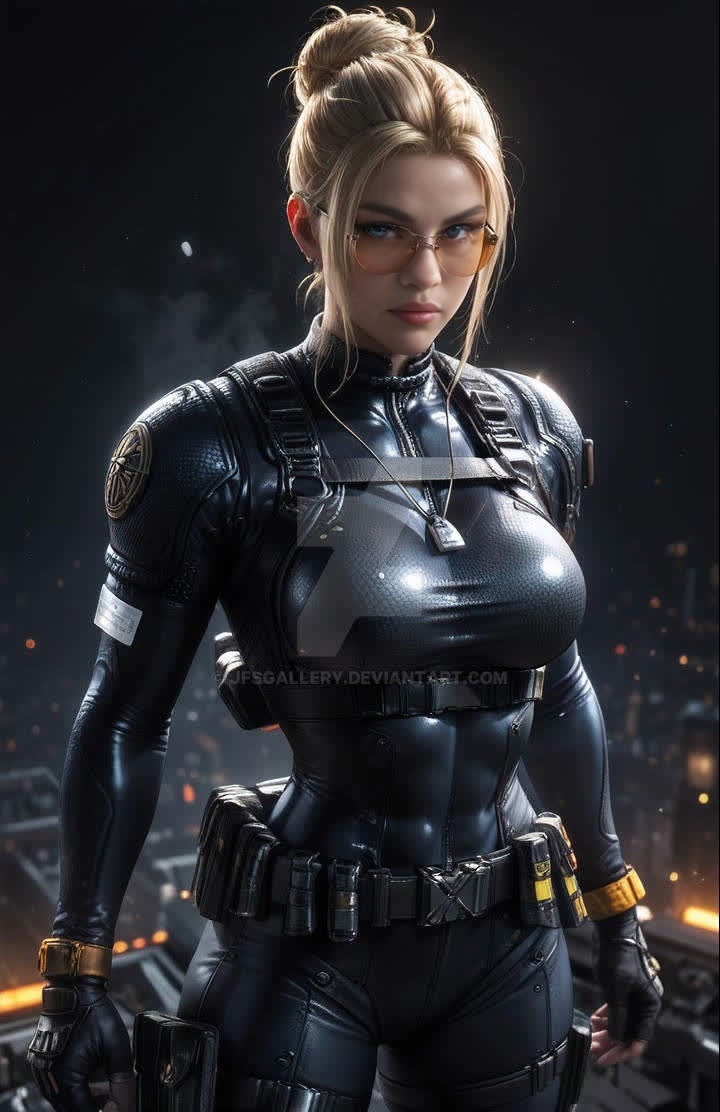
Cassie Cage Mortal Kombat Photorealistic Portrait
- Image
- 720 × 1112 px
Any aspect ratio
Overview
Bring a new level of realism to your videos by integrating Cassie Cage from the Mortal Kombat universe using our Video Face Swap template. This tool allows you to transform your footage into a cinematic experience with stunningly photorealistic results.
What It Does
The Cassie Cage Mortal Kombat Photorealistic Portrait template enables the swapping of faces in your video content with Cassie Cage's likeness. Utilizing advanced AI models, the template ensures high-quality, accurate results that are photorealistic. This transformation delivers a theatrical quality that is ideal for fan edits, trailers, or creative projects.
Explore other transformations like the Face Swap and Head Swap products which offer additional unique and creative possibilities.
Who It's For
This template is perfect for video creators, social media influencers, and content producers looking to add an iconic touch to their projects. Whether you're creating fan tribute videos, entertaining content for YouTube shorts, or promotional material for the gaming community, the Cassie Cage face swap lets you infuse extra character into your work.
Summary
To sum up, the Cassie Cage Mortal Kombat Photorealistic Portrait template offers a sophisticated face swapping solution. It suits those aiming to create compelling, cinema-grade content featuring one of the most recognizable gaming icons. For detailed editing capabilities, consider also exploring our AI Image Editor.
How To
Choose Your Template

Customize Your Inputs

Generate and Download

Use Cases
Fan Tribute Videos
- Use iconic scenes to highlight Cassie Cage's persona.
- Combine scenes from different Mortal Kombat games.
Social Media Content
- Engage audiences with unique gaming content.
- Generate excitement with unexpected but familiar faces.
Promotional Material
- Showcase gaming merchandise with a twist.
- Incorporate Cassie Cage in promo trailers.
Best Practices
Select High-Quality Footage
Use clear, high-resolution videos for the best results. This ensures the AI can accurately match Cassie Cage's features to the original subject.Opt for Well-Lit Scenes
Proper lighting helps in achieving a more believable face swap, as it maintains consistent shading and detail across the subject's face.Use Fresh Angles
Experiment with various camera angles in your footage. Different perspectives can add a dynamic aspect to the face swapping effect.
Frequently asked questions
More Like This