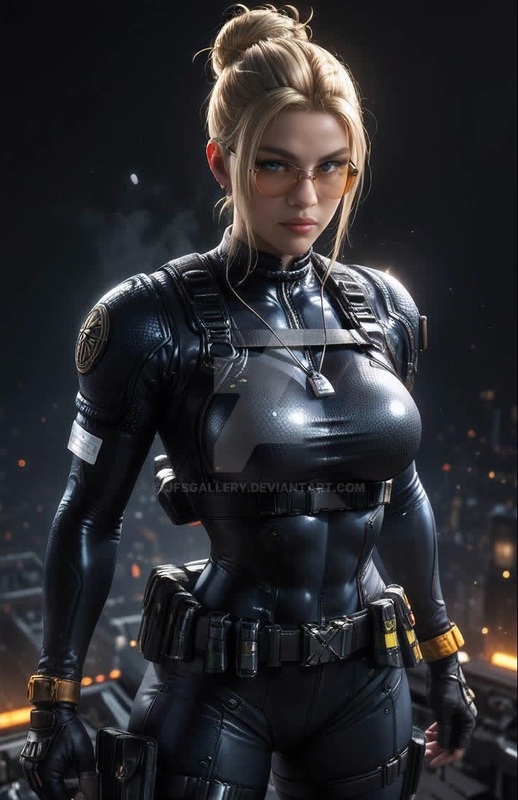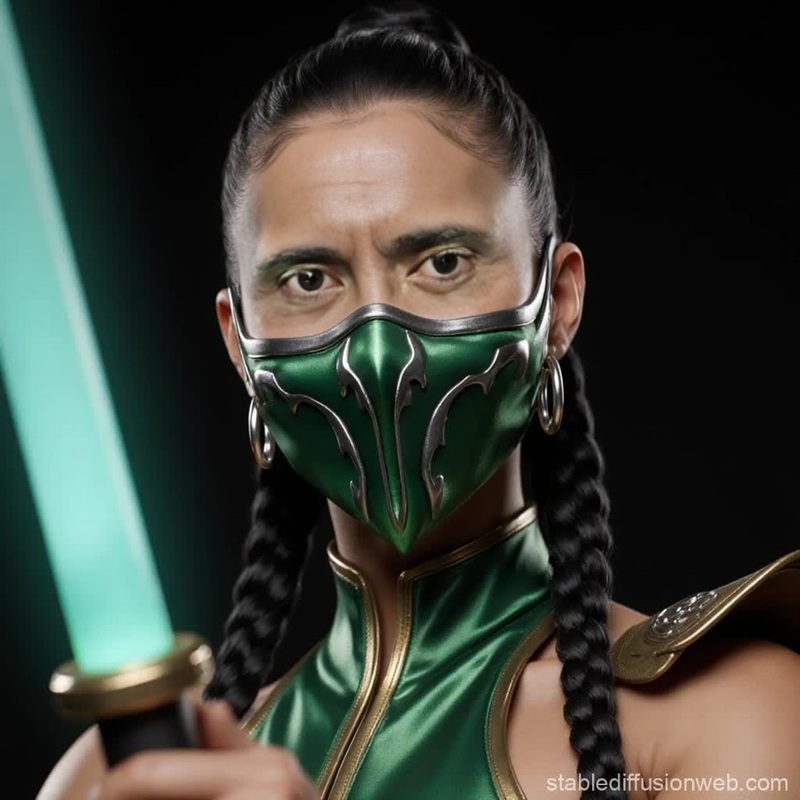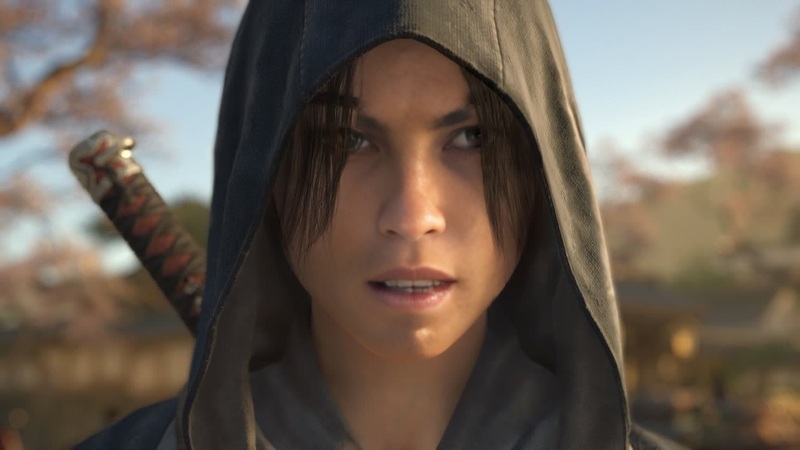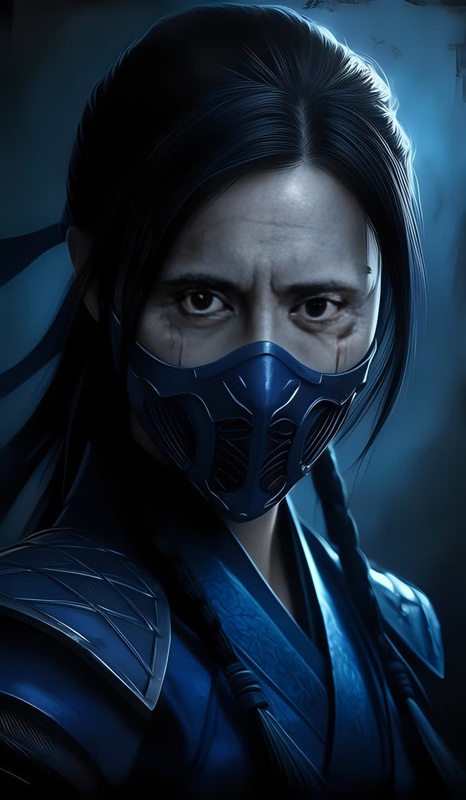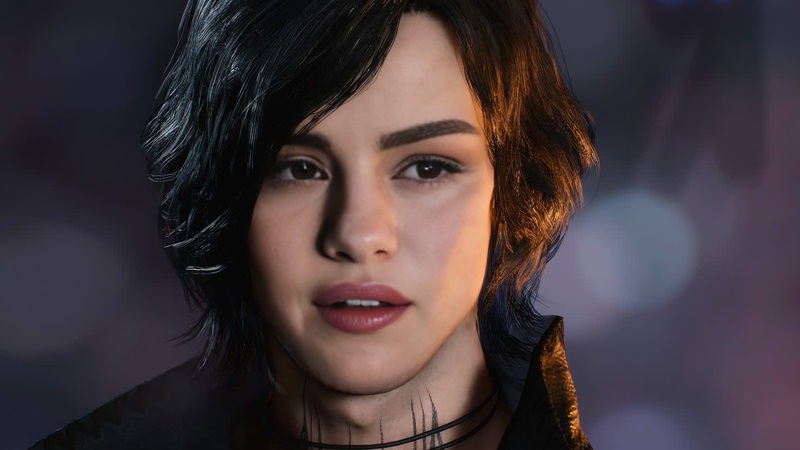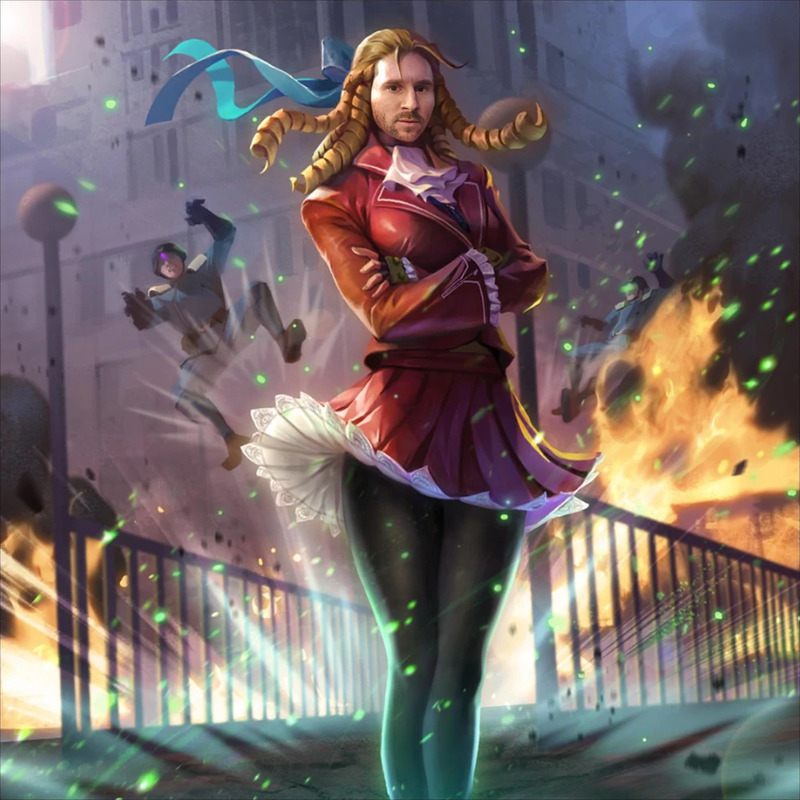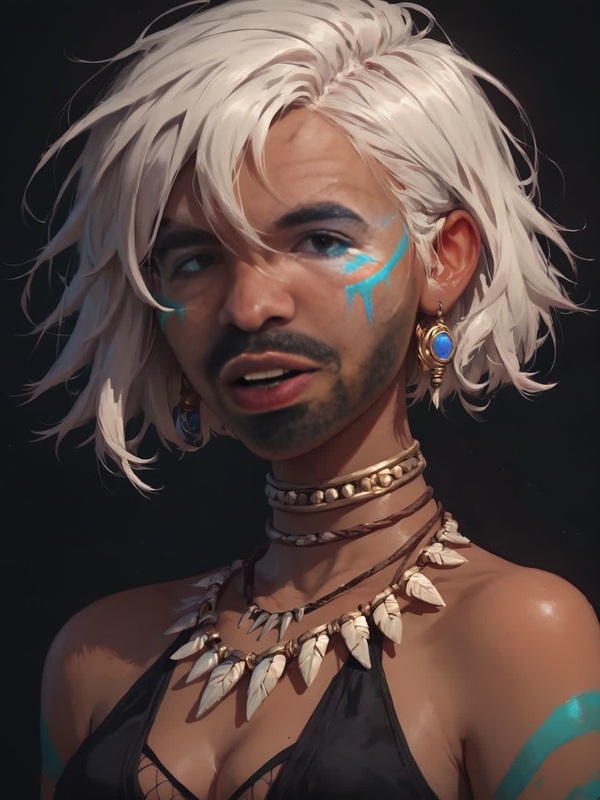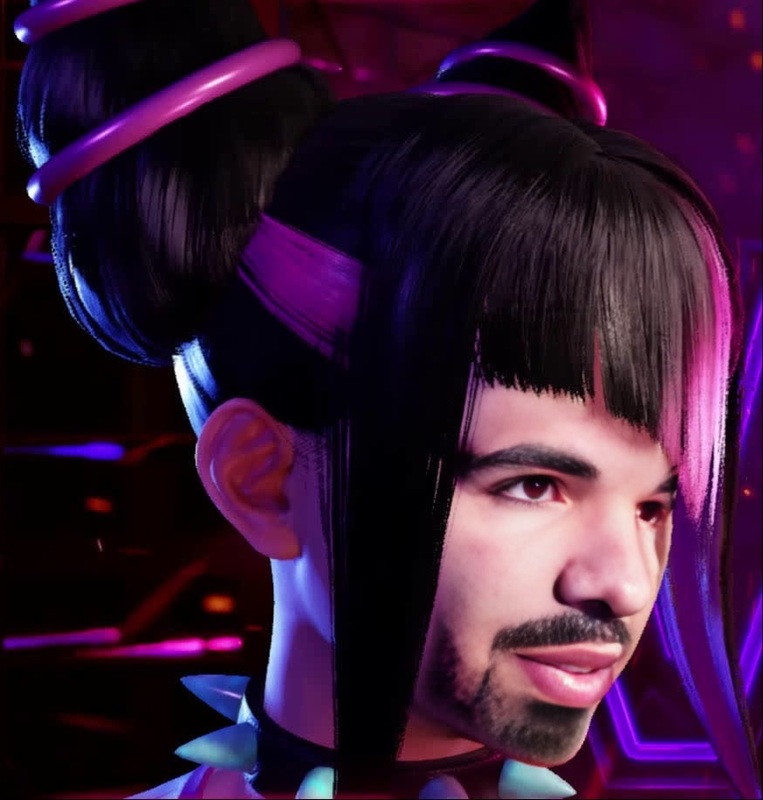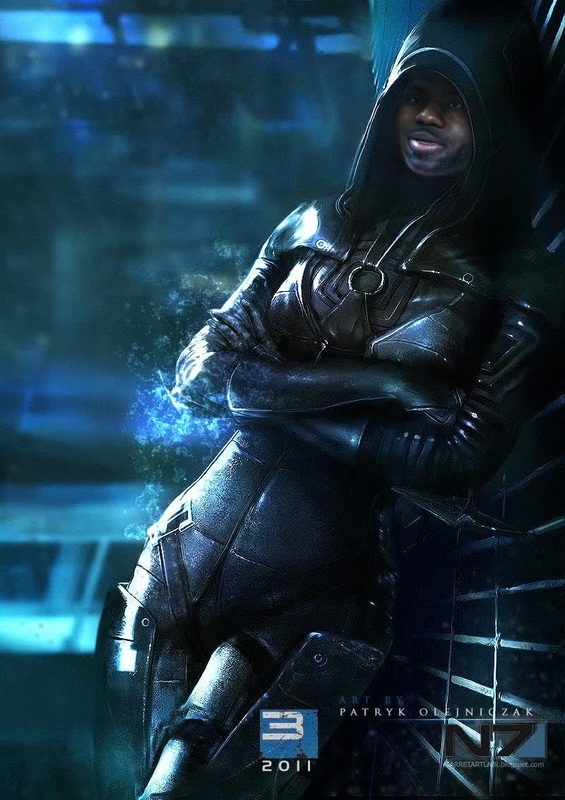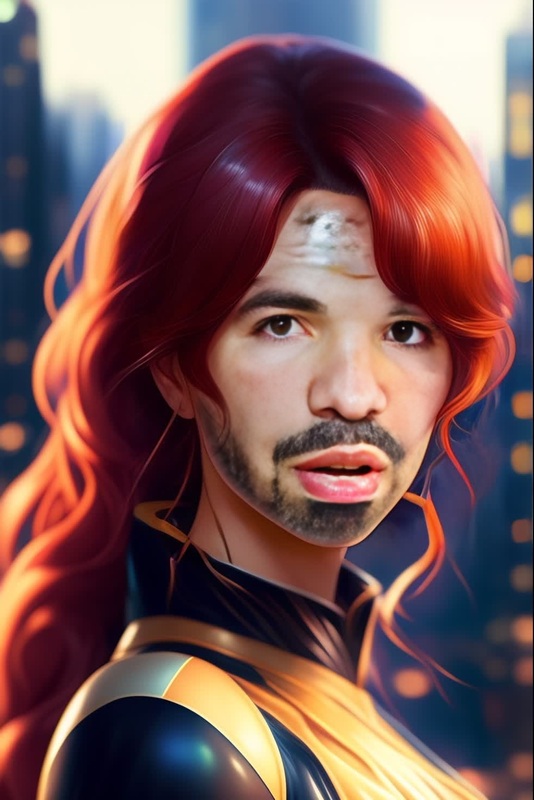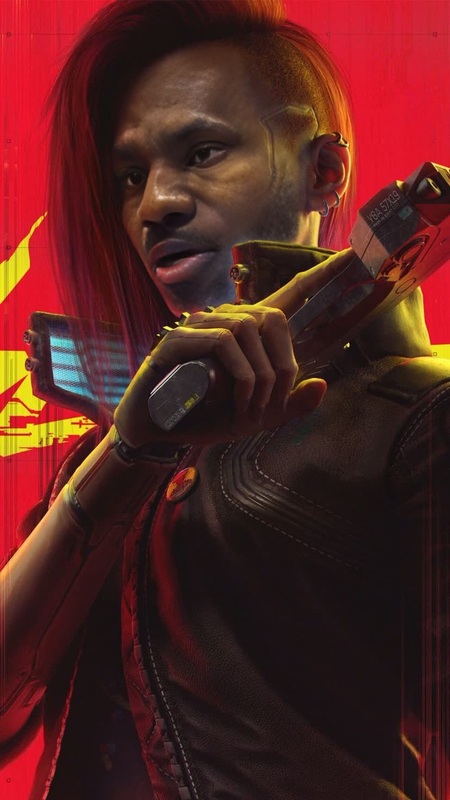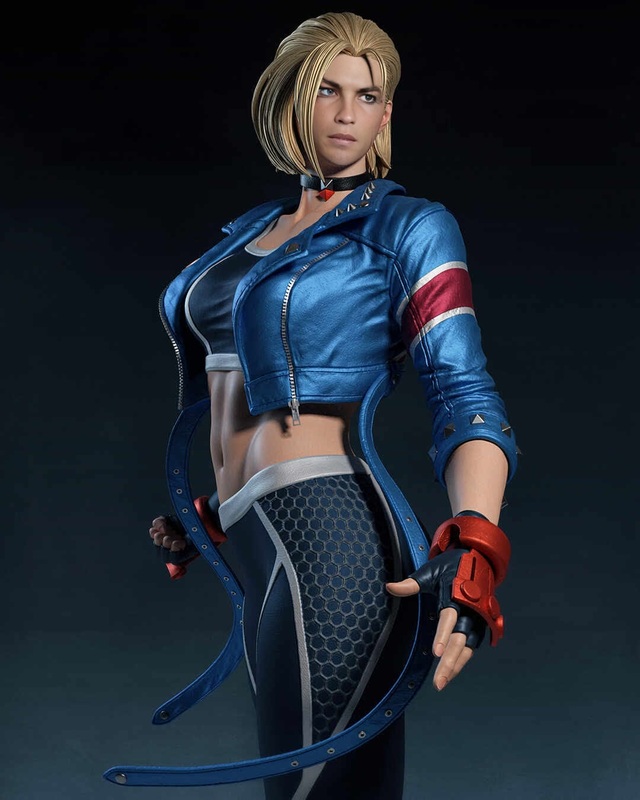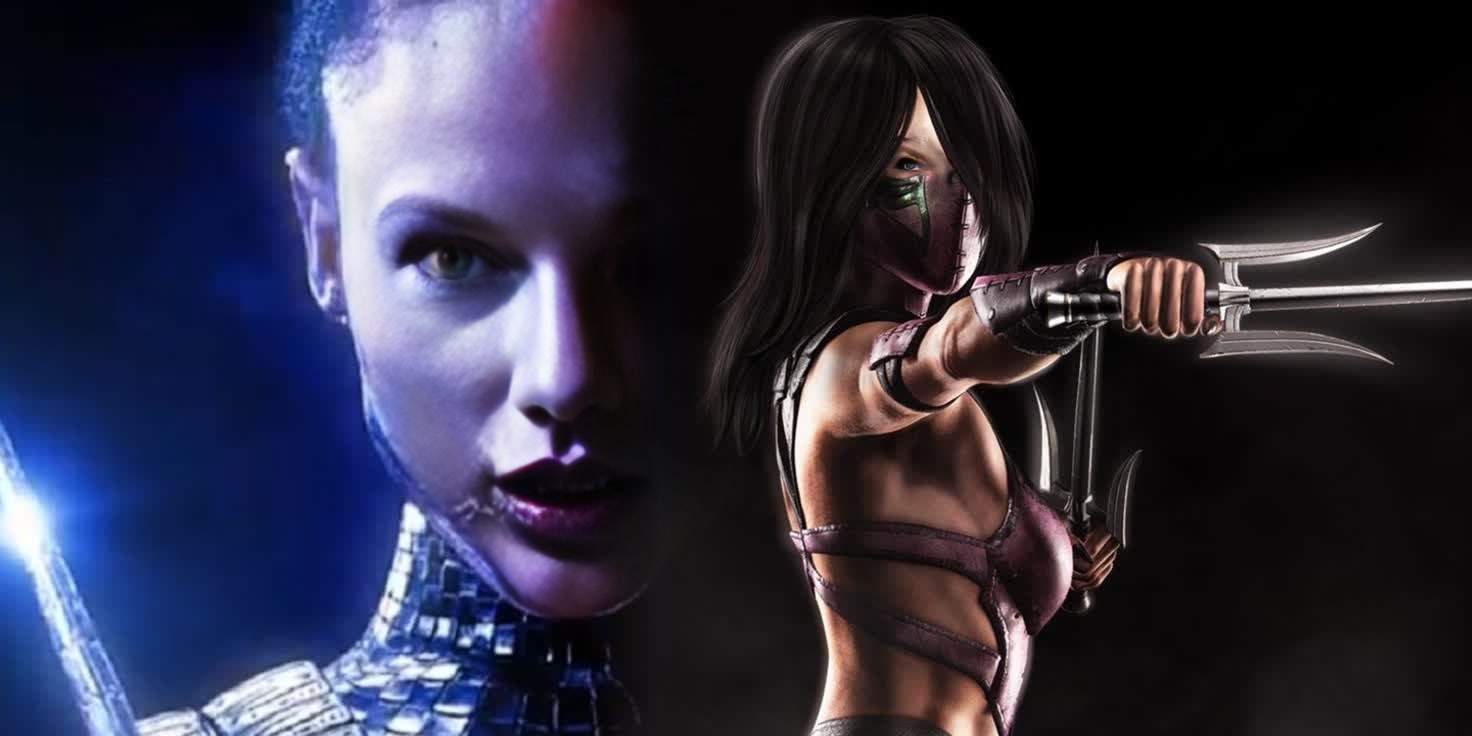
Mileena Mortal Kombat 2021 Photorealistic Portrait
face-swap
Any aspect ratio
Tags
transformationsTransform any video into a cinematic face swap sequence with this Magic Hour template. Built on Magic Hour’s production-grade Face Swap engine, it lets you replace a subject’s face in just a few clicks—while preserving expressions, lighting, and motion for a realistic result.
Use this template as‑is, or remix it into your own reusable workflow for content production, experiments, or client work.
What this template does
This template uses the Face Swap Video tool to:
- Detect and track faces across every frame of a video
- Seamlessly replace them with a new face (photo or generated character)
- Preserve head pose, expressions, and timing for natural movement
- Match color, lighting, and resolution for a cohesive final output
It’s ideal for:
- Creators testing character concepts in live-action footage
- Marketers producing fast variations of the same video for different personas or markets
- Startup teams prototyping product explainers with different presenters
- Developers experimenting with face-swap pipelines without building all the infrastructure
Magic Hour’s face swap models are optimized for identity preservation and temporal consistency, so the swapped face looks like the same person across the entire clip.
How to remix this template in Magic Hour
You can create your own version of this template in a few steps:
Open Face Swap Video
Go to Face Swap Video. This is the core tool this template is built on.Upload your base video
- Use any video where the subject’s face is reasonably visible.
- For best results, use footage with consistent lighting and minimal heavy motion blur.
Add the face to swap in
You can:- Upload a photo of the person you want to insert, or
- First generate a face with tools like:
Run the face swap
Let Magic Hour process the video. The engine will detect faces, replace them with the target face, and render a consistent, frame-by-frame swap.Refine and extend your workflow (remix step)
To turn this into your own production template, you can chain additional Magic Hour tools around it, for example:- Clean or prepare your incoming face images with the AI Image Editor, AI Face Editor, or AI Image Upscaler.
- Turn the swapped video into an animated talking avatar using Lip Sync or AI Talking Photo.
- Convert static key frames to motion with Image to Video or style-transfer sequences with Video to Video.
- Add subtitles or localize content automatically with the Auto Subtitle Generator.
Once you like the flow, you can simply reuse the same structure whenever you need a similar face‑swap video, just swapping in new source videos and faces.
Example use cases for this template
Because this template is built on top of Face Swap Video, it works well for a range of production scenarios:
1. Creator & YouTube workflows
- Create alternate versions of your videos with different “hosts” for A/B testing thumbnails or intros.
- Produce safe, permission-based “cameo” appearances using pre-approved images.
- Test character designs in live-action scenes before committing to full shoots.
Combine with:
- Thumbnail Maker for face-swapped thumbnails
- AI Meme Generator for meme-style short clips
2. Marketing & growth experiments
- Generate multiple on-brand presenter variants for landing page videos.
- Localize campaigns by swapping in region-specific faces while keeping the same script and visuals.
- Produce internal concept videos quickly before booking talent or studio time.
Useful complements:
- AI Headshot Generator to create professional faces
- AI Outfit Generator or AI Clothes Changer for wardrobe variations in key frames
- Video Upscaler to sharpen final deliverables
3. Product, UX, and startup demos
- Inject realistic faces into product demo videos to show “real” users without needing full shoots.
- Prototype onboarding flows, tutorials, or support videos using AI presenters.
- Create multiple persona-specific demos for sales without re-recording.
Helpful tools:
- Text to Video to generate base explainer clips
- AI Voice Generator or AI Voice Cloner to match voices to the swapped faces
4. Entertainment, concepts, and AI characters
- Design animated characters and place them into real footage using Animated Characters Generator plus Face Swap.
- Turn comic panels or manga designs into live-action test shots with Comic Book Generator or AI Manga Generator.
- Experiment with stylized or fantasy personas using Dark Fantasy AI, Disney AI Generator, or Superhero Generator, then swap them into scenes.
Tips for better face swap results
From practical production experience, the following guidelines significantly improve quality:
Use clear, frontal reference faces
The input face should be sharp, well-lit, and roughly front-facing. Tools like Unblur Image and AI Image Upscaler can help fix noisy or low-res photos.Match lighting when possible
Faces taken under similar lighting to your target video blend more naturally. You can adjust or relight frames with the AI Image Editor before using them as source faces.Avoid extremely fast cuts for first tests
While the model handles motion and cuts, starting with footage that has stable shots and visible faces makes it easier to evaluate results and refine your process.Refine the surrounding frame
If background distractions pull focus, remove them from key frames with the AI Remover or Remove Object from Photo and then repurpose those frames in your workflow.
Extending this template into a full pipeline
You can easily turn this face swap template into a more advanced, multi-step AI video pipeline in Magic Hour:
Generate or curate your face library
- Create faces with AI Photo Generator, AI Face Generator, Avatar Generator, or AI Selfie Generator.
- Clean and standardize them using AI Face Editor and AI Image Background Remover.
Create or import your base video
- Generate new footage from prompts with Text to Video or AI Image Generator followed by Image to Video.
- Stylize or re-animate existing footage using Video to Video or Animation.
Apply the Face Swap template
- Use this template’s structure to run face swap across your chosen frames or full clip with Face Swap Video.
- For shorter, looping formats, experiment with AI GIF Generator or Face Swap GIF.
Add voice, sync, and polish
- Generate or clone voice tracks with AI Voice Generator or AI Voice Cloner.
- Sync lip movements using Lip Sync or turn still images into talking avatars via AI Talking Photo.
- Finish with subtitles from the Auto Subtitle Generator and upscale with Video Upscaler.
This modular approach makes it easy to reuse the same structure for frequent content types—just plug in new faces, scripts, or base videos.
Related Magic Hour tools for face-driven content
If you like this face swap template, you may also want to explore:
- Face Swap – overview of Magic Hour’s face swap capabilities
- AI Talking Photo – animate portraits with speech and expressions
- Lip Sync – match mouth movement to any audio track
- AI Face Editor – adjust facial attributes while preserving identity
- Gender Swap – explore gender presentation changes for portraits
- AI Headshot Generator – generate polished, professional identity images
Getting started
To use or remix this template:
- Open Face Swap Video.
- Upload your base video and your target face.
- Run the face swap and review the result.
- Chain in any additional tools described above to turn this into a reusable template for your own workflows.
Because everything runs in the browser, you can go from idea to production-ready face-swapped video in minutes—without managing models, infrastructure, or custom code.