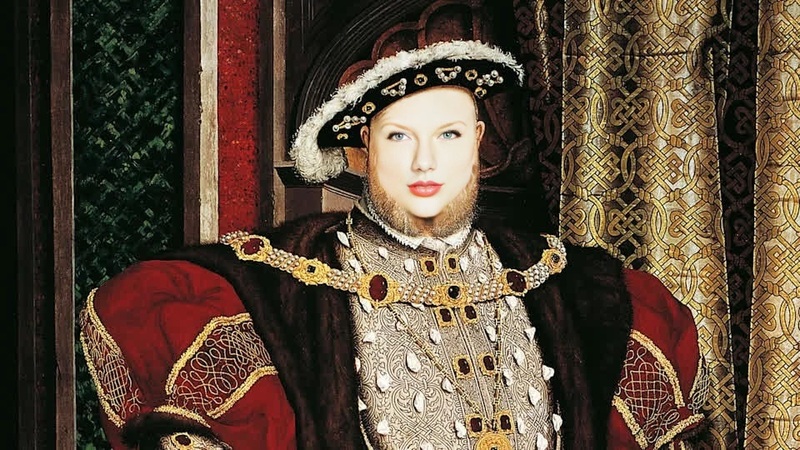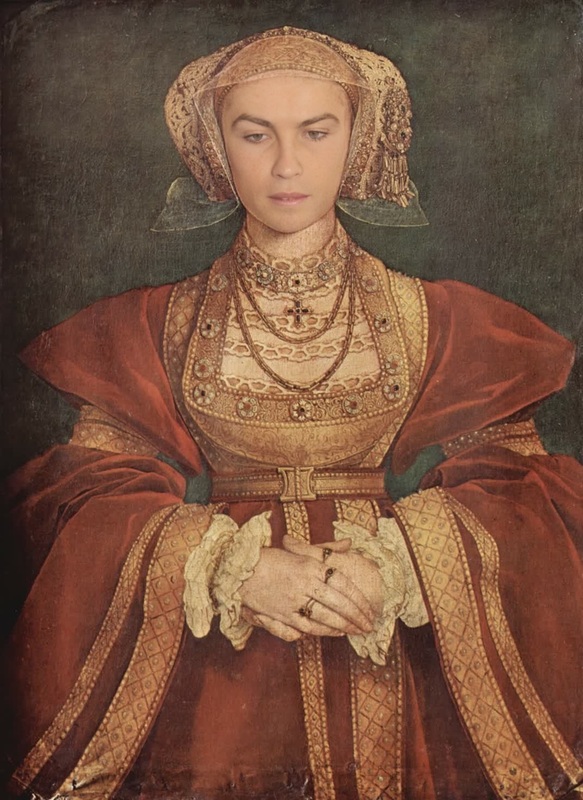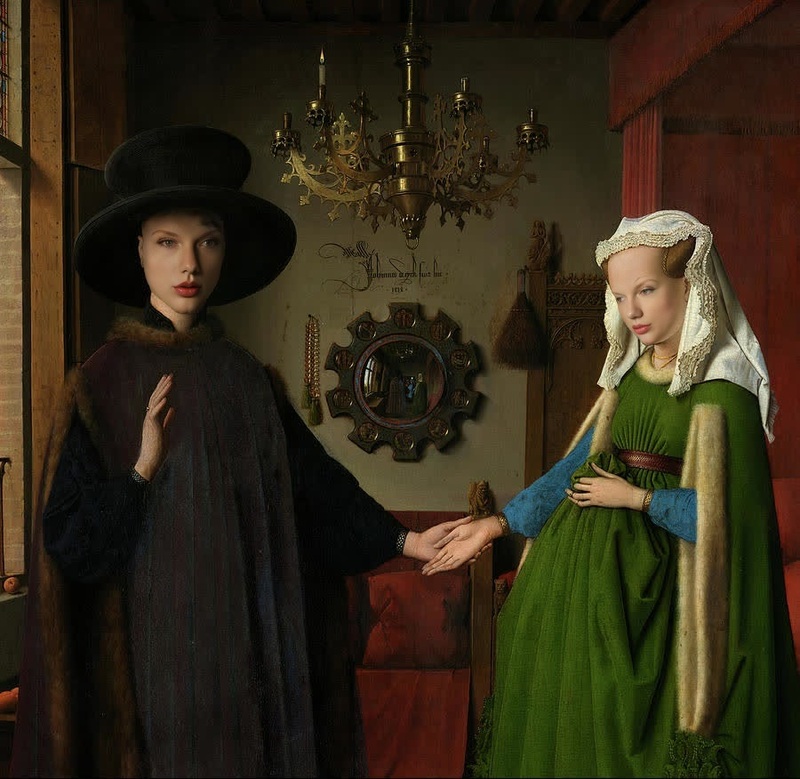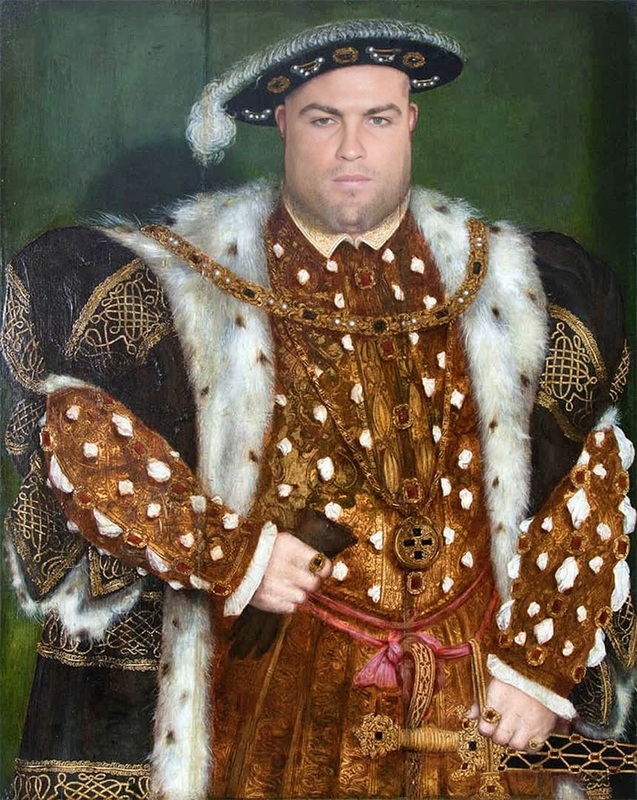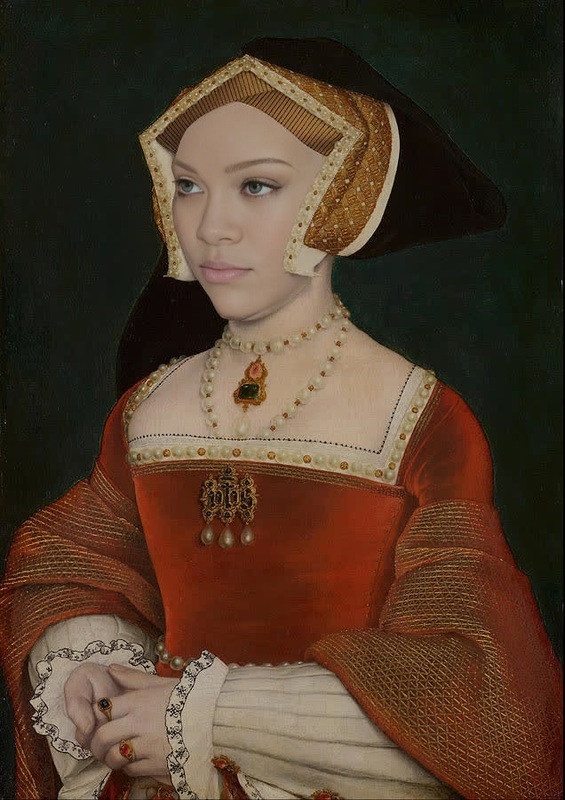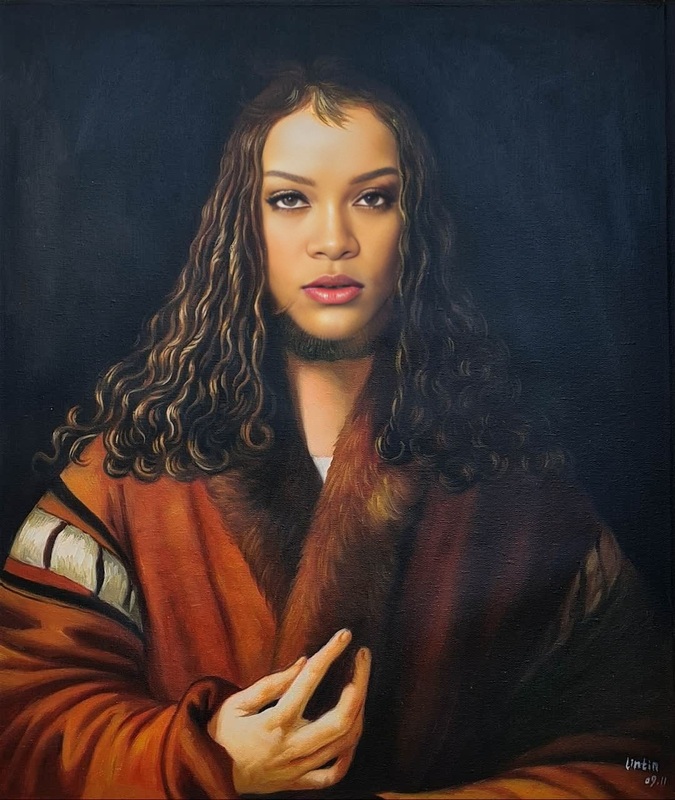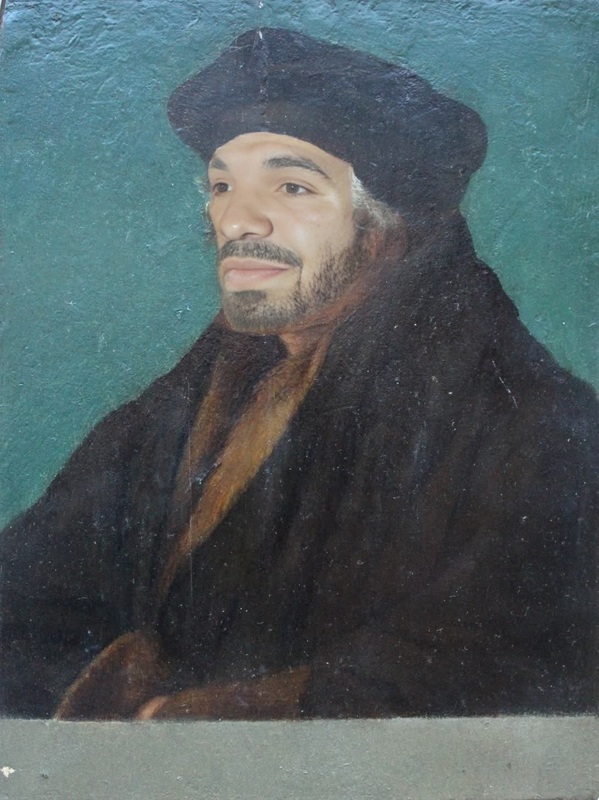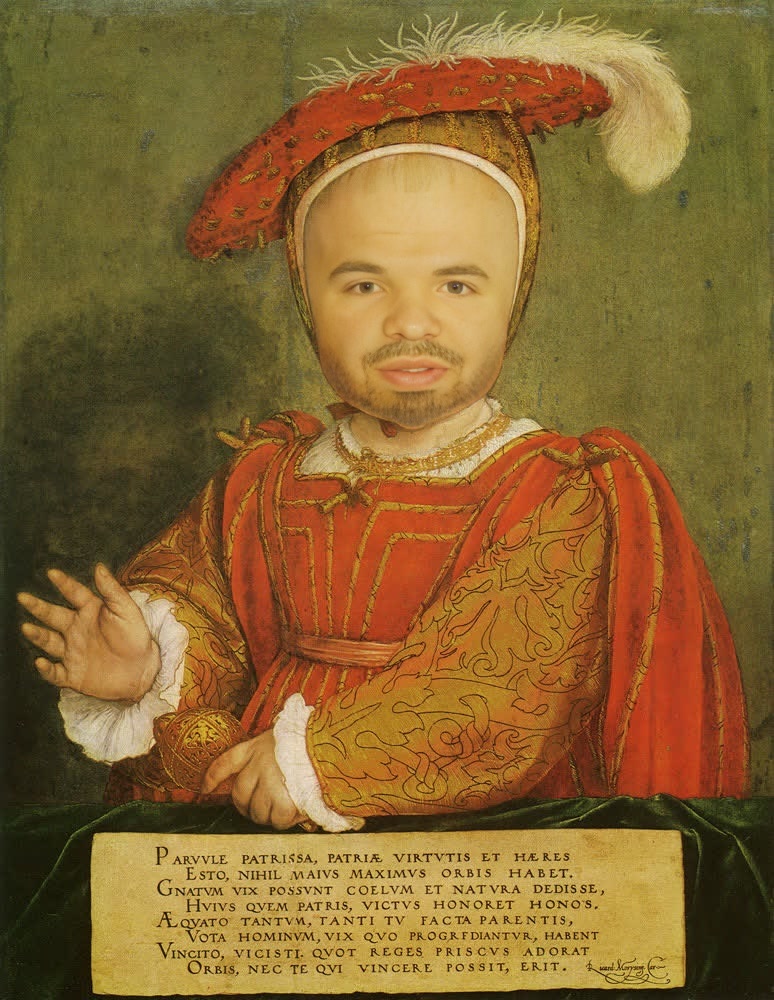
Portrait Of Edward Vi As A Child Hans Holbein The Younger Painting
- Image
- 774 × 1000 px
Any aspect ratio
Overview
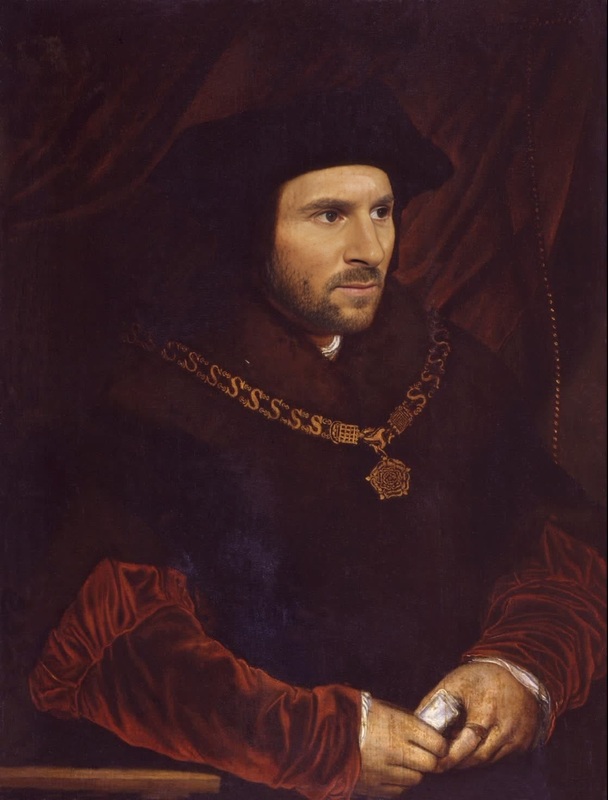
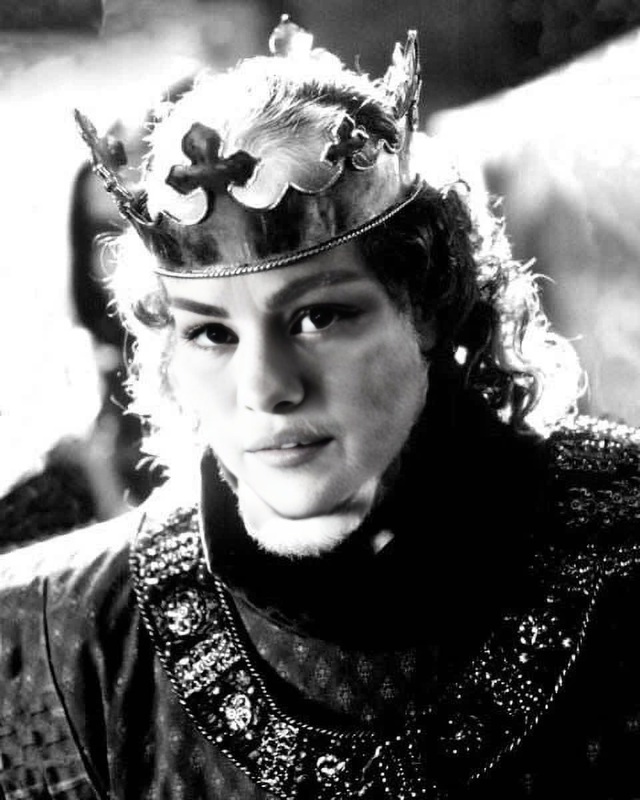
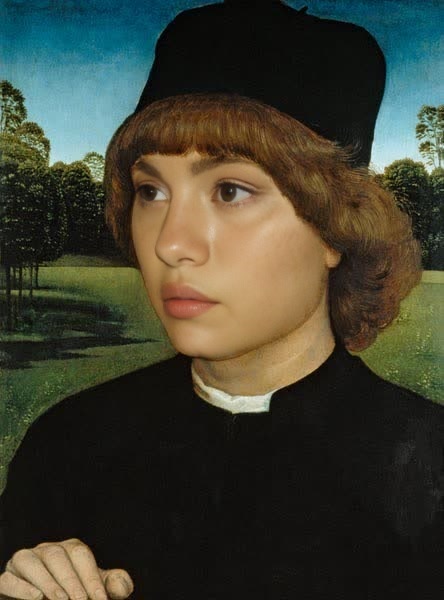
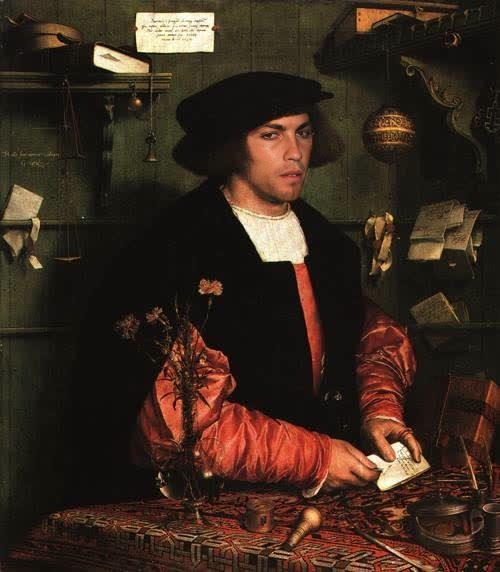
Step into the world of classic art transformations with our Portrait Of Edward VI As A Child Hans Holbein The Younger Painting template. This Video Face Swap tool allows you to creatively reimagine your videos by replacing faces with the iconic depiction of young King Edward VI. Ideal for art enthusiasts, educators, and content creators seeking a novel twist in their visual projects.
What It Does
This template uses advanced face swap technology to blend modern and classical art. Whether you're working on a digital project or creating content for social media, you can effortlessly replace faces in your video with the regal face of Edward VI from Holbein's masterpiece. It's a unique application of the AI Video Generator, enriching your content with historical flavor.
Who It's For
Designed for digital artists, educators, and marketers, this template provides a fresh and engaging way to incorporate historical art into modern media. It's perfect for educators explaining art history, content creators focusing on visually captivating storytelling, and marketers crafting unique campaigns. Explore more with the Image to Video transformations suited for vivid storytelling.
Summary
By merging past artistry with present-day technology, this template offers a creative approach for video projects. Achieve striking visuals effortlessly using our AI Clothes Changer and more—expanding your creative toolkit. It's a simple yet effective way to engage audiences through the power of transformation.
How-To
Choose the Template

Customize Your Input

Generate and Download

Use Cases
Art Education Videos
- Showcase how classical portraits can be integrated into modern media
- Create engaging discussion starters for art history classes
Creative Storytelling
- Develop fictional or historical narratives
- Use in short films to demonstrate historical themes
Marketing Campaigns
- Create standout promotional materials
- Engage audiences with unexpected visual transformations
Best Practices
Select High-Quality Inputs
Ensure your video is of high resolution for the best face swap results. Low-resolution videos may result in less accurate swaps.Adjust Swap Intensity
Experiment with swap intensity settings to achieve a natural blend between the original and swapped face. This enhances the realism of the final output.Target Key Frames
Focus the swap on key video frames where the face is clearly visible to ensure the effect is impactful and noticeable throughout.
Frequently asked questions
More Like This