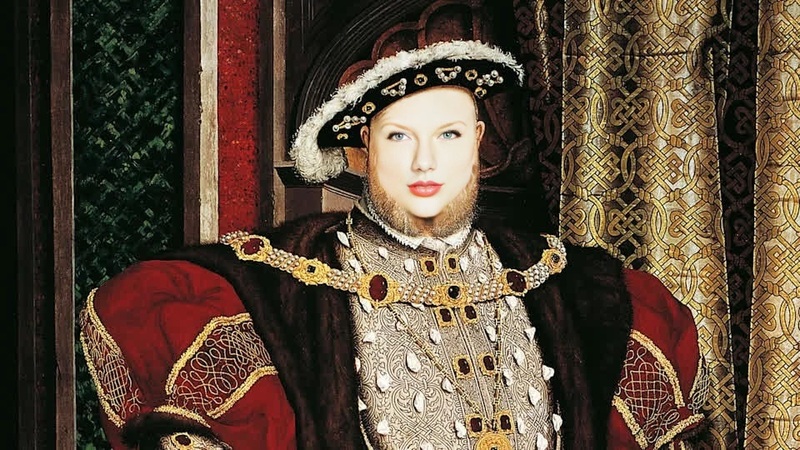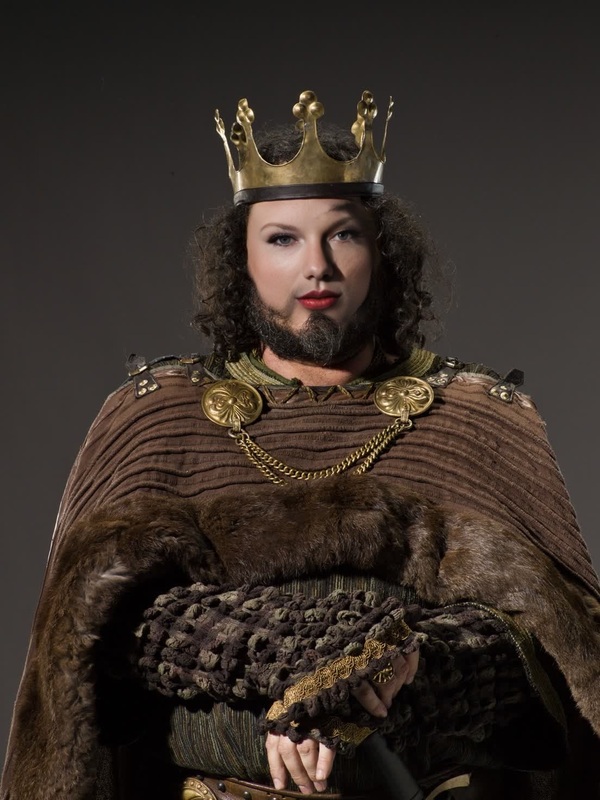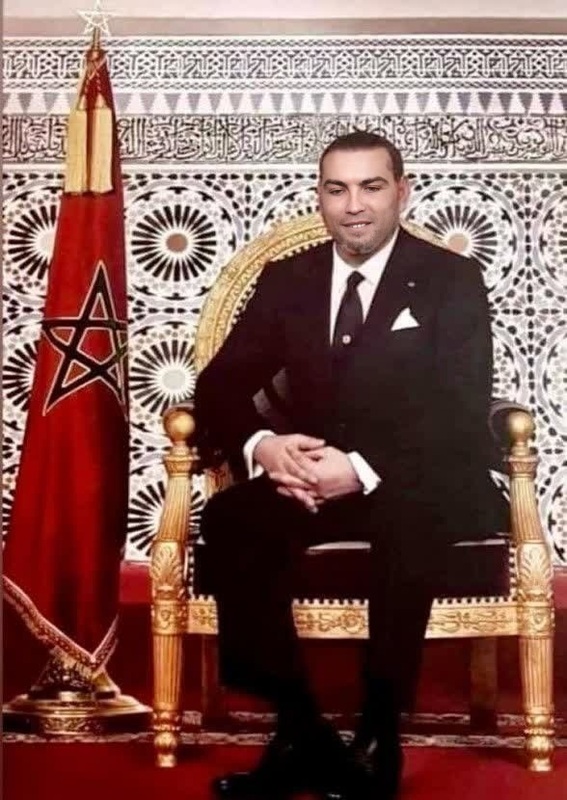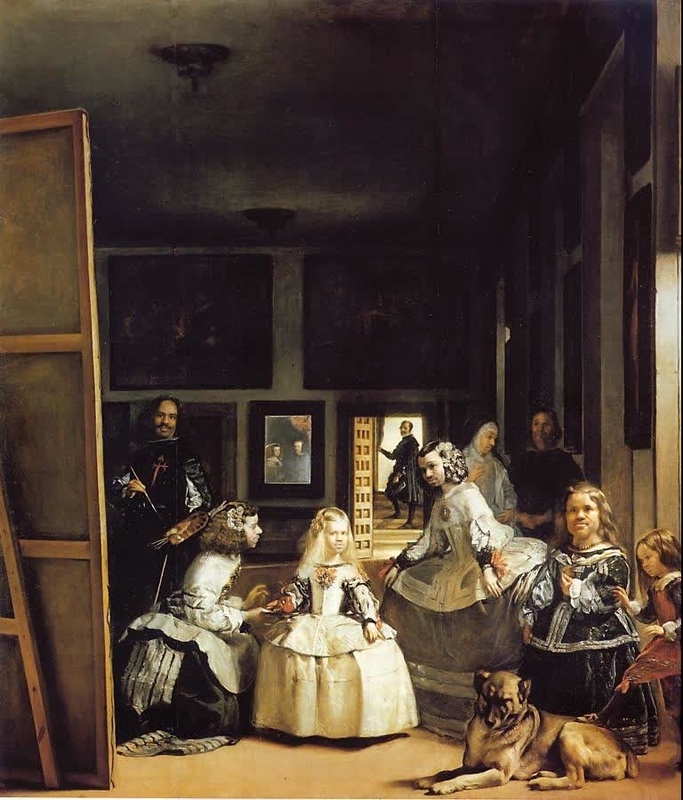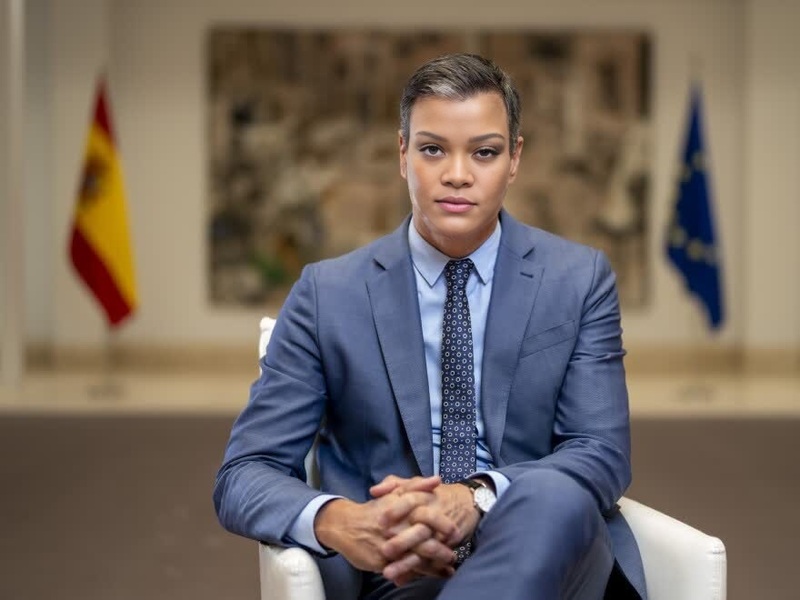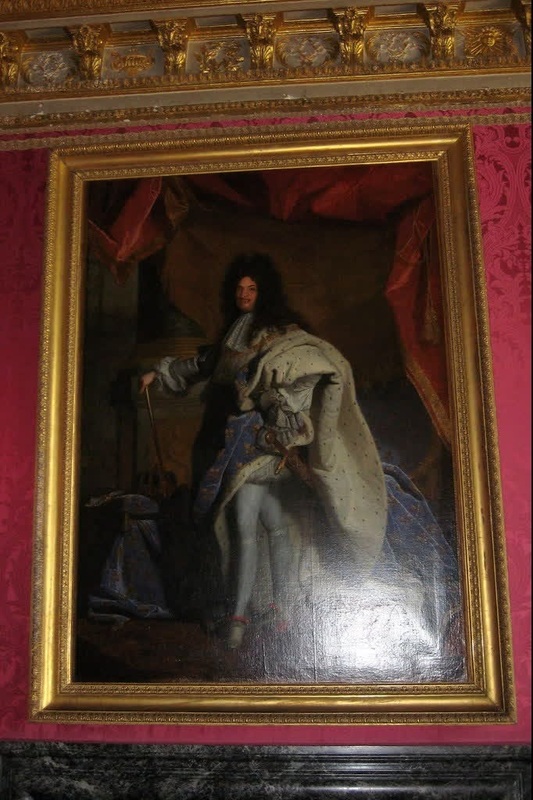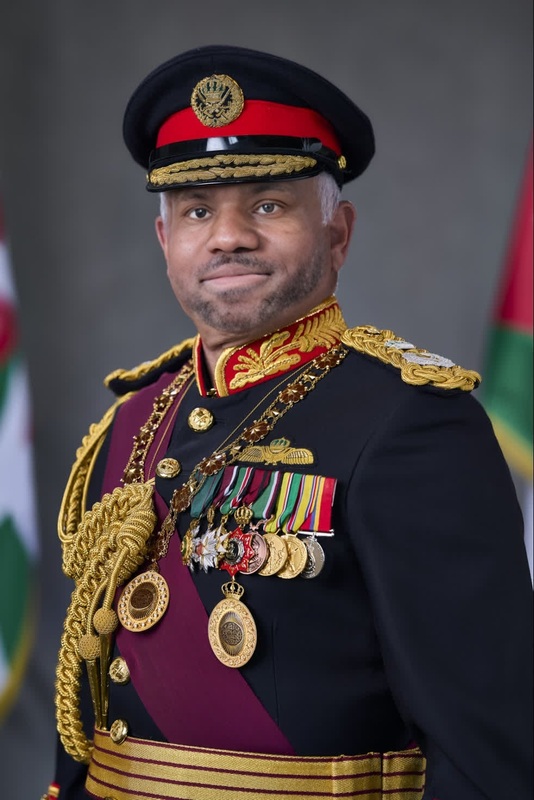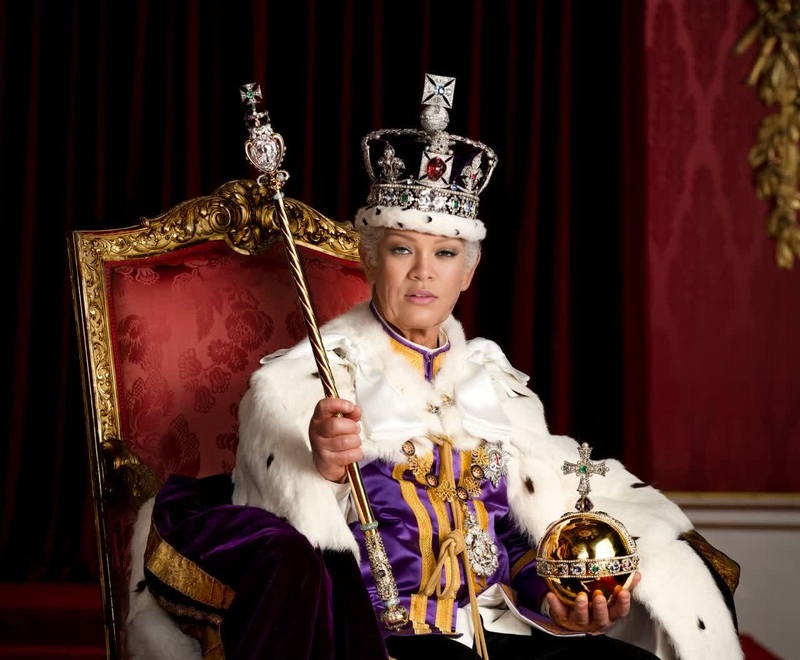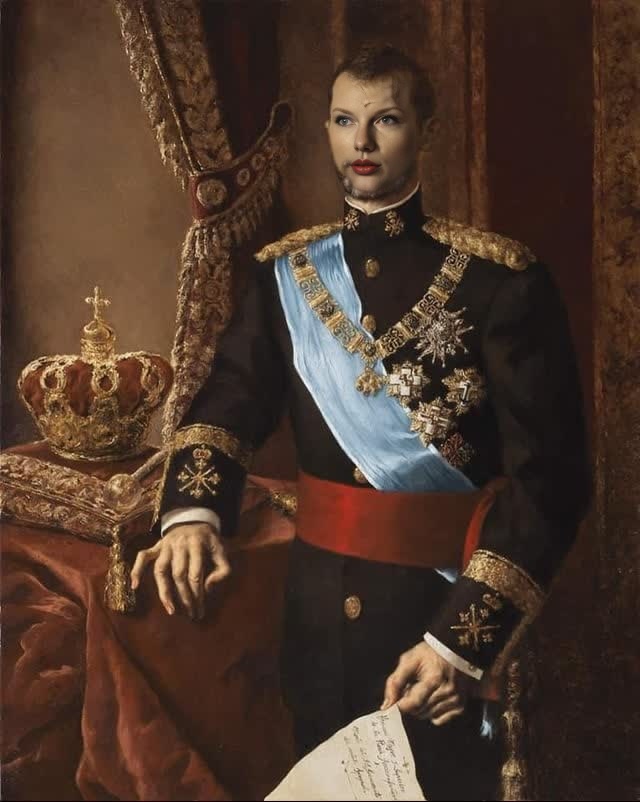
King Felipe Vi Spain Monarch Portrait
- Image
- 640 × 802 px
Any aspect ratio
Overview
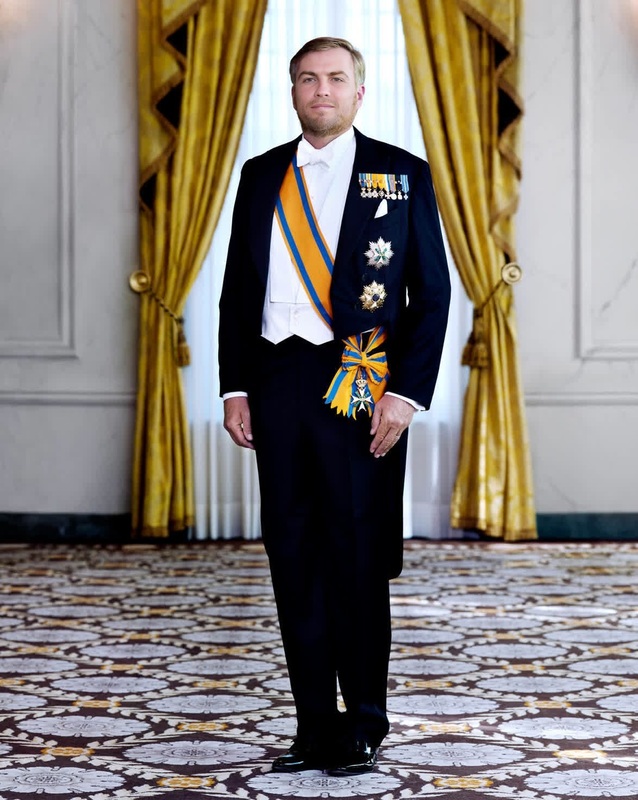
Step into the shoes of Spanish royalty with the King Felipe VI Spain Monarch Portrait template. This Video Face Swap template allows you to infuse any face onto King Felipe VI in a portrait, using transformative technology to create unique and shareable content.
What It Does
This template leverages advanced Video Face Swap techniques to superimpose a new face onto King Felipe VI's portrait. The result is an engaging video that perfectly adjusts facial expressions for natural and authentic-looking transformations. Pair this with the AI Image Editor to further enhance your creations.
Who It's For
Ideal for content creators, social media enthusiasts, and anyone with a flair for creativity. This tool is perfect for enhancing personalized greetings, creating humorous content, or just exploring the fun side of digital transformations. The versatility makes it a favorite among users who already enjoy tools like AI Voice Changer for adding custom audio.
Summary
With the King Felipe VI Spain Monarch Portrait template, you can easily craft a memorable face swap video that stands out. Utilize it in conjunction with other Magic Hour tools such as the AI Image Generator for an expanded creative toolkit. Engage your audience with dynamic, personalized content.
How to Use
Choose the Template

Customize Your Swap

Generate and Download

Use Cases
Social Media Content
- Engage followers with humorous transformations
- Increase shareability and reach
Event Promotions
- Add a royal twist to invitations
- Create fun event teasers
Personalized Greetings
- Enhance birthday greetings with a royal touch
- Make memorable holiday messages
Best Practices
Select High-Quality Images
For the best results, use high-resolution images where the face is clearly visible.Experiment with Different Angles
Try using faces with similar angles to that of King Felipe VI's original portrait for a more seamless swap.Refine with Additional Edits
Use the AI Image Editor to make any necessary color corrections or tweaks.
Frequently asked questions
More Like This