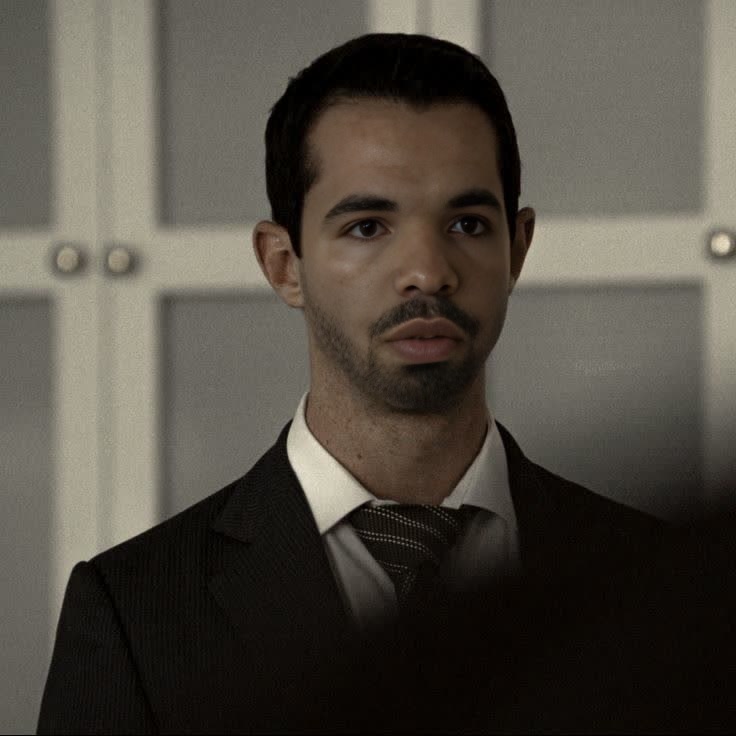
Kendall Roy Succession
- Image
- 736 × 736 px
Any aspect ratio
Overview
The Kendall Roy Succession template brings a slice of television drama directly into your creative projects. This Video Face Swap template allows you to inject the iconic character of Kendall Roy into any video content. Use it to create compelling narratives or just add a humorous or dramatic twist to your existing footage.
What It Does
This template employs advanced face swap technology that superimposes Kendall Roy's facial features onto subjects in your video clips. Whether you're creating marketing content, school projects, or personal vlogs, this tool ensures seamless integration with high-quality output. This Video Face Swap is part of our robust collection of Face Swap products designed to elevate your video storytelling.
Who It's For
This template is perfect for content creators, marketers, and fans of the TV show "Succession" looking to add a unique twist to their video projects. It's also ideal for social media influencers and meme creators aiming to captivate their audience with innovative content. Explore more transformative tools like the AI Voice Changer to enhance your video's appeal.
Summary
The Kendall Roy Succession template is your gateway to innovative and dramatic video transformations. By swapping faces with Kendall Roy, this tool brings a splash of entertainment and creativity to your video projects, making them stand out remarkably. Do more with video transformations by integrating tools like the Image to Video feature.
How-To
Choose the Template

Customize Your Inputs

Generate Your Video

Use Cases
Marketing Campaigns
- Create engaging commercials
- Develop unique content for product launches
Social Media Content
- Produce viral TikTok videos
- Craft compelling stories for Instagram reels
Creative Projects
- Include in digital storytelling projects
- Use in fan-made trailers or parodies
Best Practices
Choose High-Quality Videos
Ensure your video has good lighting and clear shots of the subject to improve face swap accuracy.Focus on Frame Rate
Opt for videos with higher frame rates to ensure smoother transitions and reduced artifacts.Preview Before Finalizing
Always preview the generated video to check for alignment issues and make necessary adjustments.