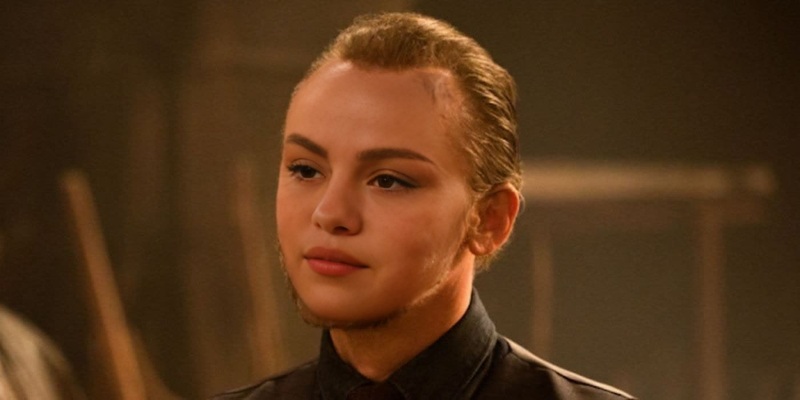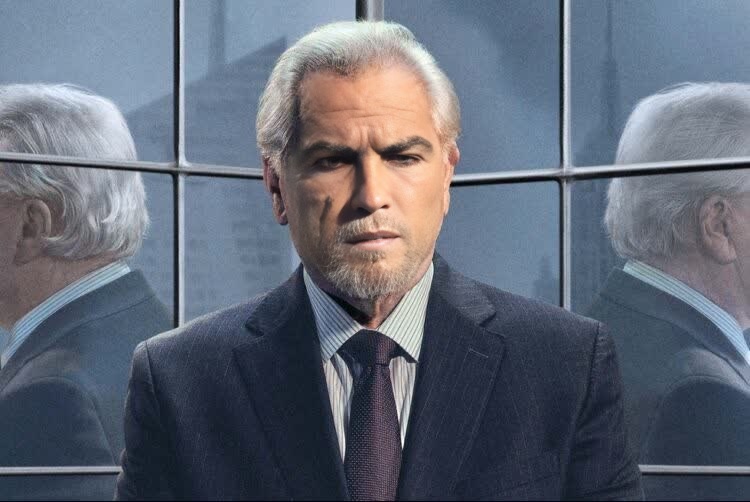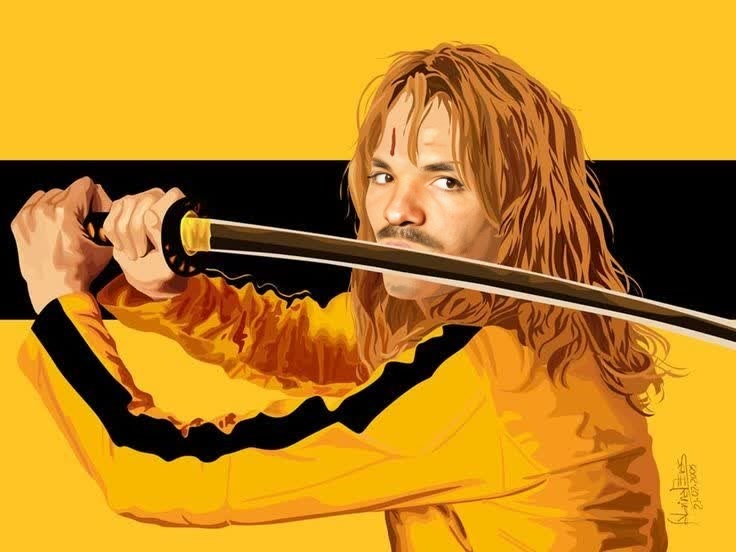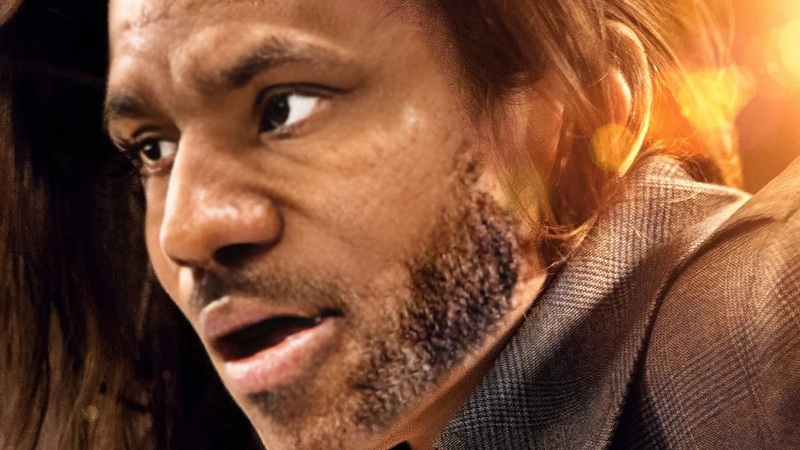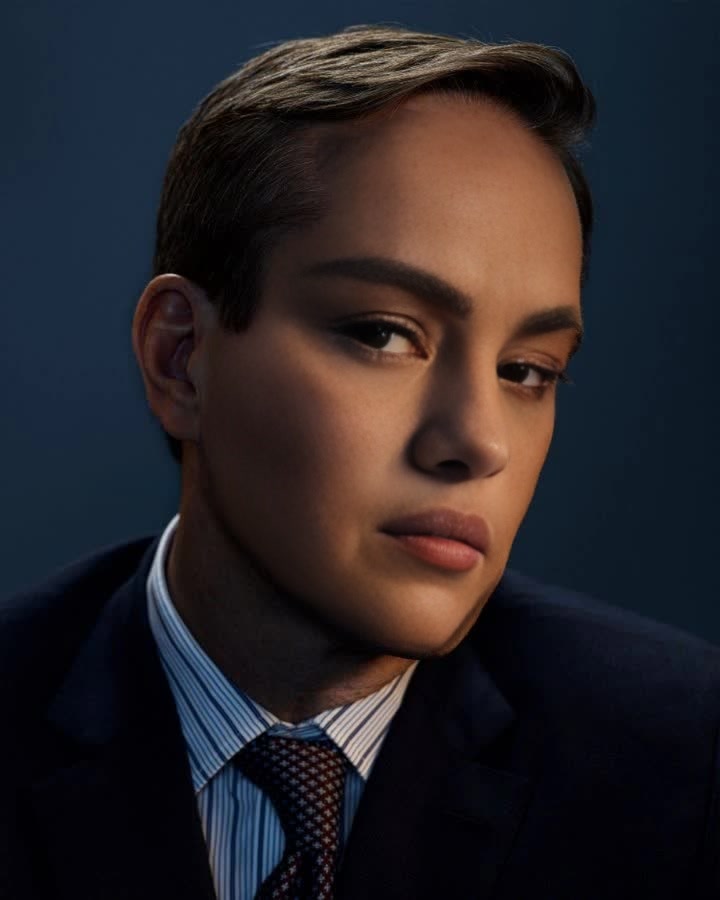
Tom Wambsgans Succession
- Image
- 720 × 900 px
Any aspect ratio
Overview
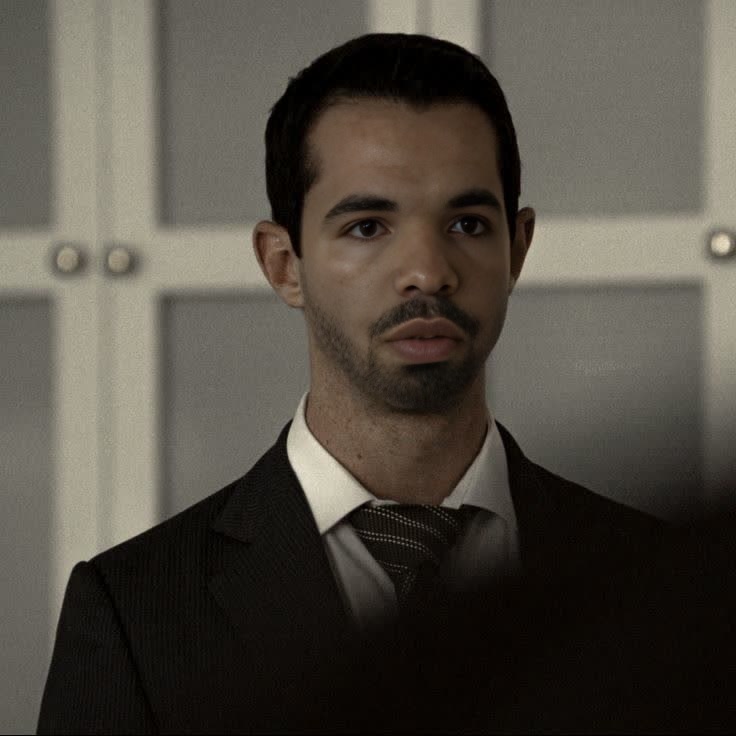
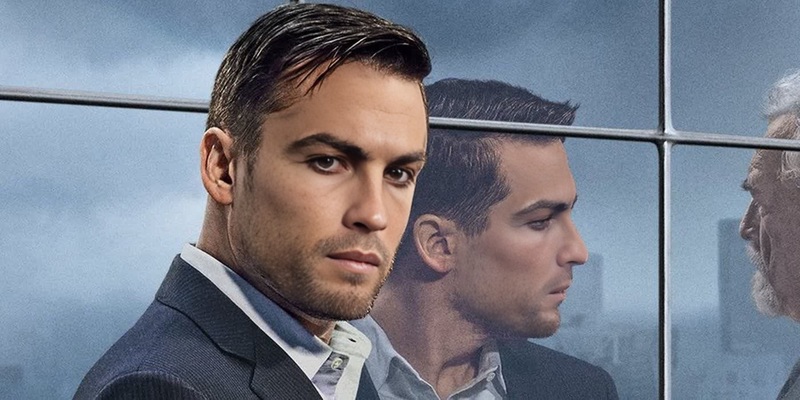
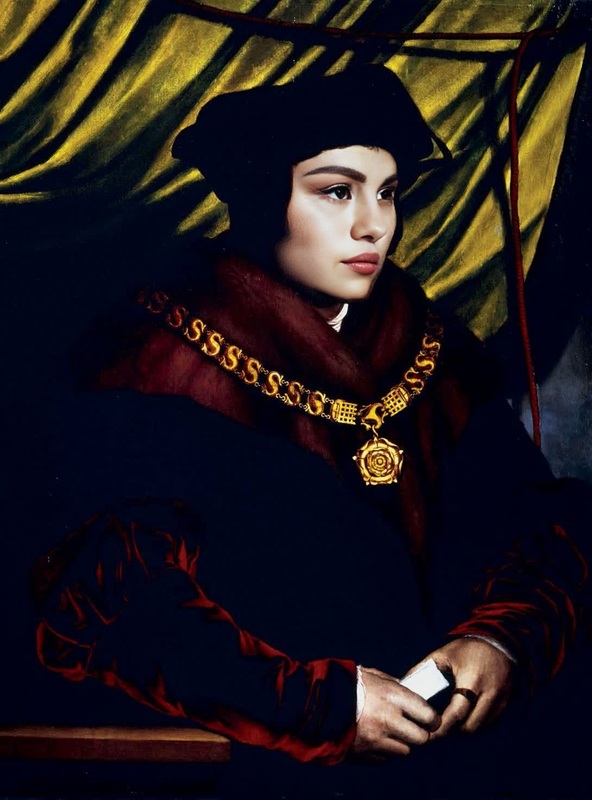
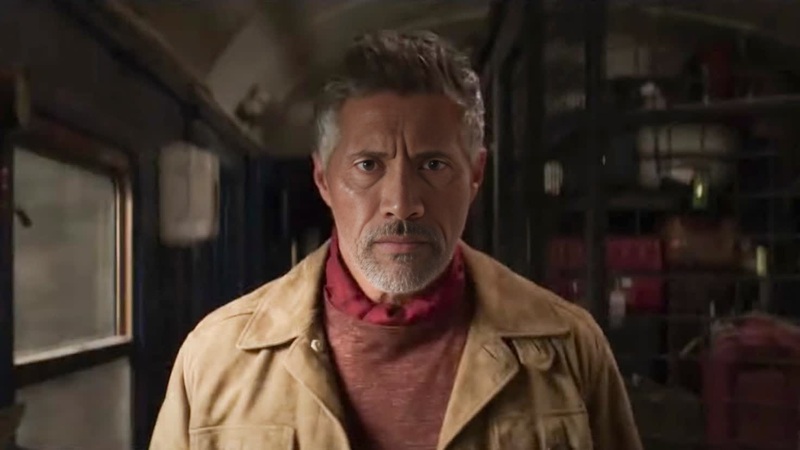
Experience a hilarious transformation by swapping your face with Tom Wambsgans from the hit series "Succession." This Video Face Swap template allows you to inject some humor and novelty into your video projects, creating memorable content that stands out.
What It Does
This Video Face Swap template takes your source video and replaces a selected face with that of Tom Wambsgans. Perfect for creating parody videos or adding a comical twist to serious content, this template uses AI to deliver high-quality results compatible with various video formats.
Explore more about our face swap capabilities in video production.
Who It's For
Ideal for content creators, social media managers, and video enthusiasts who want to experiment with face swapping in a fun and engaging way. It's also a great tool for marketing teams looking to produce humorous branded content.
Consider integrating it with our AI Meme Generator for viral meme creation.
Summary
Transform your videos with the iconic face of Tom Wambsgans. This template ensures that editing is both entertaining and impactful, making your videos memorable and unique. Use it alongside our Image to Video tool for even more creative possibilities.
How To
Choose Your Template

Customize Your Inputs

Generate Your Video

Use Cases
Social Media Content
- Short parody clips
- Funny storytelling videos
Marketing Campaigns
- Branded content
- Product promotions
Educational Content
- Training videos
- Lecture series
Best Practices
Select High-Quality Source Videos
Ensure the source video is of high resolution for better face swap accuracy.Fine-Tune the Face Detection
Use the customization options to adjust facial alignment and blend settings for a seamless integration.Review and Edit
After generating, watch the video for any irregularities and consider making additional edits to enhance the final output.