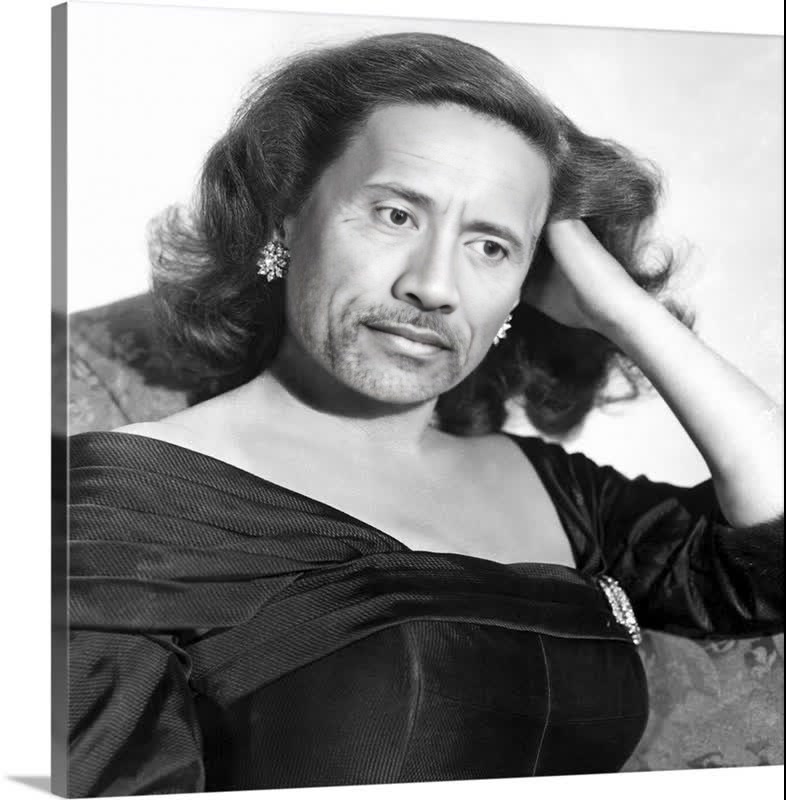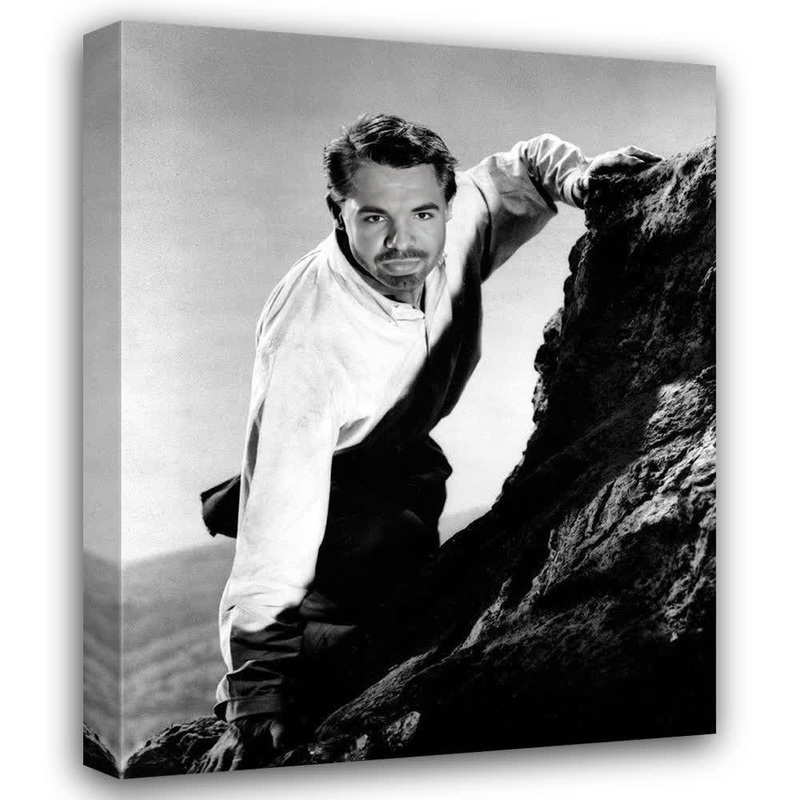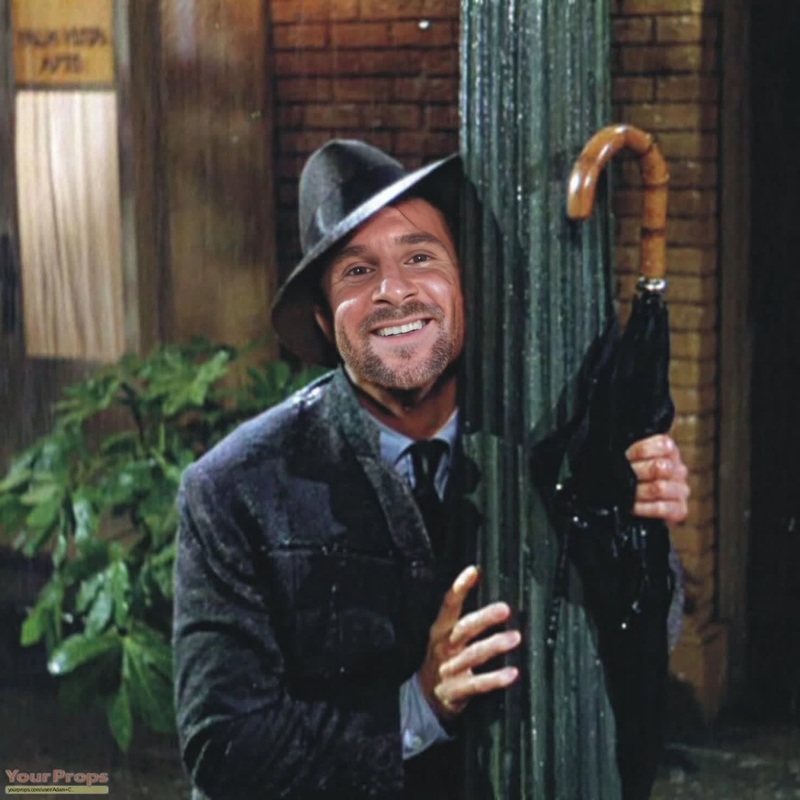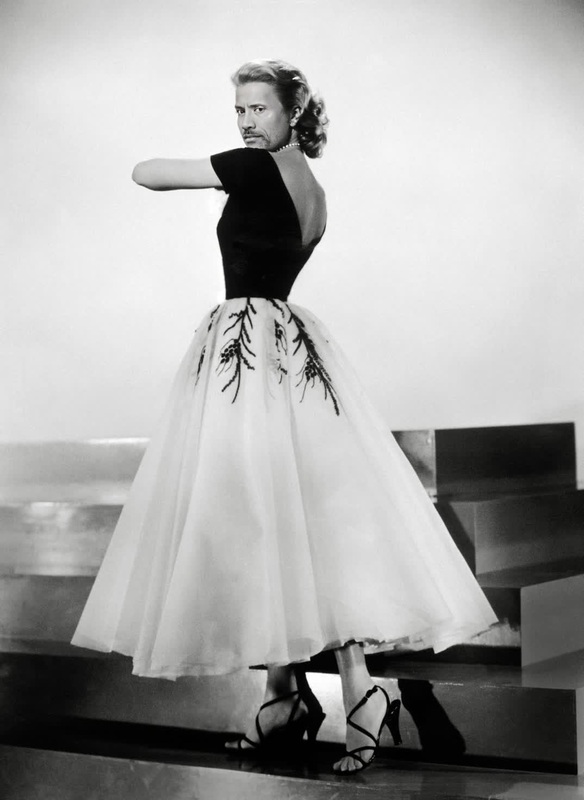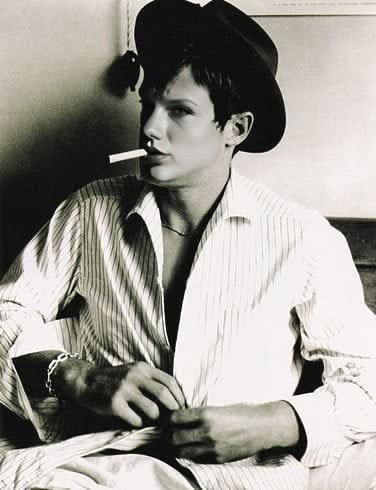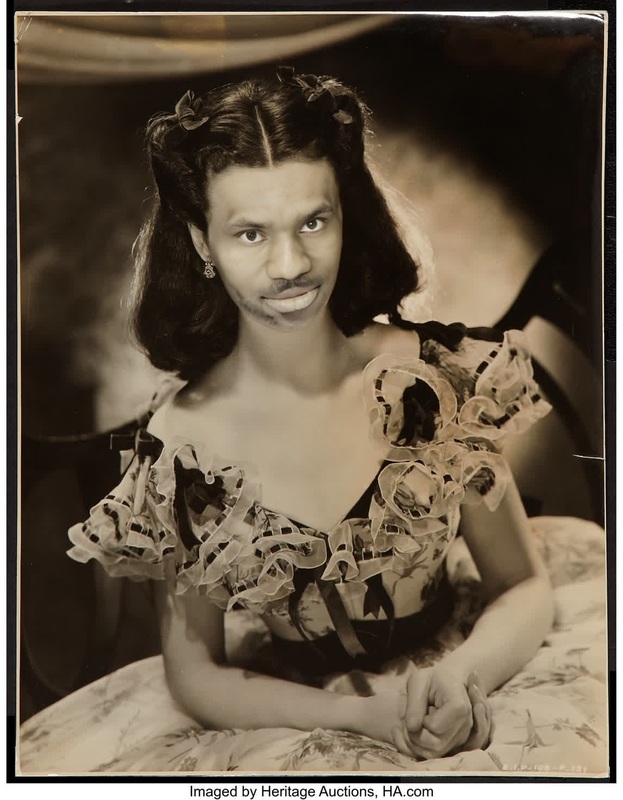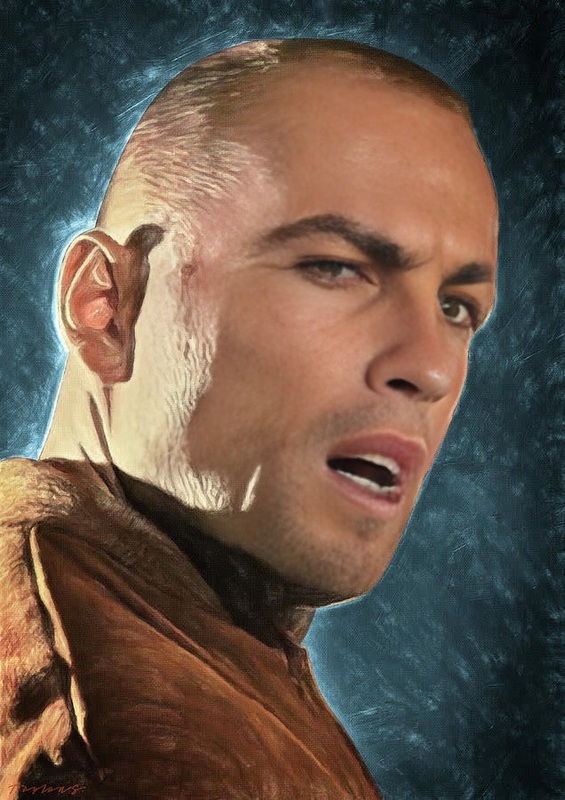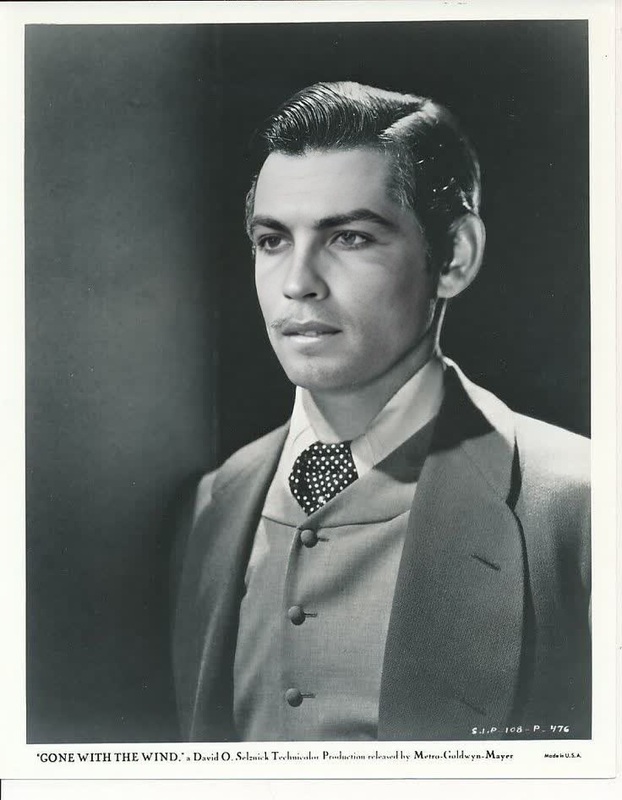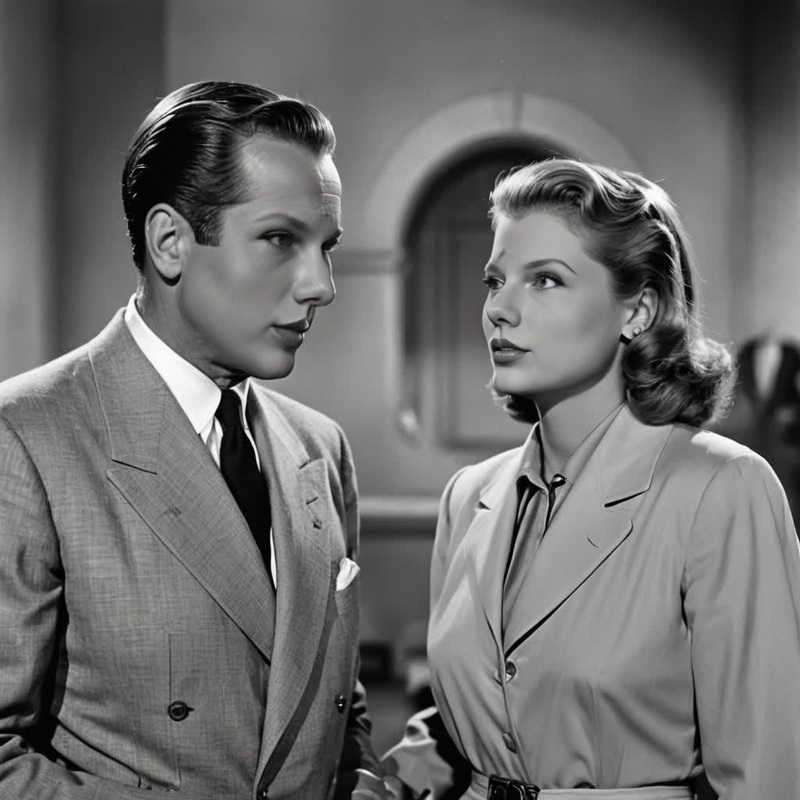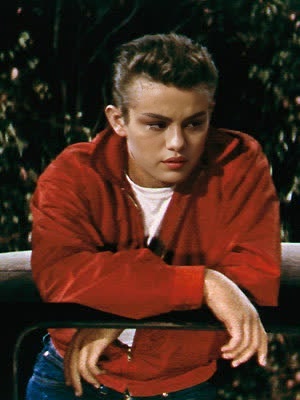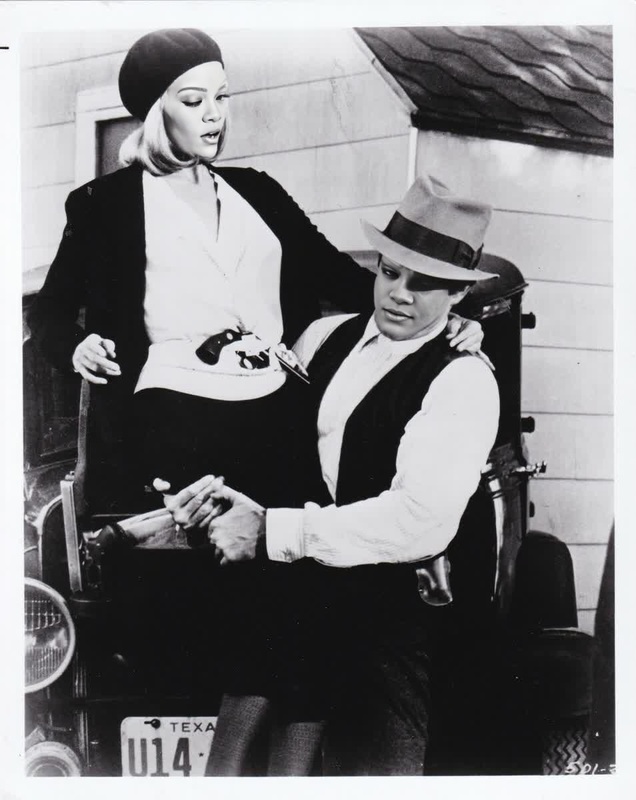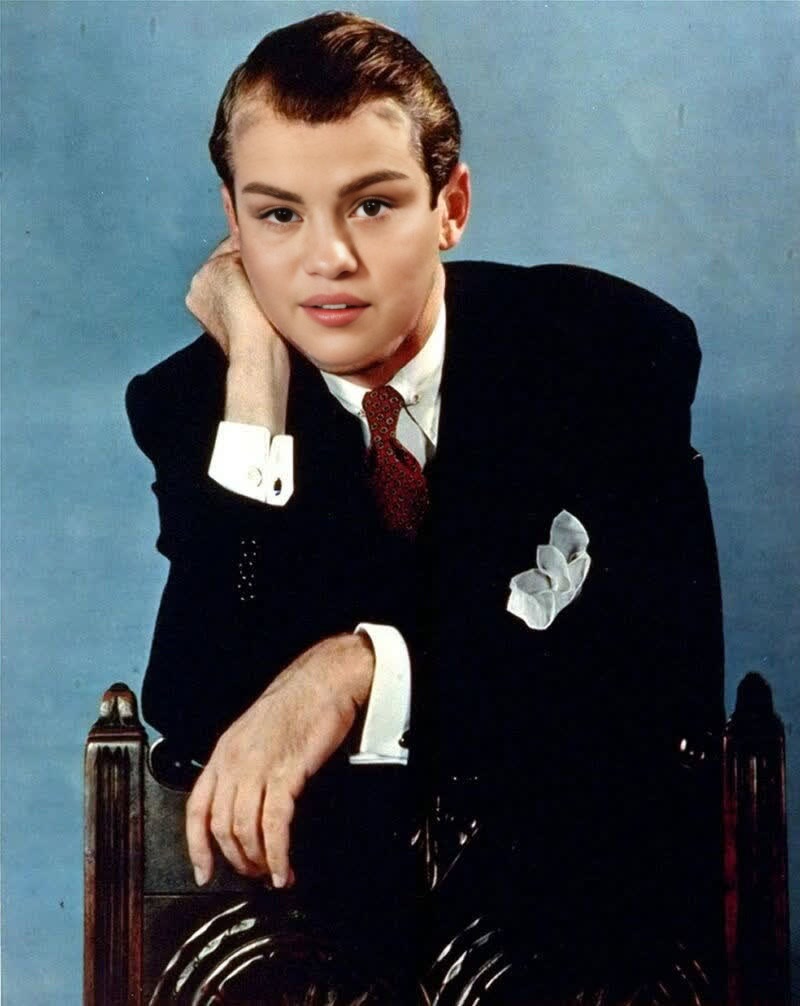
Jimmy Stewart Vertigo Studio Portrait
- Image
- 800 × 1006 px
Any aspect ratio
Overview
Step into the spotlight with a touch of classic cinema using the Jimmy Stewart Vertigo Studio Portrait template. This Video Face Swap template allows you to transform any photo by swapping faces with the iconic Jimmy Stewart in his classic Vertigo pose. Whether for personal amusement or creative projects, this template delivers a nostalgic flair.
What It Does
The template takes a user-provided image and swaps the face with a high-resolution, styled likeness of Jimmy Stewart as seen in Vertigo. By employing advanced face swap technology, the transformed image maintains the original's nuances while infusing a classic Hollywood aesthetic. Explore the synergy with products like our Face Swap for other creative transformations.
Who It's For
This template is perfect for film enthusiasts, content creators, and anyone looking to evoke the nostalgia of classic cinema. Whether creating unique video content or simply enjoying the novelty of a Hollywood makeover, users will find value in the distinctive style this template offers. For further refinement, consider using the AI Image Editor.
Summary
With the Jimmy Stewart Vertigo Studio Portrait template, users can blend modern creativity with timeless film history. This tool not only swaps faces but enriches any image with a touch of vintage film elegance, making it a valuable asset for nostalgic projects or entertainment. Discover the potential synergy with other transformations provided by our Image to Video tool.
How-To
Choose Your Template

Customize Your Inputs

Generate Your Video

Use Cases
Classic Film Fan Edits
- Apply the stylized Vertigo look to personal photos.
- Use as avatars for film-themed events.
Creative Content Creation
- Produce unique social media posts.
- Enrich blog graphics with a vintage twist.
Personalized Gifts
- Create framed portraits for home decor.
- Surprise friends with unique, themed gifts.
Best Practices
Use High-Quality Photos
Ensure the image you upload is high resolution for the best quality face swap.Adjust Lighting
Try to match the lighting in your image with the source image for a cohesive blend.Explore Additional Tools
Combine this template's output with the AI Image Upscaler for enhanced detail.