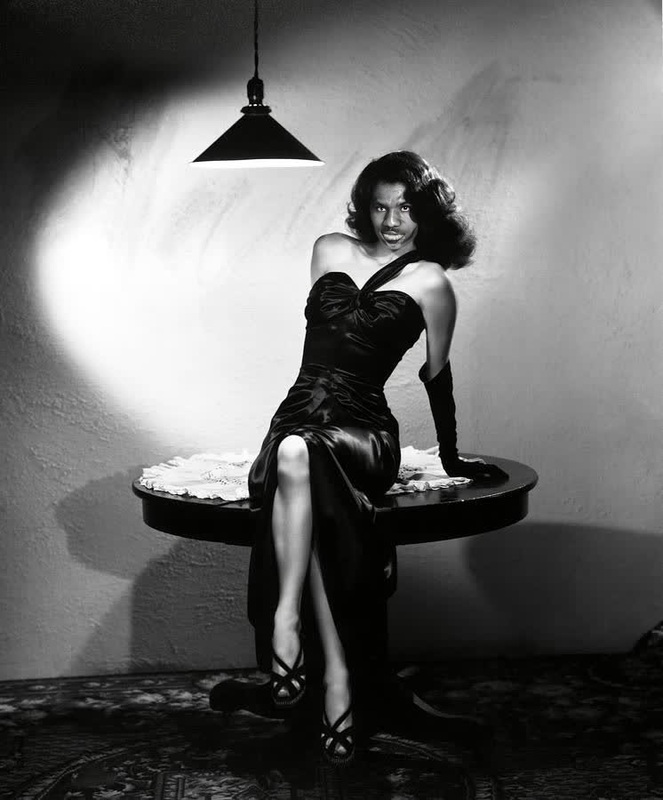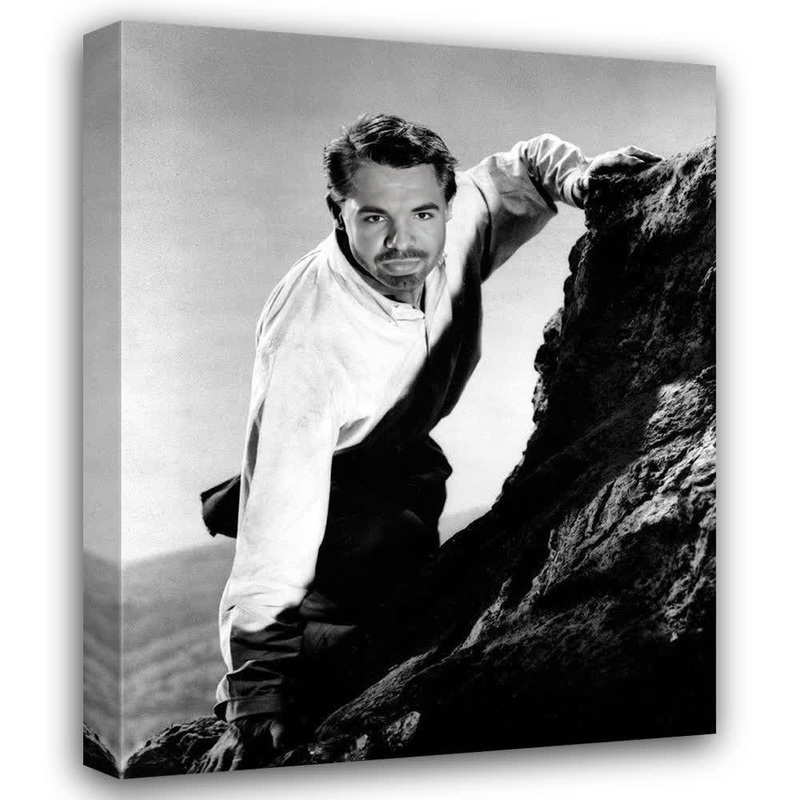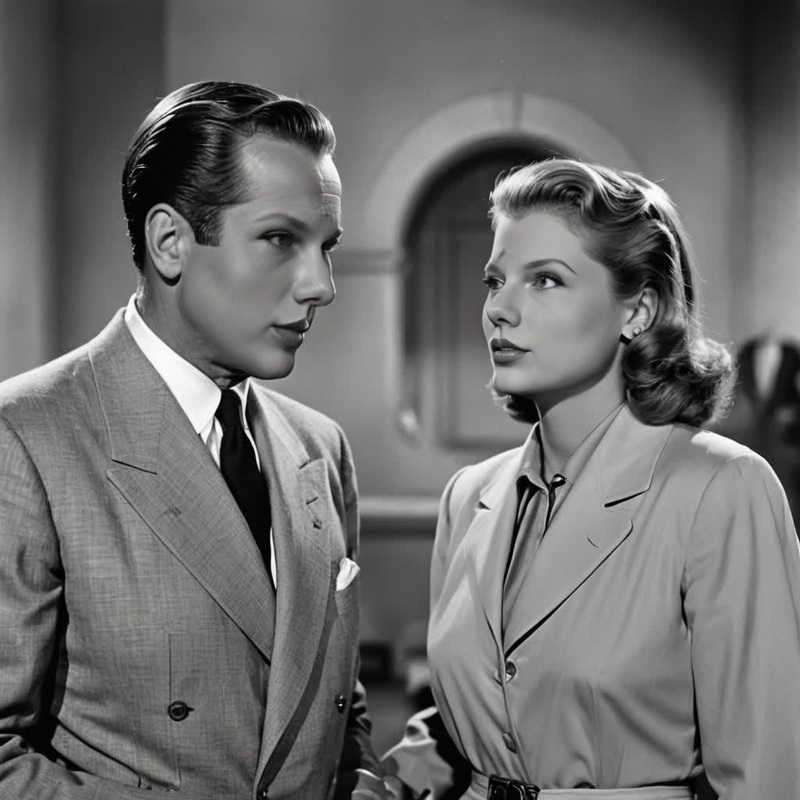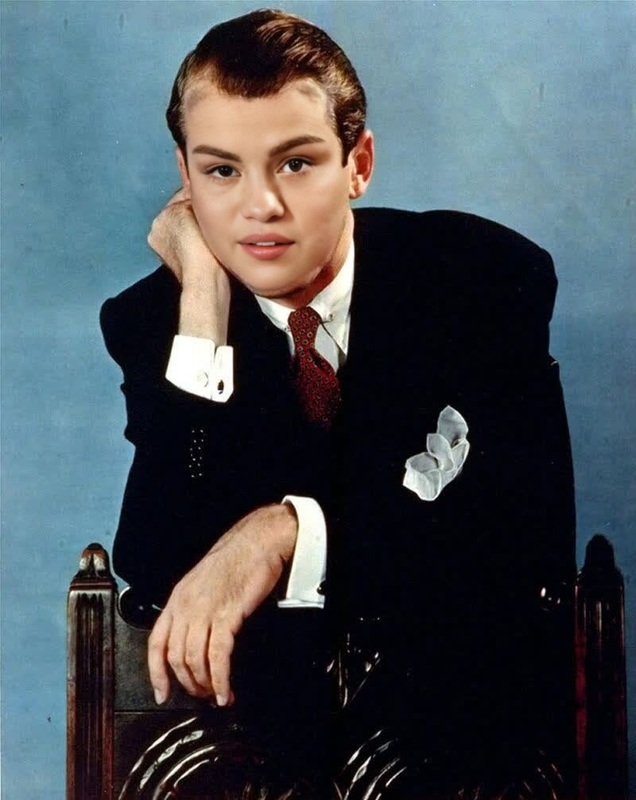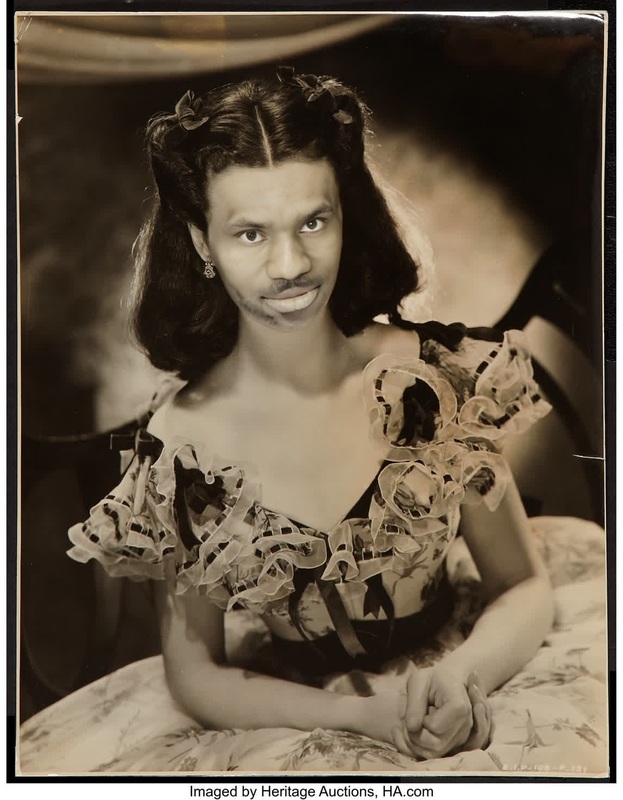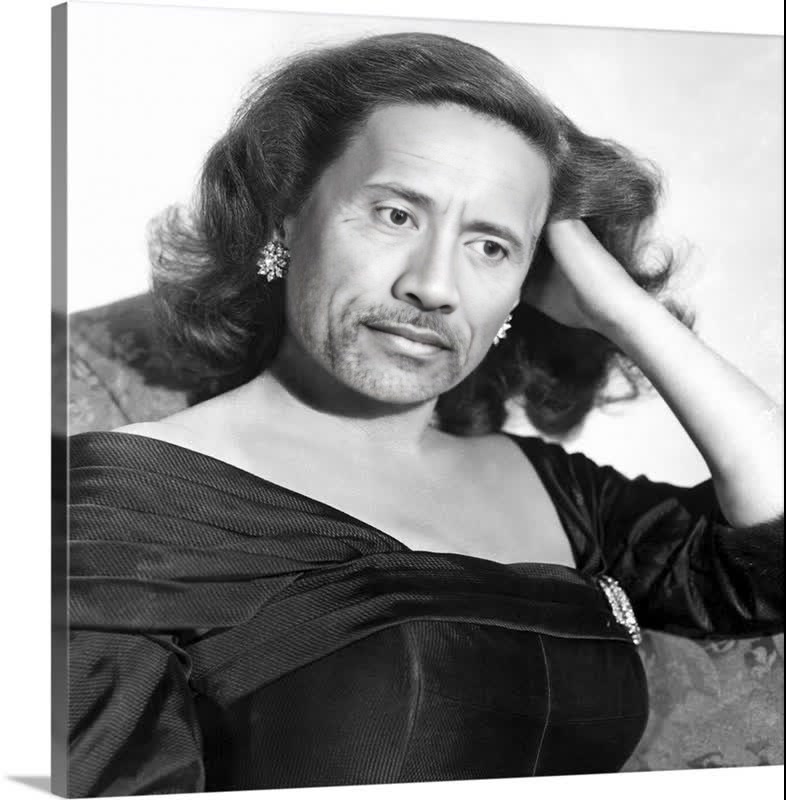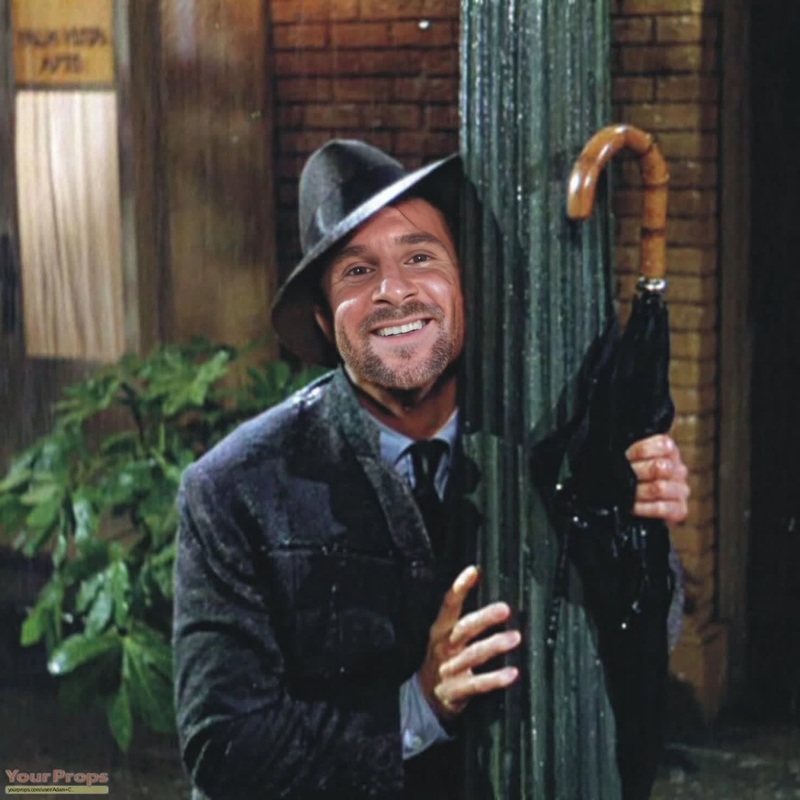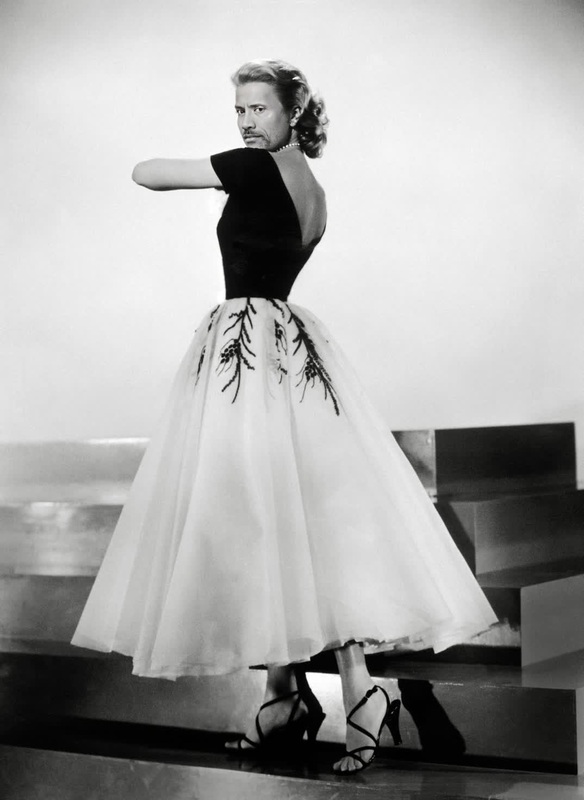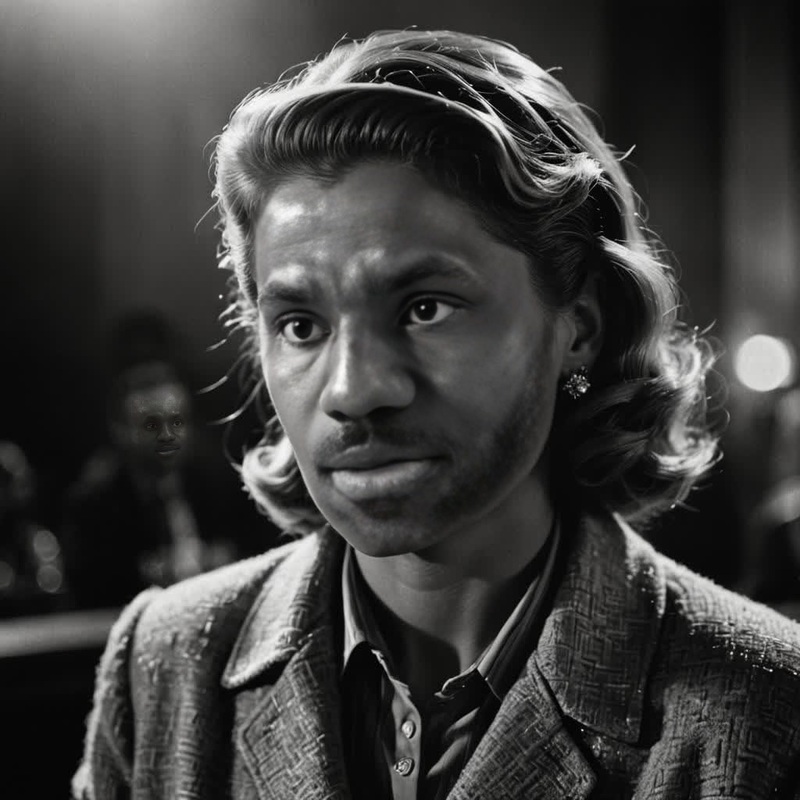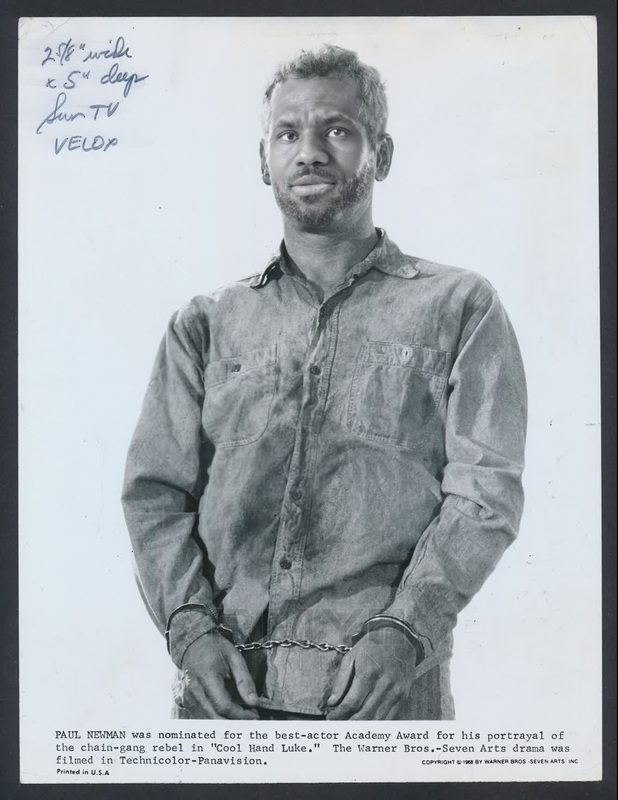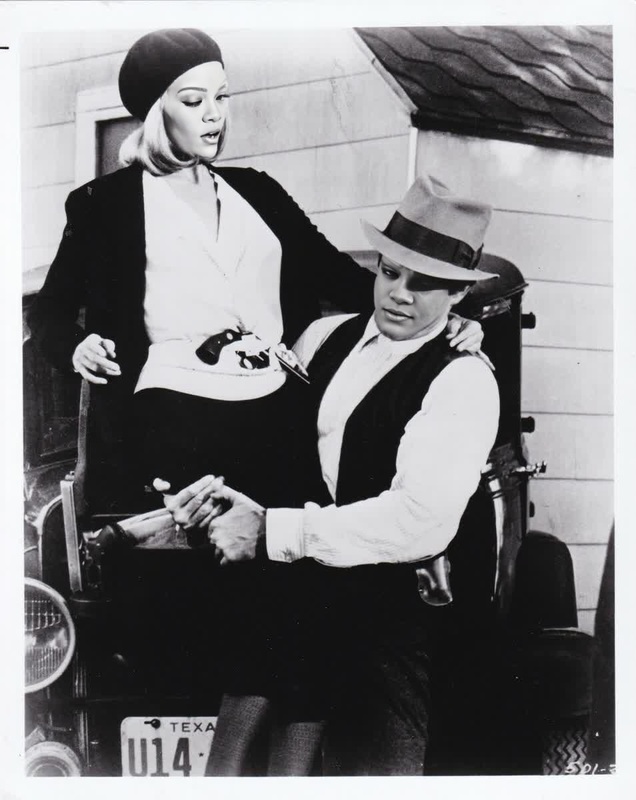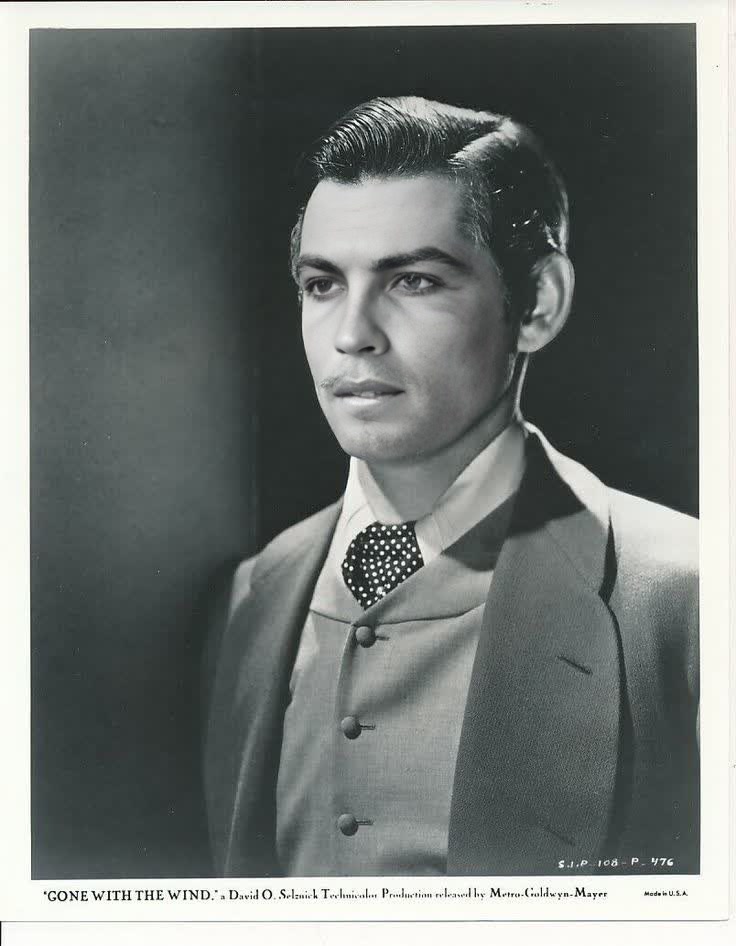
Clark Gable Gone With The Wind Studio Portrait
- Image
- 736 × 946 px
Any aspect ratio
Overview
Bring the glamour and drama of classic Hollywood to your projects with the "Clark Gable Gone With The Wind Studio Portrait" template. This Video Face Swap template allows users to enhance their videos with the timeless essence of Clark Gable from the iconic film. Perfect for art projects, tributes, or just having fun with friends, this template offers both creativity and nostalgia.
What It Does
The "Clark Gable Gone With The Wind Studio Portrait" template swaps the face in your video with that of Clark Gable. Using advanced face morphing technology, it precisely adjusts facial features to match Gable's classic look without losing the natural expressions and movements of the original video. You can adjust the look to fit various types of footage, gaining a polished, cinematic result.
Explore more transformation tools with our Face Swap offerings, including options for Head Swap and video edits.
Who It's For
This template is ideal for film enthusiasts, social media content creators, and digital artists looking to infuse a touch of old Hollywood into their work. Whether you're building an anachronistic video for a social media post or creating content for theatrical presentations, this template can help add a dynamic, retro flair to your projects.
Summary
Capture the essence of Clark Gable's dashing performance in "Gone With The Wind" using our Video Face Swap technology. Perfect for a variety of artistic and entertainment purposes, this template transforms ordinary footage into classic film scenes effortlessly. Learn more about our other tools like the AI Talking Photo for added creative dimensions.
How to Use
Choose the Template

Customize Your Input

Generate Your Video

Use Cases
Social Media Content
- TikTok throwback videos
- Instagram reels with a classic vibe
Film Projects
- Student film projects
- Retro-inspired film scenes
Marketing Campaigns
- E-commerce promotions with a cinematic twist
- Vintage-themed ad campaigns
Best Practices
Select Suitable Source Material
Choose clear, well-lit video segments where faces are mostly front-facing to ensure the best result.Adjust Smoothness and Blend
Fine-tune the blending settings for a natural look that complements both the original and swapped faces.Review Output Quality
After processing, check for any mismatches in lighting or alignment, and make adjustments if necessary for a seamless appearance.