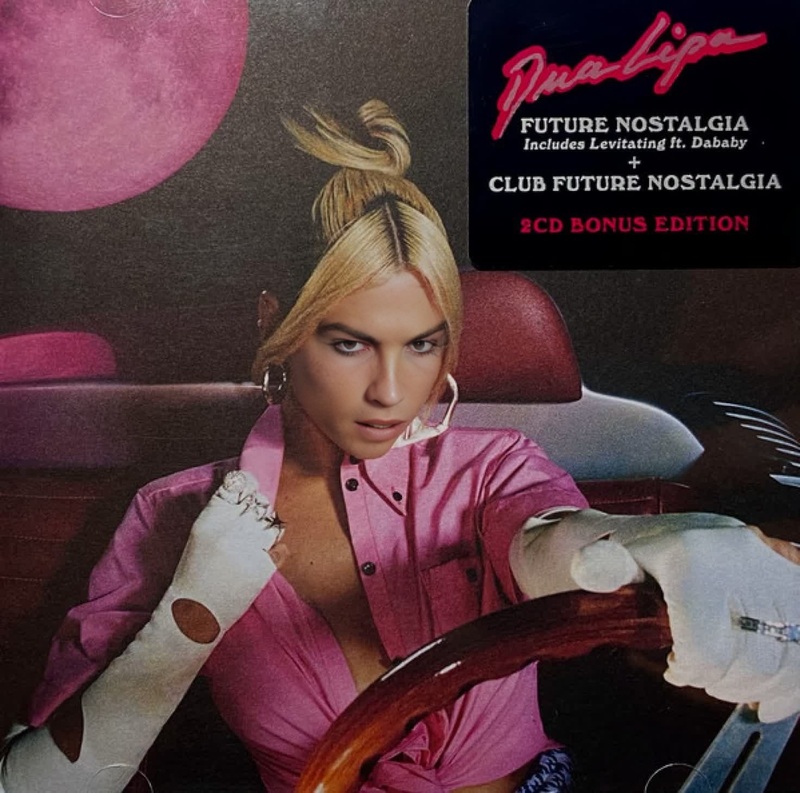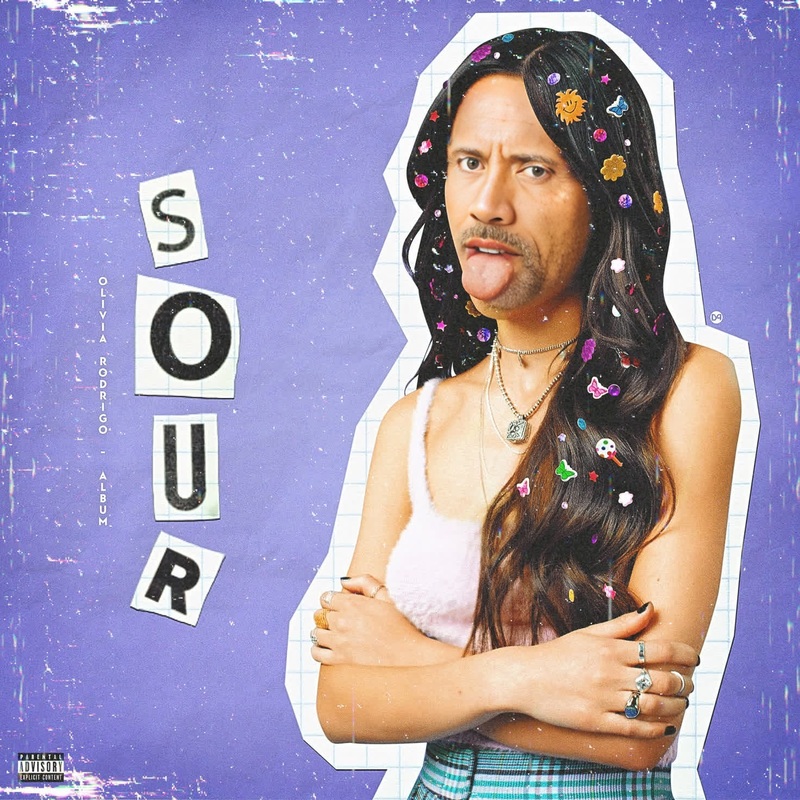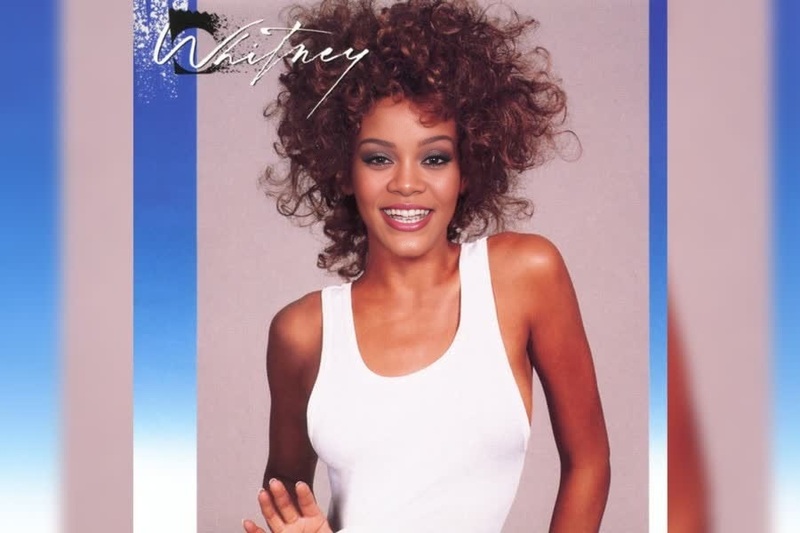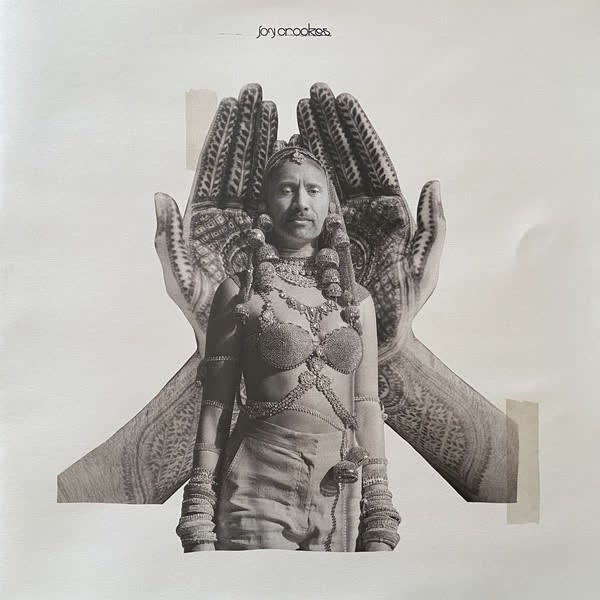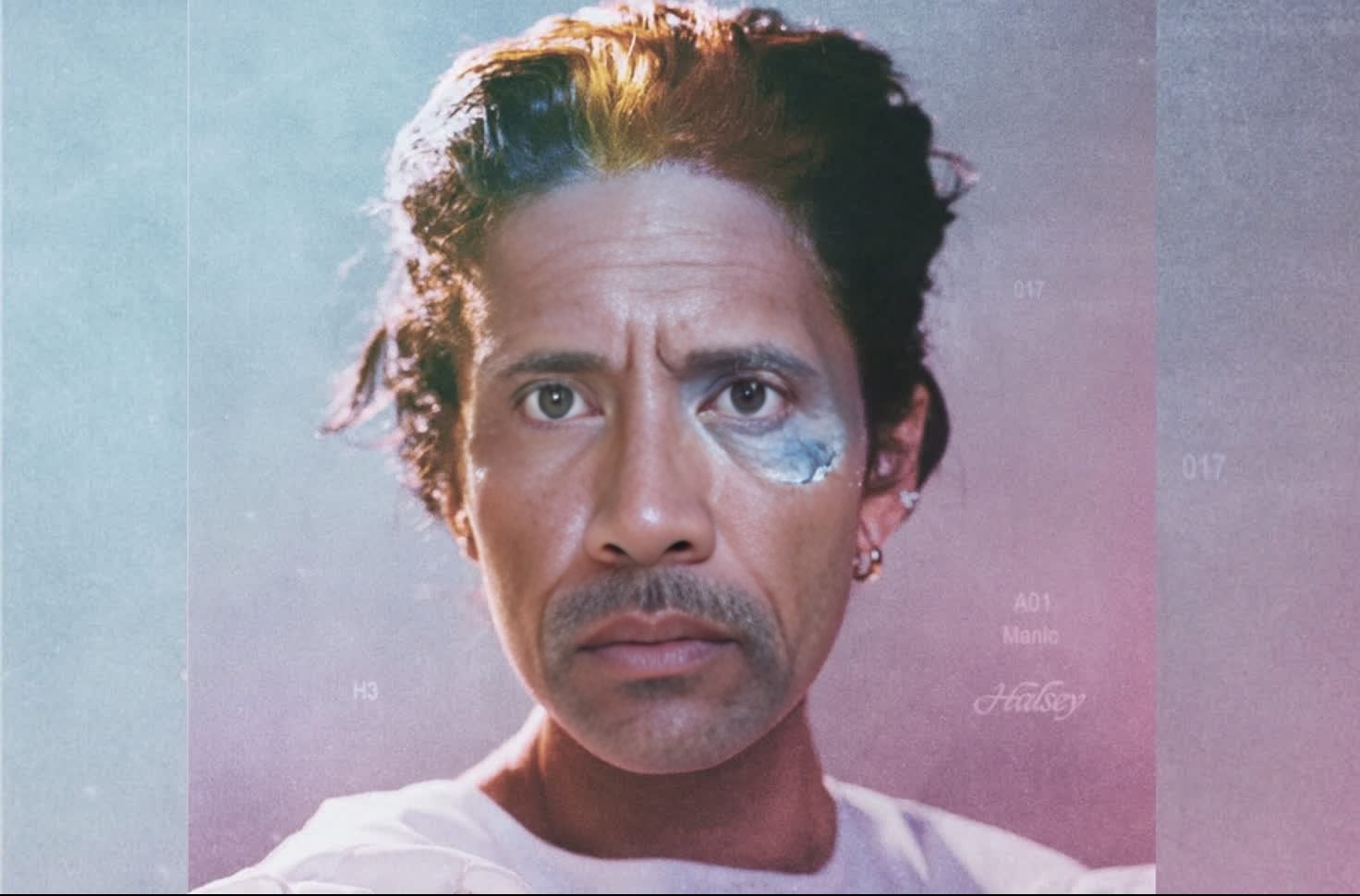
Halsey Manic Album Cover Portrait
- Image
- 1472 × 970 px
Any aspect ratio
Overview
The Halsey Manic Album Cover Portrait template allows you to create an engaging and personalized fan experience by swapping a face onto the cover of Halsey's 'Manic' album. Whether you're a fan looking to express your admiration or a creator tailoring unique content for social media, this template provides an intuitive way to make striking visuals.
What It Does
This template provides a Video Face Swap feature that integrates easily with the iconic album cover of Halsey's 'Manic.' By utilizing sophisticated algorithms, you can replace the original face on the album with your own or another image, resulting in a flawless and vibrant output. Highly suited for creative exploration, this tool turns your images into immersive fan art.
Who It's For
Fans of Halsey, content creators, and social media enthusiasts will find this template particularly useful. It offers an excellent opportunity to display fandom in a creative manner. Marketing professionals seeking to add a personal touch to promotional materials will also benefit from its use. This tool is enhanced by features available in the AI Image Editor, which allows further refinement of the swapped images.
Summary
Whether you're a casual fan or a professional creator, the Halsey Manic Album Cover Portrait empowers you to make visually appealing content. With straightforward tools and high-quality outputs, it is ideal for generating social media-friendly artwork. To explore more avatar transformations, consider our Head Swap product.
How To
Choose the Template

Customize Your Input

Generate Your Output

Use Cases
Social Media Content
- Enhance engagement with followers
- Personalize fan pages
Fan Merchandise Design
- Create exclusive fan items
- Boost shop offerings
Video Invitations
- Set the tone for fan events
- Unique digital invites
Best Practices
Choose High-Resolution Images
For the best output, ensure the image you upload for swapping is high-resolution and well-lit. This will help maintain the quality and details of the final output.Adjust Image Angles
Ensure the uploaded image is aligned similarly to the original album cover for better results. Use the AI Image Upscaler for fine adjustments.Experiment with Styles
Don't hesitate to try different styles and images to create unique results. Explore related templates under the Face Swap category.
Frequently asked questions
More Like This